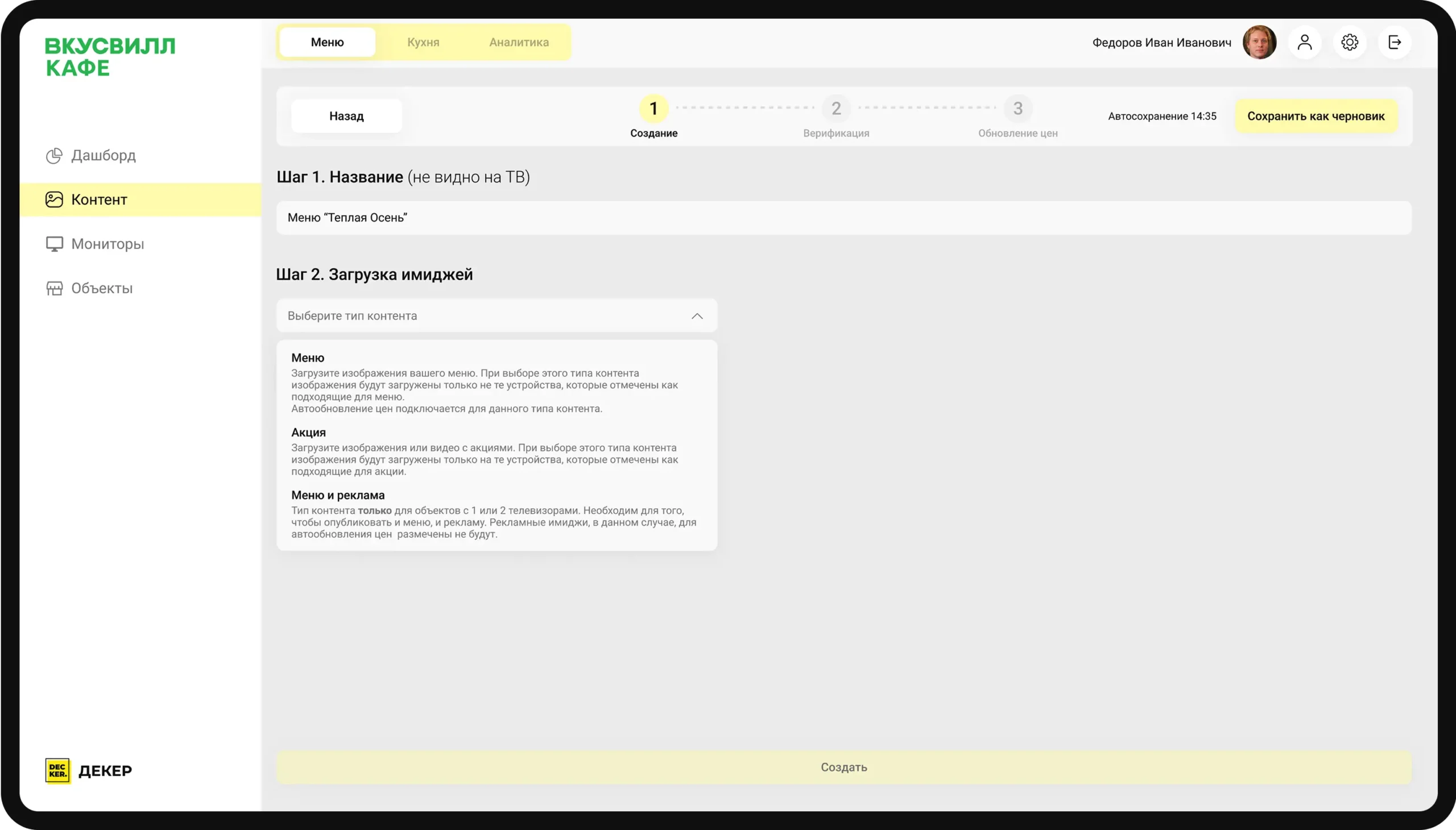
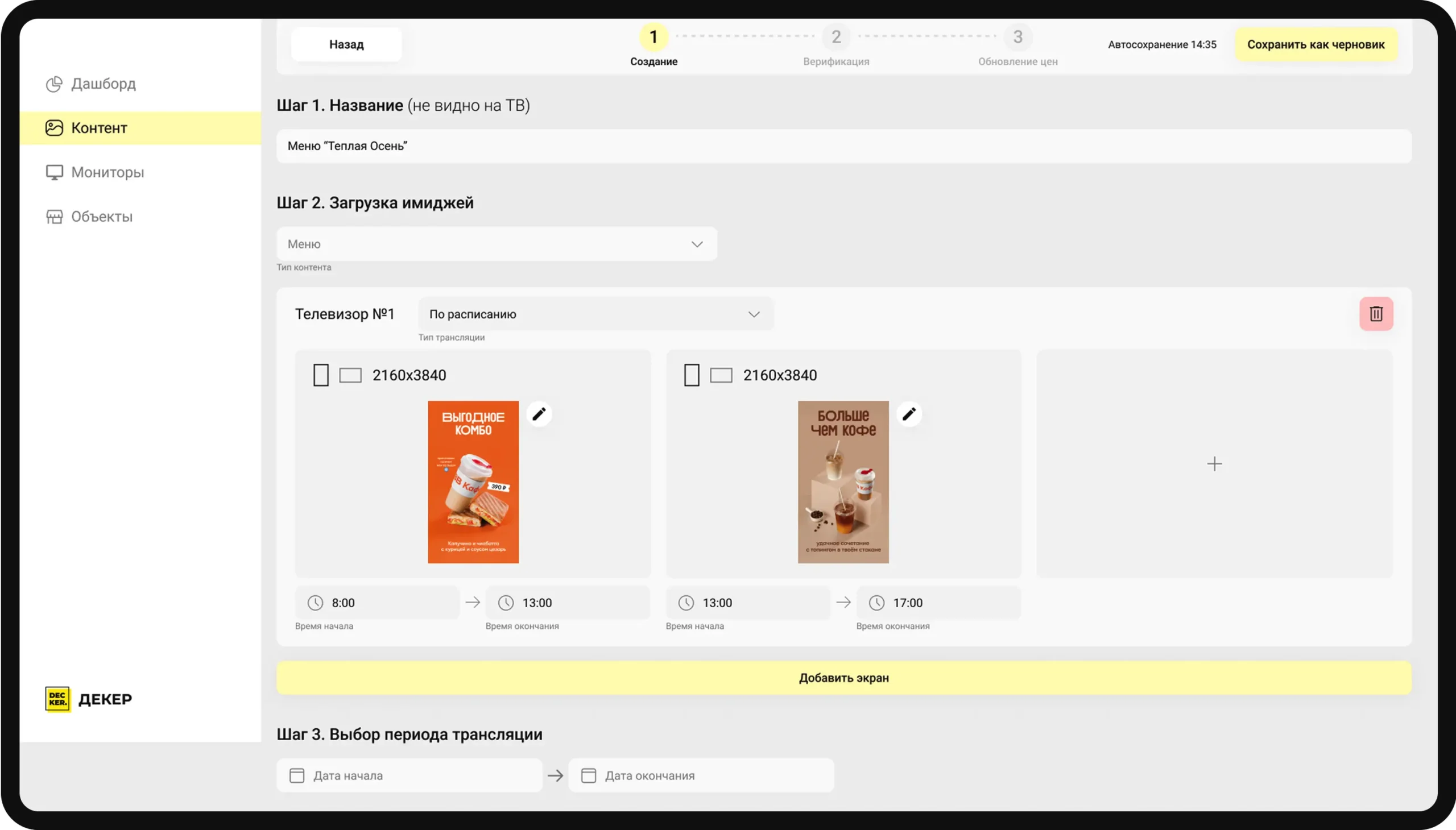
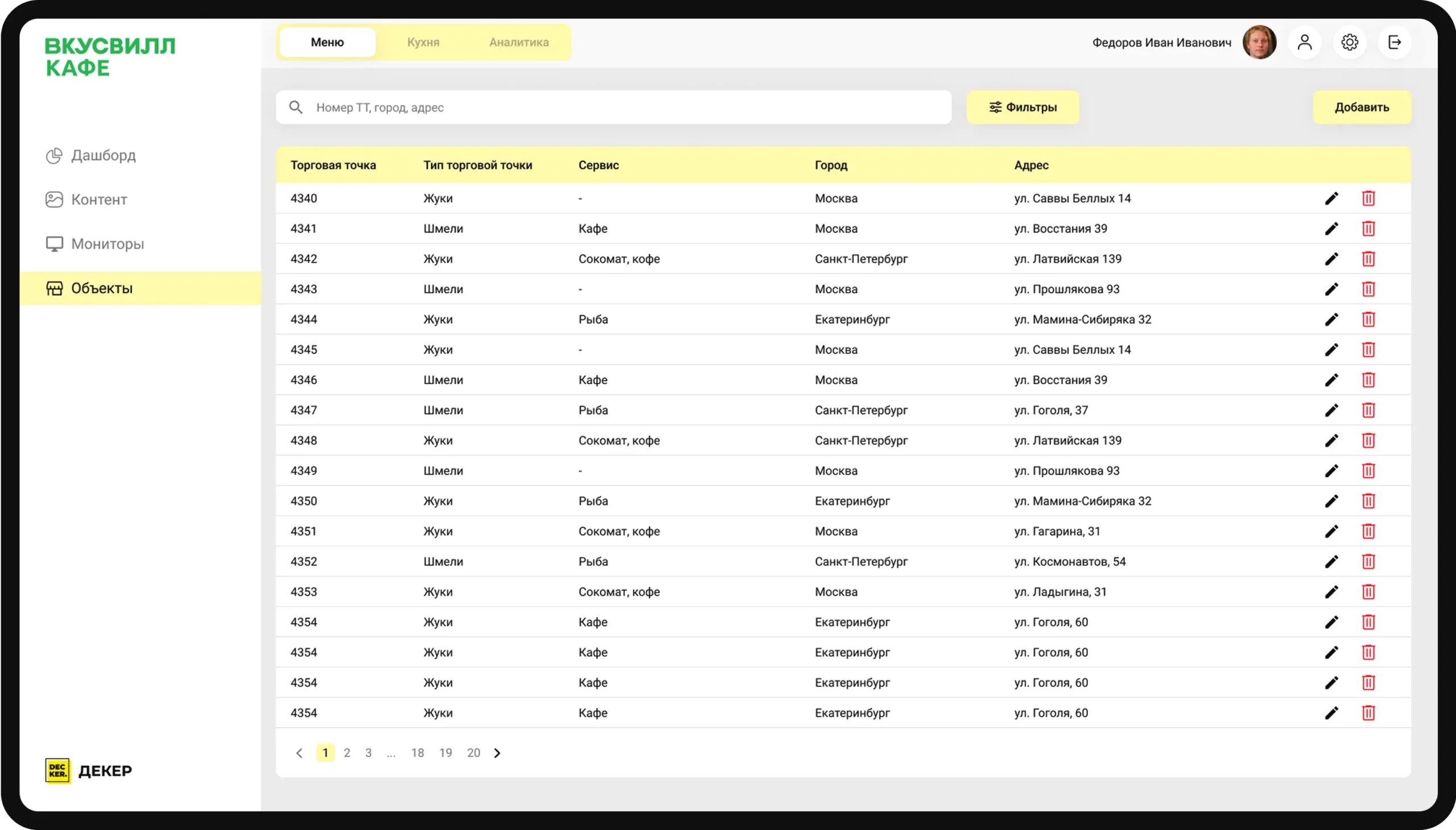
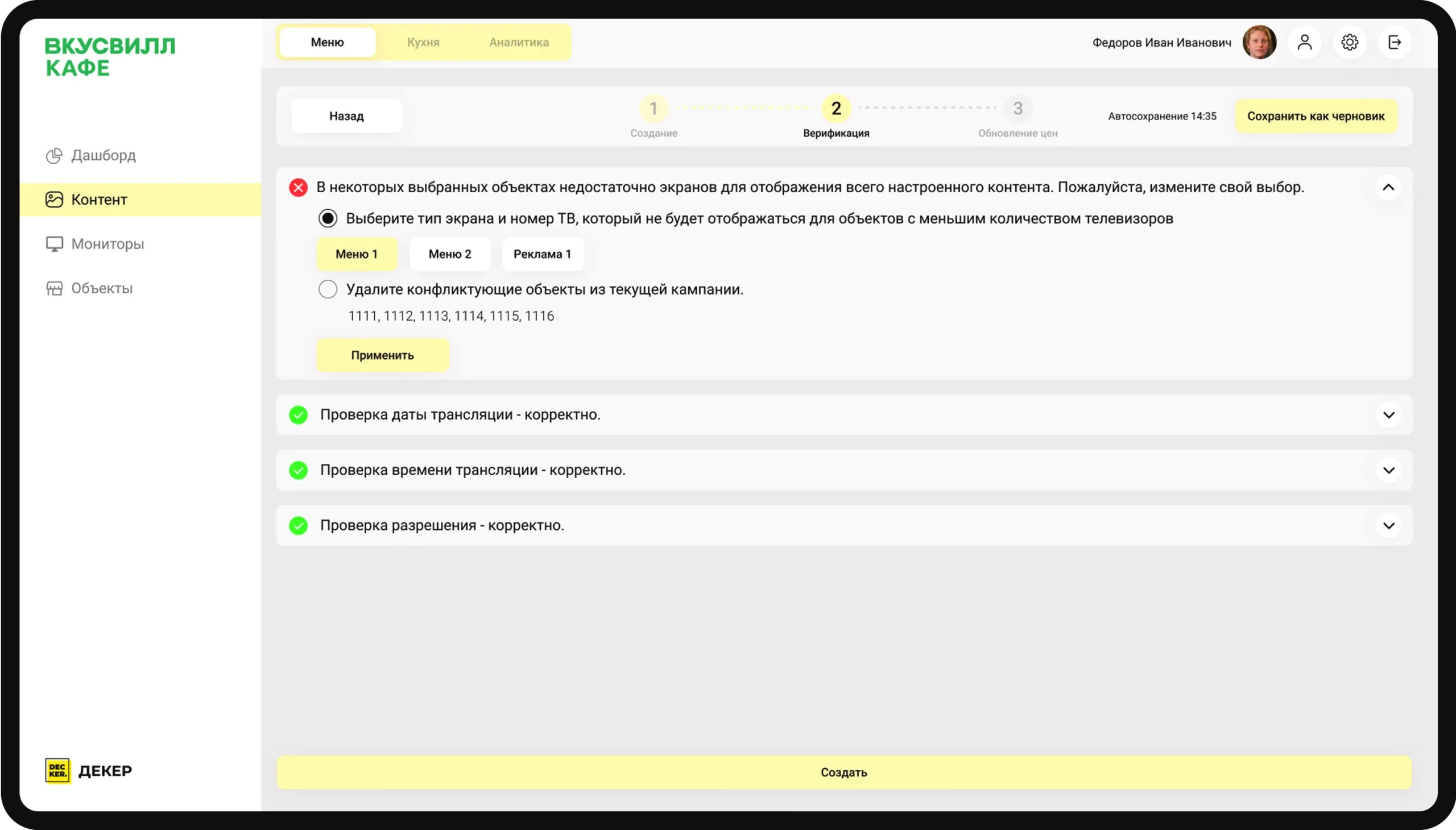
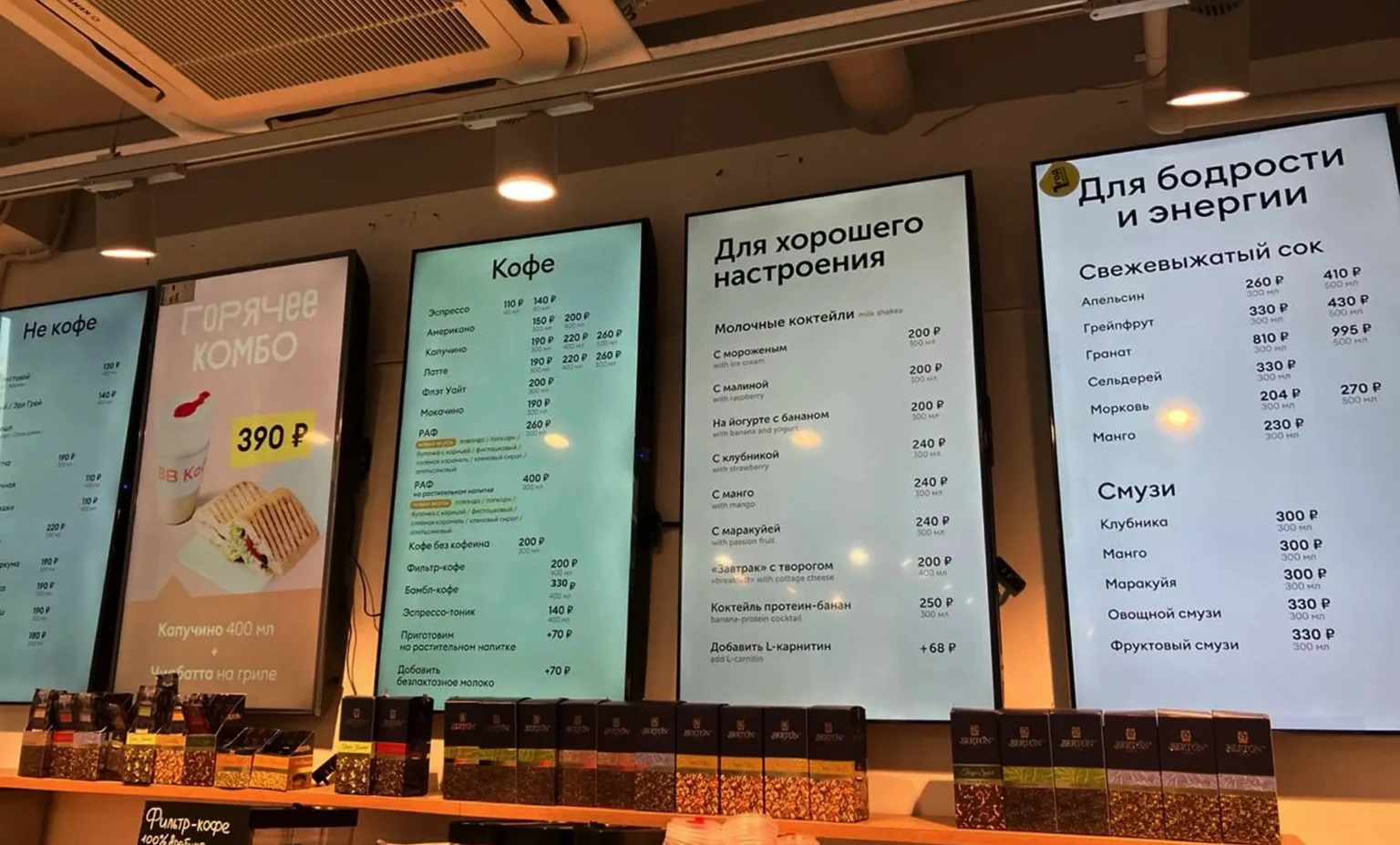
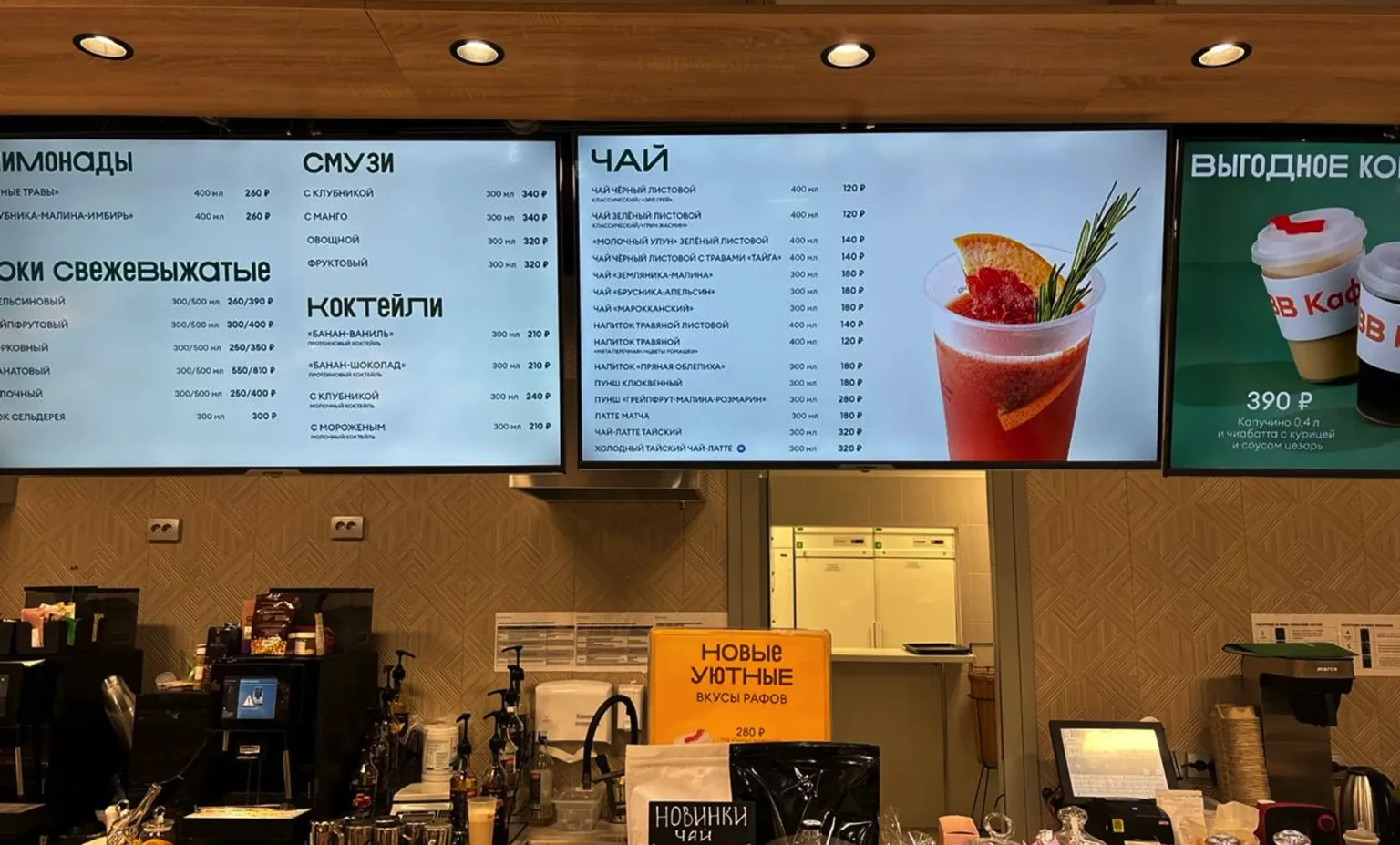
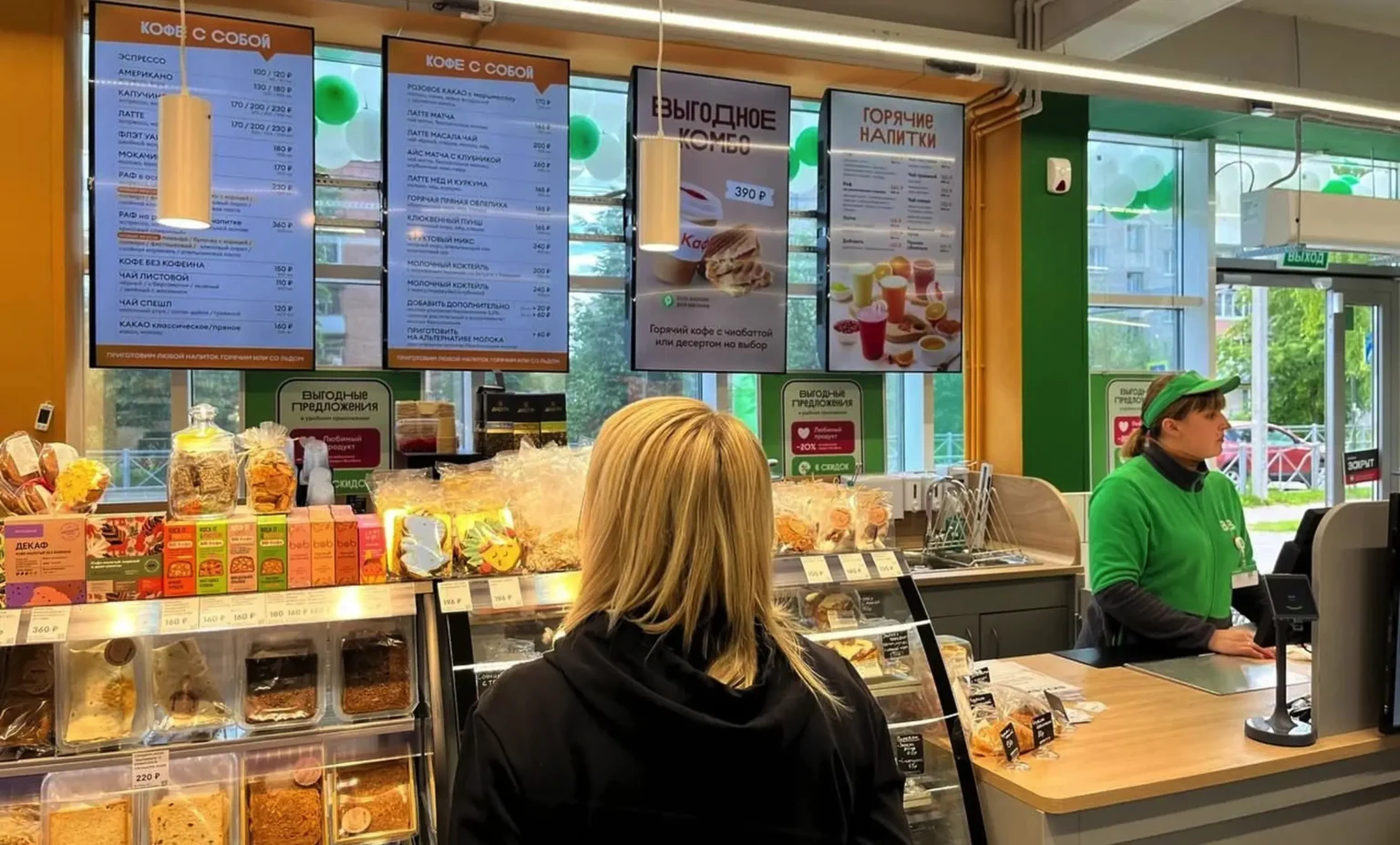
No need to waste time and effort on printing, waiting, or logistics — update your menu boards in just two clicks from your dashboard.
Promotions in one click
Launch “Happy Hours” or seasonal offers in just 5 minutes — no USB drives or downtime. Set the perfect menu for any time of day.
Manage from anywhere
No location limits — update your menu anytime, anywhere, from your laptop, phone, or tablet.
How it works
Easy steps to set up and use
Step
Demo
Once you submit your request, our manager will contact you to arrange a demo and help choose the right plan.
Step
Setup
We’ll prepare the equipment for you and schedule the delivery time.
Step
Launch
We’ll help you with installation and setup using our materials.
Step
Running
Upload your menu, set up a schedule, and enjoy all the benefits of Decker.
Custom solutions
Customization for your business: only what you need
POS system integration setup
Easily connect your POS system with Decker to sync menu items, prices, and availability in real time. Simplify updates and ensure consistency across all your displays.
Happy Hours That Run Themselves
Automatically adjust your menu prices and promotions based on time of day. Launch Happy Hours or limited-time offers in just a few clicks — no manual updates needed.
Customized Menu
Create a fully customized digital menu that matches your brand’s style and business needs. Adjust layouts, colors, and content in just a few clicks.
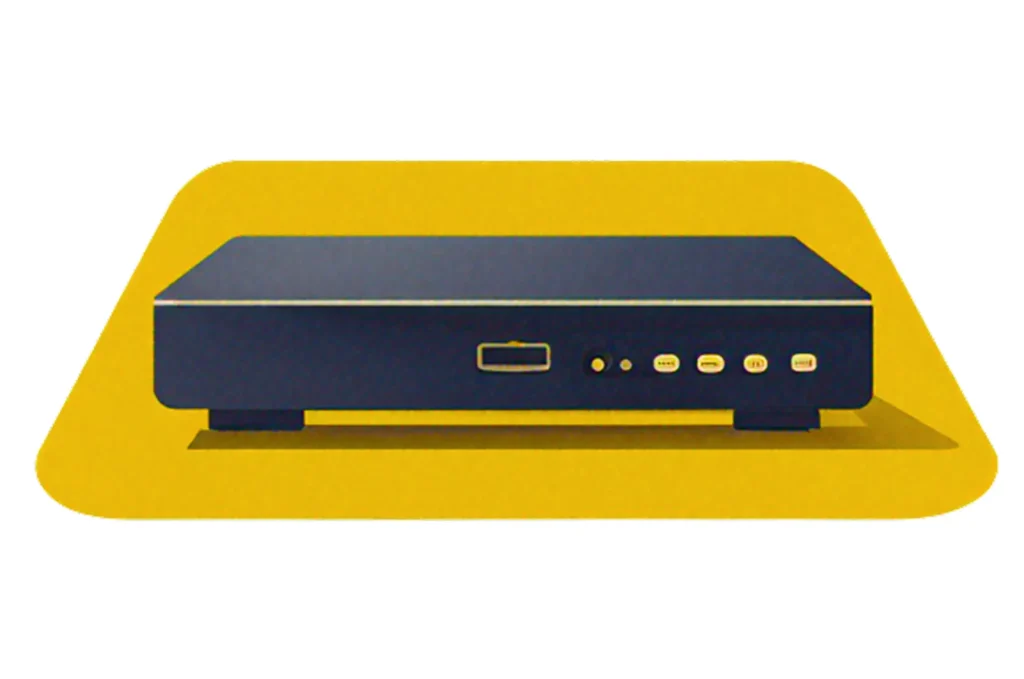
No need to deal with settings, search for drivers, or spend hours on setup. Decker runs on pre-configured TV boxes — just select your screen type, and the system will automatically adapt to it.
Commercial Menu Screens
Whether you’re opening a new location or upgrading your setup, Decker handles the selection, ordering, and configuration of professional menu screens for you.