Digital Menu Boards that prove they're actually on screen

Decker digital menu boards displayed on restaurant screens

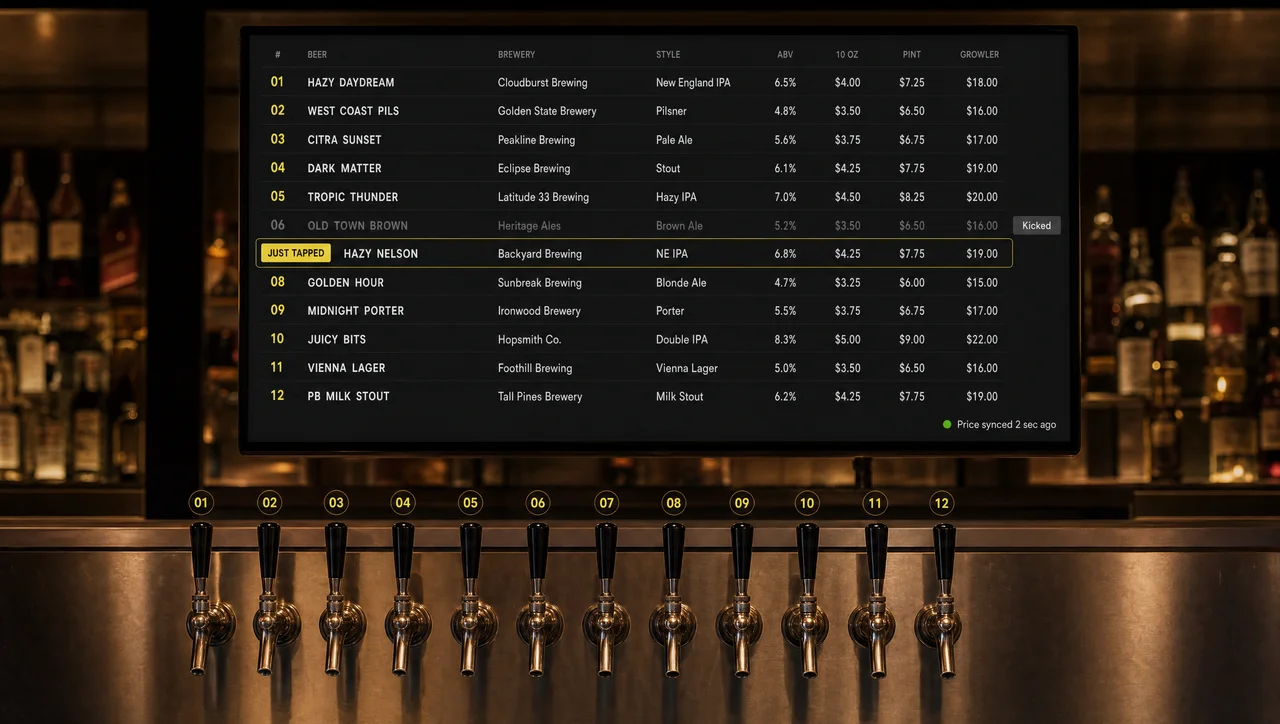
Every Decker digital menu board runs on a media player and an independent verification device, so you always know your menus are live — not just sent. Prices sync from your POS in seconds, menus can differ store by store, and every screen reports real uptime.

Verified on-screen playback
  • Logo of Patty Boys, a client using Decker digital menu boards.
  • Logo of Burger Shop, a Decker client using digital menu board software
  • Logo of Crave Cafe, a Decker client using digital menu screens.
  • Digital menu boards that report back

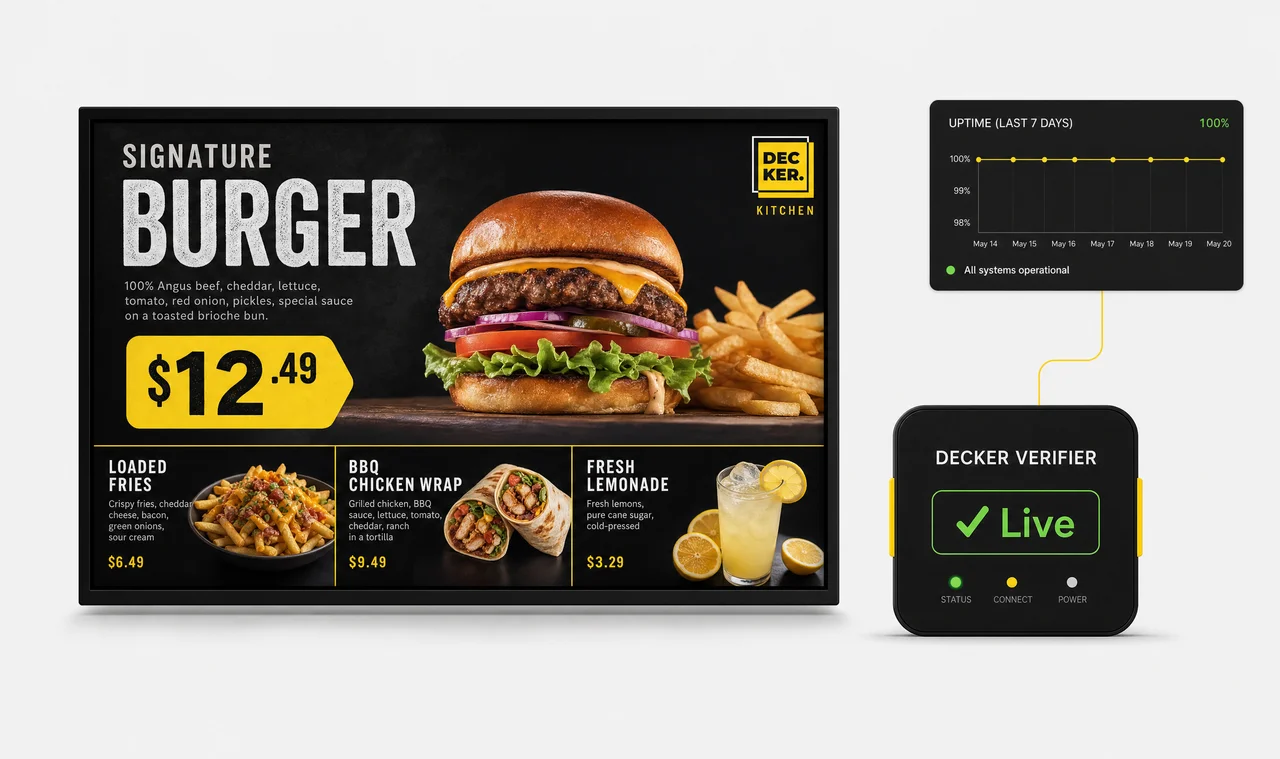
    Every screen runs a Decker Player, and the Decker Verifier add-on independently confirms the board is actually displaying — not just receiving content.

  • Seconds from POS change to screen

    Change a price or 86 an item in your POS, and Decker regenerates and republishes the menu automatically — no designer, no re-upload.

  • Store-level uptime tracked per screen

    See exactly how many hours each screen displayed content last month, by location — not just whether content was sent to it.

What Is a Digital Menu Board?

A digital menu board is a screen — usually a commercial display or TV — that shows a restaurant’s menu, prices, and promotions using digital signage software instead of static printed panels. Content is managed through Decker’s content management system, so items, pricing, and images update in minutes instead of a reprint cycle.

Most digital menu board platforms stop there: they’re built to send content to a screen and assume the screen shows it. Decker is built on the opposite assumption. A screen is a device that can freeze, lose its connection, or land on the wrong input — and in a chain of hundreds or thousands of locations, nobody in the office finds out unless a customer complains. That’s why every Decker digital menu board has its own independent hardware behind it, not just an app.

Why Decker Digital Menu Boards Are Different

Software-only digital menu board platforms manage what should appear on a screen. Decker manages what’s actually there — because every screen runs two pieces of hardware, not one.

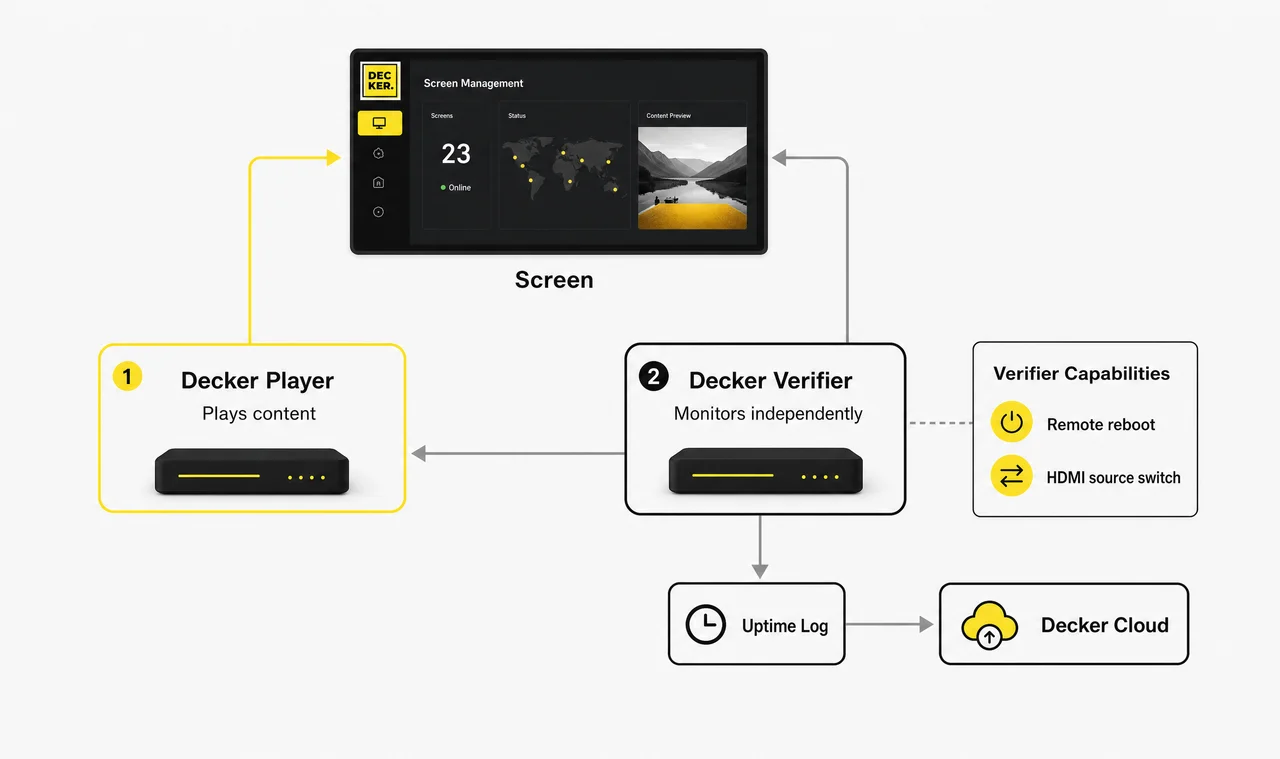
Diagram of Decker's digital menu board architecture showing an independent Decker Verifier monitoring the Decker Player and screen, with remote reboot and uptime logging.
  • Confirmed execution, not a guess

    Competitors report that a menu was “sent” to a screen. Decker Verifier runs independently of the Decker Player, monitors both the screen and the player in real time, and can reboot either one or switch the HDMI source remotely — no truck roll required. With Decker Verifier, you also get a measurable uptime log, so you can see exactly how many hours a screen displayed content last month.

  • Store- and region-level targeting

    Run different menus, prices, and promotions by store or region, and switch automatically between breakfast, lunch, dinner, and happy hour — or by weather, like promoting hot drinks on a cold day. Set the rules once for your digital menu boards; nobody has to flip the switch manually every morning.

  • Menu performance tied to sales

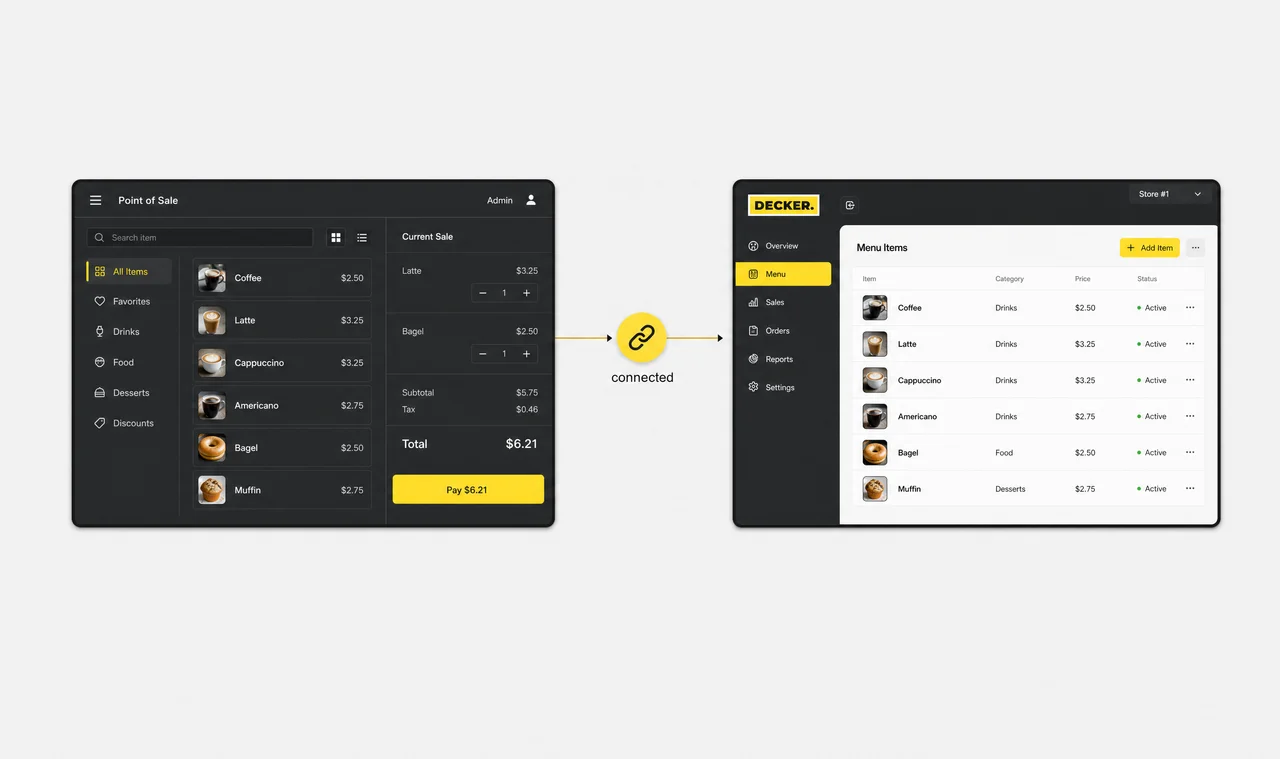
    Decker connects your digital menu board directly to your POS and reports which menu ran in which store, during which period, and what it did to sales. Enterprise chains get this in one dashboard instead of stitching it together in a spreadsheet; smaller accounts get store- and time-stamped menu data to match against their own sales numbers.

  • Menus that update themselves

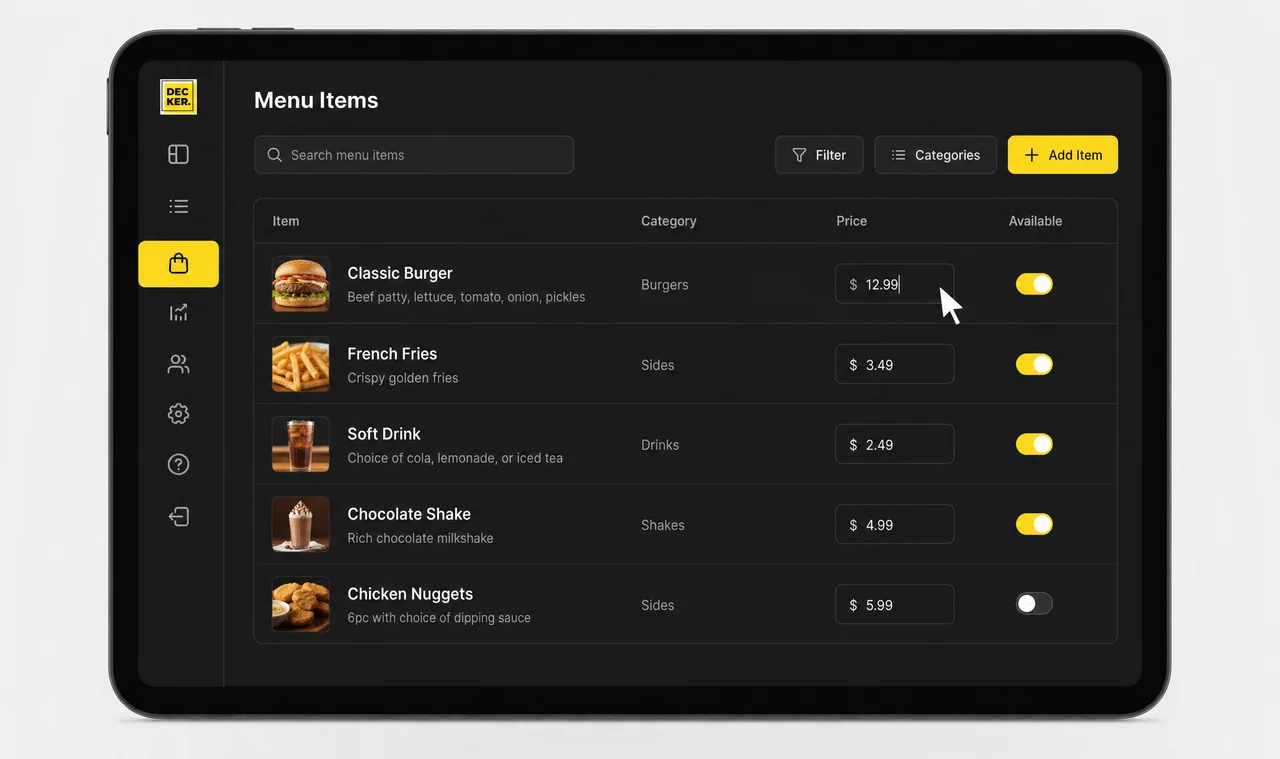
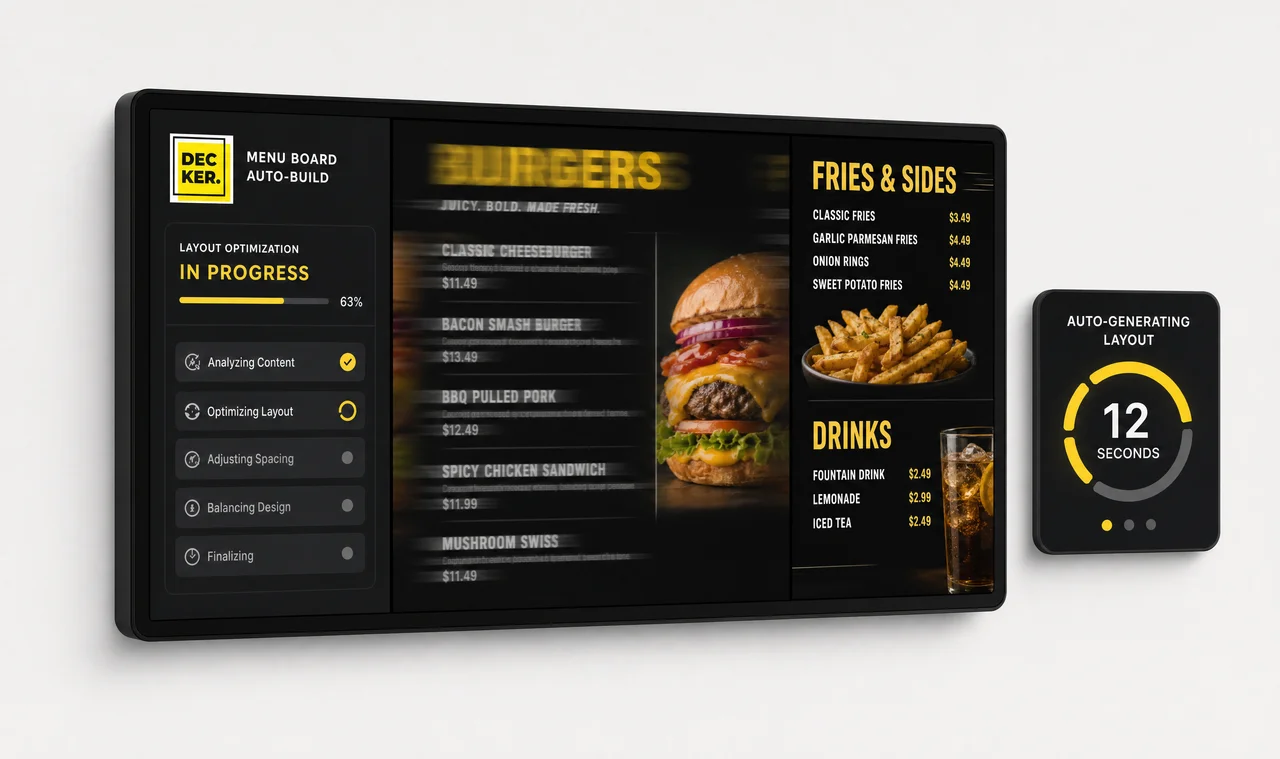
    Change a price or mark an item unavailable in your POS, and Decker regenerates the menu image automatically — fonts, layout, and positioning adjust in seconds. No designer, no export, no re-upload. Out-of-stock items disappear from the screen the moment they’re marked unavailable in the POS.

How Decker Digital Menu Boards Work

Here’s what happens behind a Decker digital menu board every time your POS changes.

  1. Step 1.

    Connect your POS

    Decker links directly to the point-of-sale system your team already uses to manage pricing and availability, so there's no separate menu-editing tool to maintain.

    Point-of-sale system connected directly to a Decker digital menu board, syncing pricing automatically.
  2. Step 2.

    Change a price or item

    Update a price or mark an item unavailable in the POS — the same way your staff already does it every day.

    Staff member updating a price in the POS that feeds a Decker digital menu board, without opening a separate design tool.
  3. Step 3.

    Decker regenerates the design

    Within seconds, Decker updates your digital menu board: fonts, spacing, and layout adjust automatically to fit the new price or item list. No designer in the loop.

    Digital menu board layout automatically reflowing fonts and spacing in seconds, with no design tool or cursor visible.
  4. Step 4.

    Decker Verifier confirms it's live

    The new menu publishes to your screens, and Decker Verifier confirms it's actually displaying — not just sent — while logging uptime for every screen in the chain.

    Decker Verifier confirming a digital menu board is live on screen, with an uptime log recording the result.
Try it free

Decker vs. Other Digital Menu Board Platforms

Capability Software-only signage platforms POS-based ordering platforms Decker
Delivers content to screens ⚠️ Partial
Confirms what’s actually displaying
Independent monitoring of screen and media player
Remote reboot without a truck roll
Verified uptime data per screen
Store- and time-stamped menu execution data
Menu-to-sales analytics
Auto-regenerated menu design on price/item changes
Store- and region-level menu targeting ⚠️ Limited

*Confirmation, independent monitoring, remote reboot, and uptime data require the Decker Verifier add-on.

Most other digital-menu-board platforms on the market today sit in the same category as the software-only row above: they manage what should appear on a screen, not whether it did. Making that verification work means building hardware, not just software — a different company to build than most signage vendors have chosen to become.

See Decker on your own menu

Send us your current menu and screen count, and we’ll show you exactly what a verified, POS-linked digital menu board looks like for your locations.

Where Decker Digital Menu Boards Fit

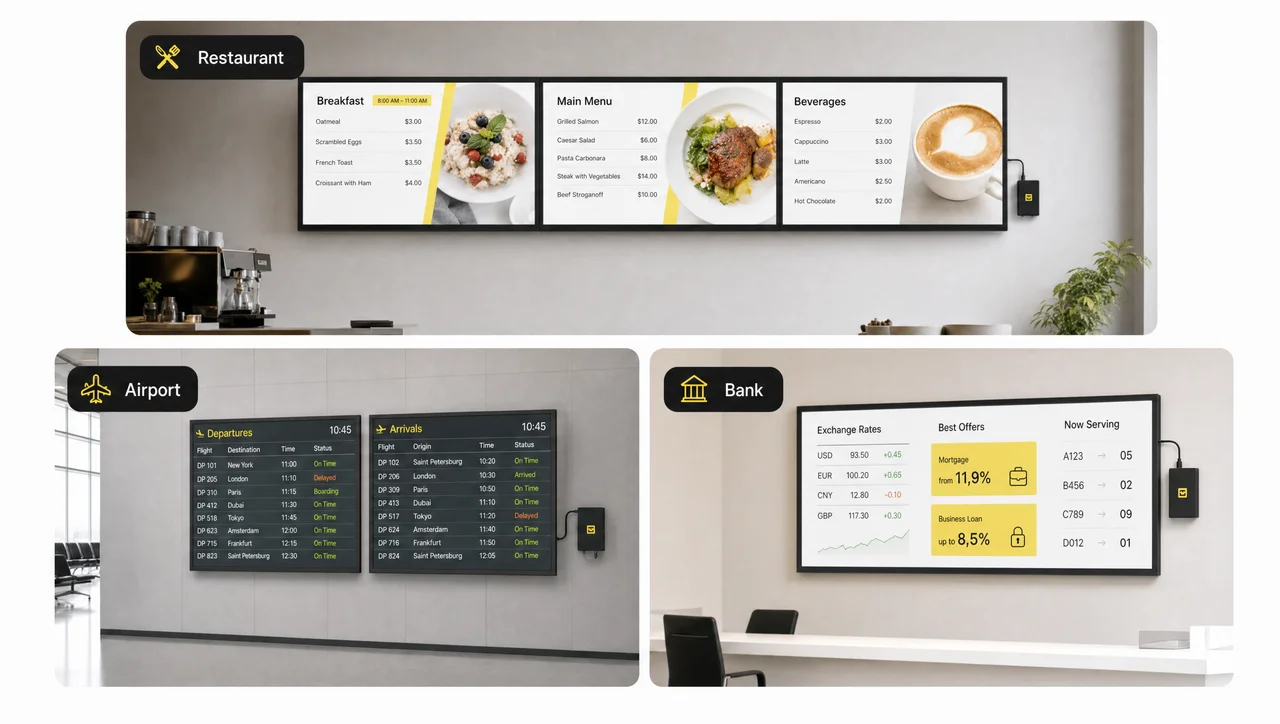
Decker runs the same verified-hardware architecture everywhere — what changes by industry is the menu logic: dayparts, item turnover, and how often prices move.

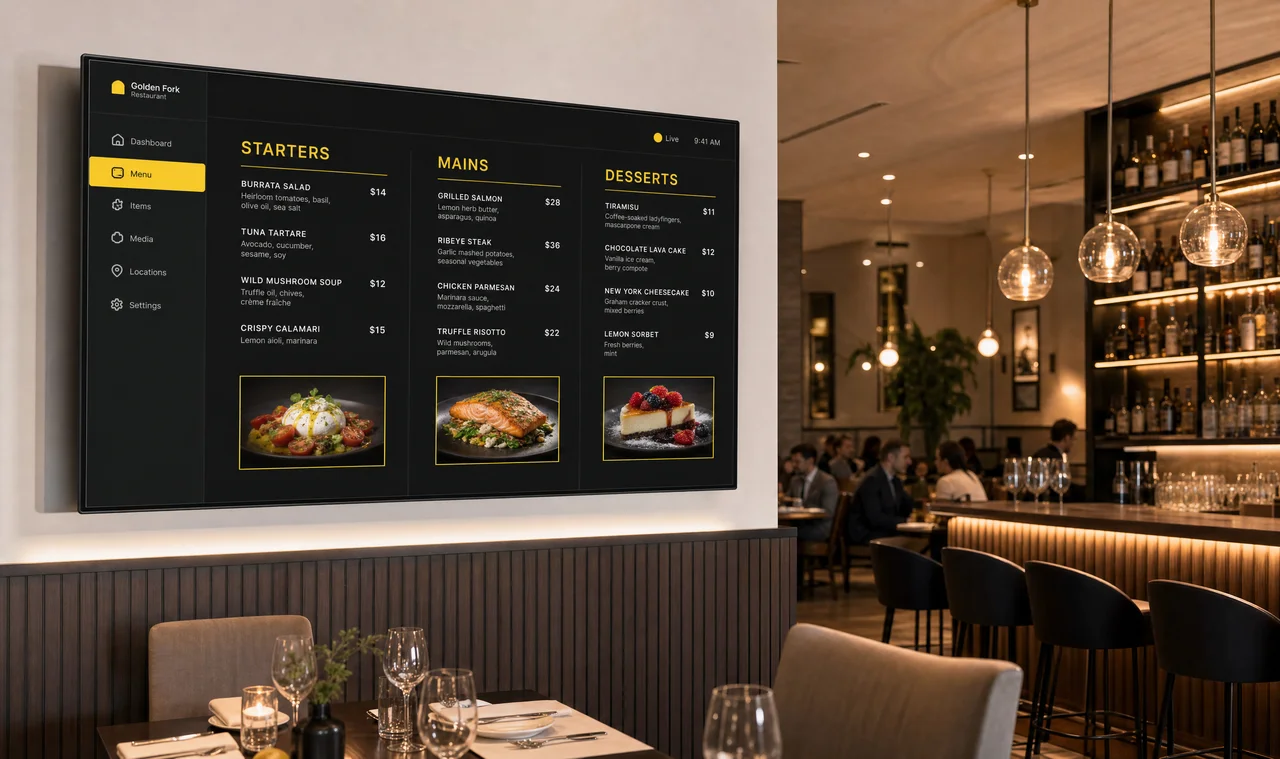
  • Digital menu board displaying a full-service restaurant menu

    Digital Menu Boards for Restaurants

    Full-service menus with verified uptime and store-level pricing.

  • Digital menu board in a quick-service restaurant

    Menu Boards for QSR

    Fast daypart switching and menu-to-sales data across every location.

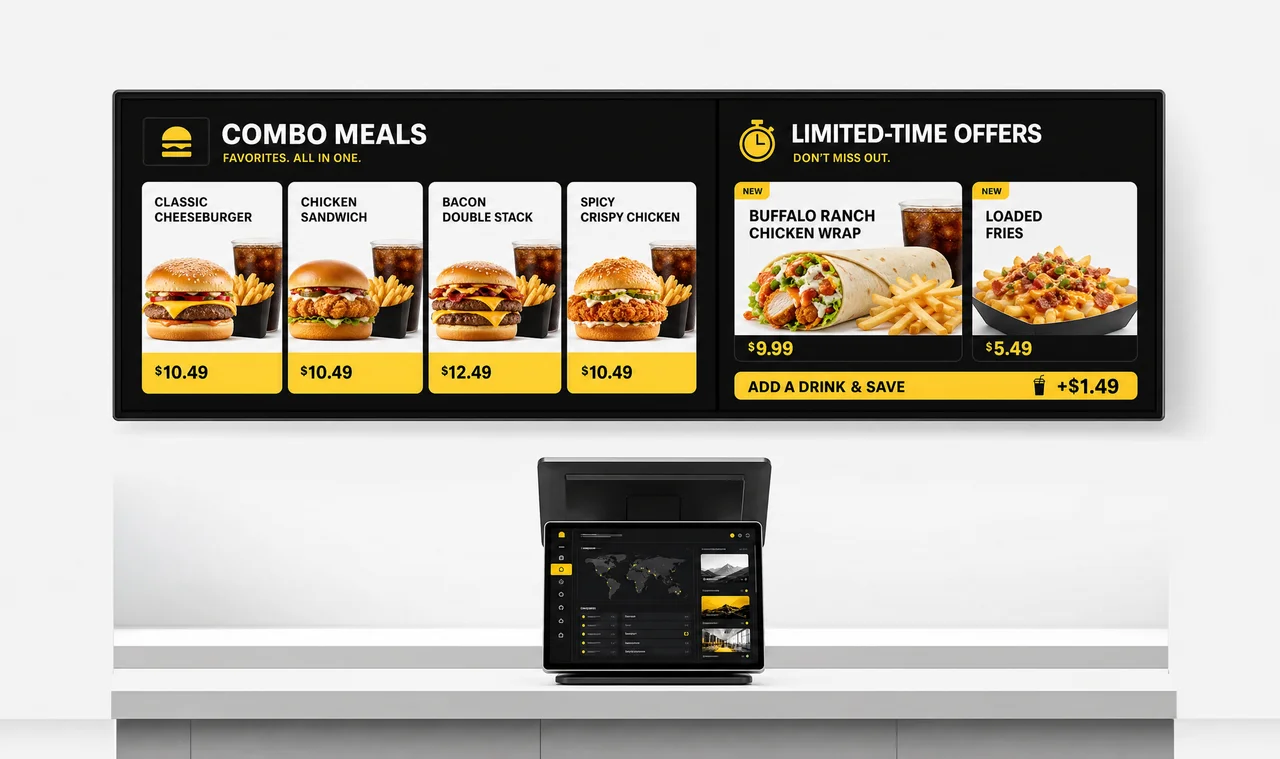
  • Digital menu board in a fast food restaurant

    Menu Boards for Fast Food

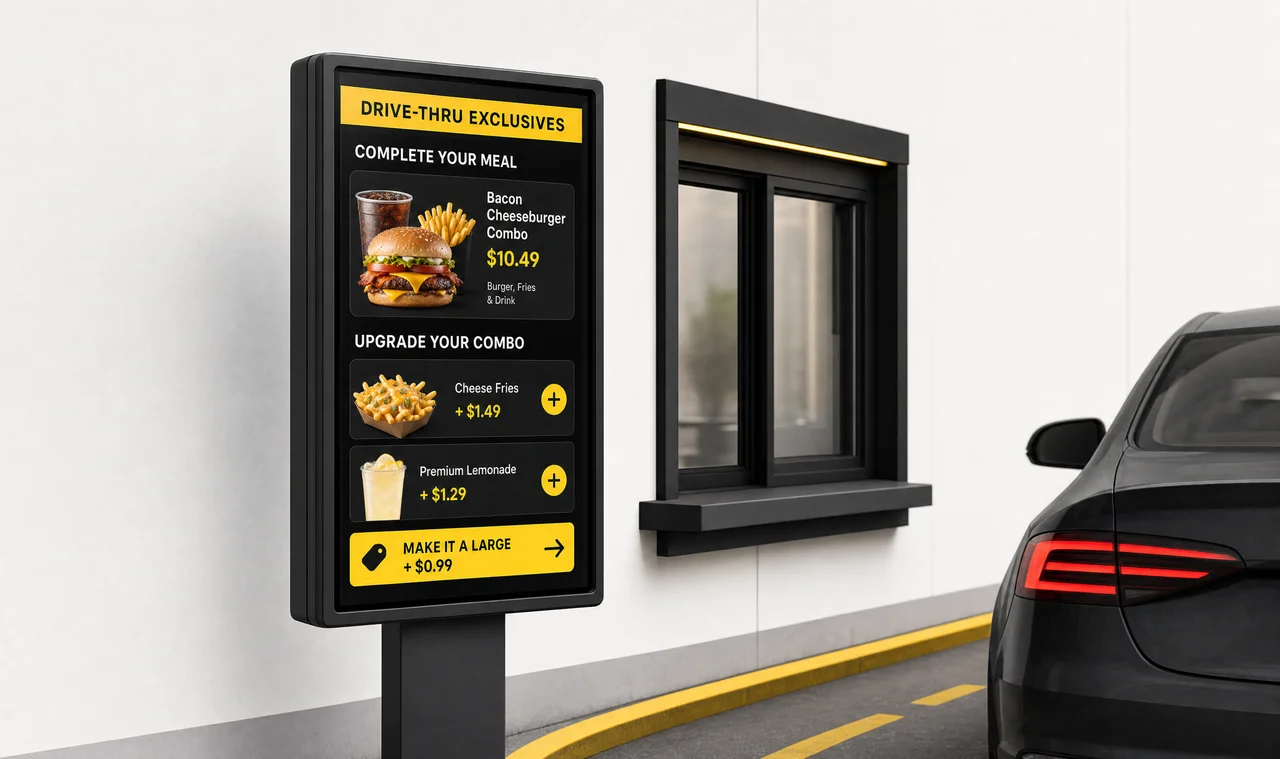
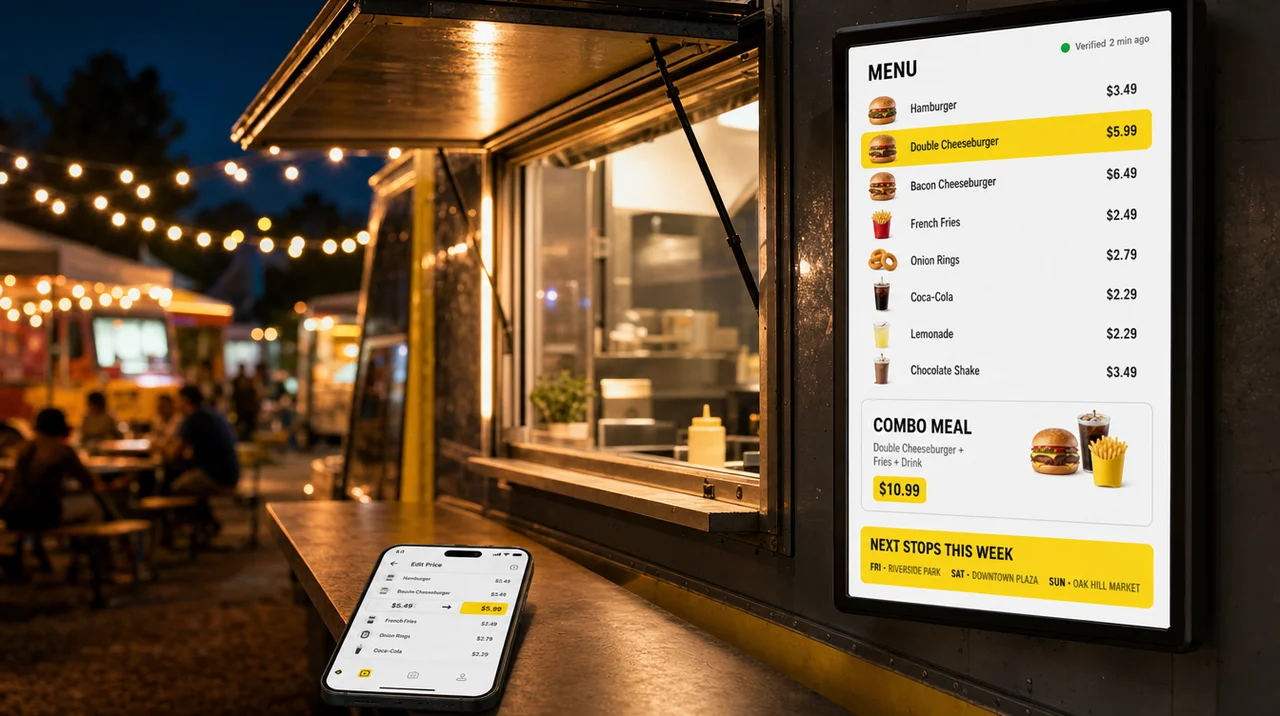
    Combo boards and promos that update the moment prices change in the POS.

  • Digital menu board in a coffee shop

    Menu Boards for Coffee Shops

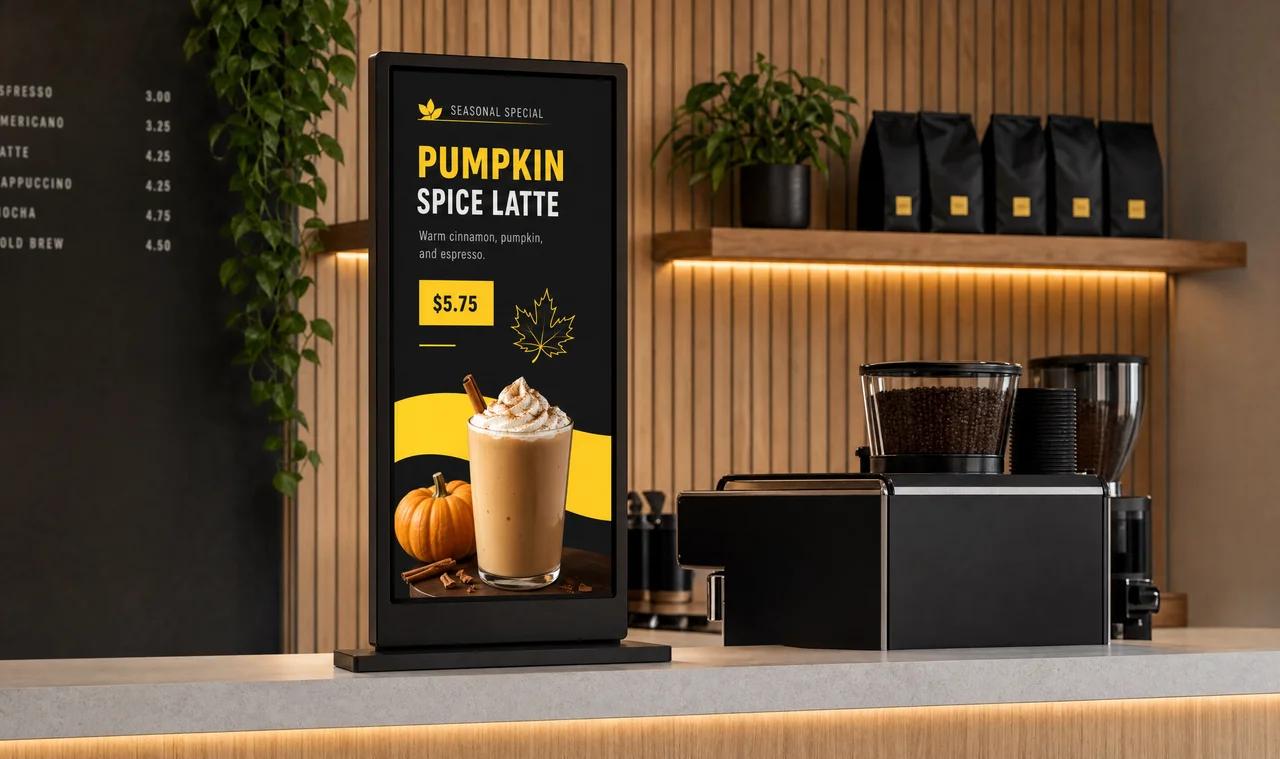
    Rotate drink specials and seasonal menus without reprinting.

  • Digital menu board in a pizza shop

    Menu Boards for Pizza Shops

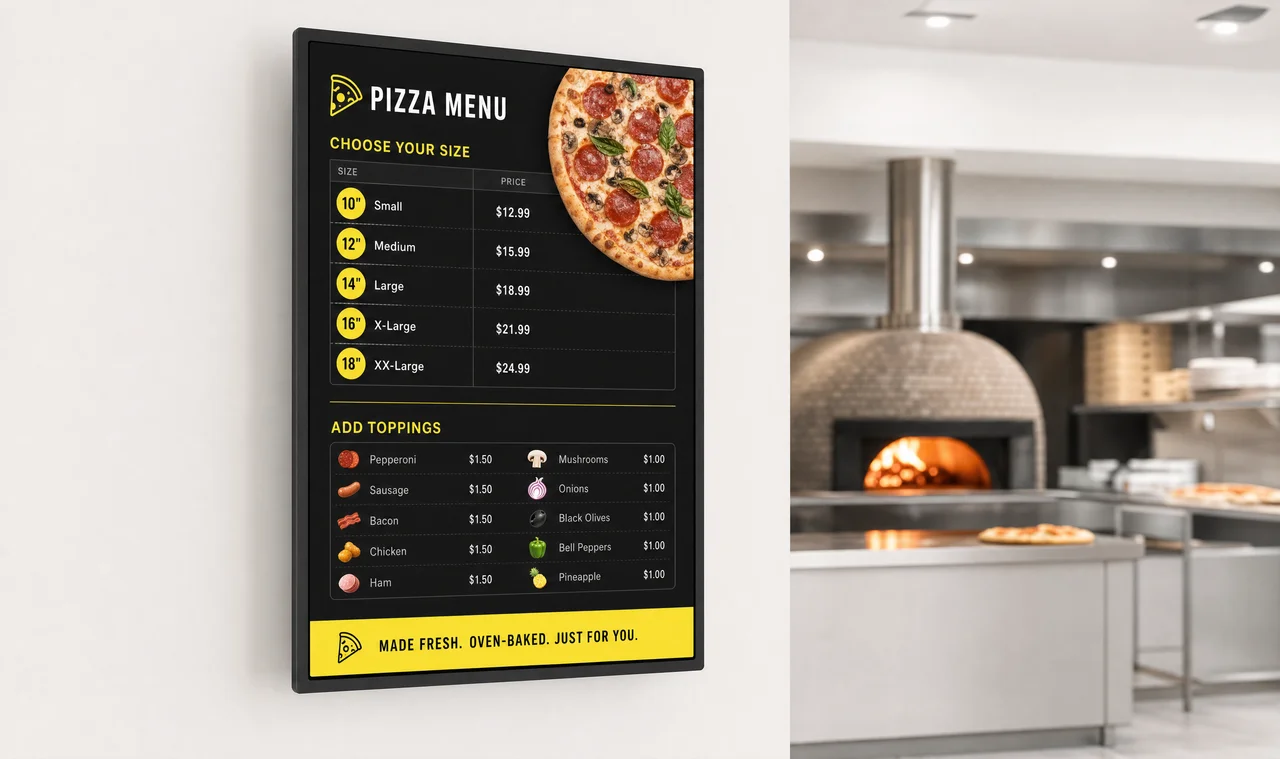
    Show combos and toppings that update the moment prices change.

  • Digital menu board in a school cafeteria

    Menu Boards for Schools

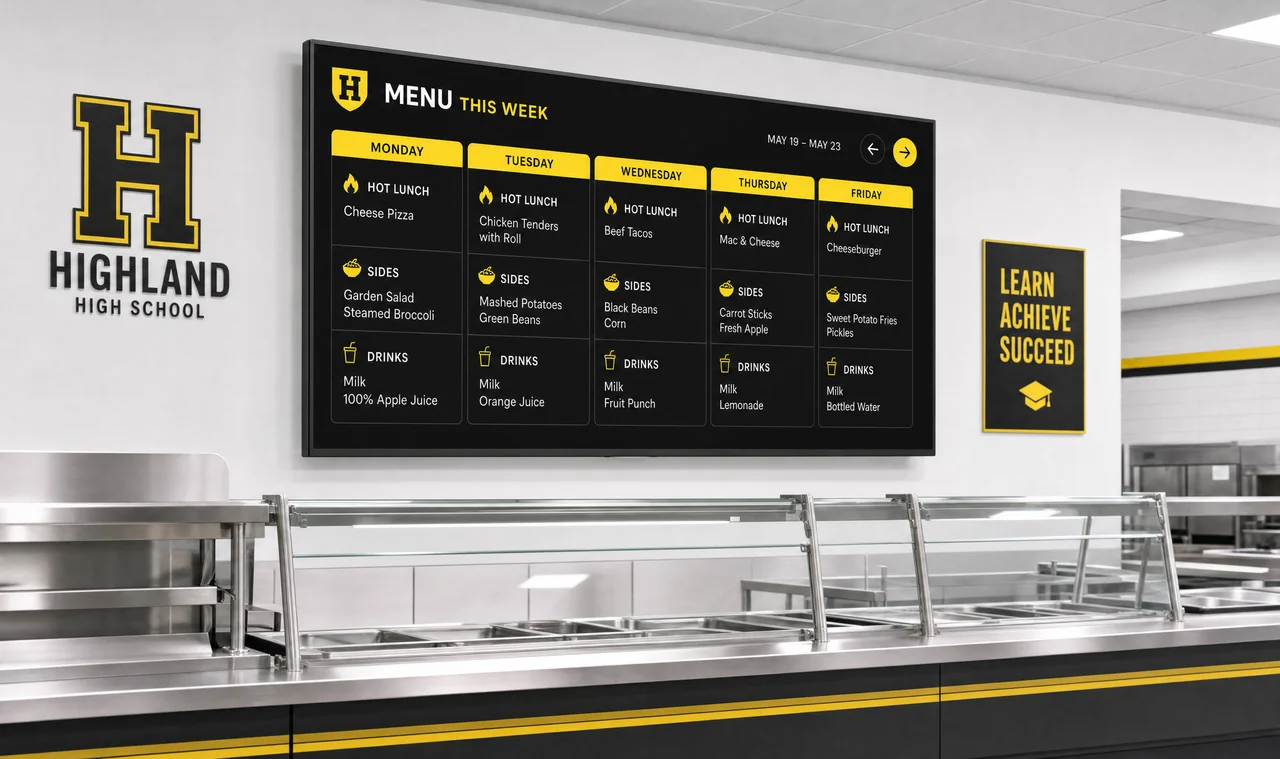
    Cafeteria menus and daily specials that update from a central system.

  • Digital menu board at a concession stand

    Menu Boards for Concession Stands

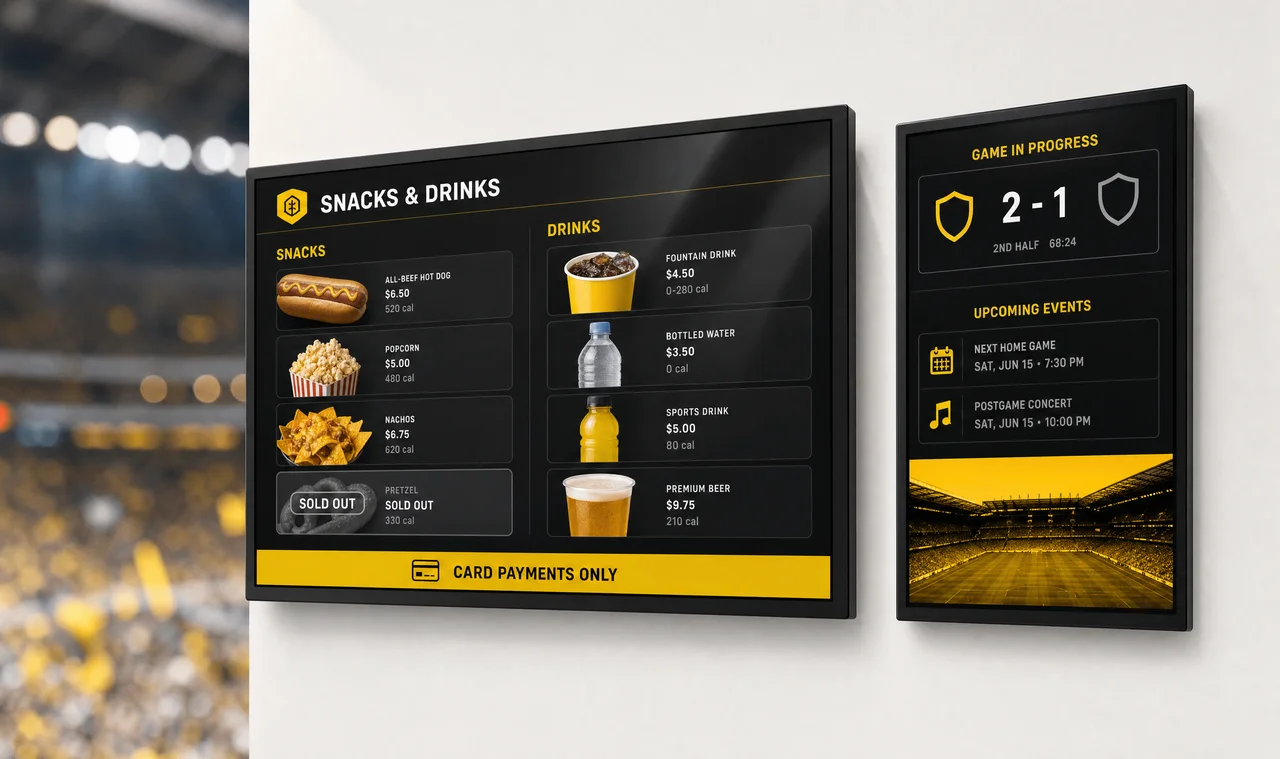
    Fast-changing event-day menus with verified uptime during peak crowds.

Start From a Template, or Let Us Design It

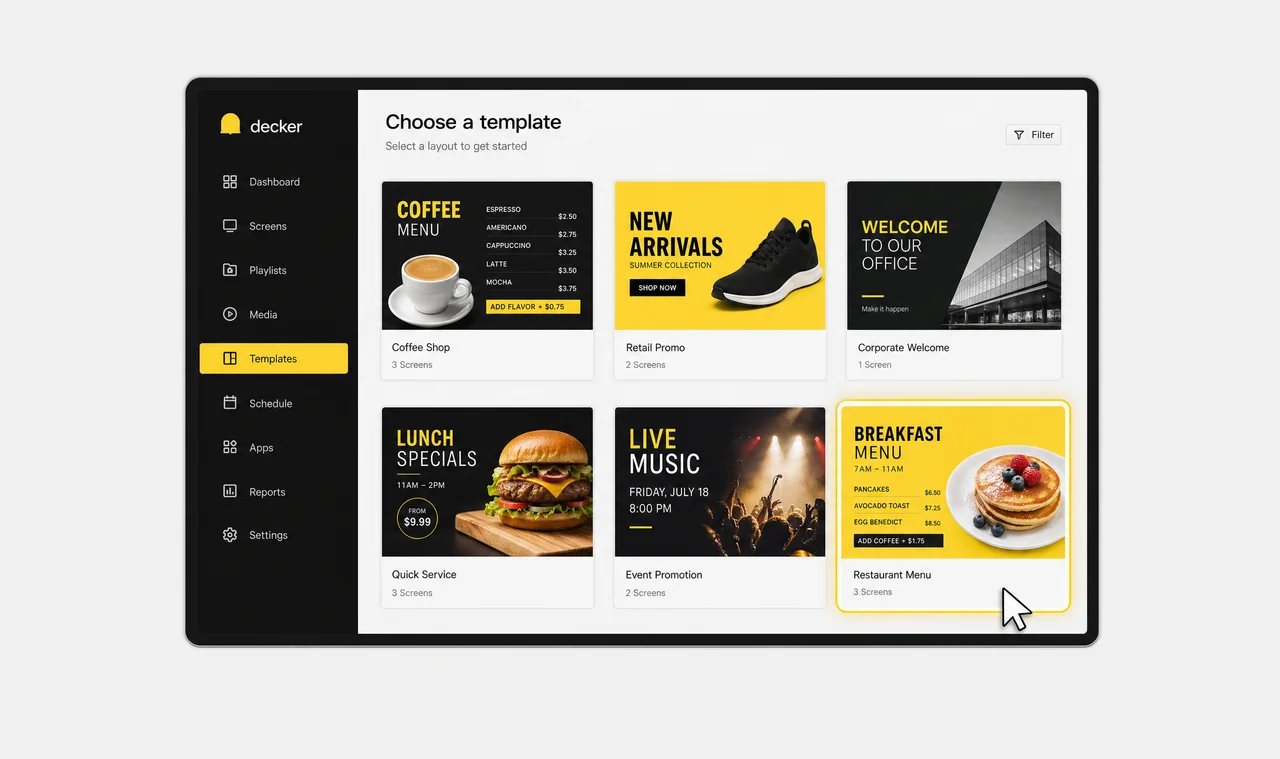
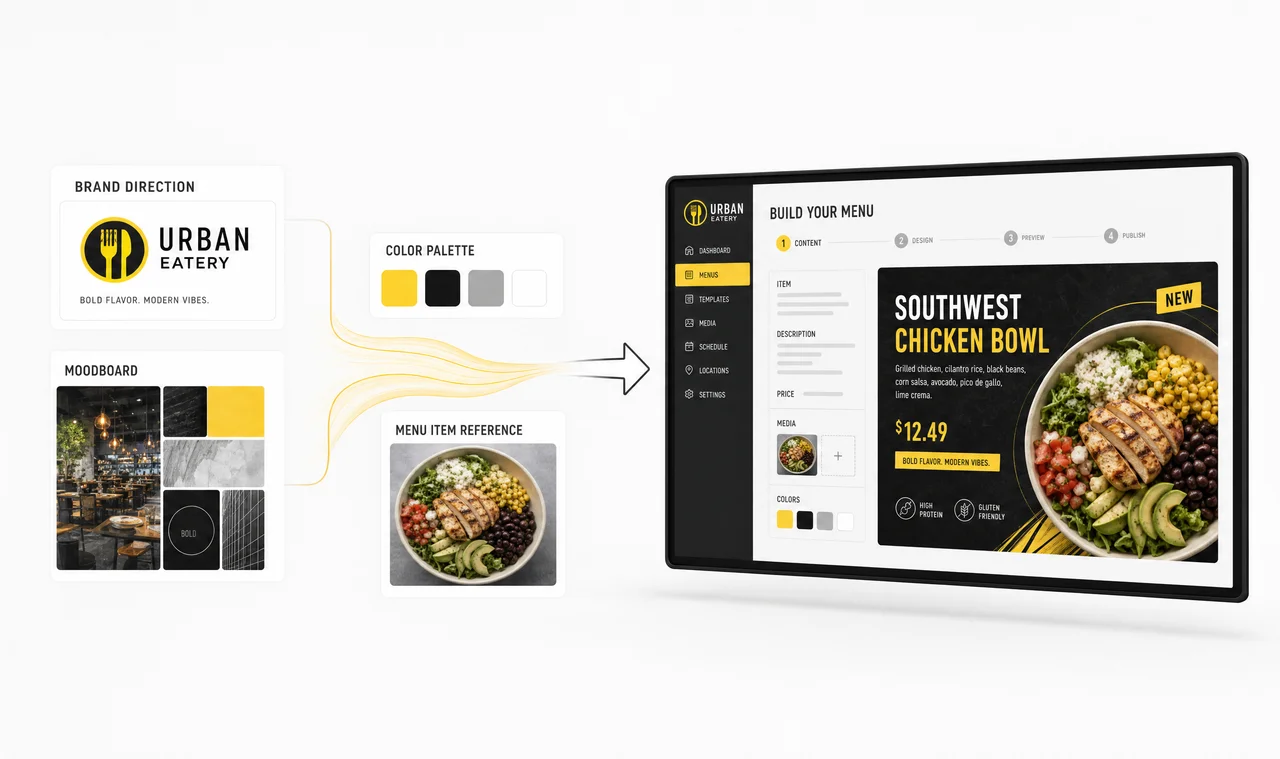
Every Decker menu starts from a layout — a ready-made template you customize yourself, or a menu our team designs around your brand. Either way, once it's live, Decker keeps it updated automatically as prices and items change in your POS, so design is a one-time step, not a recurring one.

Gallery of digital menu board templates
Custom digital menu board design example

When Decker Isn’t the Right Fit

We’d rather tell you this up front than have you find out after signing a contract.

  • One screen, one location. If you’re running a single digital menu board at a single location, dedicated verification hardware is probably more than you need — a software-only app can cover that scale for less.
  • Your POS isn’t supported yet. Automatic price and 86-ing sync depends on a direct POS connection. If yours isn’t supported yet, you’ll update menus manually until integration is built — the same limitation any signage platform has.
  • Unreliable network at the location. Decker Player keeps showing the last published menu offline, but remote monitoring, reboot, and uptime logging all depend on a network path back to Decker. Locations with long, frequent outages won’t get the full benefit of Decker Verifier.
  • You need full creative redesigns weekly. Decker automates price, item, and availability changes inside an existing design. If you’re rebuilding the entire menu layout every week with new themes and artwork, you still need a designer for that part.

Case Study: How Burger Shop Replaced Printed Menus With Decker Digital Menu Boards

Burger Shop — Downtown Los Angeles, CA

Burger Shop client logo.
Challenge
Burger Shop ran menu updates on a quarterly print cycle. Every price change, new item, or promotion needed a design studio and print vendor before it reached the ordering area — often taking days or weeks.
Solution
Decker installed 4 digital menu screens in the ordering area and connected them directly to Burger Shop's POS. Price, item, and availability changes made in the POS update the screens automatically.
Results
Menu updates now go live on Burger Shop's digital menu board in minutes, not days or weeks. Printing costs and print-vendor coordination disappeared, price errors dropped, and the team launches promotions straight from the POS.
View all case studies

Digital Menu Boards: FAQs

What is a digital menu board?

A digital menu board is a screen — usually a commercial display or TV — that shows a restaurant’s menu, prices, and promotions through software instead of printed panels. With Decker, that runs on two pieces of hardware behind the screen: a Decker Player that plays the content, and a Decker Verifier that independently confirms it’s actually displaying.

How much do digital menu boards cost?

Decker pricing depends on the plan you choose, how many screens you’re running, your billing period, and any optional add-ons. Standard plans are priced per screen; larger or non-standard deployments may need a custom quote. Decker Verifier can be added to any paid plan when you need independent playback verification and remote screen monitoring.

Can I use a regular TV or an existing display as a menu board?

Usually yes. Decker Player connects to a commercial display or TV over HDMI, and the display needs to support HDCP — which covers the large majority of modern panels. With the Decker Verifier add-on, that same screen can be monitored, restarted remotely, or switched to another HDMI source.

Does Decker connect to my POS system?

Yes. Decker links directly to your point-of-sale system, so a price change or an item marked unavailable in the POS updates your digital menu board automatically — no manual redesign or re-upload.

Do I need a designer to set up my menu board?

No. Start from one of our digital menu board templates, or have our team handle digital menu board design around your brand. After that first setup, Decker keeps the design updated automatically as prices and items change — no recurring design work.

How does Decker know a menu is actually showing on screen, not just sent?

Decker Verifier runs independently of the media player and monitors both the screen and the player in real time. If a player freezes, a screen goes dark, or the wrong HDMI input is selected, Decker knows immediately and can fix it remotely — and it logs exactly how many hours each screen displayed content.

Can I run different menus in different stores?

Yes. Decker supports store- and region-level menu targeting natively, so you can test pricing, run regional promotions, or adapt menus to local demand without manual workarounds.

Can menus change automatically by time of day or weather?

Yes. Set rules once for breakfast, lunch, dinner, and happy-hour switching, or for weather-based content — like promoting hot drinks on a cold day — and Decker runs them automatically from then on.

What happens if the internet goes down at a location?

The screen keeps showing the last published menu. Features that depend on a live connection — remote monitoring, remote reboot, and uptime logging — pick back up once the connection returns.

How many digital menu boards can Decker run?

From one board in a single location to a chain of hundreds. The digital menu board workflow is identical at both ends — what changes is how much of it runs on rules instead of on people.

Ready to see it on your screens?

Talk to us about your store count and current POS setup, and we’ll show you what verified, self-updating digital menu boards look like for your chain.