
Retail Digital Signage: Screens Verified, Not Assumed
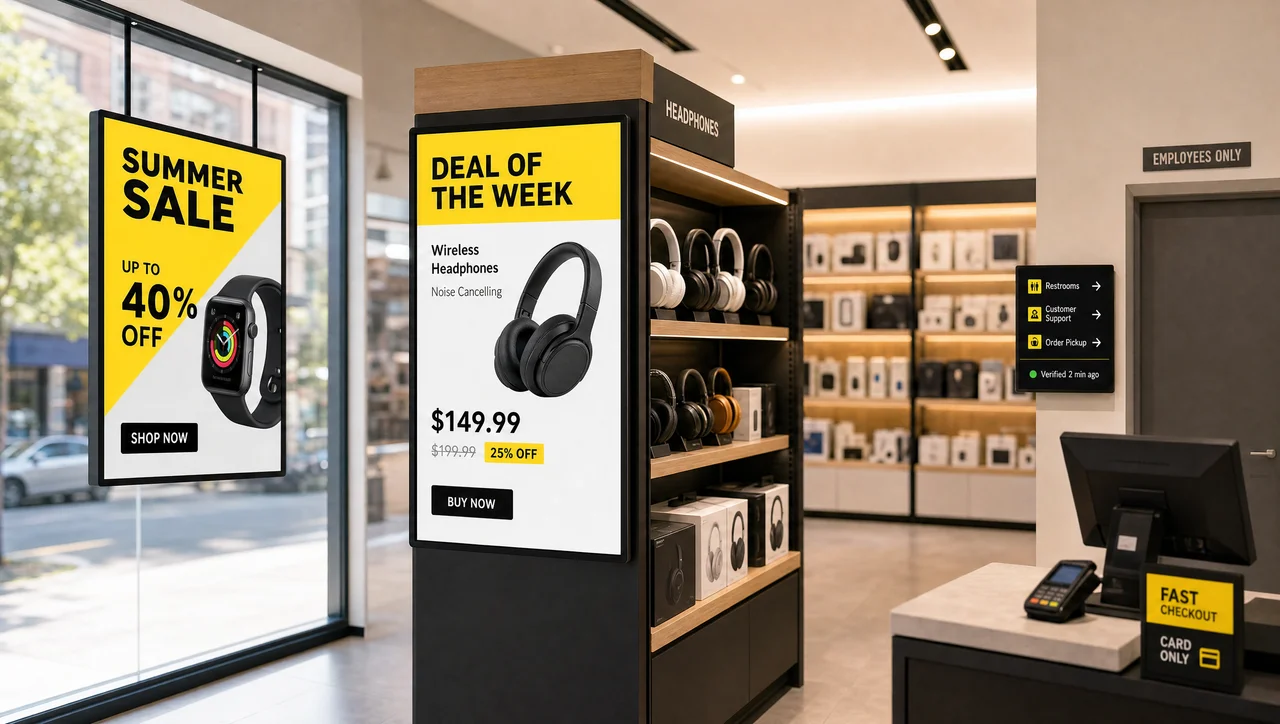
Decker runs retail digital signage across storefronts, sales floors, and checkout lines and confirms every screen is actually on and showing the right content, not just that it was sent. Change pricing, promotions, or hours from one dashboard, per store or across the whole chain.
-
Verified Uptim
Every screen checked, not assumed Decker Verifier confirms each screen is on, connected, and showing the right content, and can reboot it remotely if it isn’t.
-
Store-by-Store
Different promos, same platform Push different pricing, promos, or window content to one store, a region, or the whole chain from a single dashboard.
-
Retail-Proven
A live segment, not a pilot Decker already runs in single storefronts and multi-region chains alike — retail is a working segment on the platform, not a hypothetical one.
What retail digital signage actually means
Digital signage in retail — one of Decker’s digital signage solutions — replaces static posters and printed price cards with networked screens a store manager or marketing team updates remotely. The screens sit in windows, on the sales floor, at checkout, and in back-of-house areas, showing pricing, promotions, wayfinding, or shift messages that change on a schedule instead of a print run.
What separates digital retail signage that actually works from a glorified TV is confirmation. A screen that’s connected but frozen, stuck on yesterday’s promo, or switched to the wrong input does the same damage as a blank one — it just looks like it’s working. Decker treats every screen in a retail deployment as something to verify, not assume.
Where retail screens earn their keep
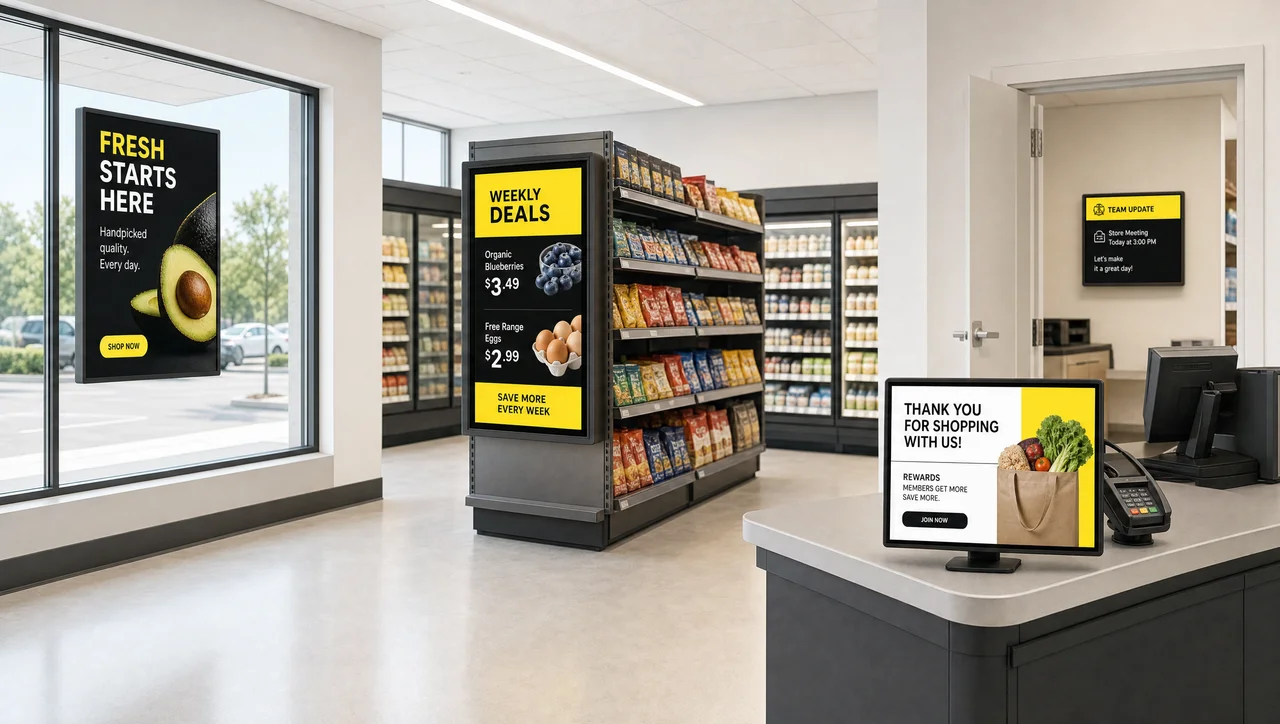
A retail digital signage solution only earns its keep where shoppers and staff actually look. Four zones do most of the work:
-
Storefront & Windows
Pull foot traffic in with rotating promotions and seasonal campaigns visible from the sidewalk, swapped without reprinting a poster.
-
Sales Floor
Highlight pricing, new arrivals, and cross-sell messages right where the buying decision happens, updated the moment a promotion changes.
-
Checkout
Fill wait time with last-minute offers and loyalty messages, right where the sale is about to close.
-
Back of House
Give staff shift schedules, safety notices, and daily targets on the same platform that runs the customer-facing screens.


Pricing and promotions that update themselves
Decker closes that loop. Connect it to the system that already holds your pricing, and a price change updates every relevant screen automatically — no designer, no manual rebuild, no gap between what’s in the system and what’s on the glass. An item marked out of stock can drop off the screen the same way. That’s the difference between digital signage in retail stores as a display you feed by hand, and digital signage in retail stores as part of how pricing actually reaches shoppers.
One brand, every location, no drift
Retail store digital signage tends to drift once a handful of locations join the network. Decker keeps every screen on the same rules without turning that control into a bottleneck for regional teams.
-
Without Central Control
One store still running last month’s promo. Another with an off-brand graphic a manager made themselves. Nobody in the office notices until a customer does.
-
With Decker
Push a national campaign to the whole network, hand regional teams control over local pricing and events, and keep a firm list of what store teams can’t touch locally — digital signage solutions for retail that stay on-brand at any size.


What it changes for the business
Retail digital signage ROI also shows up in speed: a chain that used to update campaigns a few times a quarter can now change pricing, promotions, and hours by store, region, or format from one dashboard the same day a decision is made. Internally, retailers running Decker have reported sales gains of 15–20% tied to promotions that reach the floor while they’re still relevant.
How the platform stays reliable
As a digital signage solution for retail, that pairing matters more at scale than any single software feature. A dashboard that looks good in a demo doesn’t help if nobody knows screen 14 in store 212 has been dark since Tuesday. Decker’s retail digital signage software closes exactly that gap.
We're Already Running
- 13,700+
- screens connected to the platform
- 7+ years
- on the market running retail and hospitality networks
- 60%
- less screen downtime after switching to Decker
- 90+ cities
- across 2 countries and counting
Related Scenarios
-
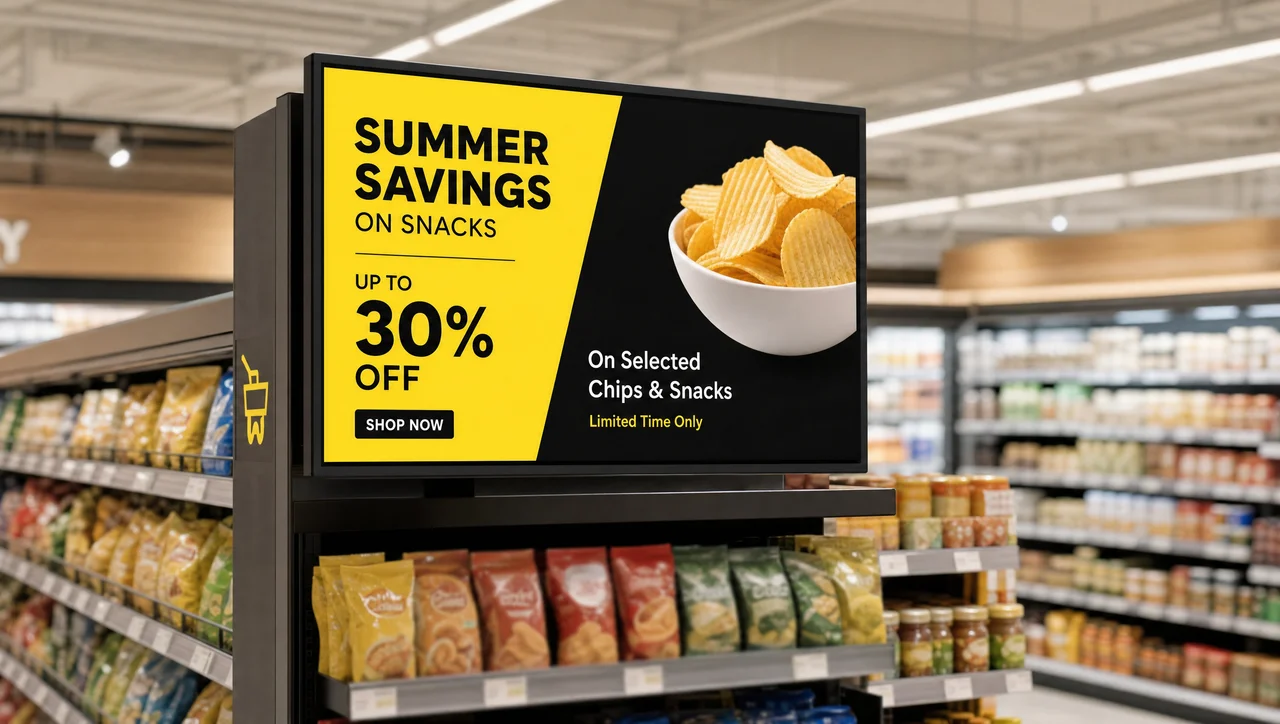
Grocery & Supermarket Screens
Department and promo screens for food retail For deli boards, promo aisles, and department signage in grocery and supermarket formats.
-
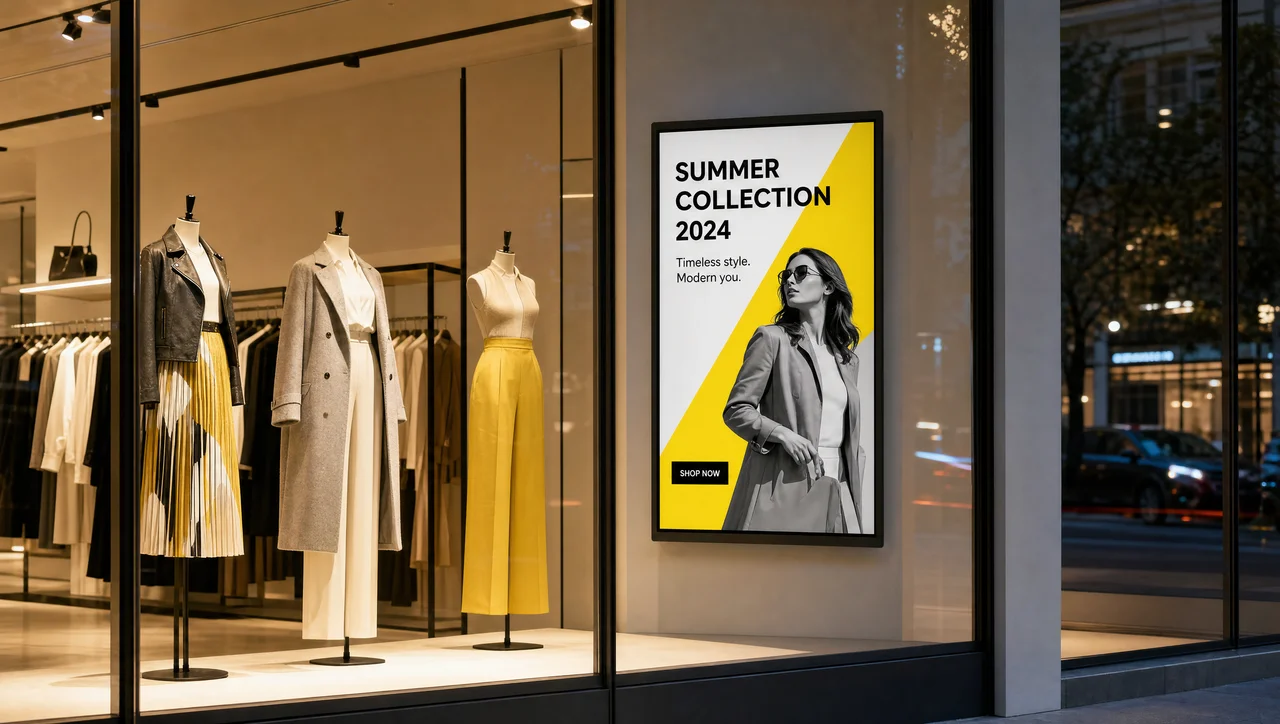
Fashion Retail Displays
Lookbooks and window storytelling Built for fashion retailers running window campaigns, lookbooks, and in-store styling content.
-
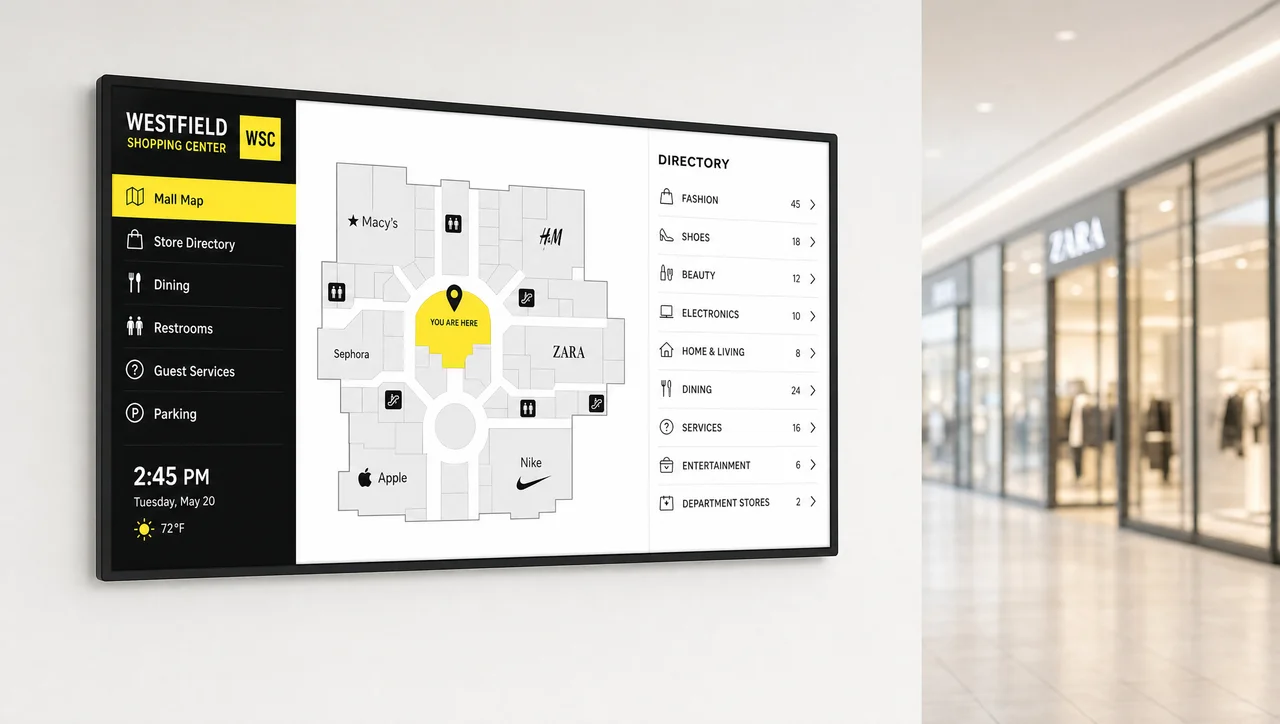
Shopping Mall Screens
Wayfinding and promotion in common areas For directories and promotional content across shared mall spaces, not single stores.
-
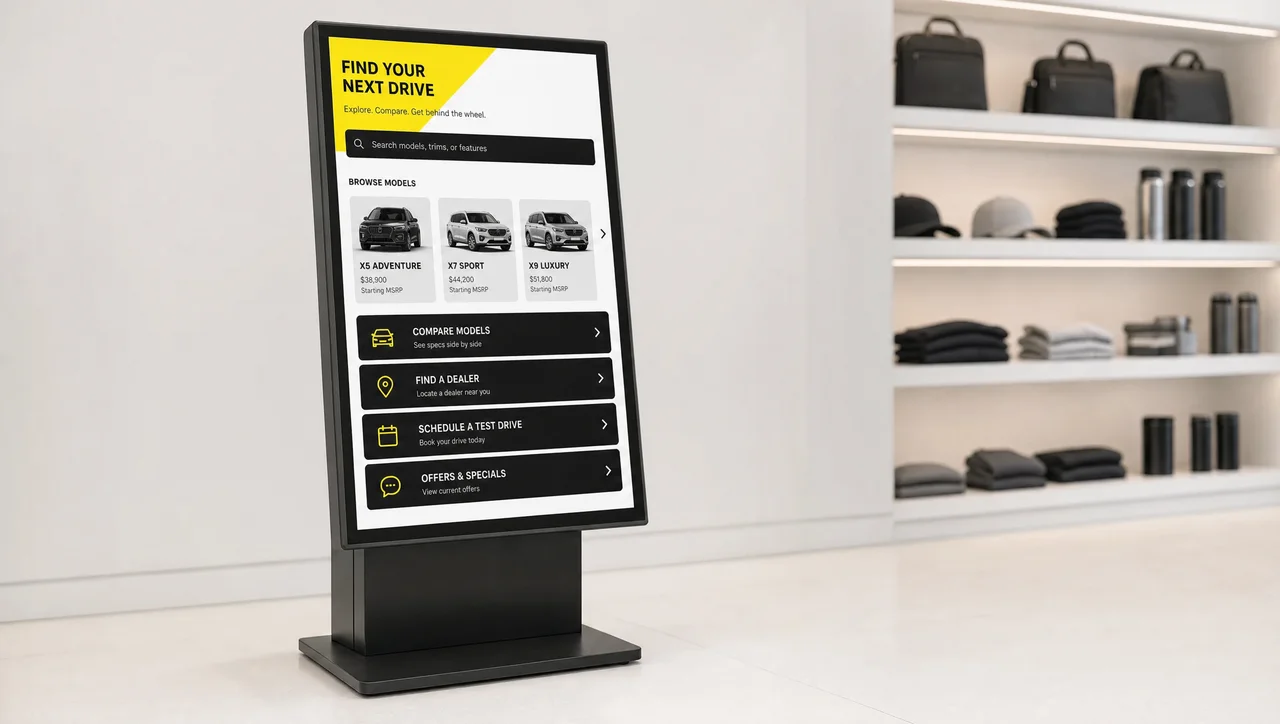
Interactive Kiosks
Self-service touchscreens Touchscreen kiosks for product lookup, wayfinding, and self-service in busy retail spaces.
Retail Digital Signage FAQ
What is digital signage in retail?
Digital signage in retail is a network of screens — window displays, sales-floor monitors, checkout displays, and back-of-house panels — that show pricing, promotions, wayfinding, and staff messages, all managed remotely instead of printed and physically swapped out.
Why digital signage in retail?
Because printed signage can’t keep pace with how often retail pricing and promotions change. Digital signage in retail lets a team push a new price, a flash sale, or a store-hours update to one location or an entire chain in minutes — and, when the platform verifies execution, confirms the change actually appeared on the screen instead of assuming it went out.
What is the future of digital signage in retail?
The next phase is less about brighter screens and more about proof and precision: content that adapts to time of day, local inventory, or store-level rules, and platforms that report real uptime and execution rather than assuming a scheduled push means a screen displayed it. Retailers are also increasingly treating their screen networks as a media asset in their own right, not only an operations tool.
What types of stores use retail digital signage?
digital menu boards for convenience stores better than a plain promo screen. The screens scale from a single storefront window to a network spanning hundreds of locations without changing platforms.
How much does retail digital signage cost?
Cost depends on the number of screens, the hardware pairing (player plus verification device), and whether it’s a single store or a multi-location rollout — see current retail pricing for exact figures. Compared to reprinting posters and price cards across a network, the ongoing cost is usually lower once a store passes a handful of screens.
See Decker running on a real retail network
Book a live walkthrough and watch store-level content control, remote verification, and uptime reporting on screens running today — not a slide deck.


