
Free digital menu boards templates
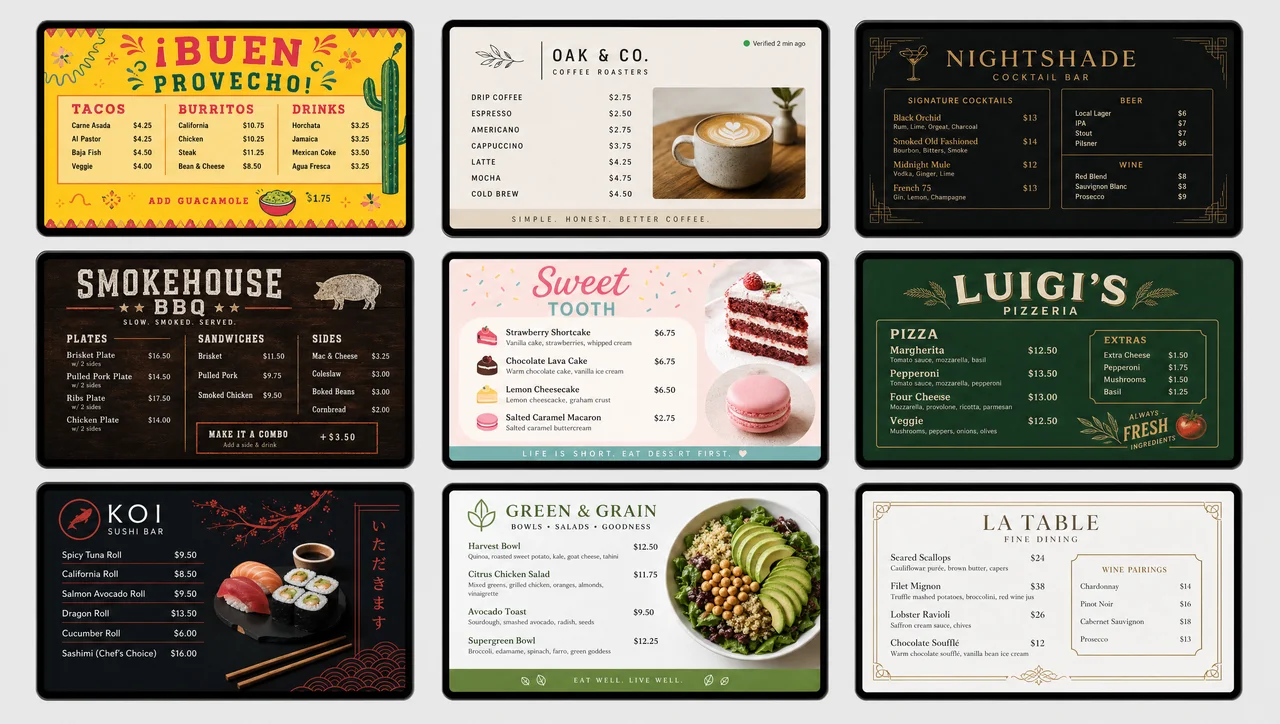
Free digital menu boards templates in Decker are ready-made screen layouts you can customize in minutes: pick a menu template by cuisine or venue, edit the type, photos and item order, then publish it to 1 screen or 40. Every layout is free, in portrait and landscape, with prices that update themselves.
-
Days to minutes one menu template, live in place
On a 4-screen rollout, menu updates that used to take days or weeks now land in minutes.
-
30+ free galleries by cuisine and by venue type
Every menu template is free in portrait and landscape on the same item slots, so changing layout later keeps your content in place.
-
No design skills edit the layout, not just colors
Reorder categories, swap fonts and drop in food photography in the menu template editor; price rows keep their formatting.
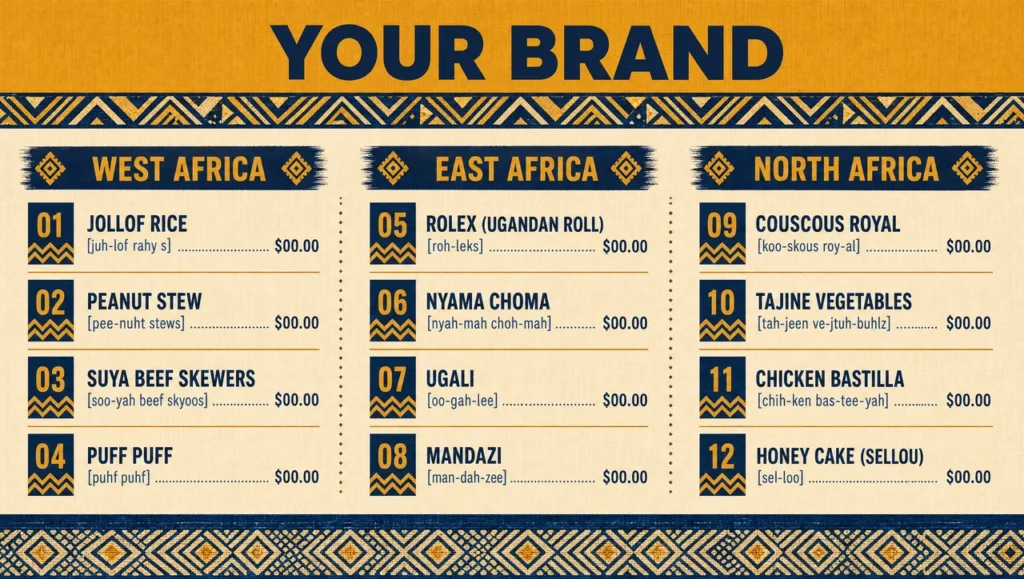 African Dine-In Menu
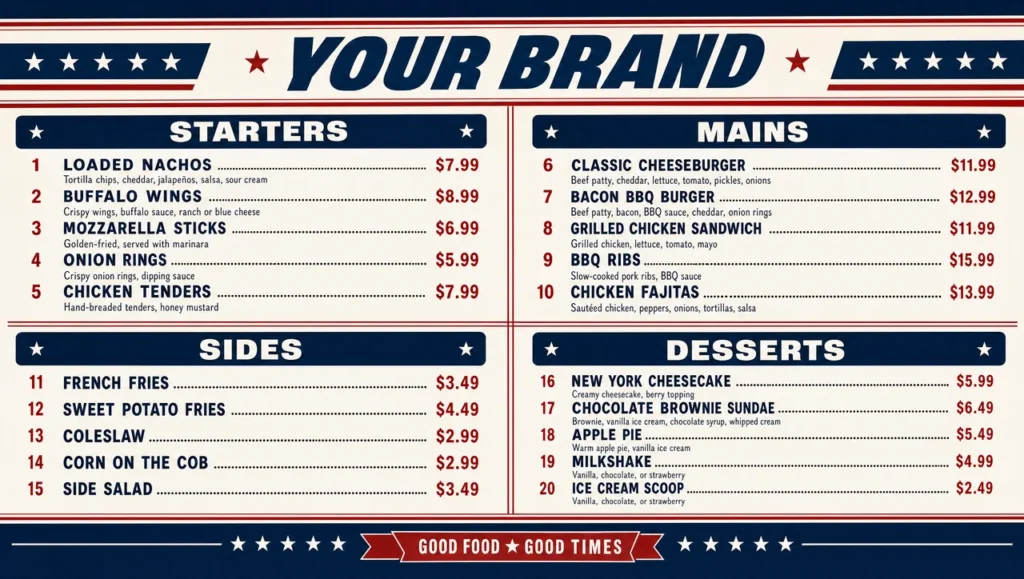 American Food Restaurant Menu
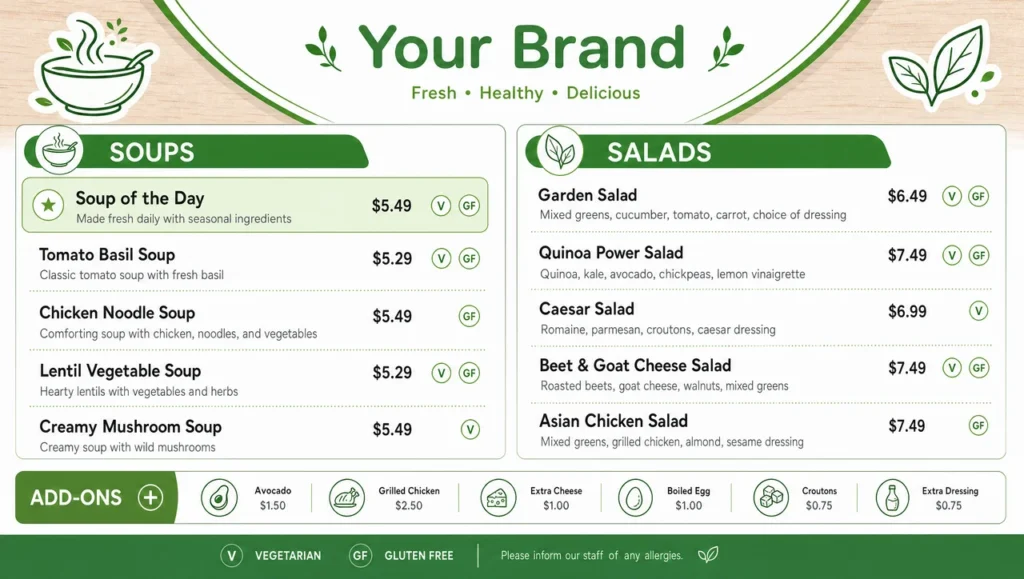 American Soup and Salad Menu
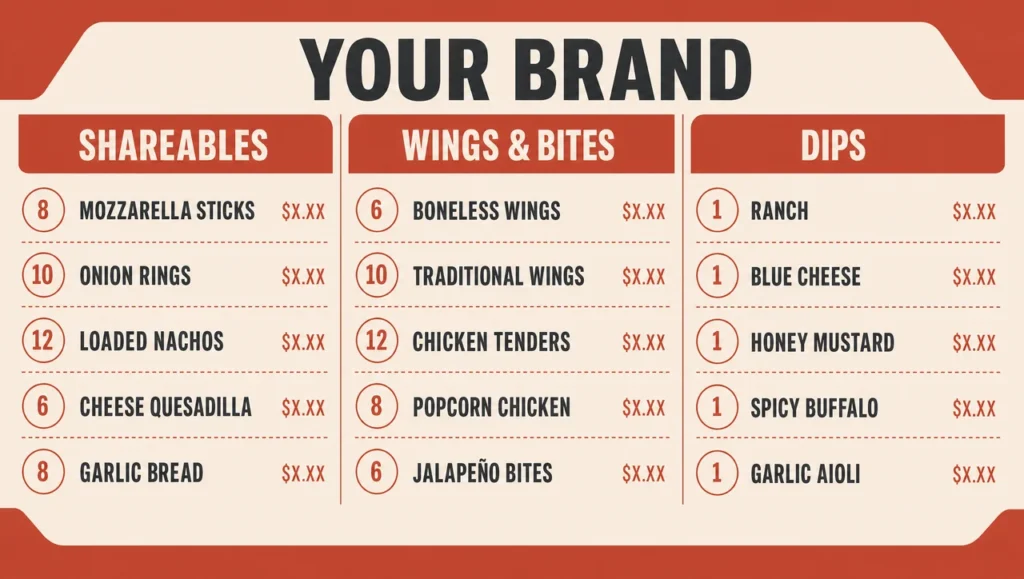 Appetizers Family Menu
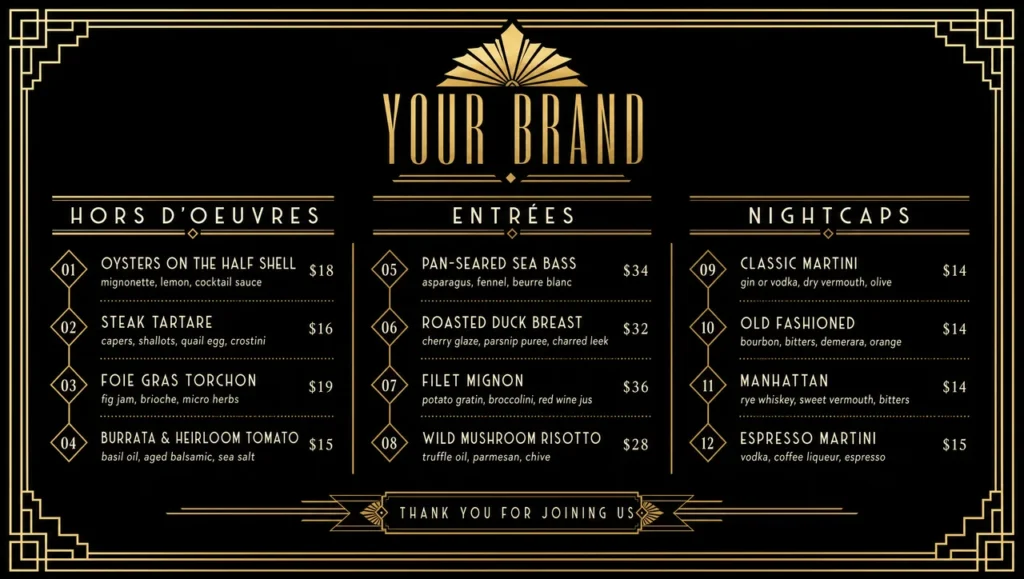 Art Deco Menu
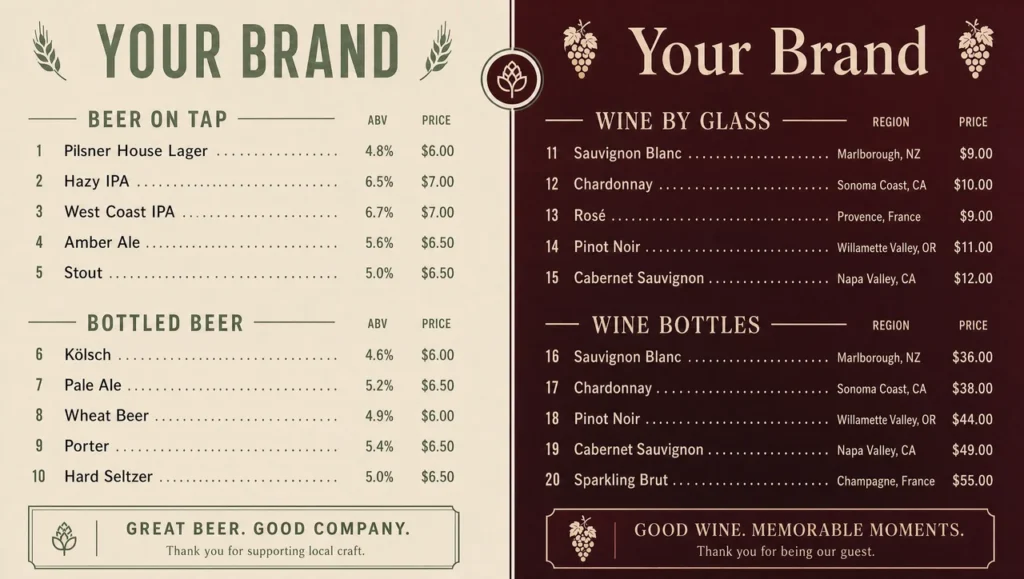 Beer and Wine Menu
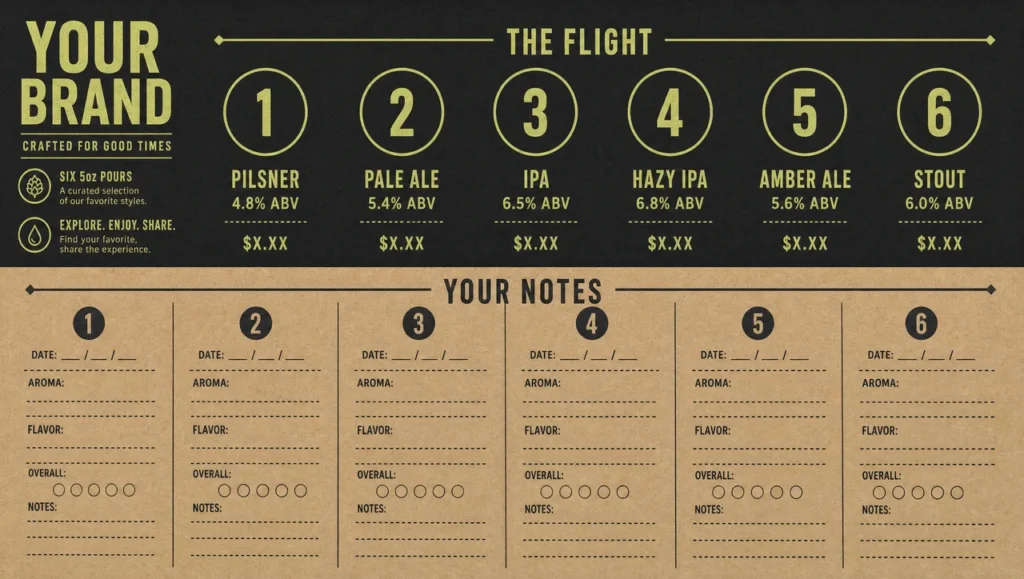 Beer Flight Tasting Card
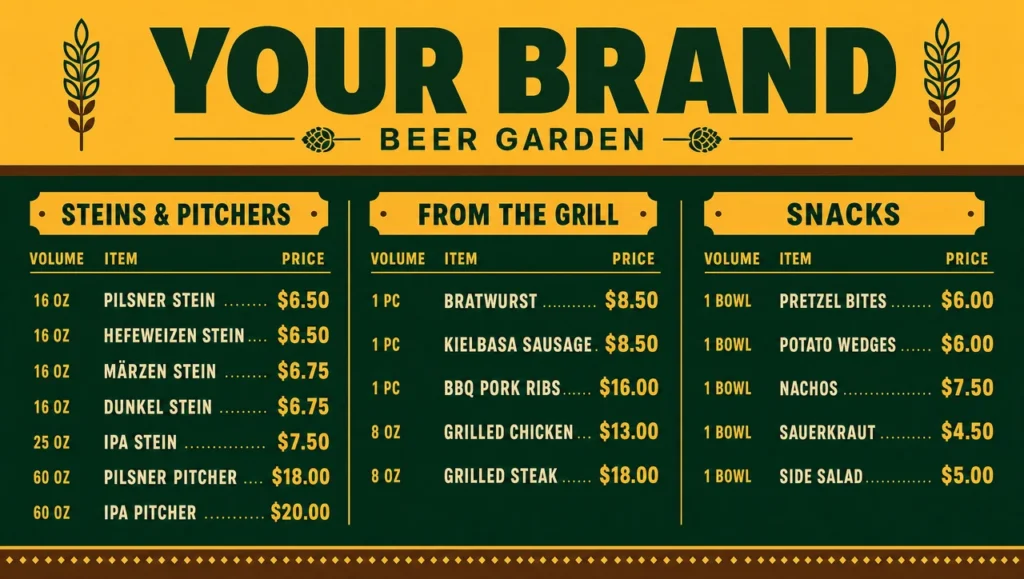 Beer Garden Menu
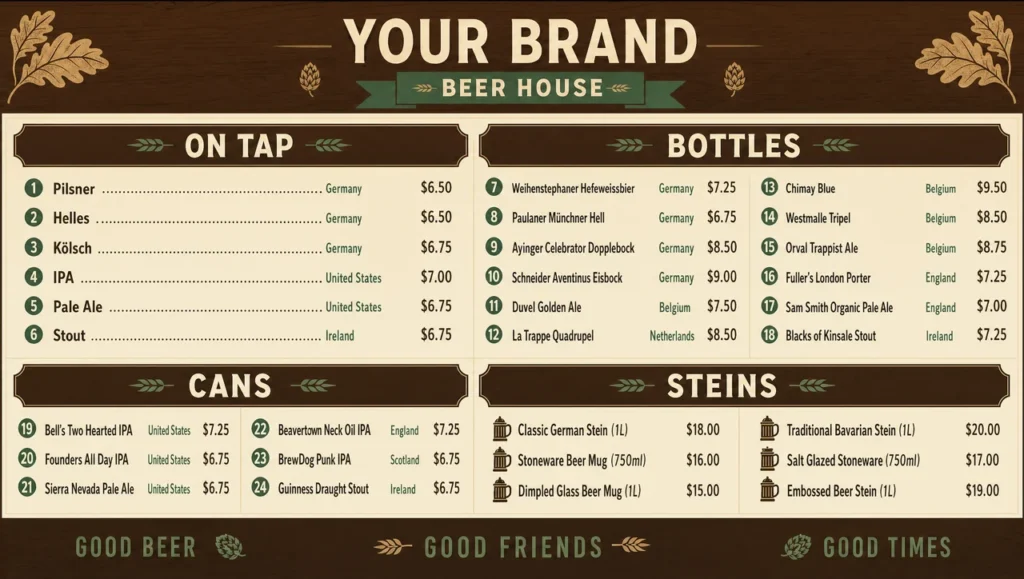 Beer House Menu
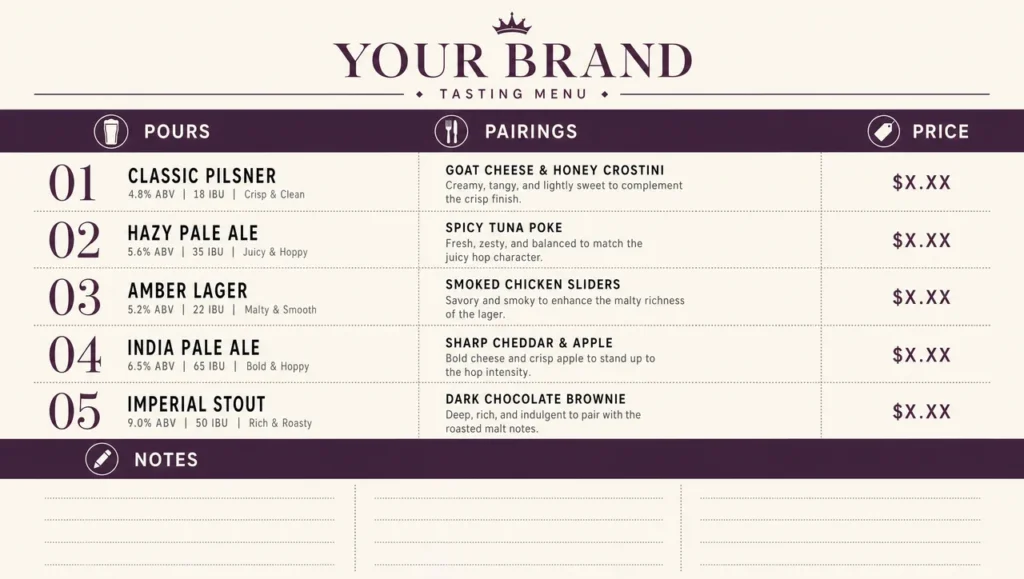 Beer Tasting Menu
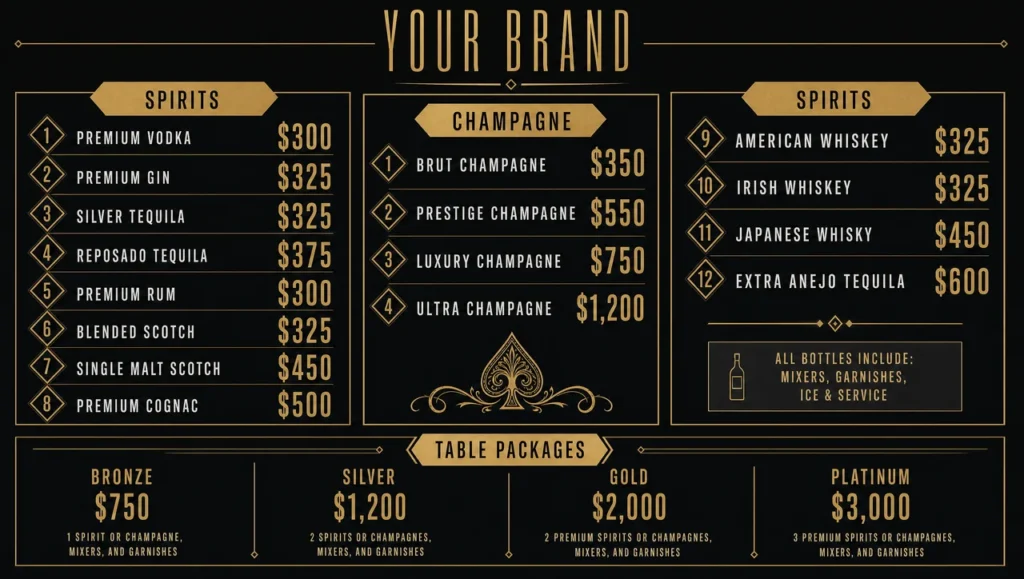 Bottle Service Menu
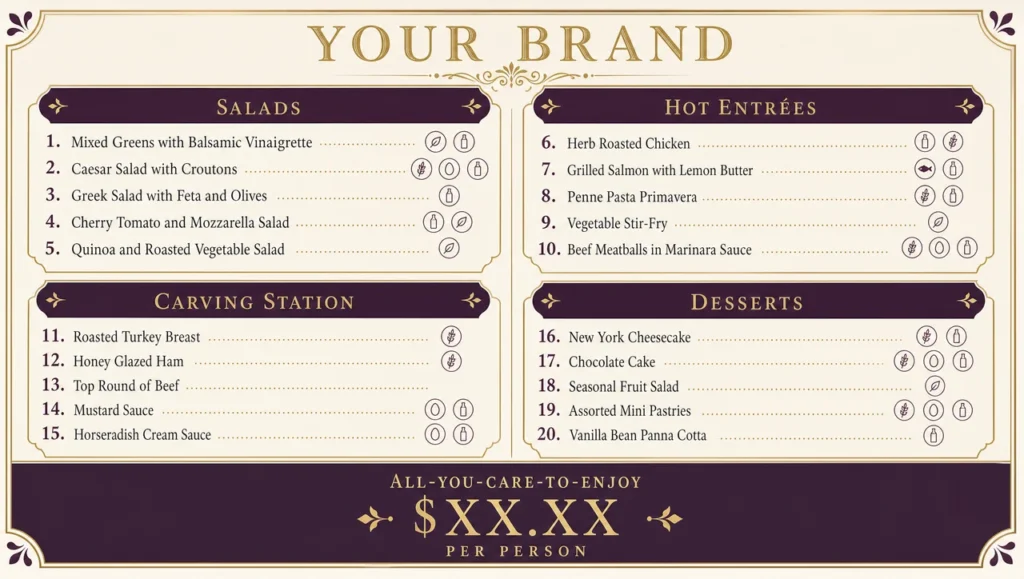 Buffet Menu Sample
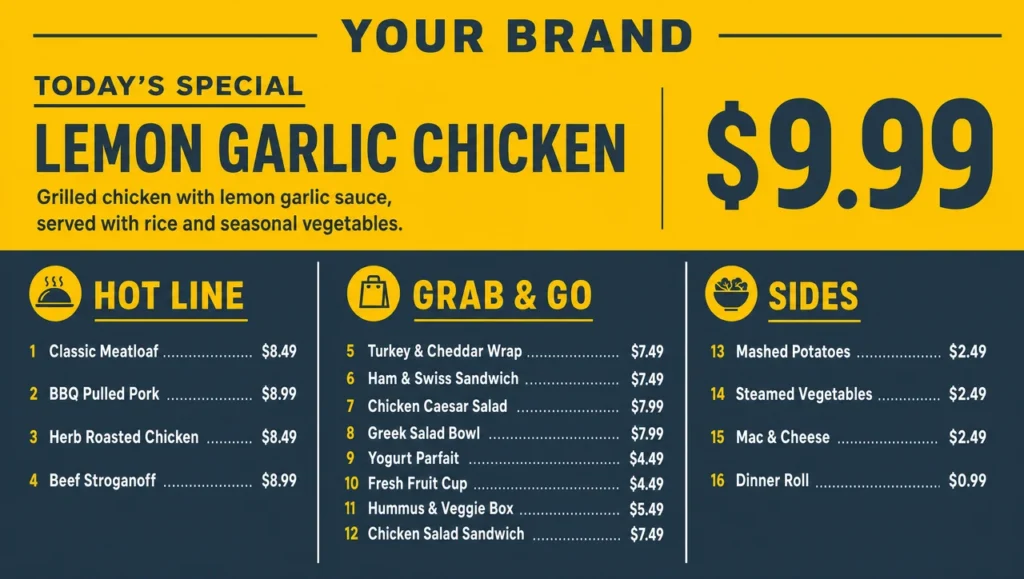 Cafeteria Daily Specials Menu
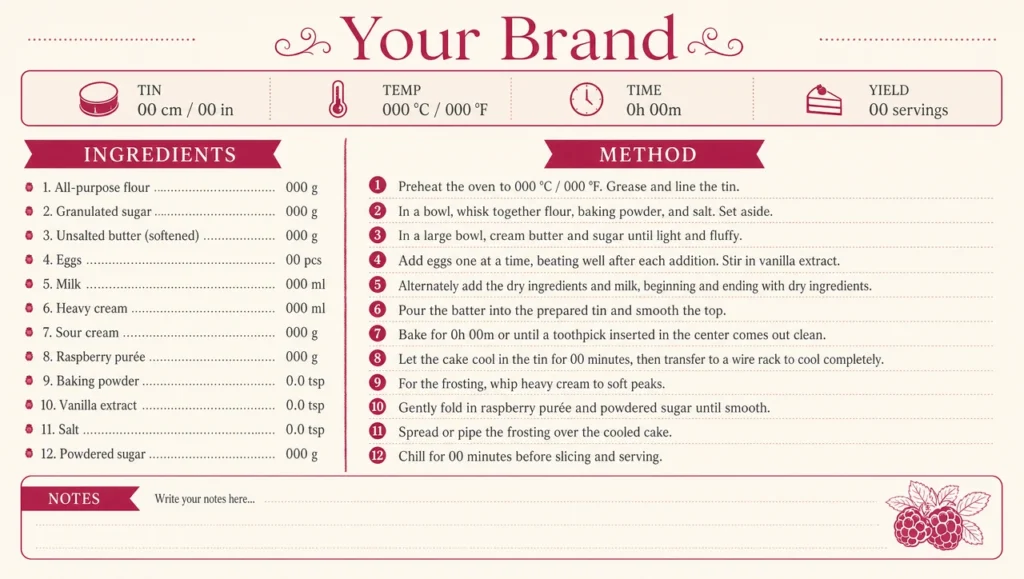 Cake Recipe Card
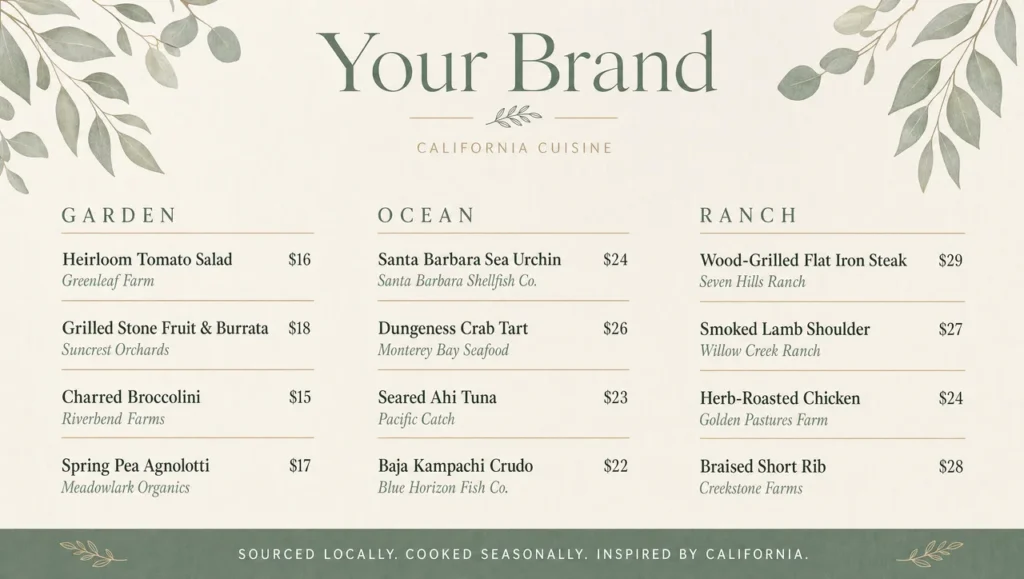 California Fine Dining Menu
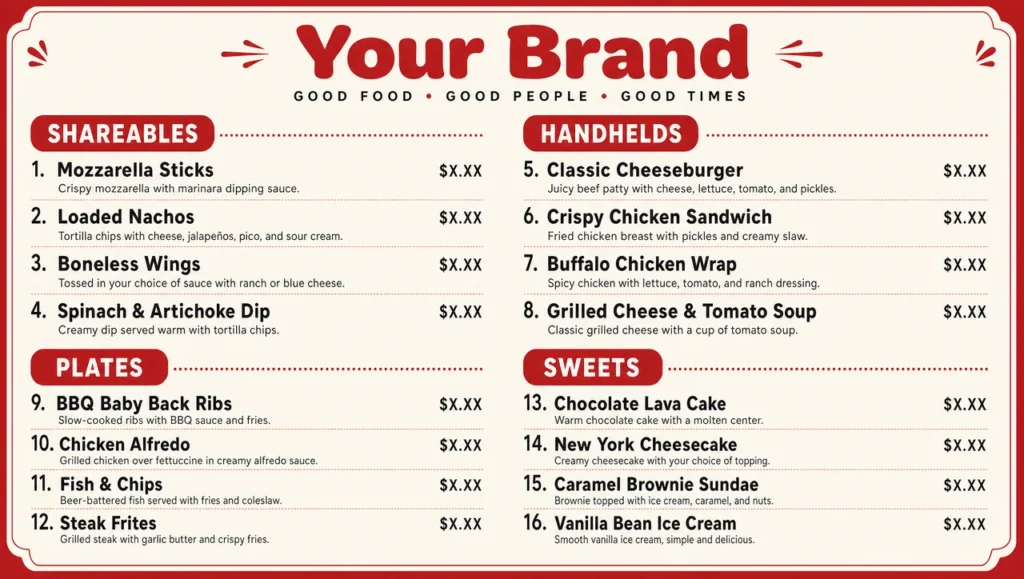 Casual Dining Menu
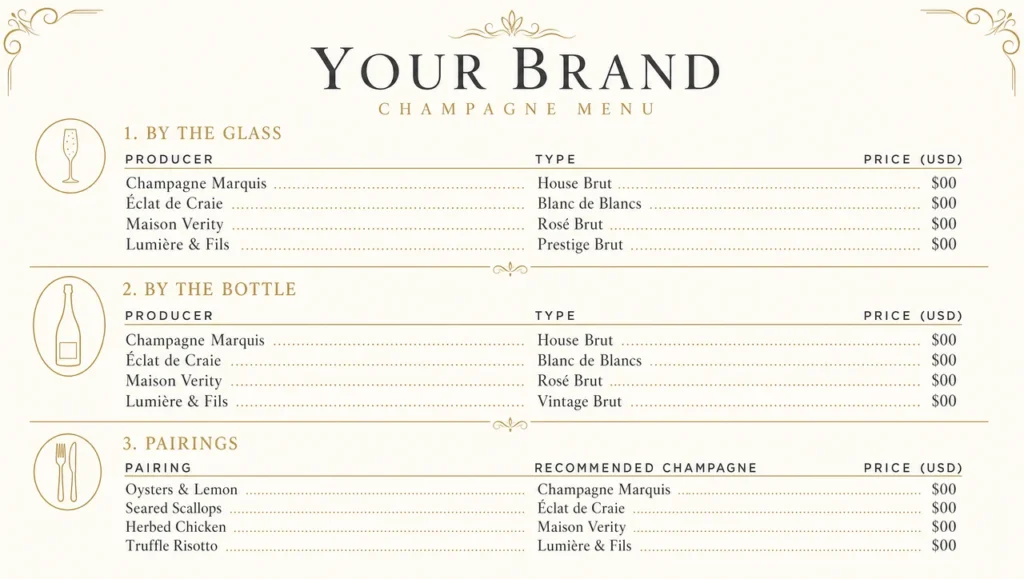 Champagne Dinner Menu
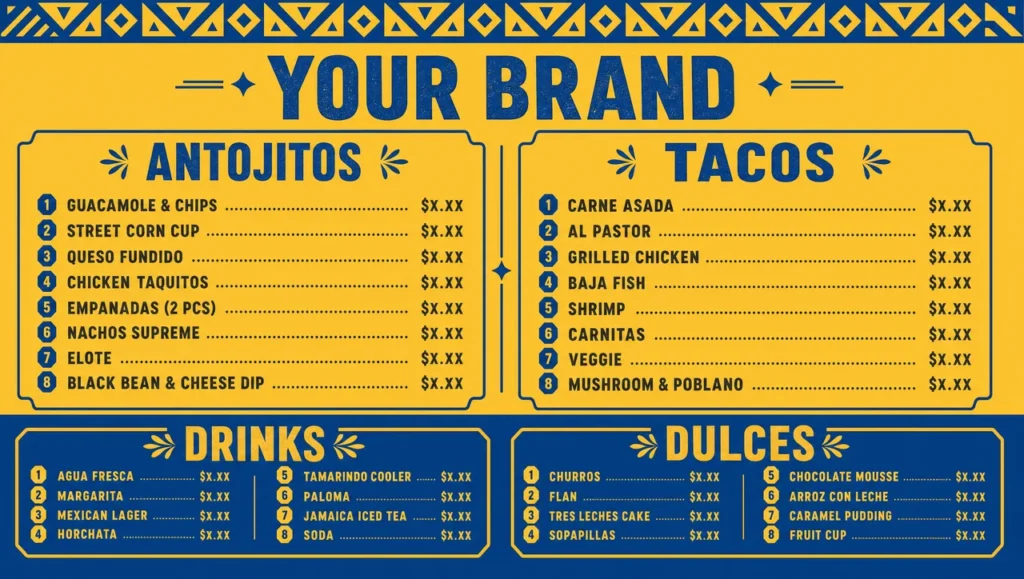 Cinco De Mayo Menu
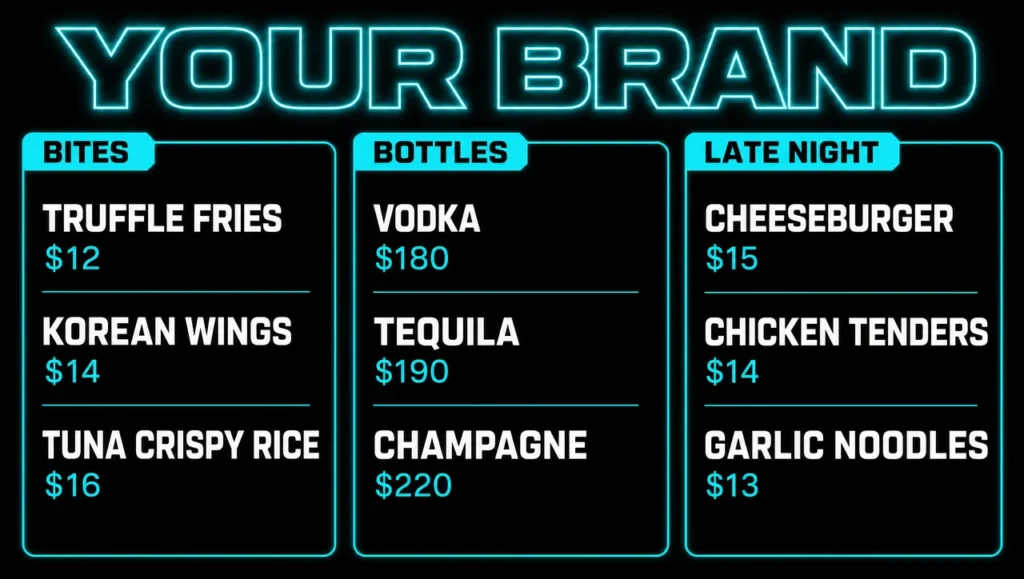 City Night Club Menu
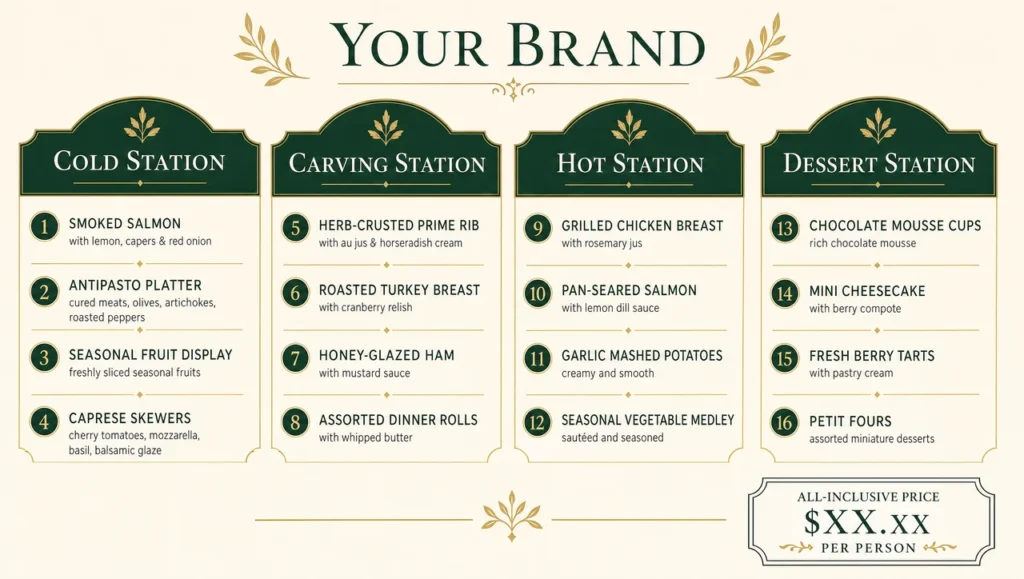 Classic Buffet Menu Ideas
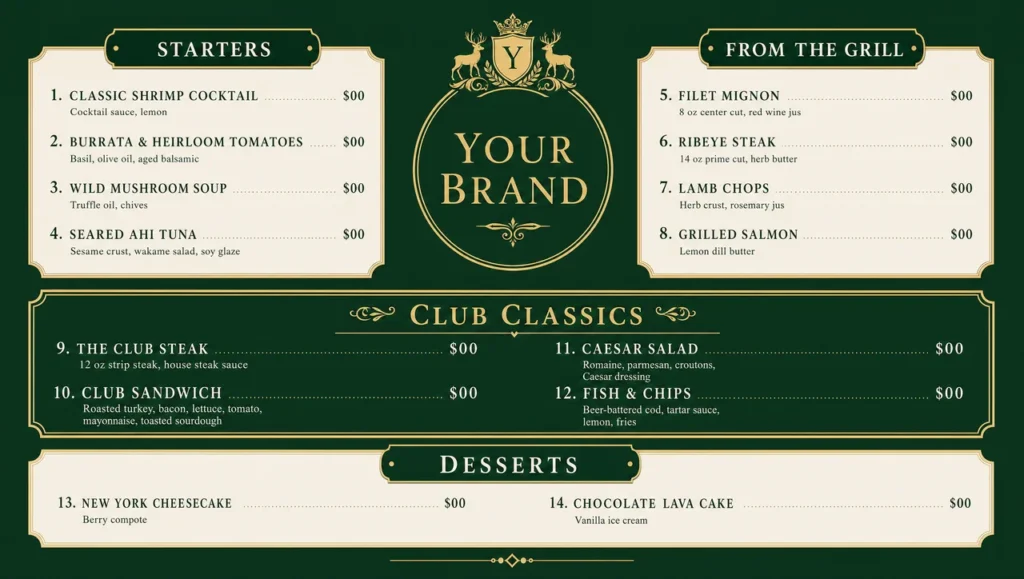 Classic Country Club Menu
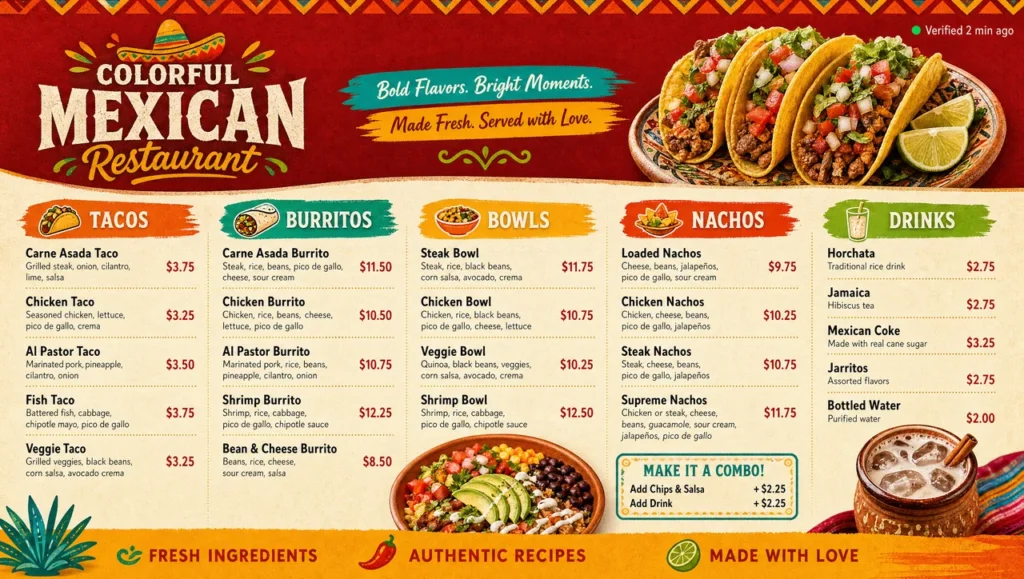 Colorful Mexican Restaurant Menu
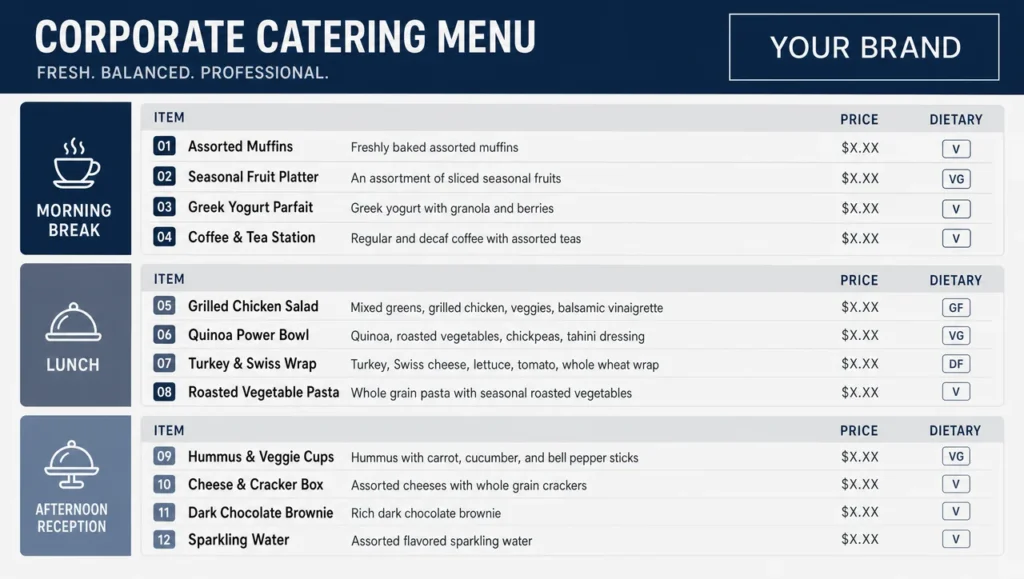 Corporate Event Menu
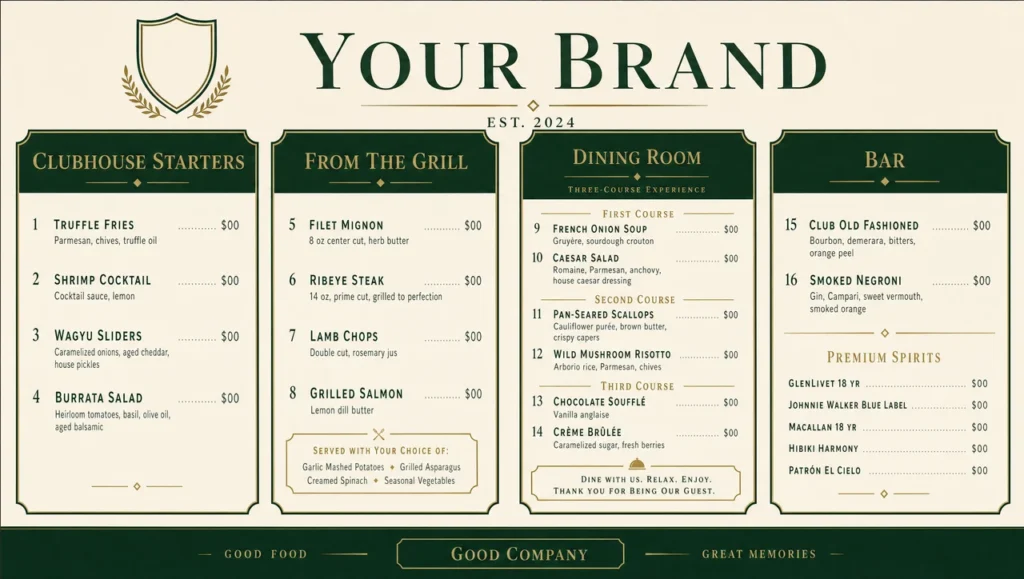 Country Club Menu Ideas
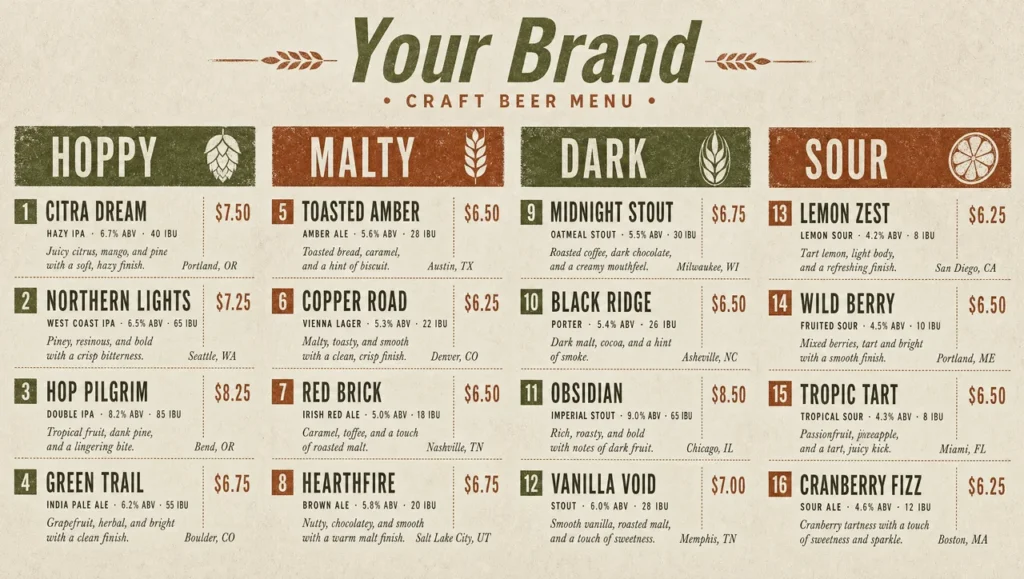 Craft Beer Menu
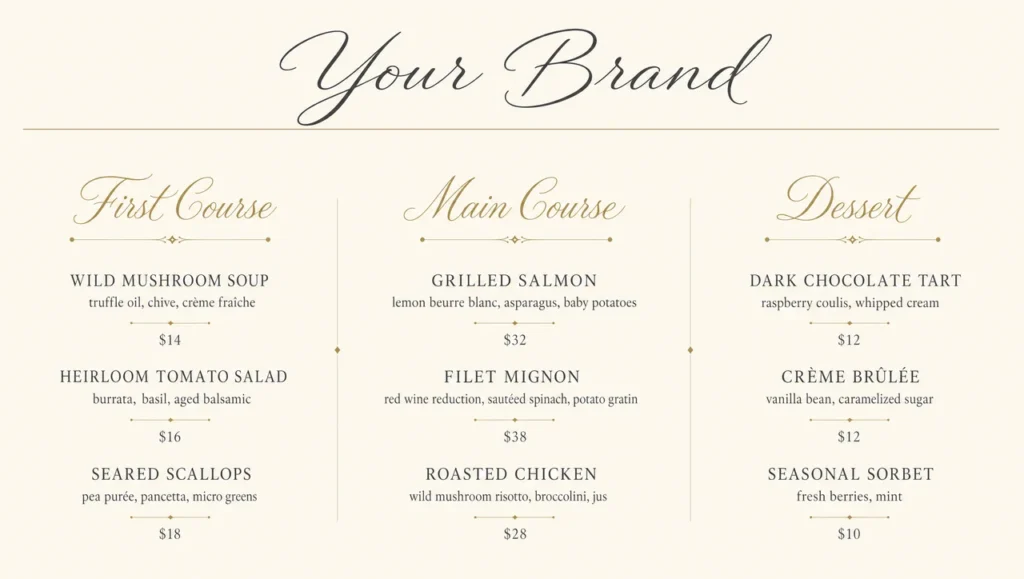 Cursive Fine Dining Menu
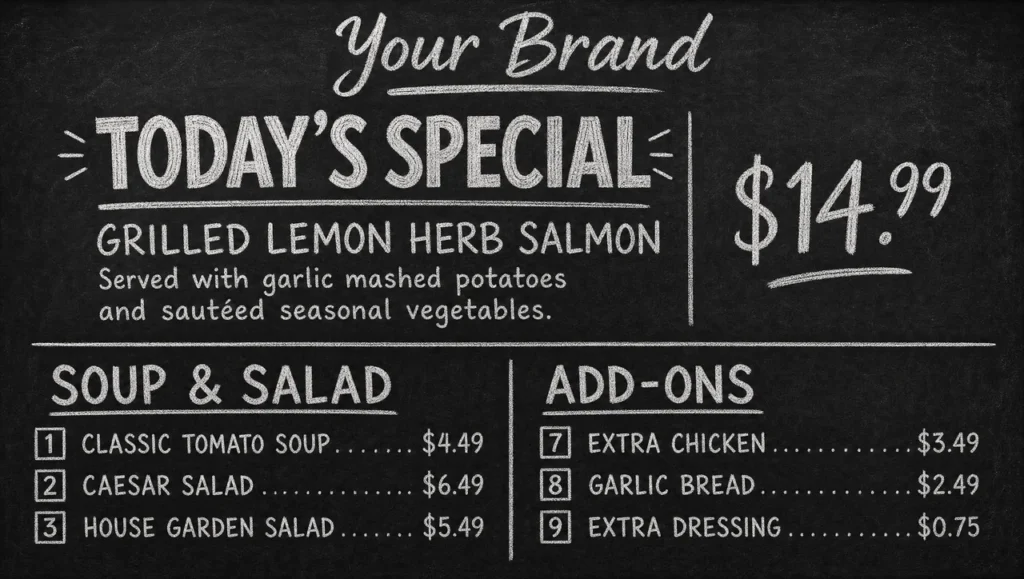 Daily Special Menu
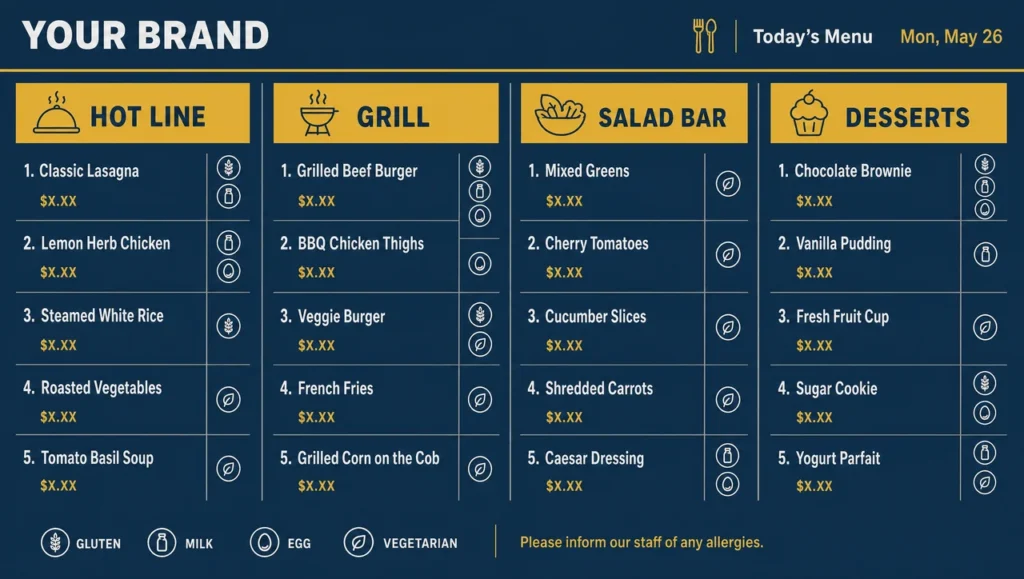 Dining Hall Menu
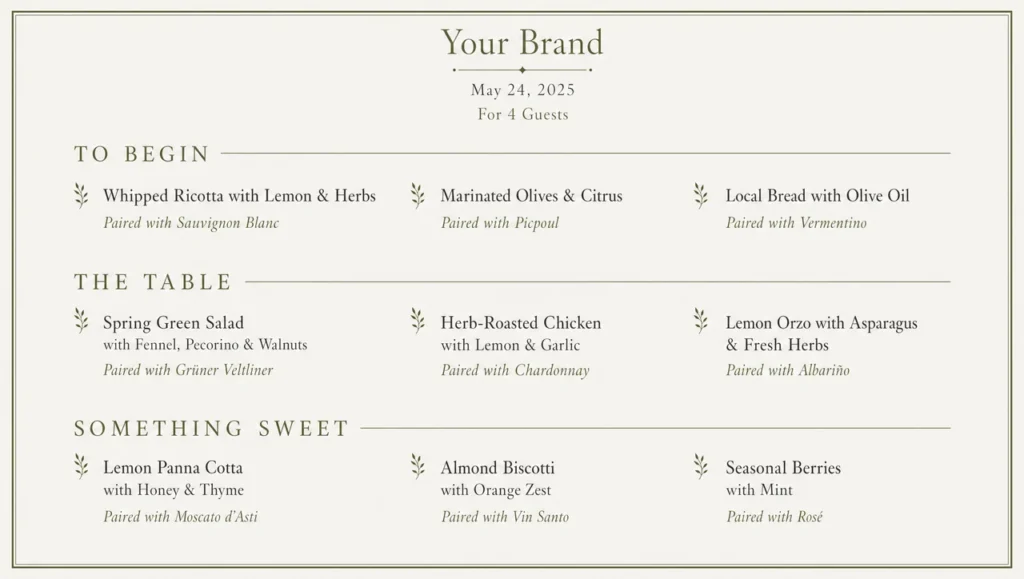 Dinner Party Menu
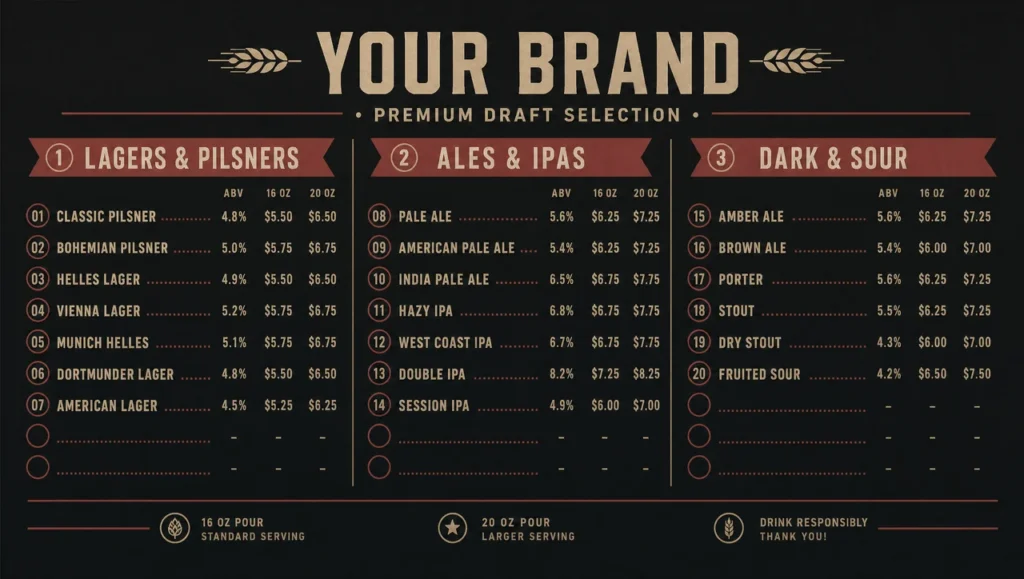 Draft Beer Menu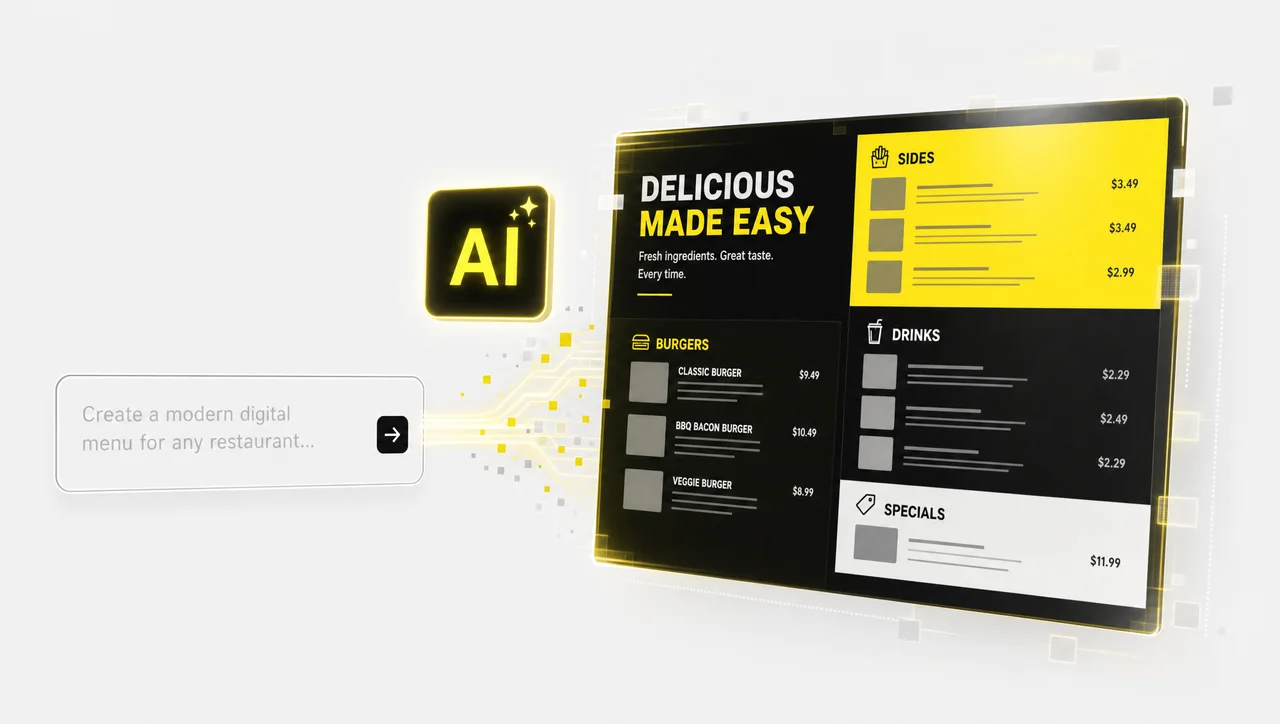
Can't find the perfect fit?
Beyond browsing the templates above, start from a blank canvas or let AI generate a custom menu design template in seconds, matched to your cuisine, colors, and brand.
What a free menu template gives you
A Decker menu template is a ready-made screen layout with fixed design and editable content: one menu template drives 1 screen or 200 screens, and you fill in dish names, prices and photography. Every menu template in the Decker digital menu boards gallery is built on named item slots, so the layout already knows where each price belongs.
A menu template of this kind is what the market calls a digital signage template: the design is finished, and only the content moves. Menu template files you download elsewhere have to be reopened and re-exported every time a number changes. A menu template here stays finished, and the values update inside it. Every menu template can be duplicated for a second location in one click.
Specifically, if you’re managing menus across more than one location, Decker keeps every menu format in sync — print-ready templates, your website, and digital screens — from one dashboard. Update a price once, and it updates everywhere.
Browse menu templates by cuisine and venue
Decker sorts every menu template into a cuisine or venue gallery, and each gallery ships portrait and landscape versions sized for a run of 1 to 4 screens. A menu template for a taqueria and a wine list carry different item counts, reading distances and price formats.
Every menu template in a gallery works as a menu sample you can open, compare and customize as your own. Menu template galleries split food, drinks and desserts, so a food menu template already matches the item mix you sell.
-
 Learn more
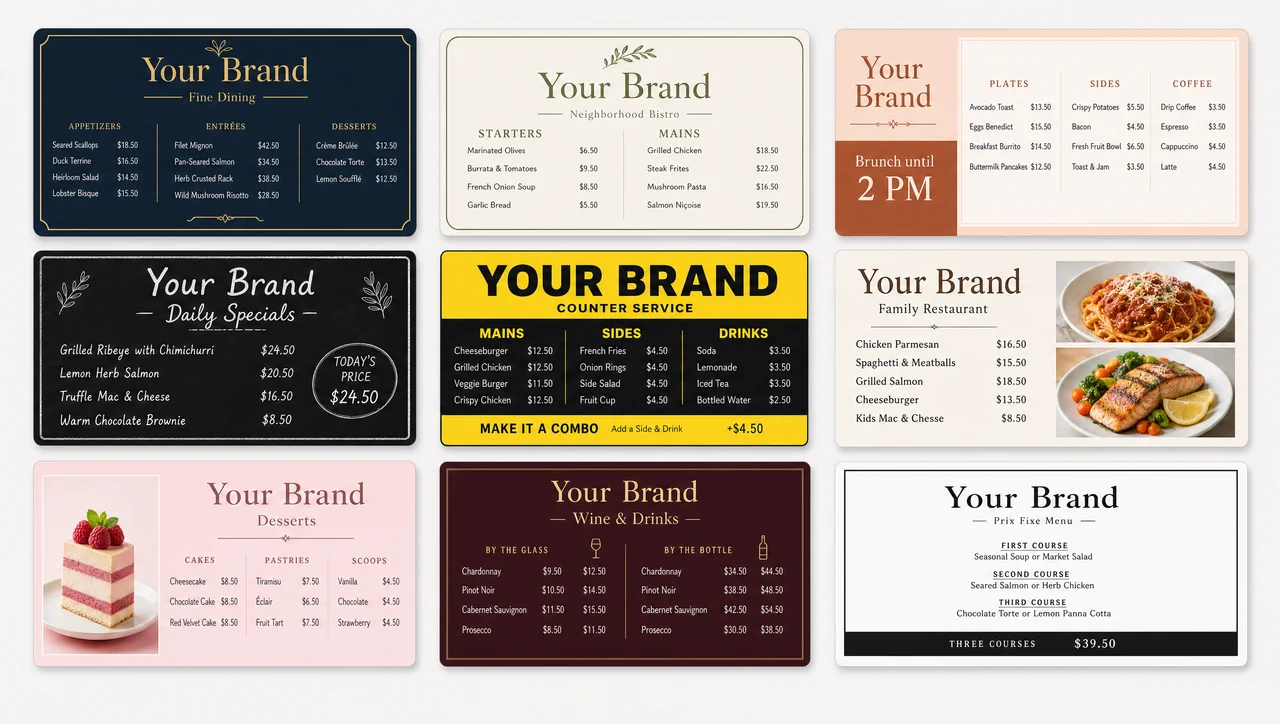
Restaurant Menu Templates
Full-profile dining layouts plus daily and seasonal specials boards.
-
 Learn more
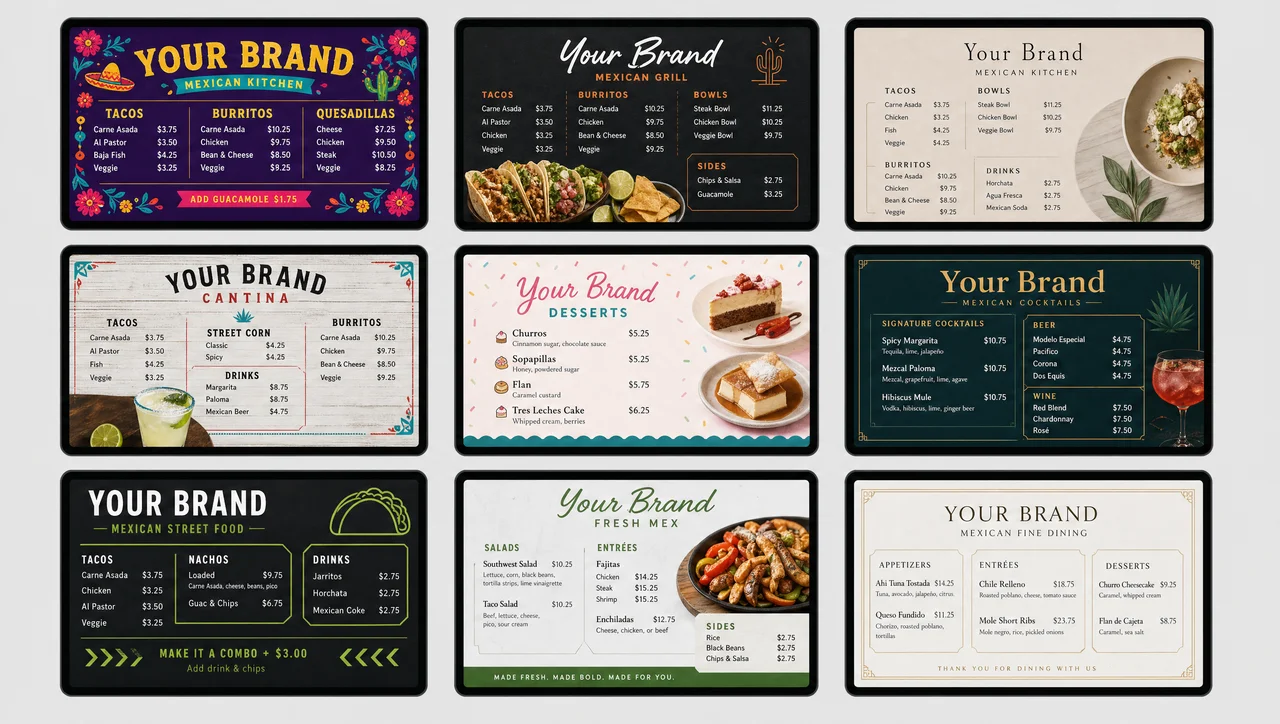
Mexican & Tex-Mex Menus
Taqueria boards with combo and family-platter blocks.
-
 Learn more
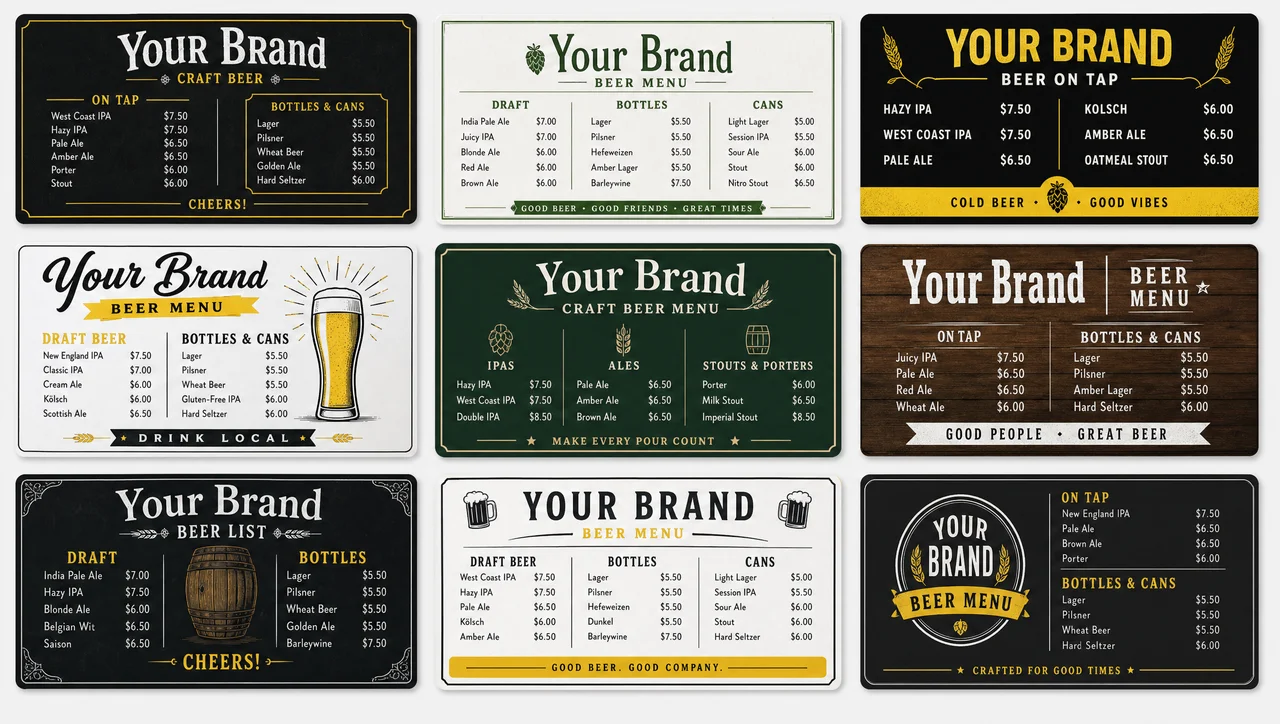
Beer Menu Templates
Taproom and pub tap lists with flight card and bottle list blocks.
-
 Learn more
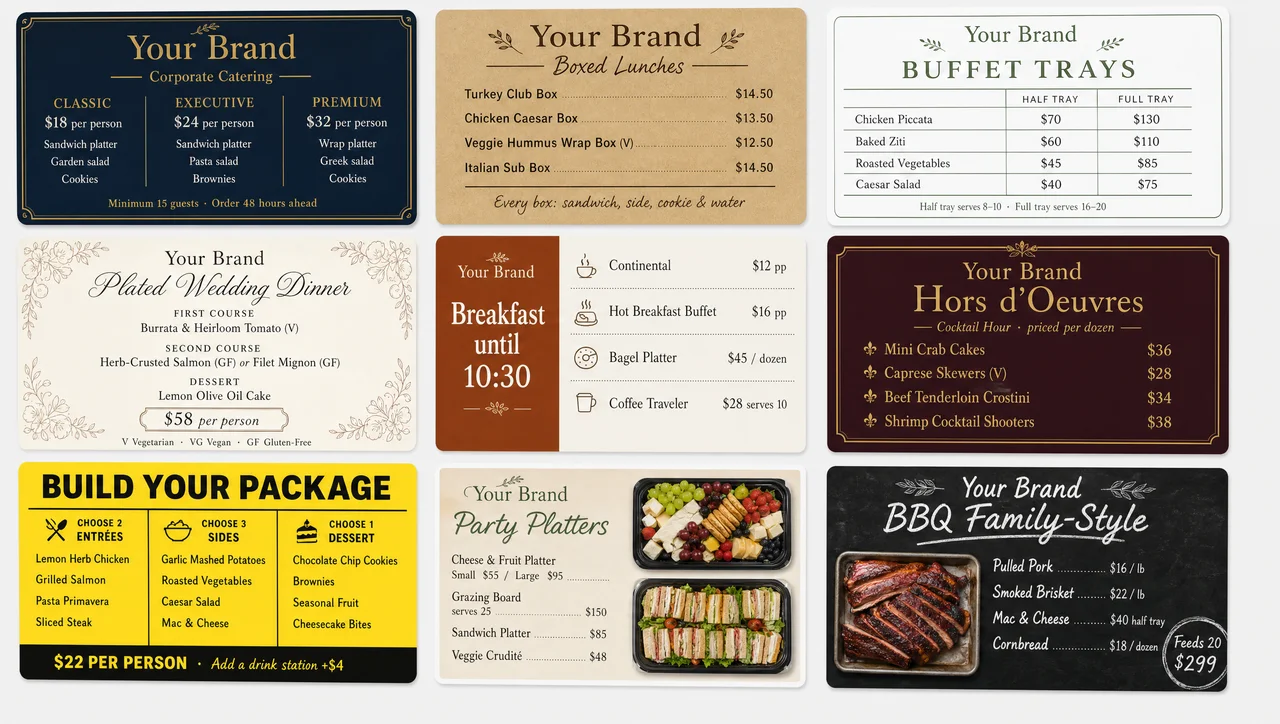
Catering Menu Templates
Drop-off and buffet layouts with package tiers and per-person pricing.
Sizes, orientations and menu formats every template ships in
Decker ships every menu template in portrait and landscape, so the same board fits 1 screen over a counter or a run of 4 screens across a wall. A menu template is built for an item count and a reading distance, then rendered to whatever resolution the display reports. Menu template files never need a separate 4K version or a re-export for a different panel. Decker renders the same layout at whatever pixel density the panel asks for.
| Menu format | What it suits | Typical run |
| Landscape 16:9 | Combo grids and photo-forward boards | 2-3 screens over the till |
| Portrait 9:16 | Narrow item lists, drink and dessert menus | 1 screen beside the counter |
| Landscape triptych | A full menu split across a wall, one category per panel | 3-4 screens |
| Compact single | Short, fast-rotating menus and daily specials | 1 screen |
| Strip banner | A promo or price line under the main board | 1 screen |
Every menu template also reaches beyond the screen: a print-ready PDF for the table, a web version for your site, and the live board itself. Menu template output stays in sync across all three, so one price edit updates print, web and screens together.
How a template is customized
Decker turns a menu template into a finished board in five steps, and a single-location setup of 1 to 3 screens fits inside one working session. A menu template opens in a visual editor, so no design software and no designer are involved. Every menu template keeps its grid while you change type, colour and photography. Decker saves each edit as a version, so you can roll back to the original layout at any point.
-
Step 1.
Pick a layout
Open the gallery for your cuisine or venue and choose the board that matches your item count and screen orientation. Portrait and landscape versions sit side by side, so a different mount never means rebuilding the design.
-
Step 2.
Customize the design
Change fonts, colours and background, drop in food photography and reorder categories. The grid holds while you edit, so a customized template still reads at counter distance.
-
Step 3.
Add your items and prices
Type the menu in, import a price list or connect your POS. Items land in the slots the layout already reserved for them, with currency and decimals formatted as designed.
-
Step 4.
Set availability and dayparts
Mark sold-out items to hide them, and schedule breakfast, lunch and evening versions of the same board. Rules are set once and run on their own afterwards.
-
Step 5.
Publish to your screens
Send the board to one screen or to a group of locations. Groups can carry different menus, so a regional price never forces a network-wide edit.
What stays fixed when prices change
Decker protects the design layer of a menu template while the content moves, and that separation keeps artwork stable across more than 13,700 screens. A menu template therefore survives hundreds of price edits without drifting from the design it shipped with. Every menu template keeps its type, spacing and currency rules no matter how often the numbers change underneath. Decker never re-renders a whole board when a single value moves.
| Layer | What happens on a price or item change |
| Typeface and weight | Preserved — the slot keeps the font it was designed with |
| Spacing and alignment | Preserved — column positions and leading are untouched |
| Currency and price format | Preserved — separators, symbols and decimals follow the original design |
| Photography and icons | Preserved unless the item itself is replaced |
| Item price | Redrawn from the connected source in 1-5 seconds |
| Item availability | Sold-out positions are hidden or greyed automatically |
| Daypart variant | Swapped on schedule between breakfast, lunch and evening sets |
The layout rules built into every template
Decker builds every menu template on the same layout rules, because 1 screen stays readable only up to roughly 7 items per category and 3 categories. A menu template that breaks those limits looks fine on a laptop and fails at 10 feet from the counter. Menu template galleries above are variations on a small set of decisions about hierarchy, item count and reading order. Decker applies the four rules below to every gallery without asking you to know them.
-
Item count per screen
A single board stays readable up to roughly 7 items per category and 3 categories per screen. Past that, guests stop scanning and start queueing. High-item menus are split across a run of screens rather than compressed into one, and the galleries ship pre-split for that.
-
Reading order and price placement
Prices sit in a right-aligned column instead of trailing the description with dot leaders, because a column can be scanned vertically in one pass. The first and last positions in a block hold the most attention, which is where margin-strong items belong.
-
Contrast and type size
Type is sized for the distance from the counter, and long-dwell areas keep light type on a dark ground. Low-contrast pairings that survive a print proof fail on a backlit panel viewed at an angle.
-
Motion on a menu board
Movement belongs to promo frames, not to price rows. A price that animates while a guest is reading it costs comprehension, so the ordering zone stays still and the promo frame carries the motion.


Downloaded menu files against live templates
A Decker menu template and a downloaded menu file look identical on day 1 and diverge on the first price change, when one takes 1-5 seconds and the other takes 2 days. A menu template stays connected to your prices, while a flat file has to be reopened, re-exported and re-uploaded. Menu template edits reach every screen in the group at once. Decker keeps one source of truth instead of files multiplying across laptops and drives.
| Task | Downloaded menu file | Decker layout |
| Change a price | Edit, export, re-upload to each screen | Edited once, redrawn in 1-5 seconds |
| Hide a sold-out item | Manual edit, or the item stays on screen | Hidden automatically |
| Run a different menu in one store | A separate file per store, tracked by hand | A screen group with its own menu |
| Switch breakfast to lunch | Someone swaps the file on schedule | A daypart rule set once |
| Know the board is really showing | A phone call to the location | Screen and player state reported back to the panel |
| Update the whole network | File by file, location by location | One publish from the admin panel |
For chains running this loop in production, the price-change cycle moved from one to two days — designer, email, USB stick — down to seconds, because the edit is now made as part of a normal shift routine.
Generate a custom menu template with AI
Decker generates a custom menu template from a text prompt in seconds, and the result publishes to 1 screen or 40 exactly like a gallery pick. A menu template built this way is matched to your cuisine, colours and brand, then opens in the same editor as every other layout.
Menu template generation also runs from a blank canvas when a brand book already fixes the composition. Decker keeps a generated board on the same item slots, so it behaves like any other menu template from the moment it exists.
-
Start from a prompt
Describe the venue, the cuisine and the palette, and a finished menu design comes back in seconds, ready to customize like any layout in the galleries above.
-
Start from a blank canvas
Build the grid yourself when a licensed typeface or a fixed composition is non-negotiable, then reuse it across every location as your own template.
-
Keep what works
Each layout in the library carries a rating, so you can see which boards other venues kept in place and which ones they replaced.


What free digital menu boards templates actually cover
Decker gives every menu template away free: the whole gallery, both orientations and all editing are open on 1 screen and on 100 screens alike. A menu template here is free to use, free to customize and free to republish as often as your menu moves. Menu template galleries carry no item cap, no watermark and no trial clock.
Menu template galleries cover every cuisine and venue, in portrait and landscape, with editable type, photography and category order, daypart variants and unlimited republishing across your screen groups. Nothing in that list sits behind a paid tier.
Numbers behind the template library
- 13,700+
- screens running Decker layouts
- 490+
- locations publishing menus from one panel
- 90+ cities
- across 2 countries
- 1-5 seconds
- from a price edit to a redrawn board
- 7+ years
- the team has spent on screen networks
Menu Templates FAQ
Are the menu templates free?
Free digital menu boards templates are free on every plan — the whole gallery, both orientations and every edit you make afterwards. Decker charges for screens and players, never for layouts.
Can I download a template as a PDF or Word file?
Every menu template exports to a print-ready PDF, so the same design covers the wall and the table. Menu template galleries also include Google Docs, Slides and Word versions, which are the right starting point if you want to edit or draft in a document editor.
Do I need a different template for a different screen size?
Layouts are resolution-independent, so one layout covers a 32-inch counter panel and a 55-inch wall run. Screen size changes the type scale, not the composition, and portrait and landscape versions of the same layout share their item slots.
Can I see menu samples before I customize a template?
Every menu template opens as a full sample menu, so you see how your categories, prices and photography will sit before you change anything. Menu samples in the galleries double as layout examples, which is the fastest way to compare two formats side by side.
How do prices get into the template?
Prices are typed in, imported from a price list or pulled from your POS. However they arrive, they land in the slot the layout reserved for them and keep the currency and decimal formatting the designer set.
Can I edit a menu template after publishing?
olours, photography, item order and the promoted positions can be changed at any time, and republishing pushes the edit to every screen in the group at once. Design edits and price edits run on separate paths, so changing artwork never disturbs your item data.
What menu format and orientation should I choose?
Portrait suits narrow item lists above a counter; landscape suits combo grids and photo-forward boards. Most locations run a mixed set — two or three landscape boards over the till and a portrait promo panel near the entrance.
Can one location run a different menu from the rest of the network?
Screens are organised into groups, and each group carries its own menu, prices and promo rotation. That is how chains run regional pricing and store-level tests without touching the national board.
What happens when an item sells out?
Mark the item unavailable and it is hidden or greyed on the board automatically, so a guest cannot order something the kitchen has run out of. When stock returns, the position comes back on the next sync.
Do I need a designer to customize a template?
No designer is needed to launch a template or to change it later, which is the point of a ready-made layout. A designer is only worth involving when you want a bespoke board outside the galleries.
What data does a template pull from my menu system?
Only dish names, prices and availability are read into a layout, and never guest or payment data. Personal data handling follows CCPA and CPRA for California residents, and the connection itself is encrypted.
Start from a layout, not a blank canvas
Decker starts you from a finished menu template instead of an empty canvas, whether you are fitting out 1 screen or 100 screens. A menu template picked today can be live on your counter this week. Decker opens the whole gallery without a signup — see it running on your own menu in a free demo, or ask for a quote for your screen count.


