
Digital signage solutions built around confirmed on-screen playback
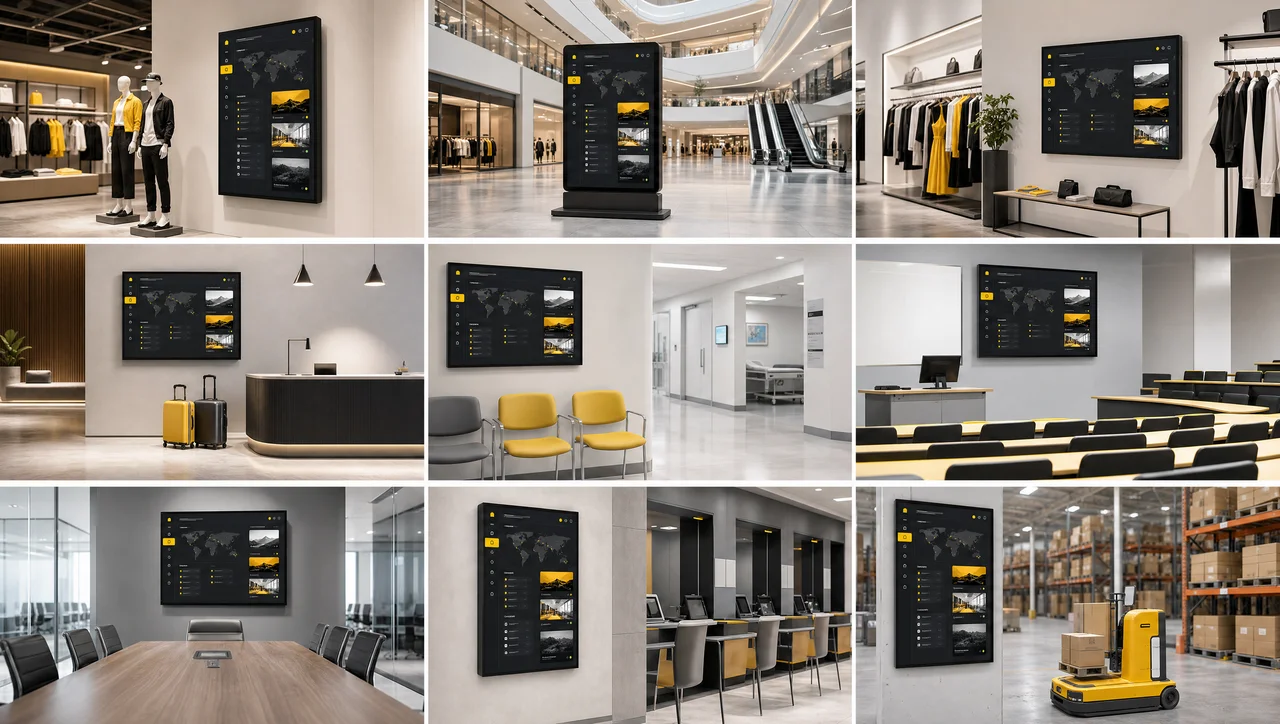
Digital signage solutions combine content software, a media player and screen monitoring into one managed loop. Decker builds all three, adds a hardware verifier, and every screen reports whether content really plays on the glass instead of only reaching the player.



-
Verified playback Confirmed on the glass
Decker Verifier checks a display, not the publish queue, restarts it remotely and switches the input back without a site visit.
-
One vendor CMS, player and verifier in one
Every screen runs on Decker’s own software, player and verifier, so one party answers for content, playback and recovery.
-
Any format 14 industries, 9 screen scenarios
In addition, displays running wayfinding, kiosks, video walls and KPI boards publish different content through one control loop.
What a Decker digital signage solution includes
Decker assembles digital signage solutions from four parts, and all four keep a screen publishing on schedule for 365 days a year. Decker ships the first two parts like every vendor, and the third holds them together, because nobody verifies whether content reached an audience. Decker connects each display to your data as the fourth, all of it running on Decker digital signage software.
-
Decker CMS
Decker publishes templates, playlists, schedules and access roles from one digital signage CMS. Decker updates a single screen, a group or the whole network from the same editor.
-
Decker Player
Decker Player connects each display to the platform over Wi-Fi or Ethernet and drives the panel. Screens pair in minutes and start publishing, because every player ships pre-configured instead of waiting for a custom image.
-
Decker Verifier
Decker Verifier monitors each display and its player, checks what plays on the glass, restarts remotely and logs uptime per screen.
-
Decker integrations
Decker connects a POS system, integrates that POS feed through an API and syncs live data into layouts, so prices reach the layout untouched. A screen updates its prices in 1-5 seconds without anyone editing a slide. Beyond that, the same four parts repeat in every deployment, whatever the industry.


Digital signage solutions by industry
Decker adapts digital signage solutions by industry along three variables across 14 verticals and 9 screen scenarios: what a screen publishes, how often that content updates and who holds the right to publish it. Decker splits food-led venues across two products: digital signage solutions for queue, promo and atmosphere screens stay here, while the priced menu screen belongs with digital menu boards.
-
 Learn more
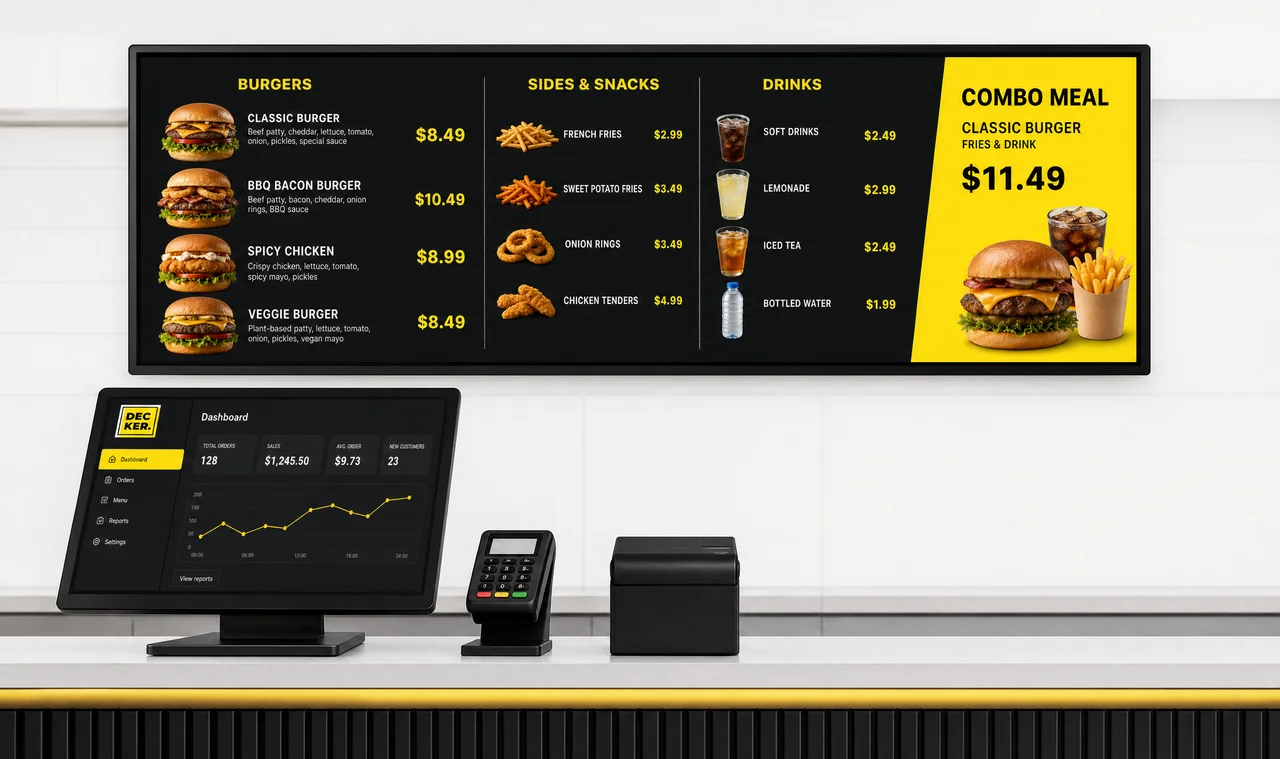
Restaurants
queue, promo and atmosphere screens across the venue, everything except the menu board itself.
-
 Learn more
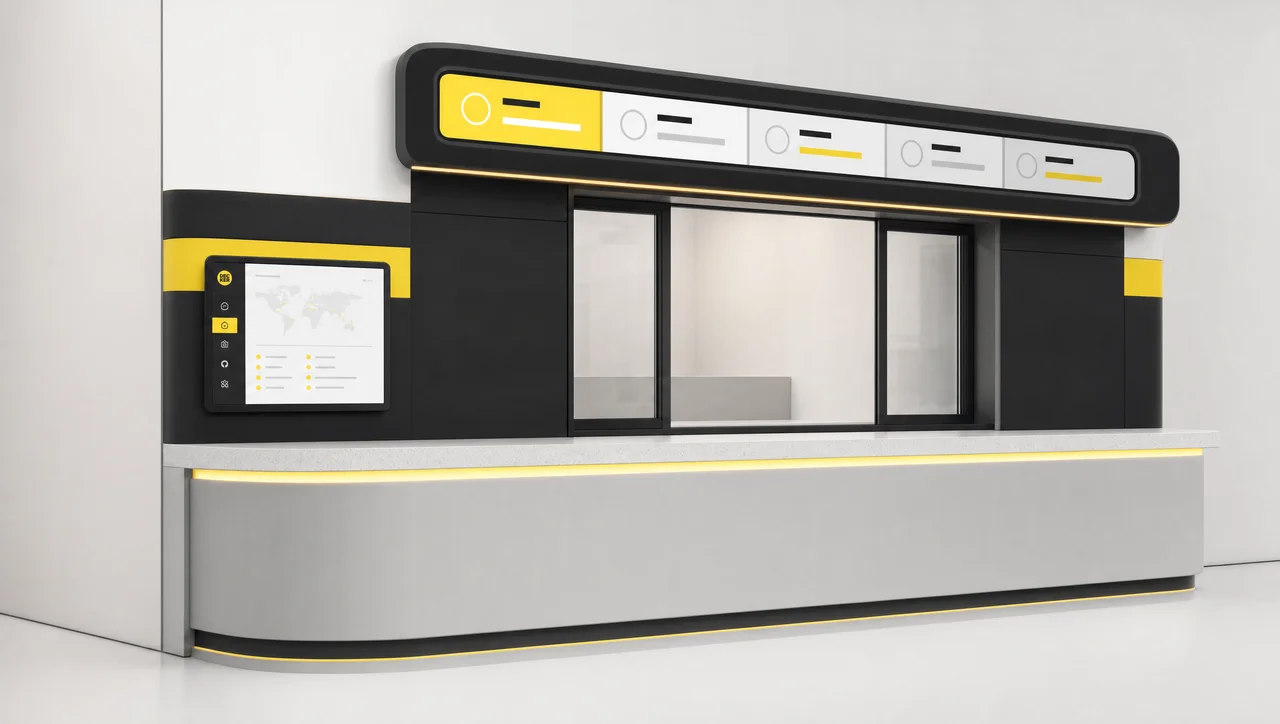
QSR & quick service
order-ready displays, drive-thru wayfinding and back-of-house dashboards.
-
 Learn more
Retail
promo rotation, store-level pricing and campaign control across a chain.
-
 Learn more
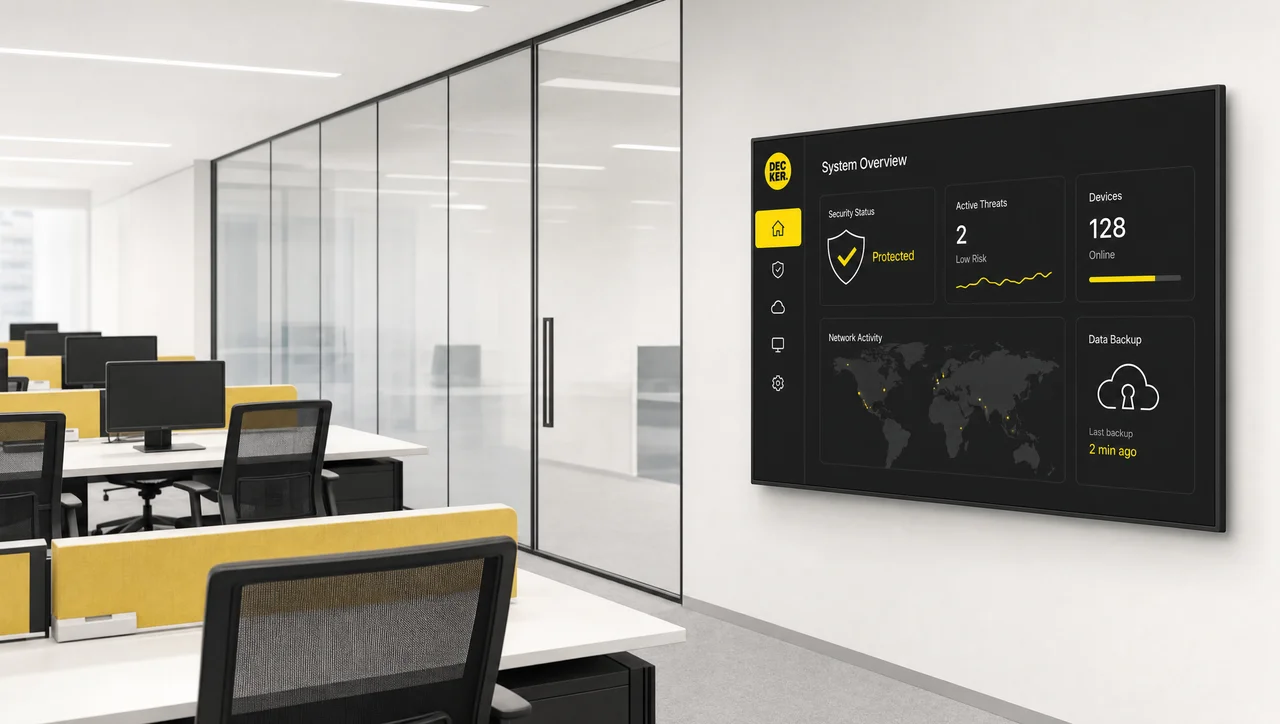
Corporate communications
Leadership updates, company news, and HR deadlines on screens at every site and region.
-
 Learn more
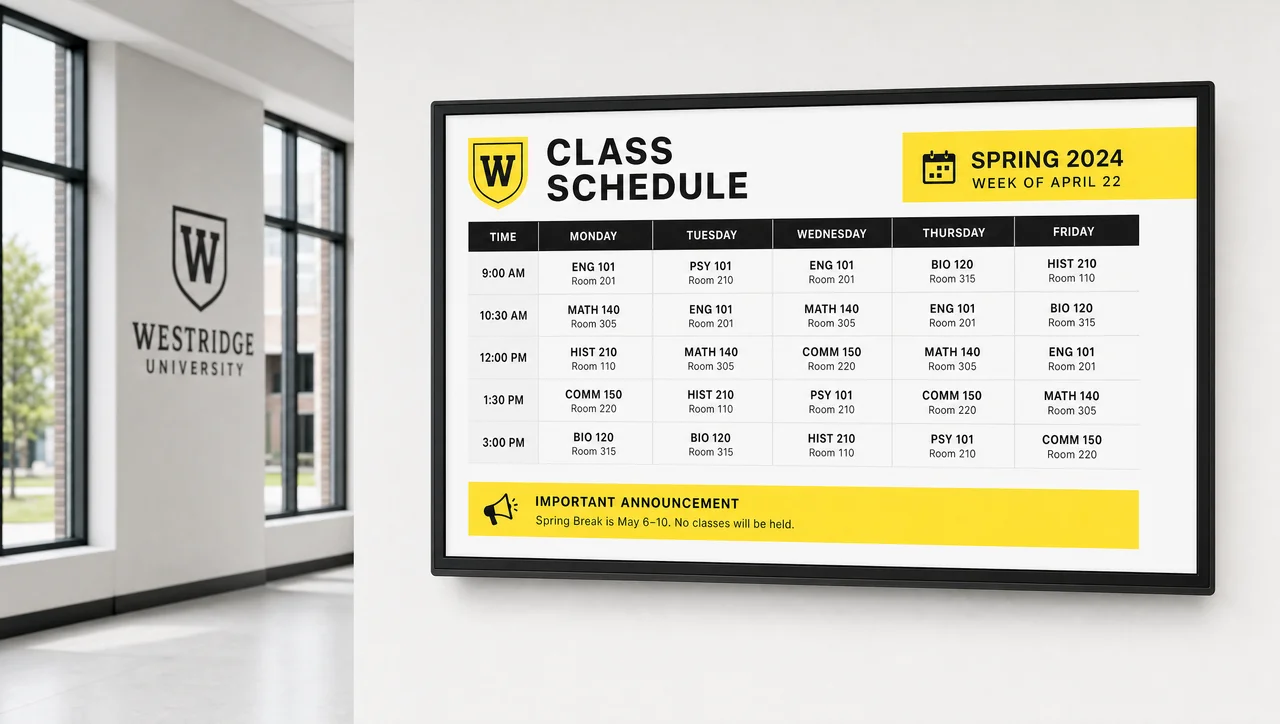
Schools, campuses & education
announcements, timetables, campus wayfinding and emergency messaging.
-
 Learn more
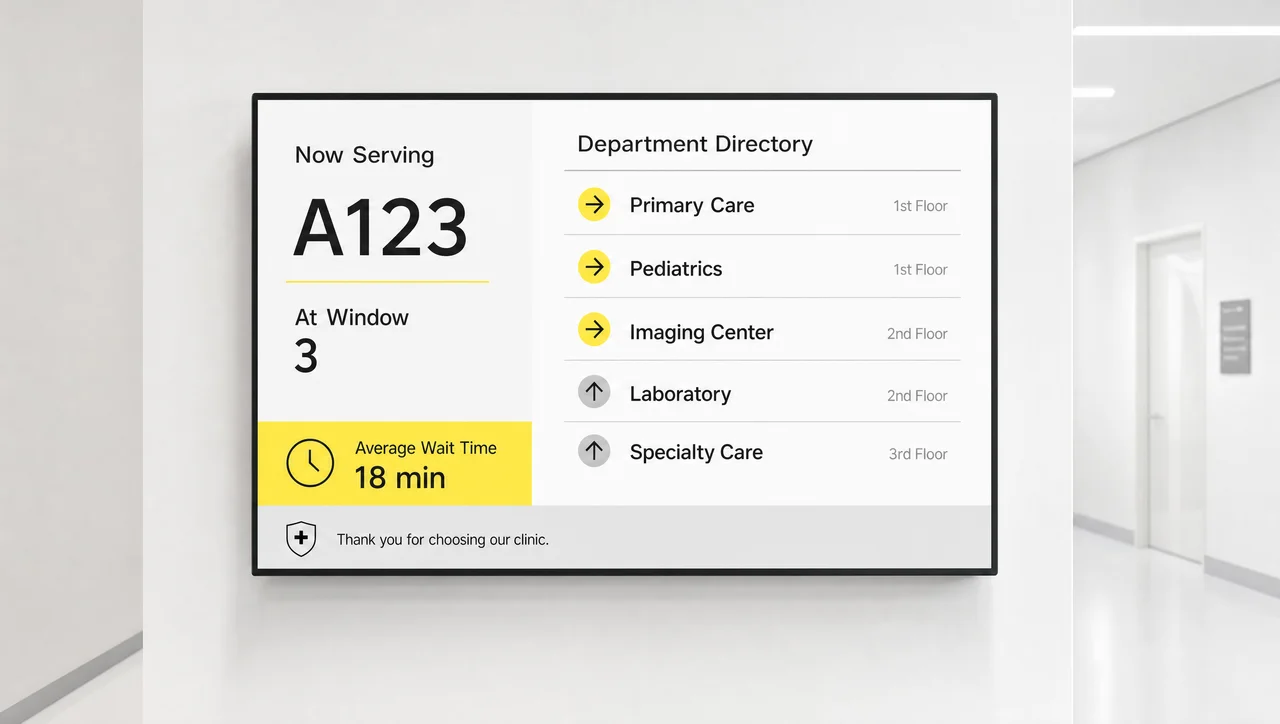
Healthcare & hospitals
waiting-area information, queue calling and departmental navigation.
-
 Learn more
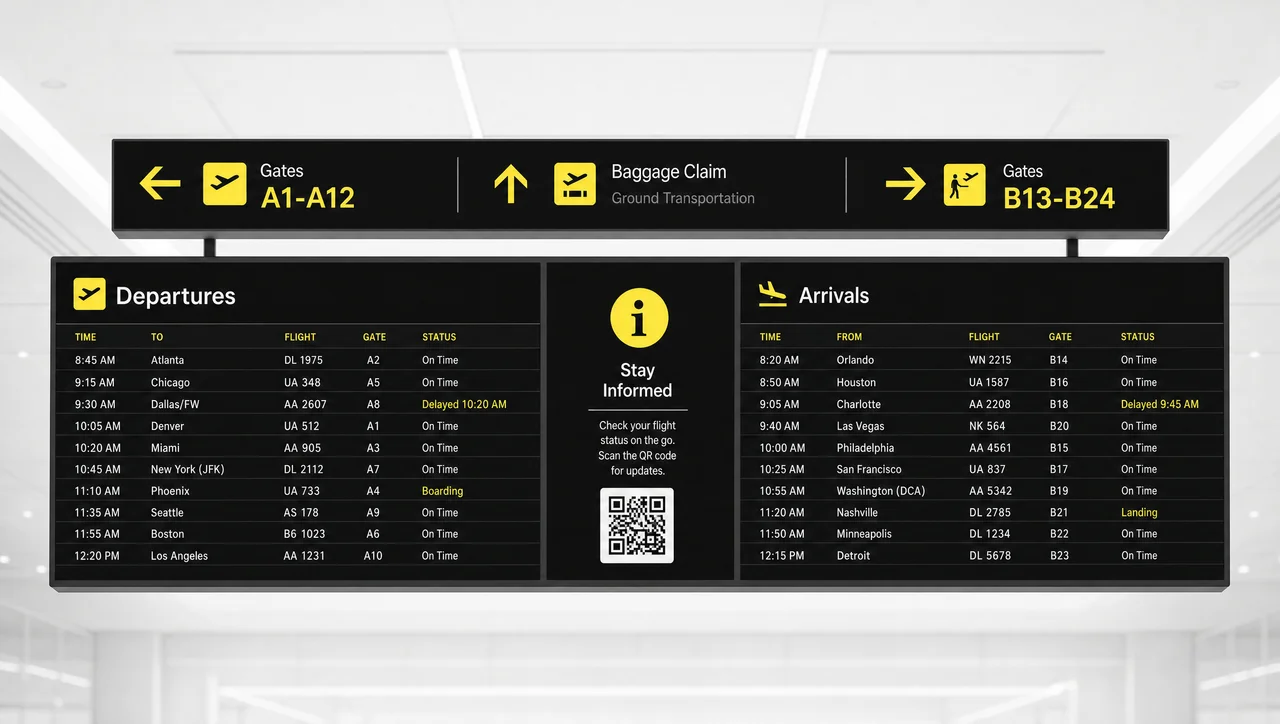
Airports & transportation
terminal wayfinding, service notices and arrival information.
-
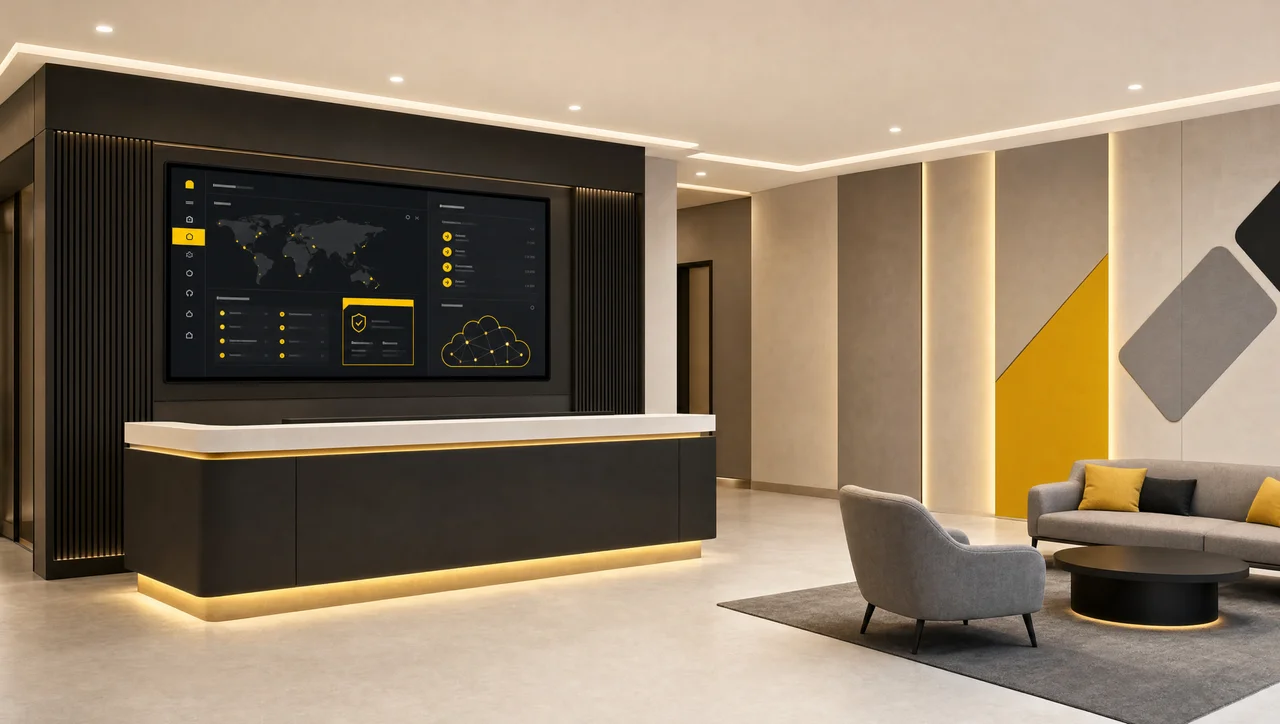
Hotels & hospitality
lobby, room and event-floor screens under one publishing model.
-
 Learn more
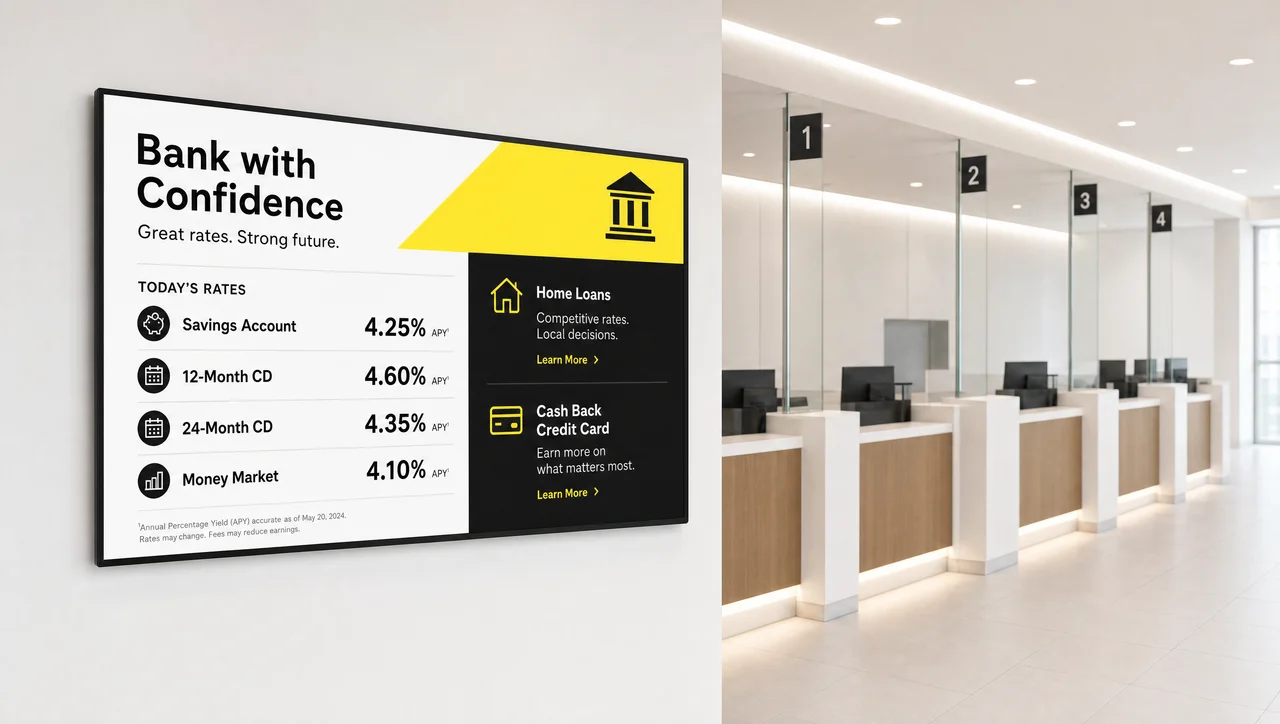
Banking
branch offers, rate boards and service information.
-
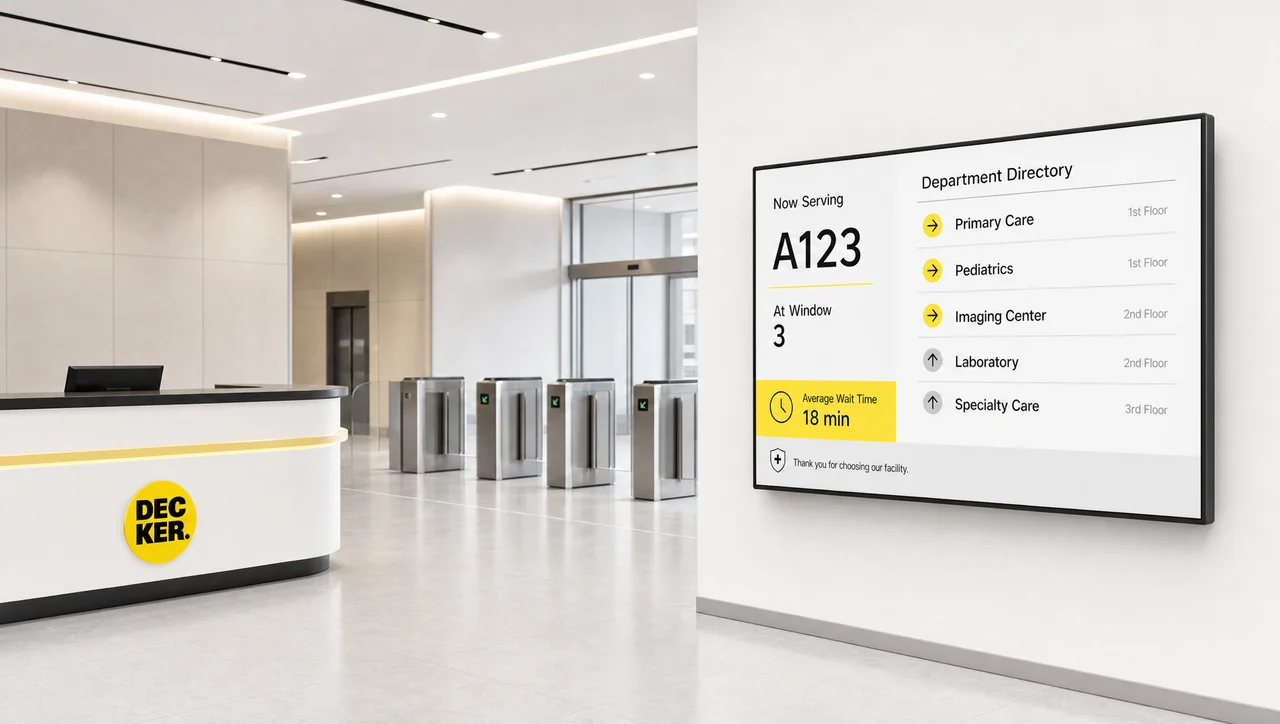
Government & public sector
service information, queue calling and public notices in civic buildings.
-
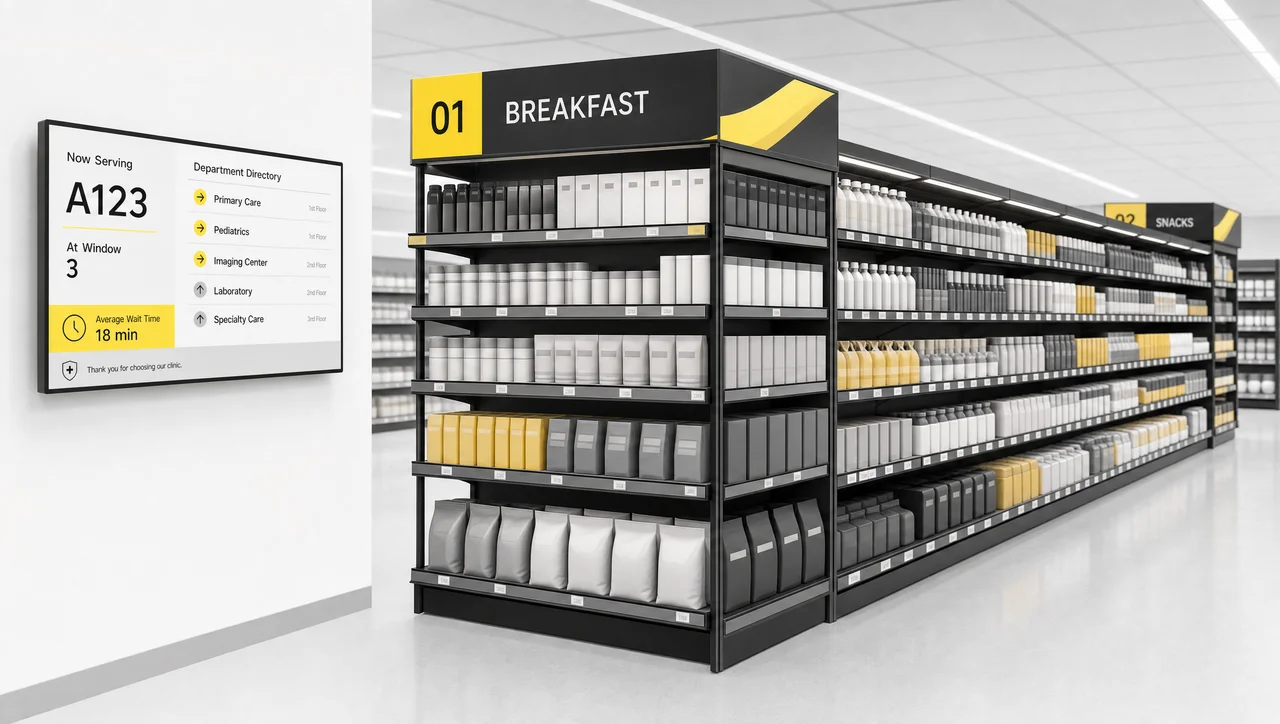
Grocery & supermarket
department screens, category promos and shelf-adjacent messaging.
-
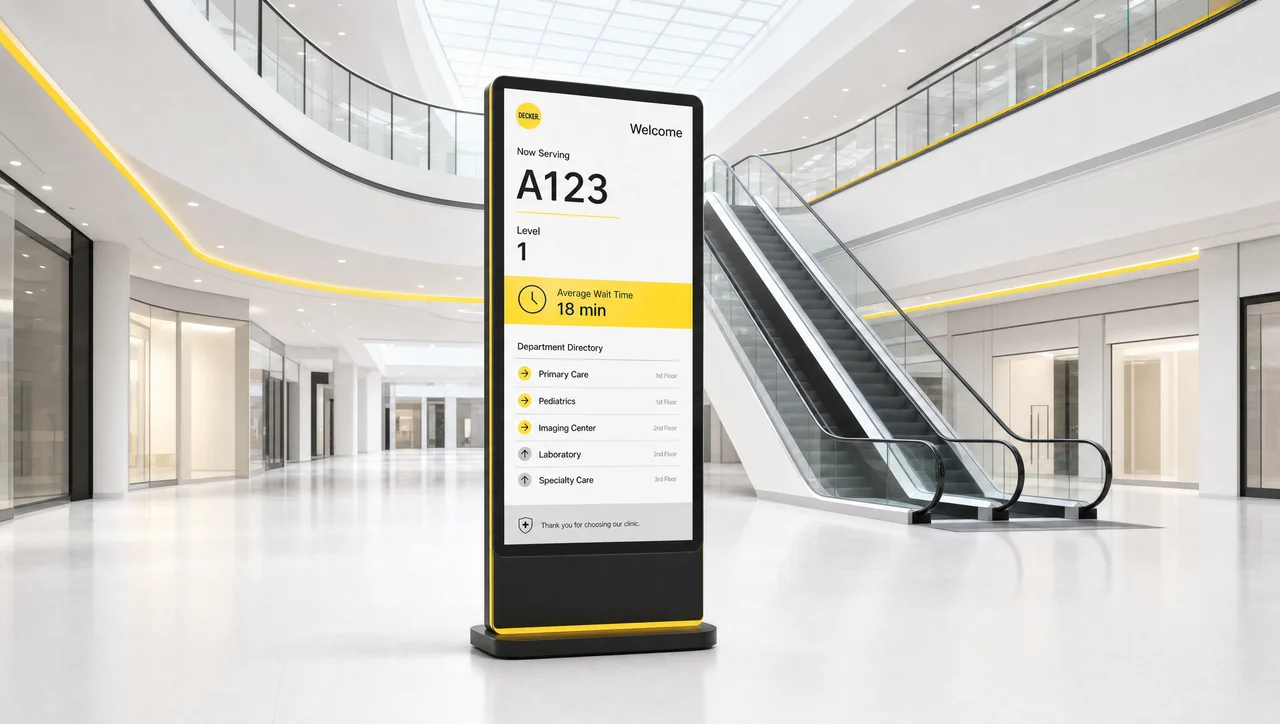
Shopping malls
combined wayfinding and tenant promotion in shared areas.
-
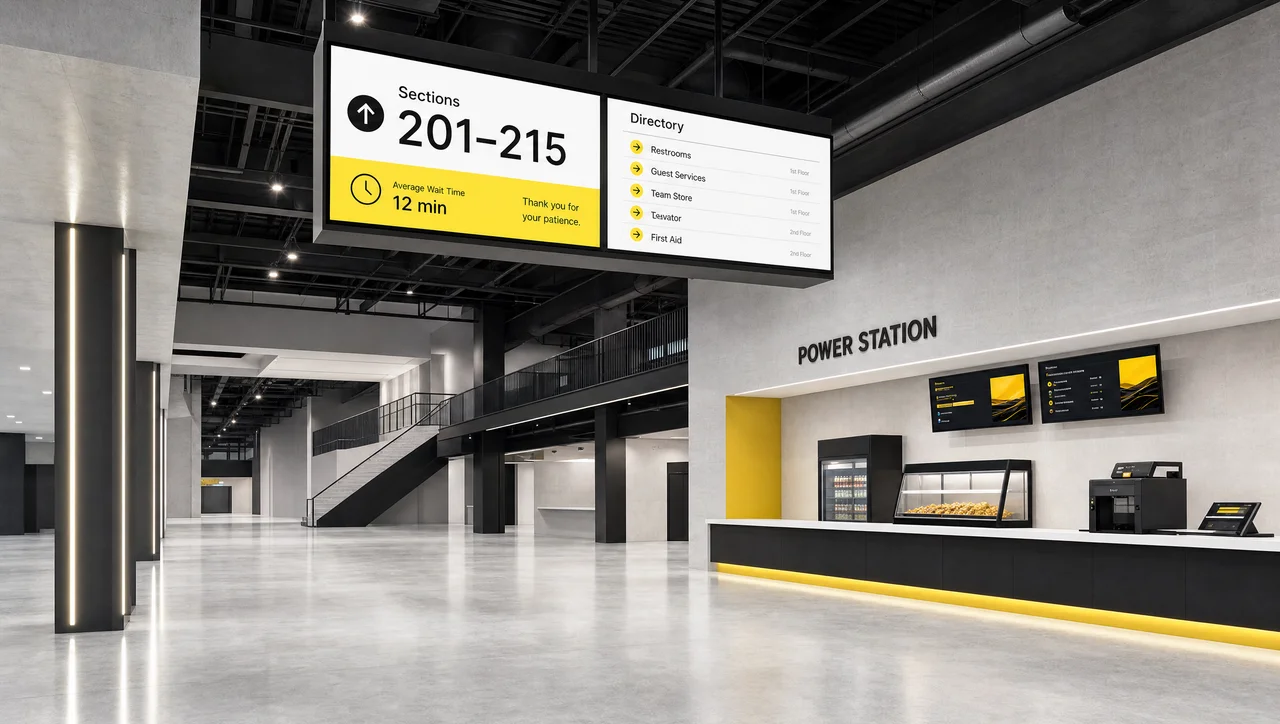
Stadiums & arenas
concourse screens, event information and crowd flow.
-
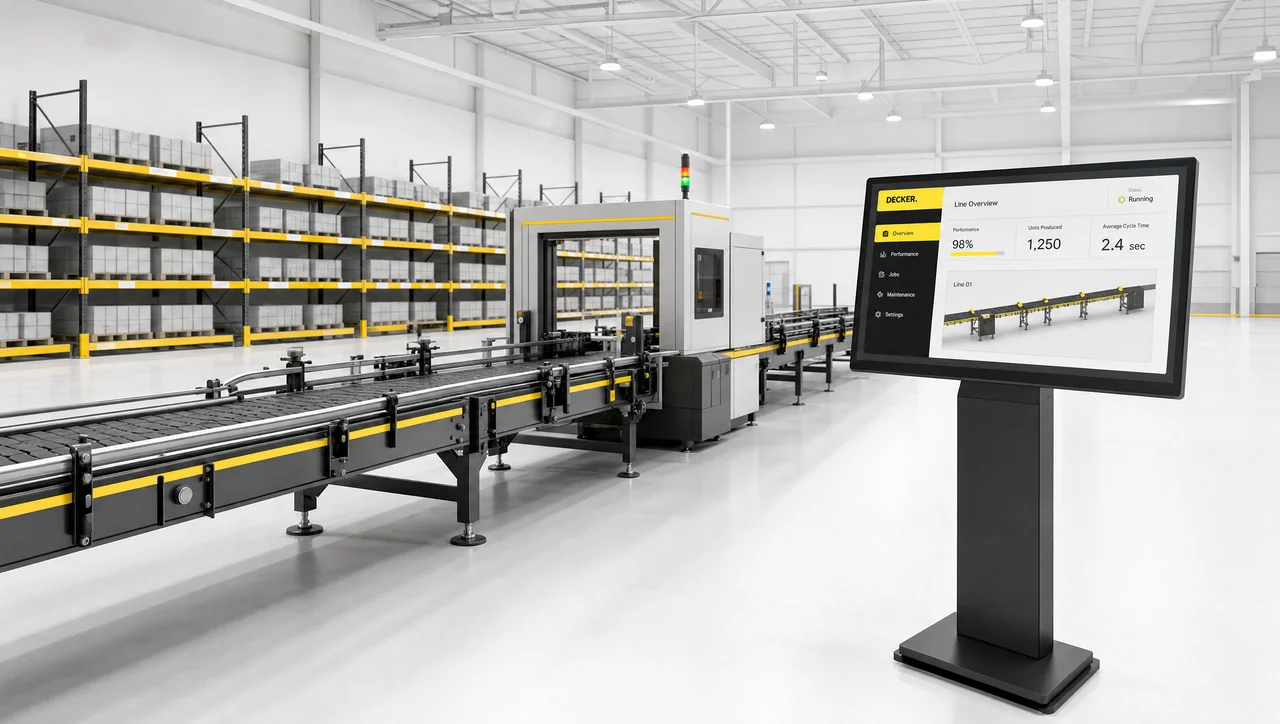
Manufacturing & warehouse
line dashboards, safety notices and shift information.
-
 Learn more
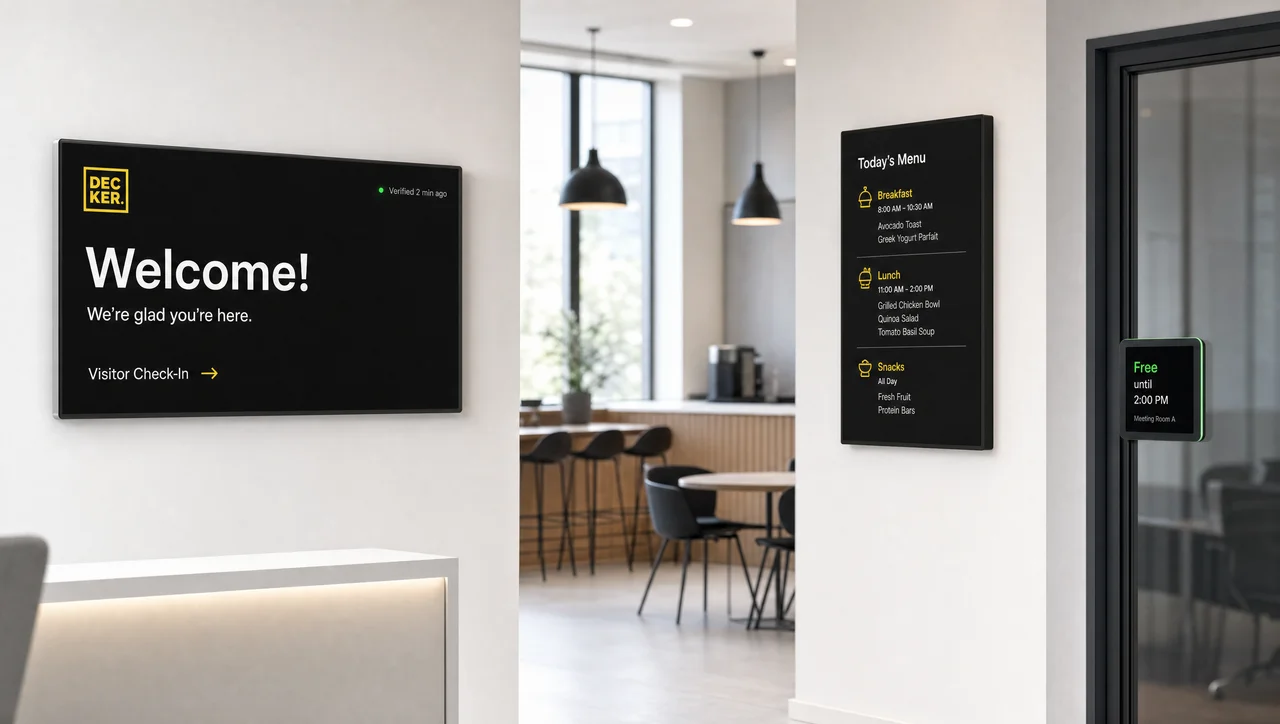
Offices
lobby, break room, cafeteria and meeting-room screens, zoned by floor and run on office hours.
Decker display signage solutions by screen format
Screen format, not sector, groups digital signage solutions here, and 9 screen scenarios run on one loop. A screen publishing a directory and a screen publishing a KPI wall share a building and still need different refresh rates. Decker keeps digital signage solutions for all nine scenarios on one control loop.
-
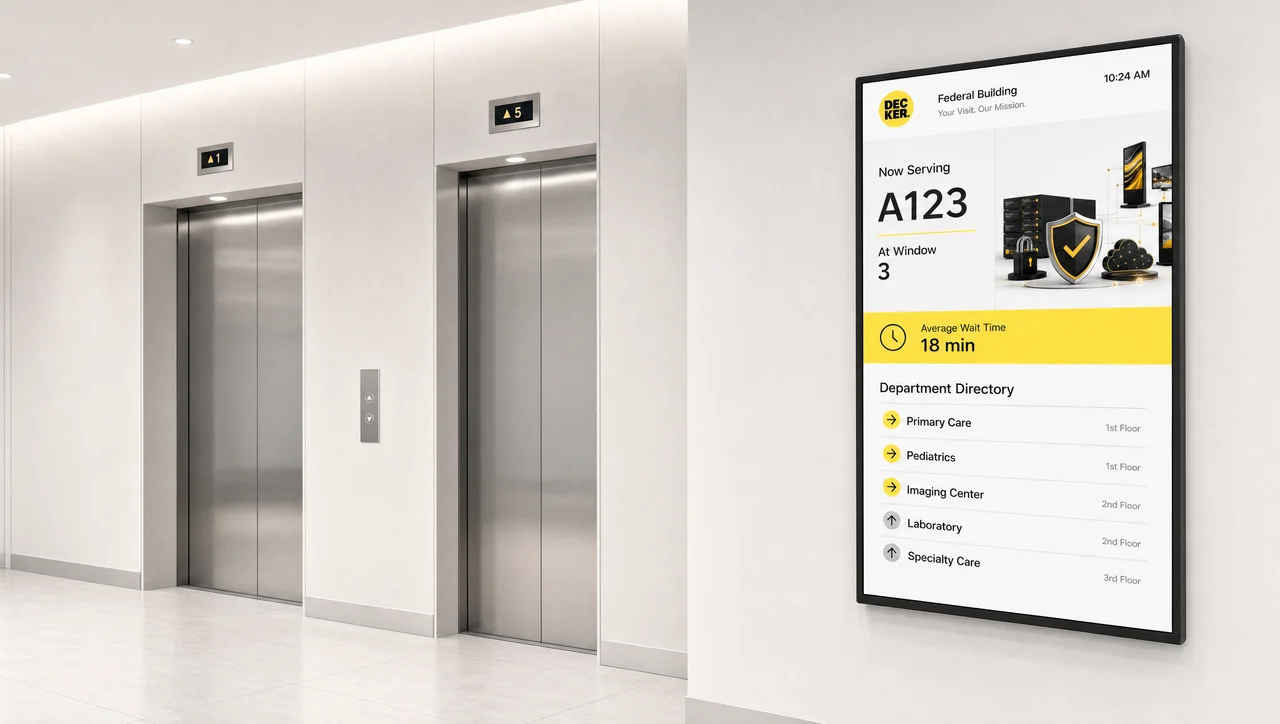 Wayfinding & directories
 -
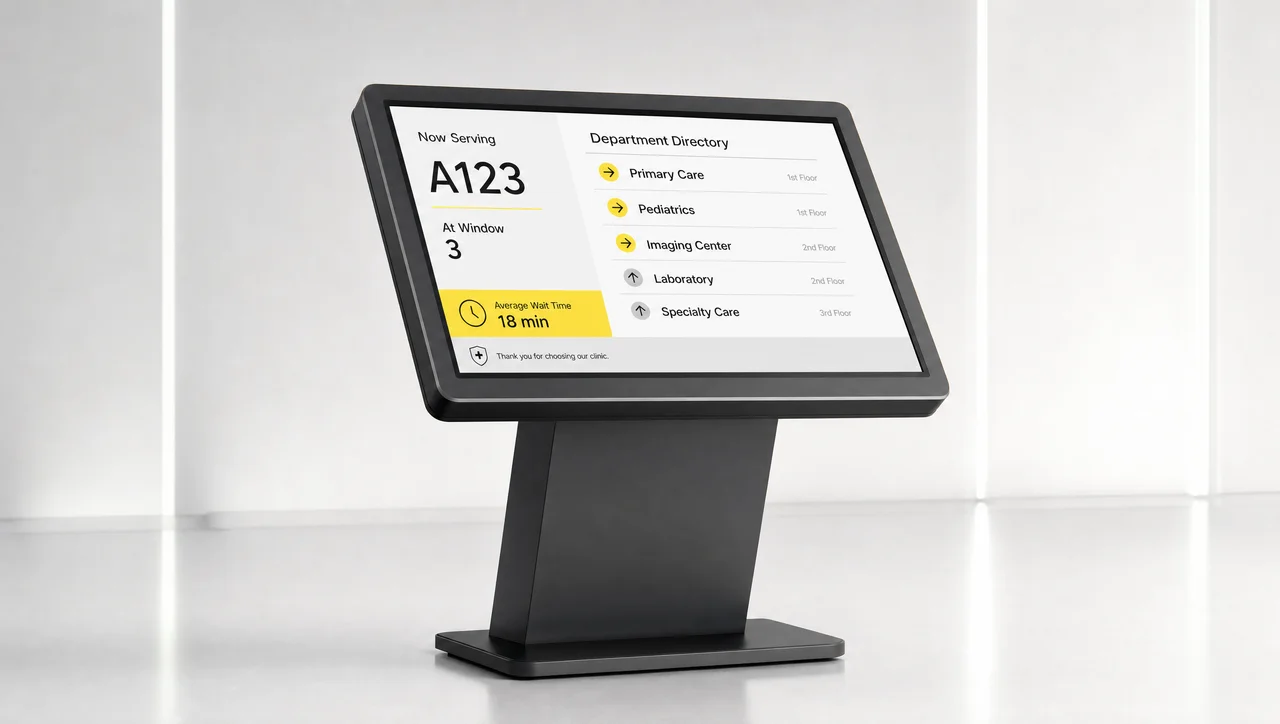 Interactive kiosks & touchscreens
 -
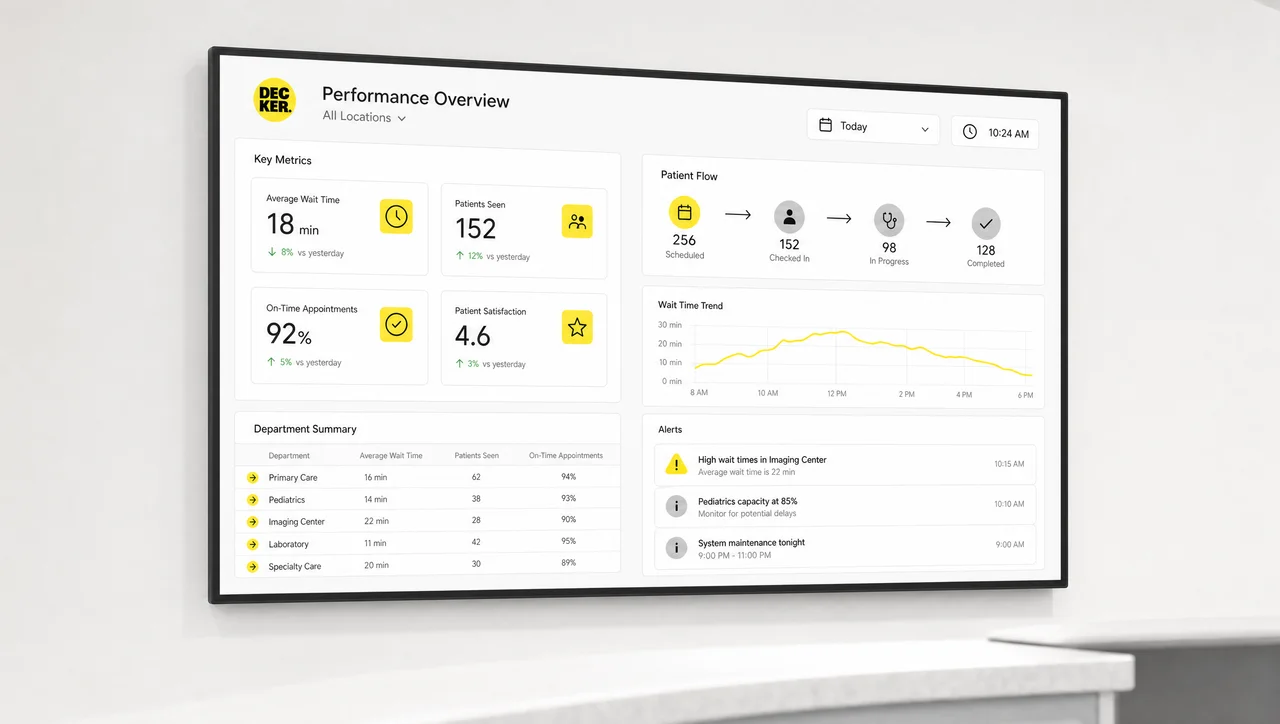 Dashboards & KPIs
 -
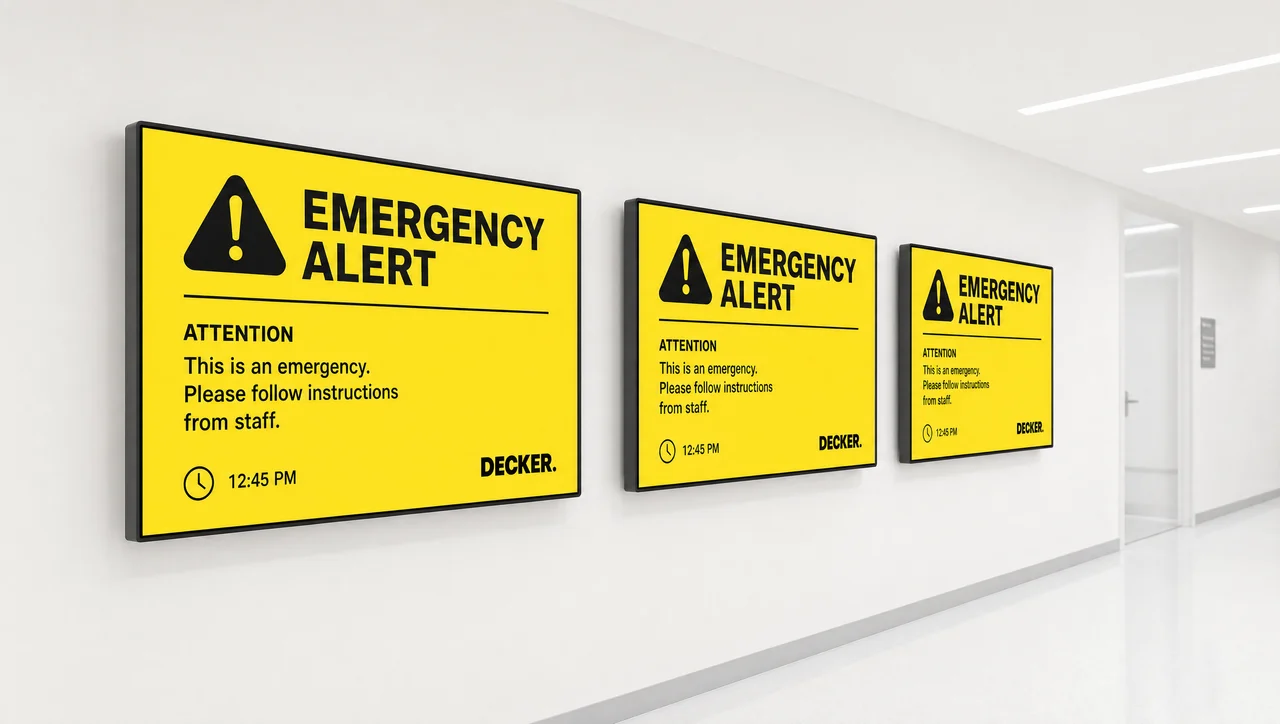 Emergency alerts & screen takeover
 -
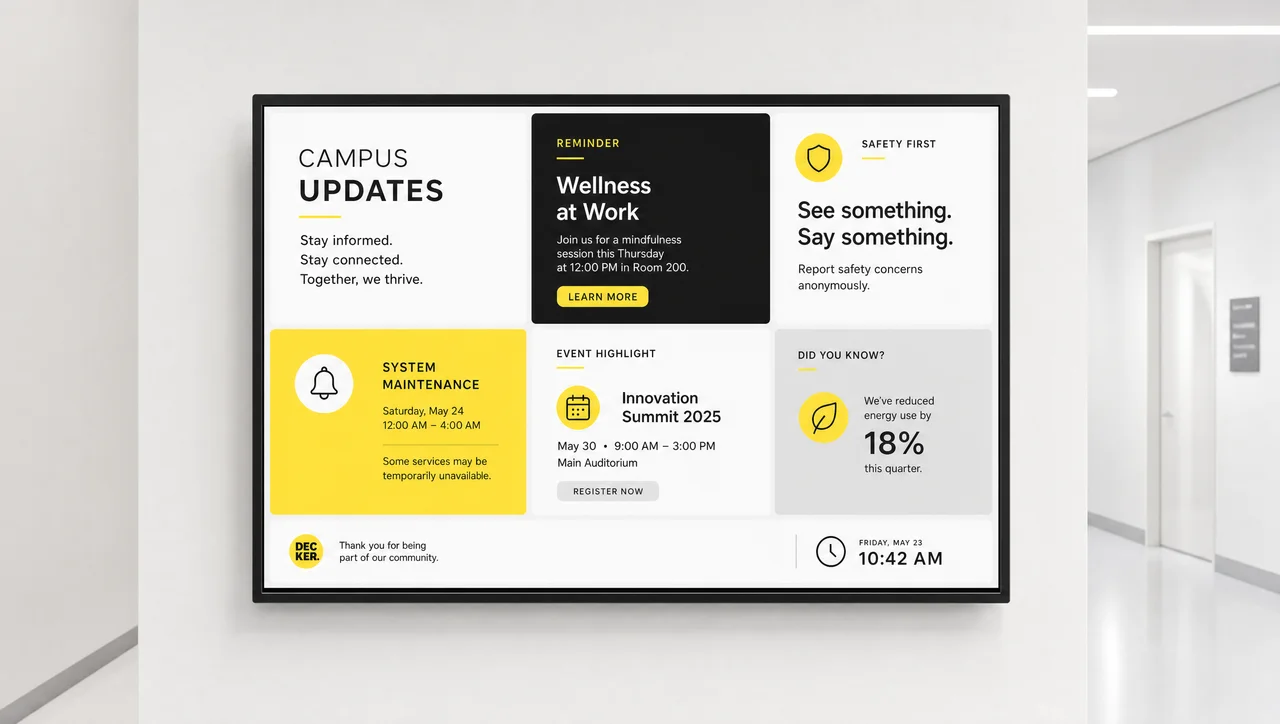 Digital bulletin boards & notices
 -
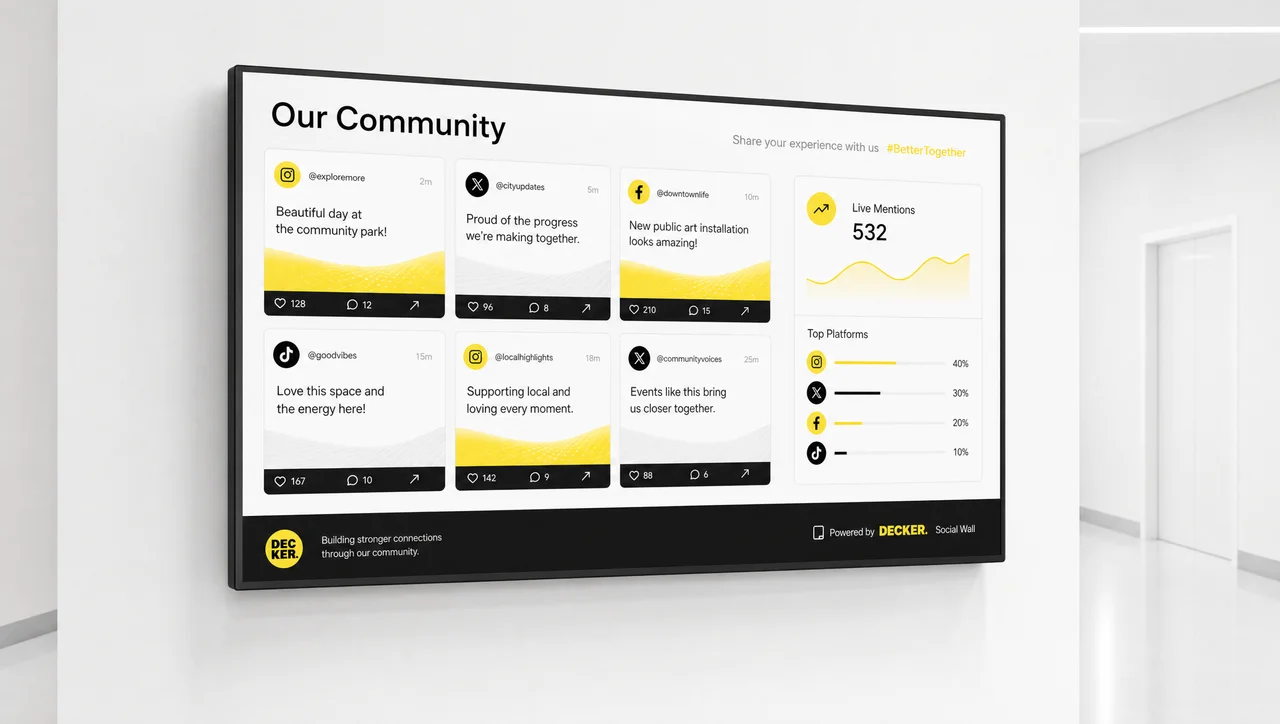 Social media walls
 -
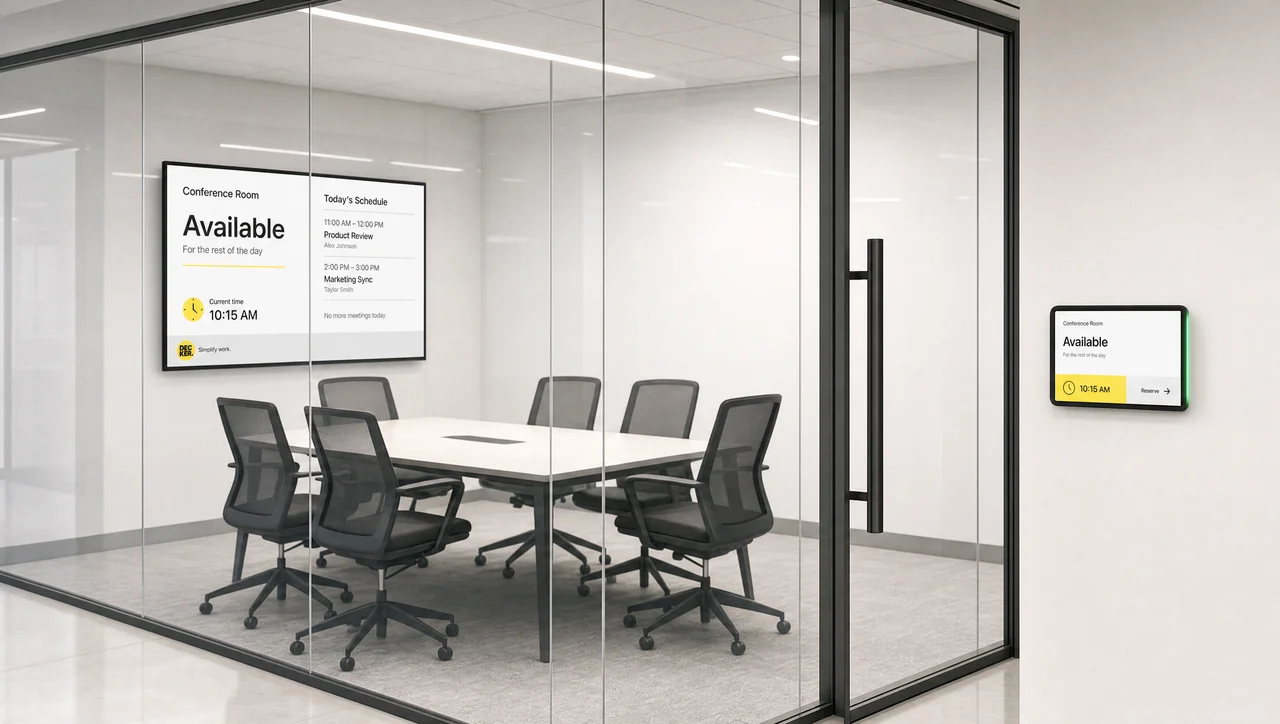 Conference & meeting rooms
 -
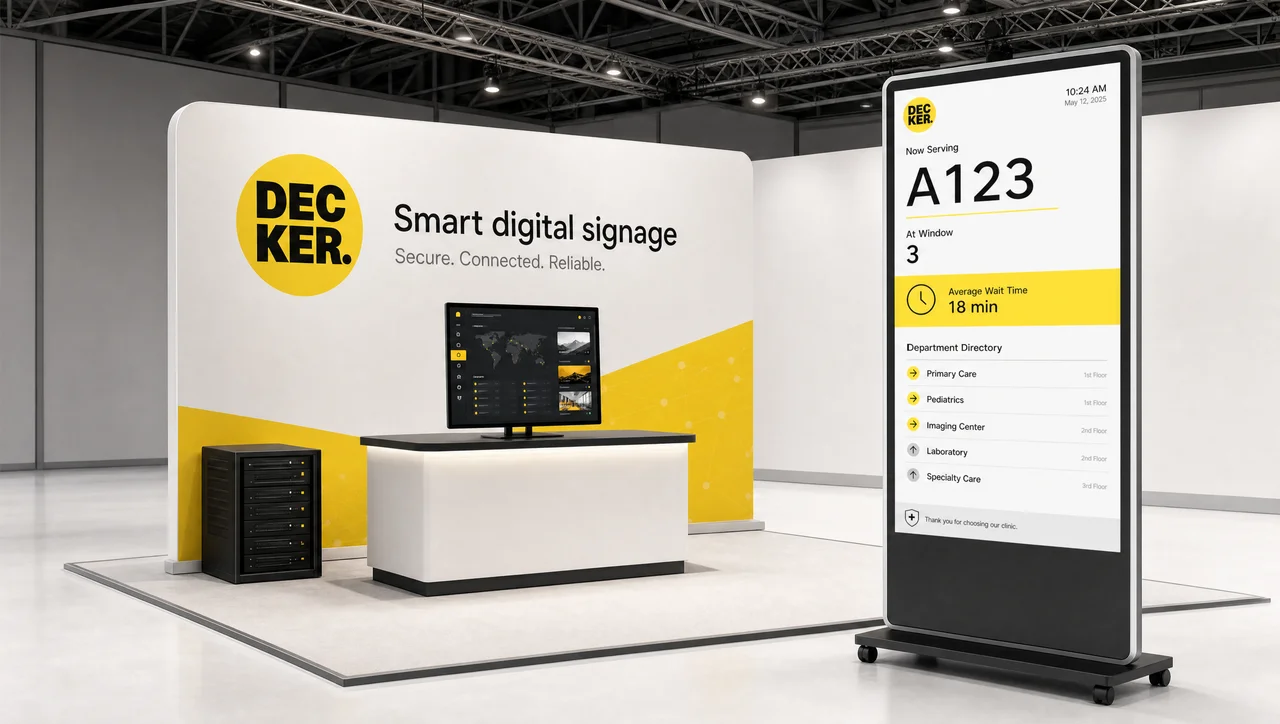 Events & trade shows
 -
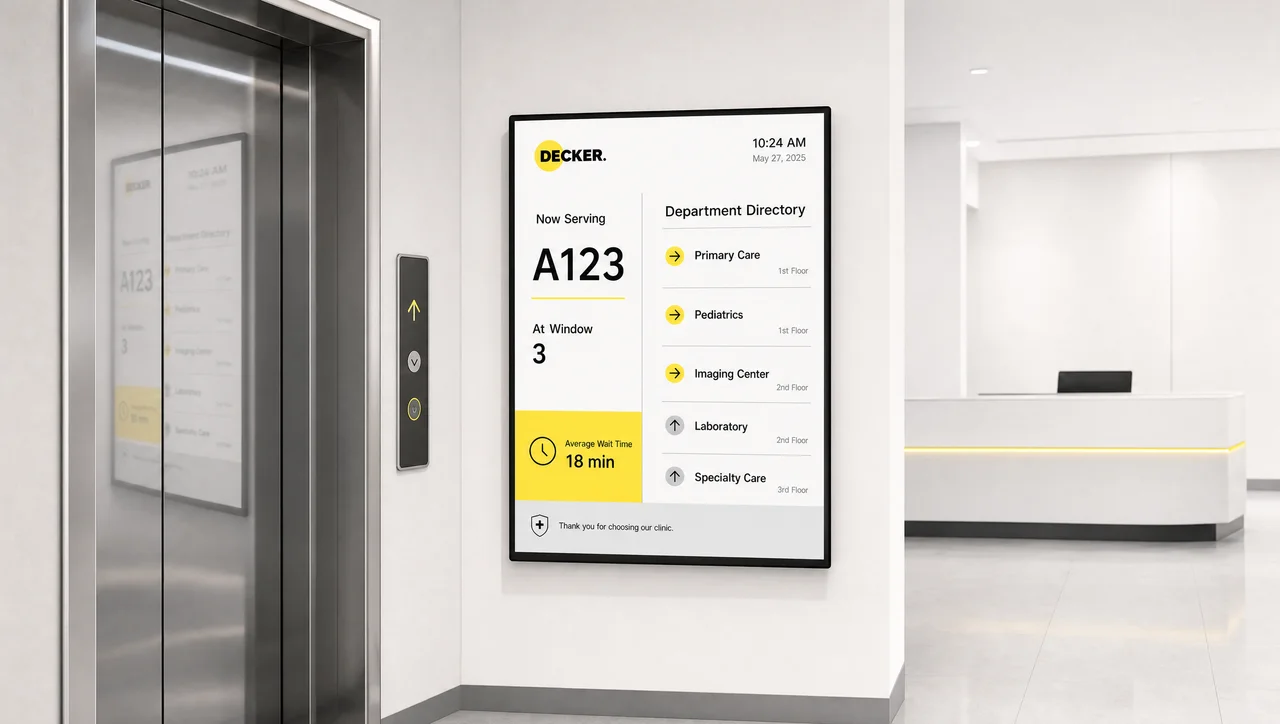 Elevator & reception screens
Digital signage solutions for business, by network size
Decker runs digital signage solutions for businesses of every size on one platform, from 1 screen to 3,000, and network size decides the governance on top. Decker publishes to one screen and to ten alike, and digital signage for business stays a content job below 10 screens. Decker monitors every display above 300 screens, where digital signage solutions add access control and staged rollouts.
Small business networks
Screens at one site, one or two people publishing, no IT department in the loop. One editor covers it, and the first screen connects in an afternoon.
Multi-site operators
Displays across several locations, 10 to 300 of them, stay verified from one marketing desk without AV staff. A frozen display recovers remotely and publishes centrally, so nobody drives out to restart a screen.
Enterprise networks
Displays numbering in the thousands connect under one platform, with head office and locations separated by role, SSO and staged rollouts. Each display verifies itself and reports uptime at fleet level. Similarly, the control loop underneath never changes.
What Decker means by complete and turnkey digital signage solutions
The whole chain matters, because a complete digital signage solution carries software, a player, installation, monitoring and support for 1 screen or 1,000 under one party. An all-in-one digital signage solution usually means one invoice rather than one manufacturer. Decker warns that a display, player, mount and cable bundle rarely carries monitoring: it ends with a CMS login, and nothing in it checks when a screen goes dark.
Decker verifies the display with its own hardware and builds its own player, so the chain holds end to end. Displays on some commercial TVs run the Decker app directly and skip the external player, however, while verification stays on our own hardware, because a CMS cannot reach past the player to the glass.
What Decker charges for commercial digital signage solutions
These systems sell on subscription, and we license per screen month-to-month without contract lock-in from 1 screen up. Subscription-based digital signage solutions move the question to cost per screen per month, and few networks buy digital signage solutions outright. Decker prices per screen: display count, the Verifier add-on per screen, and support response time. Decker connects a screen, publishes, verifies and recovers in one documented sequence, and how Decker works walks through it.
Support ships with the product, and digital signage solutions providers all describe the same feature set — teams looking for digital signage solutions with best support separate vendors on what happens after hours. A licence looks cheap at two screens and stops looking cheap past 100. Therefore we quote per rollout, and the pricing page lists each plan.
Decker smart rules and dynamic content
Smart digital signage solutions replace manual switching with rules firing on their own, 365 days a year, on every screen. Decker updates the screen from morning to afternoon content on schedule through dayparting. Decker syncs a display with the source system and pulls an item the moment it stops being sellable. Screens publish a different promotion when weather conditions change.
Decker lets marketing set the logic once, which separates modern digital signage solutions from a playlist on a loop. Rules apply per screen, per group, per region or per format and inherit from the network level down, so a chain-wide update never gets re-entered at each location. Dynamic digital signage solutions repay the setup effort mainly where content updates weekly or faster. Below that frequency, however, a plain schedule covers it.
Decker closes the gap between publishing and playing
Buyers choose digital signage solutions for content and judge them on distance, because 160 screens across 40 sites turn one dark display into a recurring cost. Decker checks screens at one site within the hour, while 40 remote sites stay dark until a district manager walks in. Decker monitors what the network knows about itself between publish jobs. Displays fail in ordinary ways, and no publish job checks them.
A display that switches to another HDMI input still publishes nothing to an audience. Screens power-cycle overnight and never restart themselves.
⚠️ Publishing successfully is not the same as playing. A publish job reports what left the server, and a screen that sits powered off, frozen or on the wrong input still returns a clean publish record.
Decker Verifier monitors the display rather than the publish queue, restarts remotely, switches the input back and reports state per screen. The arithmetic stays blunt: 40 sites with four screens each run 160 screens, and 2% dark in a week costs more in driving than the licence. Uptime per screen turns comparable between locations, however, so a manager gets asked why site 12 verifies at 94% while site 9 verifies at 99.9%.
Decker on roles, access and wireless delivery
Role-based access (RBAC) keeps digital media signage solutions consistent once more than one person publishes to 50 screens. Decker gives head office the brand templates, lets a regional lead update set fields and limits a location manager to approved promotions. Screens in a 50-site network otherwise publish 50 interpretations of the brand inside a quarter. Decker inherits permissions downward the same way rules inherit.
A screen publishes the network-level template unless a lower level may override it. Wireless digital signage solutions describe how content reaches the player, not how it is wired. A display still connects to power and HDMI by cable. Every display caches content locally, so connectivity decides what recovers remotely. A screen that connects intermittently still publishes and reports state, just later. Displays with no connection publish fine and verify nothing.
In addition, weak connectivity needs a caching plan before a bigger content budget.
Decker answers five questions for a digital signage solutions comparison
No vendor wins a digital signage solutions comparison built on feature grids at 10 screens or 1,000 screens. Decker and every vendor converge on templates, scheduling and app integrations, and diverge on what happens when a display breaks. Decker answers five questions faster than any demo does.
-
Step 1.
Does the system verify playback or only delivery?
Screens powered off still return a green publish status, so ask what the dashboard checks in that moment.
-
Step 2.
Who owns the hardware chain?
Displays behind a software-only vendor connect to whatever box the site owns, while a vendor that builds its own player and monitoring device restarts them remotely.
-
Step 3.
How does a fix happen without a site visit?
Screens recover through remote power cycling and HDMI switching, which keeps field service flat as the network grows past 100 screens.
-
Step 4.
How do access roles map to your org chart?
A screen publishes whatever the loosest role allows, so head office and locations have to separate cleanly.
-
Step 5.
What is the real cost per screen per month at your size?
Per-screen licensing, hardware, installation and support behave differently at 10 screens and at 1,000. Specifically, the gap widens as soon as anyone has to drive to a display.
Decker groups solutions into three scopes
Decker groups these solutions into three scopes, whether you run 2 screens or 2,000, and vendors sell all three under the same word. Decker publishes the useful comparison down the chain rather than across brands, because scope decides who restarts a dark screen on a Sunday. Decker verifies every display in the third column, which the first two columns never do.
| Solution scope | Content-only platform | Bundled hardware package | Verified network solution |
|---|---|---|---|
| Content, scheduling, templates | Included | Included | Included |
| Playback device | Your choice, your problem | Supplied in the bundle | Supplied and managed |
| Installation | Separate contract | Usually included | Included or coordinated |
| Checks that a screen went dark | No | No | Yes |
| Fix without a site visit | No | Rarely | Standard |
| Uptime as a reportable number | No | No | Per screen, continuous |
| Best fit | One site, content updates often | One site, no in-house AV | Multiple locations, uptime matters |
Scope ranks nothing by quality. A content-only platform covers two screens and a weekly promo perfectly well. Overall, displays outnumbering the people who can check them make scope start to matter.
Digital signage solutions FAQ
What does a complete digital signage solution from Decker include for 10 screens?
Decker builds the digital signage solution around four parts: a player on each of the 10 screens, one CMS, Verifier hardware and data integrations. Decker Verifier confirms what plays on the glass rather than what left the server.
Which industries use digital signage?
Screens publish in retail, offices, schools and campuses, healthcare, hotels, banking, transport hubs, government buildings, stadiums, manufacturing and food service, and the full list of industries that use digital signage runs wider still. The operating model changes by sector, and the control loop underneath never does.
What is the difference between digital signage software and a digital signage solution?
Software publishes content, schedules and playlists. A solution covers the whole chain: the device that drives the screen, installation and maintenance, monitoring and the support model. Many vendors describe software as a solution, which is why the hardware question comes first.
Do I need special displays for a digital signage solution?
No. Displays connect to Decker Player over HDMI, whether commercial or consumer panels. Screen and hardware compatibility matters more: the display has to support HDCP and stay reachable by Verifier for power control.
How many screens does a simple digital signage solution need?
Roughly five screens at one site, or any number spread across more than one location. Screens gain from remote verification in proportion to the distance between you and the glass.
Can Decker run on hardware we already own?
Partly. Displays on some commercial and smart TVs run the Decker app directly, and an external player drives the rest. Verification stays the exception — it runs on Decker Verifier, available as an add-on on paid plans.
What happens when a screen fails at night?
Verifier checks state continuously, reports the failure immediately, restarts remotely and switches the HDMI source back without anyone traveling to the site. A display that fails physically still triggers the alert, and Verifier reports it before opening hours.
Is a cheap solution worth it for a small network?
For two screens at one site, yes — cheap digital signage solutions and affordable digital signage solutions built around content delivery cover the job, and we offer a free tier there. The dominant cost past 100 screens turns into field service, and a platform that cannot recover a screen remotely sends a technician instead.
Is Decker available as a cloud or on-premise deployment?
Both. Cloud SaaS runs by default. On-premise deployment covers enterprise networks with internal requirements around data storage and access.
How do I find digital signage solutions near me?
Such searches usually mean someone wants a local installer rather than a platform. Pre-configured hardware ships ready, and a local electrician mounts it in an hour. A screen connects, publishes and recovers from the platform afterwards.
How do I buy digital signage solutions from Decker?
Plans publish per screen on the pricing page. Hardware quantities, installation and support level get quoted on top, because those depend on the site count. Overall, free plans across the market advertise unlimited screens that turn out unlimited only on one player, so check what each tier covers.
Digital signage solutions verified on your own screens
Book a 30-minute demo and Decker will verify a full digital signage solution live on 10 screens of your own. Decker connects your first display the same day.


