Pie Menu Template
Characteristics
- Screen formatLandscape 16:9
- Template resolution1280 × 724 px
- Color paletteButter cream, cherry red, and cocoa
- Screen formatLandscape 16:9
- Template resolution1280 × 724 px
- Color paletteOat, blackberry, and slate
- Screen formatPortrait 9:16
- Template resolution1280 × 2264 px
- Color paletteSage, chalk, and honey
- Screen formatLandscape 16:9
- Template resolution1280 × 724 px
- Color paletteDeep walnut, brass, and bone
- Built forRestaurant
- AI customization
- POS price syncSyncs with Toast, Square, Clover
- Paper or screenAvailable as a print-ready download or an automated digital display.
- Automated managementAuto-switches this Pie Menu by daypart and pushes price updates — no manual republishing.
- Template priceFree
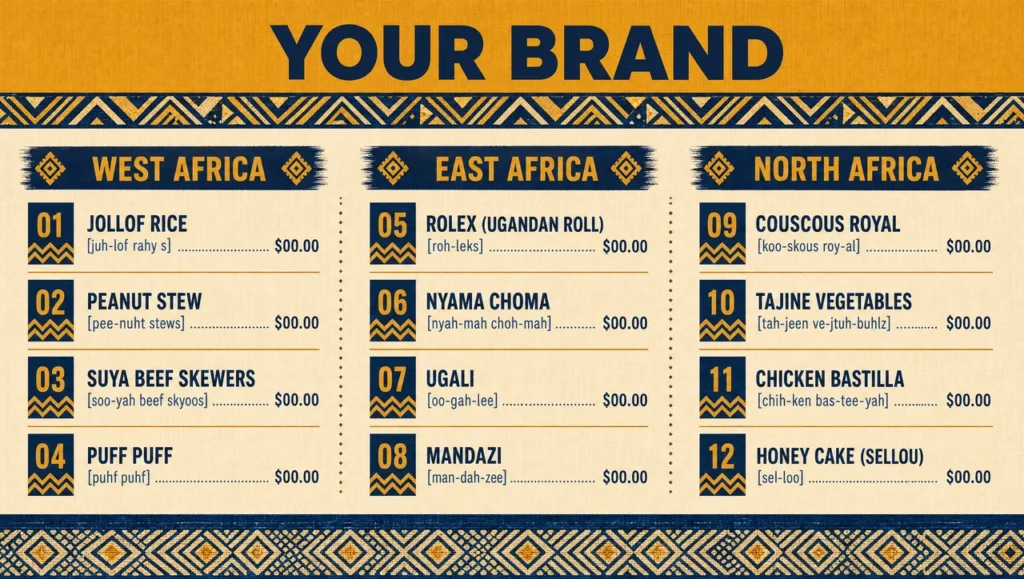
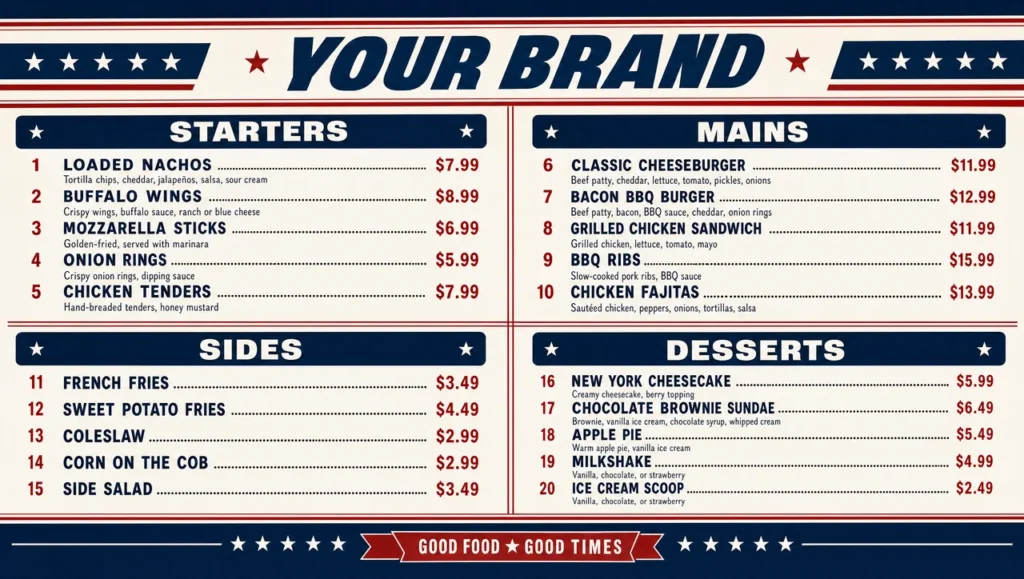
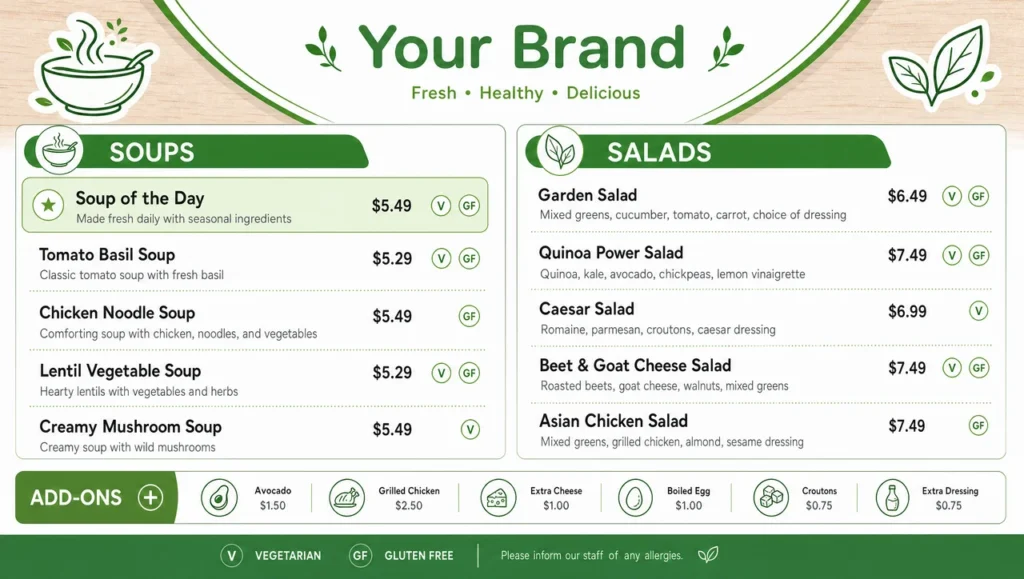
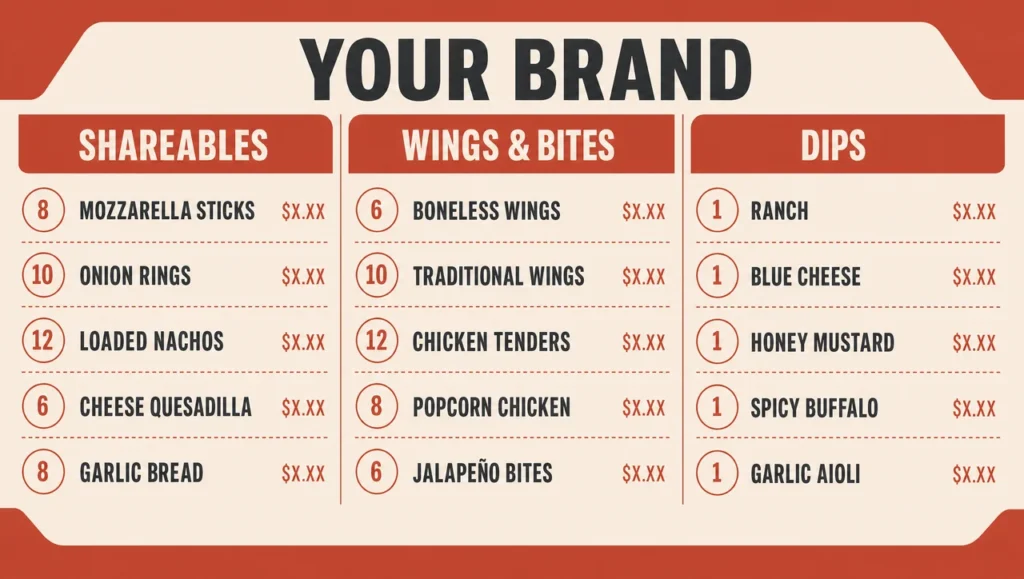
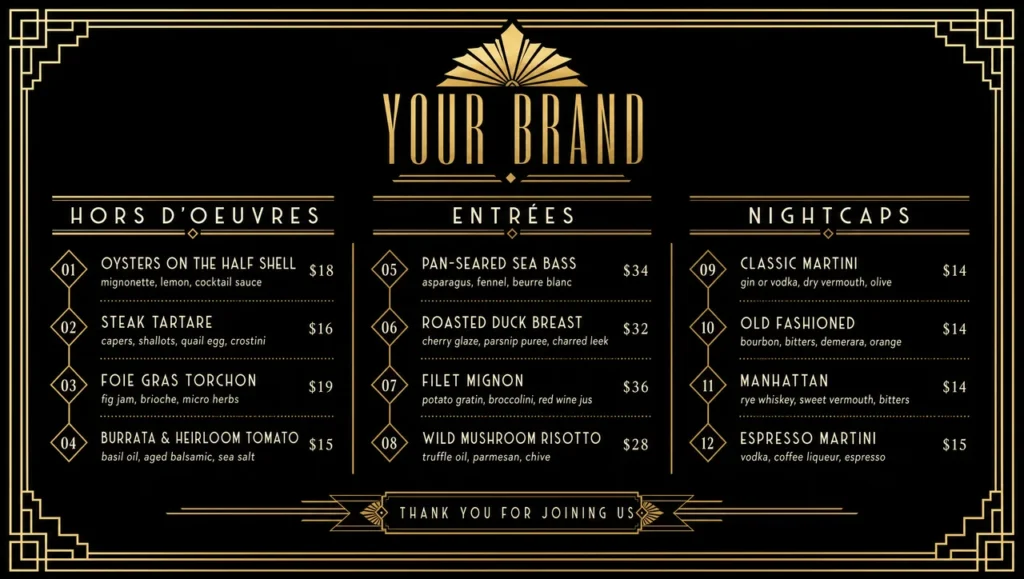
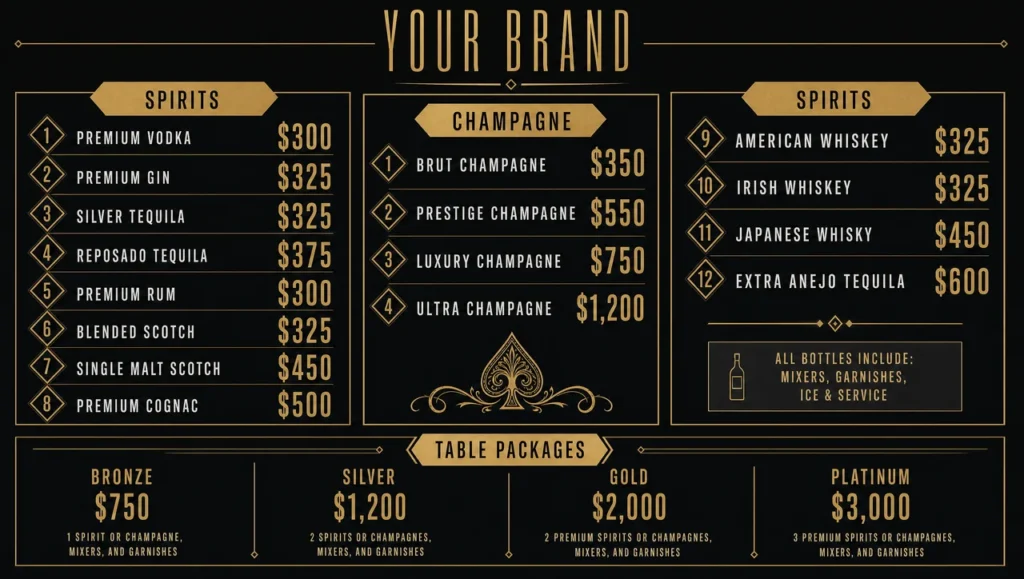
Pies sell by filling, and a filling needs more words than a dish name allows — which is why a pie menu goes wrong the moment it is squeezed into a standard two-column card. This pie menu template gives each of fourteen lines a name and a filling line beneath it, split into sweet, savoury and by the slice. Four designs rather than three. A pie shop menu in butter cream and cherry red at 1280×724 for a counter board. A mixed fillings pie shop menu in oat and blackberry at 1280×724 where every line carries two fillings side by side with a divider, for shops that sell halves. A village pie shop menu in sage and chalk at 1280×2264 with a hand-lettered header for a small high-street front. And a fourth, in deep walnut with brass at 1280×724, for evening service where savoury leads. Whole-pie and slice prices sit in two fixed columns so nobody has to ask. Change every filling, size and price. Other counter structures sit among the menu samples in the library. Pricing flows from the point of sale, the same connection behind the restaurant menu boards that mark a pie sold out mid-morning.
Setup Complexity
| Complexity level | Level 3 of 5 |
|---|---|
| Difficulty | Moderate |
| Sections | 3 |
| Menu items | 14 |
| Estimated time | ~3 min |
Want a Pie Menu in a different format?
Want a different pie shop style?
Tell us your fillings and whether you sell by the slice, and get a custom pie menu design ready to edit and publish.