
Digital Signage Solutions for Banks & Financial Institutions
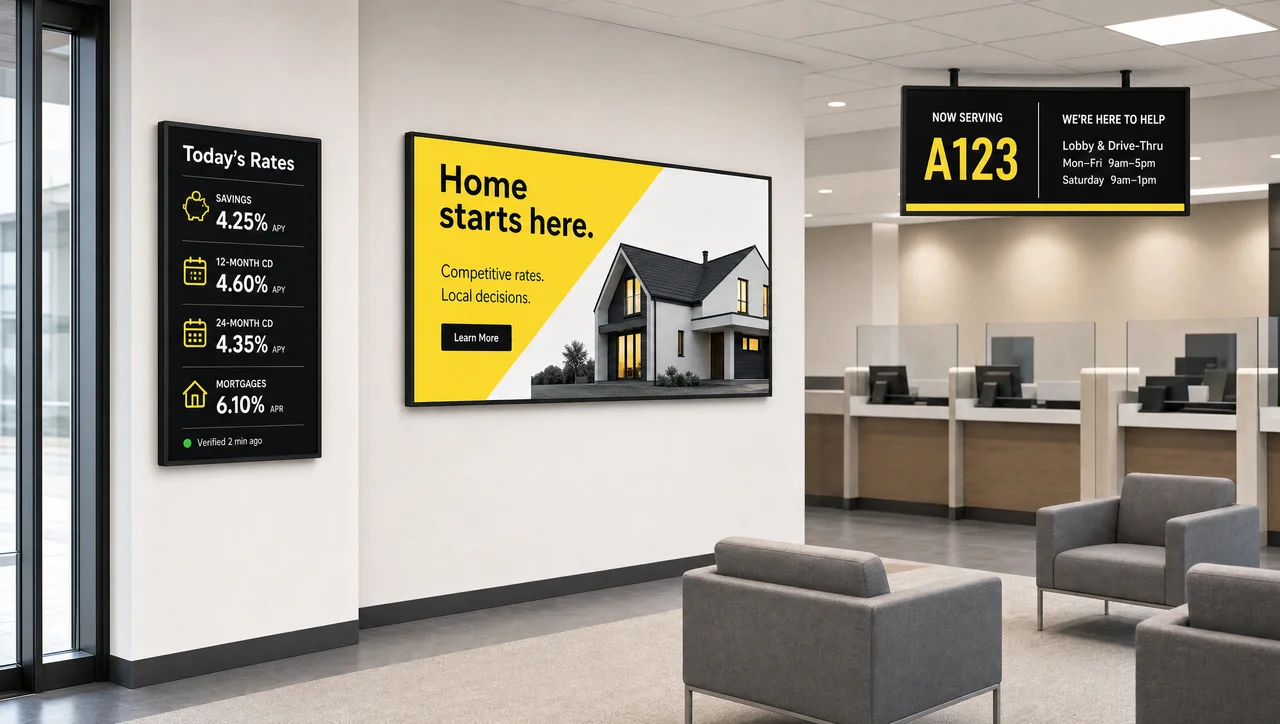
Decker delivers digital signage solutions for banks and credit unions. Publish rates, promotions, and service notices to every branch screen from one dashboard, schedule them by branch and time of day, and confirm each display actually shows them, with remote recovery when it doesn’t.
-
24/7 Playback checks on every screen
Decker Verifier checks the player and the display separately, logs uptime per screen, and restarts both without a site visit.
-
1 dashboard Rates and promos for all branches
Branches show the rates, promotions, and notices for their market, scheduled by region, day, and time.
-
0 print reruns When interest rates change
Unlike printed inserts, new interest and exchange rates reach every branch screen automatically, on schedule or when data changes.
Bank Digital Signage Content for Every Branch Screen
Bank digital signage content covers everything that customers need during a visit: current rates, loan and card promotions, service updates, and security notices. Decker’s digital signage solutions for banks give marketing and branch teams ready templates for each content type, so every screen stays on brand.
-
Interest rate boards
Savings, CD, mortgage, and personal loan rates come from your data source and refresh on every screen at once. Customers see the same current numbers in each branch, and staff stop swapping printed inserts when rates move.
-
Exchange rates and market data
Branches near airports and business districts show live exchange rates, market indices, and financial headlines in a readable layout that updates automatically through the day.
-
Loan, mortgage, and card promotions
Screens at the teller line and in waiting areas present home loans, credit cards, and savings products while customers already think about their money. Each campaign starts and ends on the dates you set.
-
Financial education
Short videos and slides explain budgeting, fraud prevention, retirement planning, and first-time home buying. Educational loops build trust and give advisors an easy way to start a conversation.
-
Testimonials and advisor profiles
Member stories, advisor introductions, community events, and awards show the people behind your institution and make each branch feel local.
-
Service notices and emergency alerts
Holiday hours, maintenance windows, fraud warnings, and emergency alerts take over the screens you choose in seconds, then return them to the regular playlist.
-
ATM and ITM status
Vestibule screens show which machines work, which services they handle, and where customers can go when a terminal goes down. Beyond the vestibule, the same dashboard runs every other branch screen.


Where Digital Signage Works in Retail Banking Branches
Digital signage in retail banking works best as a set of screens that each have a clear job in the customer journey. A window display has seconds to stop a passerby, while a waiting-area screen holds attention for minutes. Decker’s retail banking digital signage solutions match content to each zone, so the entrance, the teller line, and the advisory office each show the message that fits the moment. Flagship branches often add a lobby video wall for brand stories and live rates.
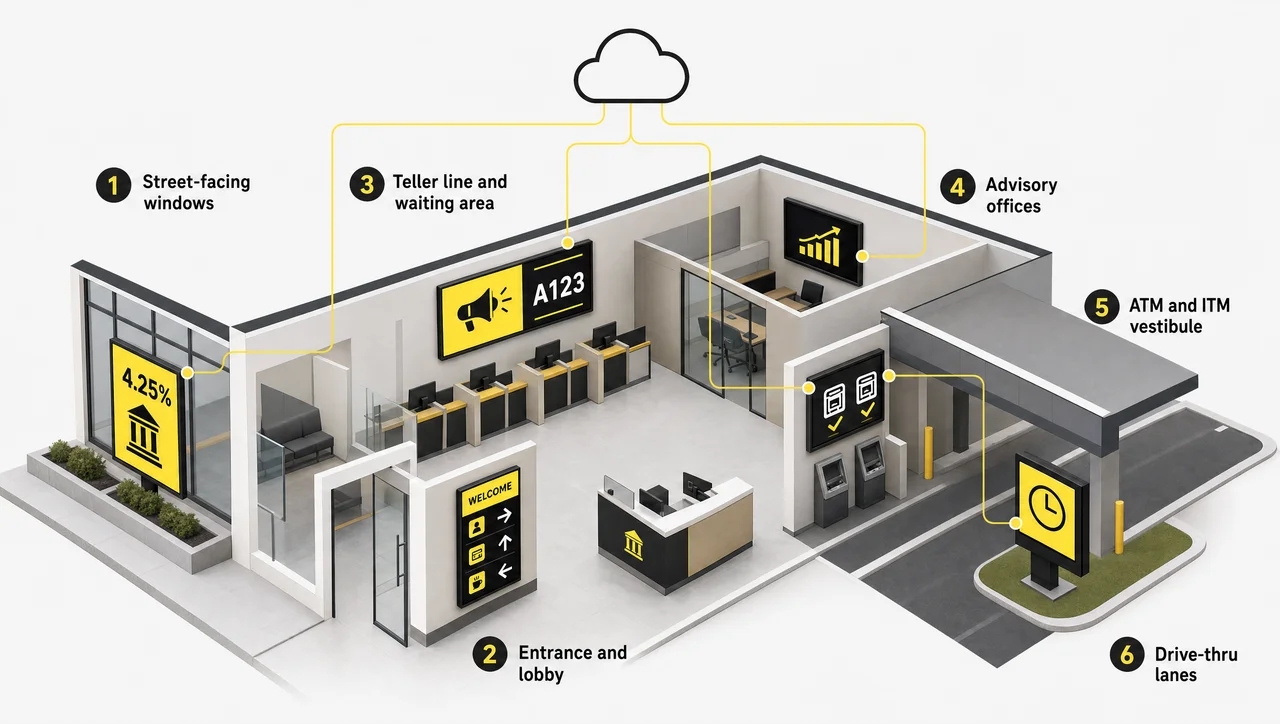
| Branch zone | What the screen does | Content that works |
|---|---|---|
| Street-facing windows | Draws people in, even after hours | Rate highlights, new account promos |
| Entrance and lobby | Welcomes and orients visitors | Branded welcome, branch wayfinding, service menu |
| Teller line and waiting area | Shortens perceived wait times | Promotions, education, queue numbers and wait times |
| Advisory offices | Helps bankers explain products | Loan scenarios, product comparisons |
| ATM and ITM vestibule | Guides self-service | Machine status, fraud warnings |
| Drive-thru lanes | Delivers one quick message | Branch hours, one featured rate |
Interactive Digital Signage for Banking
Touchscreens let customers explore products, rates, and financial education at their own pace before they talk to a banker. Lobby kiosks answer common questions, collect appointment requests, and free staff for conversations that need a person. In addition, Decker runs self-service touchscreen kiosks from the same dashboard as every other branch screen.
Screens for Bank Staff and Back Office
Branch screens also cover the back office, with displays that keep tellers, advisors, and operations teams aligned on goals, market moves, and internal news without another email.
-
Branch KPI dashboards
Break-room and back-office screens turn your business tools into live KPI dashboards with account openings, service times, and campaign goals, so each team tracks its progress during the shift.
-
Market data for trading desks
Treasury, wealth, and trading teams follow live indices, currency pairs, and financial headlines on wall displays next to their workstations.
-
Internal news and recognition
Headquarters publishes policy updates, compliance reminders, and staff shout-outs to every branch at once, and each manager adds local news through internal communication screens.
-
Meeting room displays
Room screens pull bookings from your calendar, so advisors find a free meeting room for client appointments without double booking.
-
Client welcome screens
Similarly, reception displays greet scheduled visitors and introduce the advisory team before the meeting starts.


What Branch Screens Change for Banks and Credit Unions
Branch screens give banks and credit unions what printed posters can’t: faster updates, lower print spend, and more product conversations. Digital signage solutions for banks pay back more with every branch that joins the network.
-
Shorter perceived wait times
Useful content in the waiting area makes a queue feel shorter and calmer, and customers leave with a better impression of the visit.
-
Cross-selling at the point of wait
Customers at the teller line already think about their finances. A relevant loan, card, or savings promotion on screen often turns into a question for the teller.
-
Lower print and shipping costs
Rate changes and new campaigns no longer require printing, shipping, and hanging posters in every branch. One update in the dashboard replaces the whole cycle.
-
Real-time messaging across branches
Headquarters sends an urgent notice, a rate change, or a new campaign to all branches at once and sees confirmation that it went live.
-
One brand standard
Locked templates keep fonts, colors, and layouts identical across branches, while local teams edit only the fields they may change.
-
Local relevance
Community banks and credit unions feature local events, sponsorships, and regional promotions. As a result, each branch stays connected to the people it serves.


How the Banking Digital Signage System Works
A digital signage system in banking works as one managed network that combines screens, media players, verification hardware, and cloud software. Decker’s digital signage solutions for banks connect these parts in five steps.
-
Step 1.
Place commercial displays in each zone
Your team or installation partner mounts displays in windows, lobbies, teller lines, and back offices according to the branch plan.
-
Step 2.
Connect a Decker Player to every screen
The Android-based Decker Player receives content from the cloud, stores it locally, and keeps playing when the branch connection drops.
-
Step 3.
Add Decker Verifier for playback control
Decker Verifier monitors the player and the display independently, switches the HDMI input, and restarts both devices remotely when something fails.
-
Step 4.
Manage content in the cloud CMS
Marketing uploads media, builds templates, and schedules content by branch, region, and daypart in the cloud content management system.
-
Step 5.
Keep signage traffic apart from core banking
Players connect through a separate network segment. As a result, branch screens never share a route with teller workstations or account systems.
Banking Digital Signage Software Features
Banking digital signage software gives marketing, branch managers, IT, and compliance a shared workspace that each team uses daily. Decker covers every role in one digital signage platform built for banking, from content creation to screen health.
-
Central content management
Upload videos, images, and slides once, then publish them to one screen, one branch, a region, or the entire network from a single web dashboard.
-
Scheduling and dayparting
Run mortgage promotions during lending hours, education content in the evening, and after-hours messages on window screens, all on automatic schedules.
-
Branded templates for rates and promotions
Ready layouts for rate boards, product promotions, and notices keep typography and colors consistent, and staff edit text without design skills.
-
Live data and app integrations
Rate sources, exchange rates, news, weather, dashboards, and presentations connect through the API and live data integrations, and screens refresh automatically.
-
User roles and access levels
Headquarters, regional coordinators, and branch managers each receive their own permissions, so nobody publishes outside their area.
-
Monitoring and remote control
The dashboard shows the status of every player and display in real time, sends failure alerts, and restarts devices without a service visit.
-
Uptime and proof-of-play reports
Reports show when each screen was live and what it played, so marketing confirms that a campaign ran in every branch.
-
Browser dashboard and player app
Staff manage content from any browser, and the Decker Player app runs on the device behind each screen. In other words, branch computers need no extra software.


Financial Digital Signage Systems for Every Institution
Across the banking and finance industry, a digital signage system for financial institutions must fit networks that range from one community branch to hundreds of locations. Decker adapts its digital signage solutions to each of these models.
National and regional banks
Headquarters runs one campaign calendar for the whole network, while regional teams adjust rate boards and promotions for their markets through enterprise network management.
Community banks
A small marketing team manages every branch from one account and fills screens with local events, sponsorships, and community news.
Credit unions
Member-focused content explains dividends, loan programs, and financial wellness, while member stories reinforce the cooperative model.
Wealth management and lending offices
Specifically, digital signage for financial services firms puts services, market updates, and appointment details on lobby screens and meeting room displays.
Security and Compliance for Bank Screens
Banking digital signage compliance comes down to control that covers who publishes what, where, and when. Decker assigns role-based access levels, works with single sign-on, and logs every content change with the user and the time, so compliance teams can review what ran in any branch. Enterprise networks can run the platform on-premise when internal policy requires it. Alpha Intec, Inc., a Delaware company based in Los Angeles, develops Decker.
Your IT and compliance review can check these points:
- Players sit on a separate network segment with no route to core banking systems.
- Device lockdown blocks unauthorized inputs and local changes.
- Content travels encrypted between the cloud and each player.
- Rate and product content passes approval before it goes live, including APY and APR disclosures.
- Screen placement and text size follow ADA accessibility guidance.
⚠️ A screen marked online in a CMS doesn’t prove that customers see your rates: the TV may sit on the wrong HDMI input or show a frozen frame. Unlike a status flag, Decker Verifier checks the display itself and restores playback remotely.
Banking Digital Signage Solutions and Services: From Pilot Branch to Network
As a bank digital signage supplier, Decker delivers the hardware, software, and services that launch and run your screens. Most rollouts start with one pilot branch and expand once the pilot proves the results.
-
Step 1.
Discovery and branch planning
We map zones, audiences, and dwell time in your branches, then decide where each screen goes and what it shows.
-
Step 2.
Hardware and installation
Decker supplies players and verifiers, recommends commercial displays, and coordinates installation and maintenance at each location.
-
Step 3.
Platform setup and training
We configure the dashboard, user roles, and integrations, then train marketing, branch managers, and IT on daily workflows.
-
Step 4.
Content design
Our designers prepare rate board templates and launch campaigns in your brand, ready for staff to update.
-
Step 5.
Pilot branch, then network rollout
A pilot proves the setup in a live branch, and the same configuration then rolls out to the remaining locations.
-
Step 6.
Monitoring and help desk
Remote monitoring, troubleshooting, and ongoing software maintenance keep branch screens running, and the next branches join on the same setup.
Related Branch Screen Scenarios
-
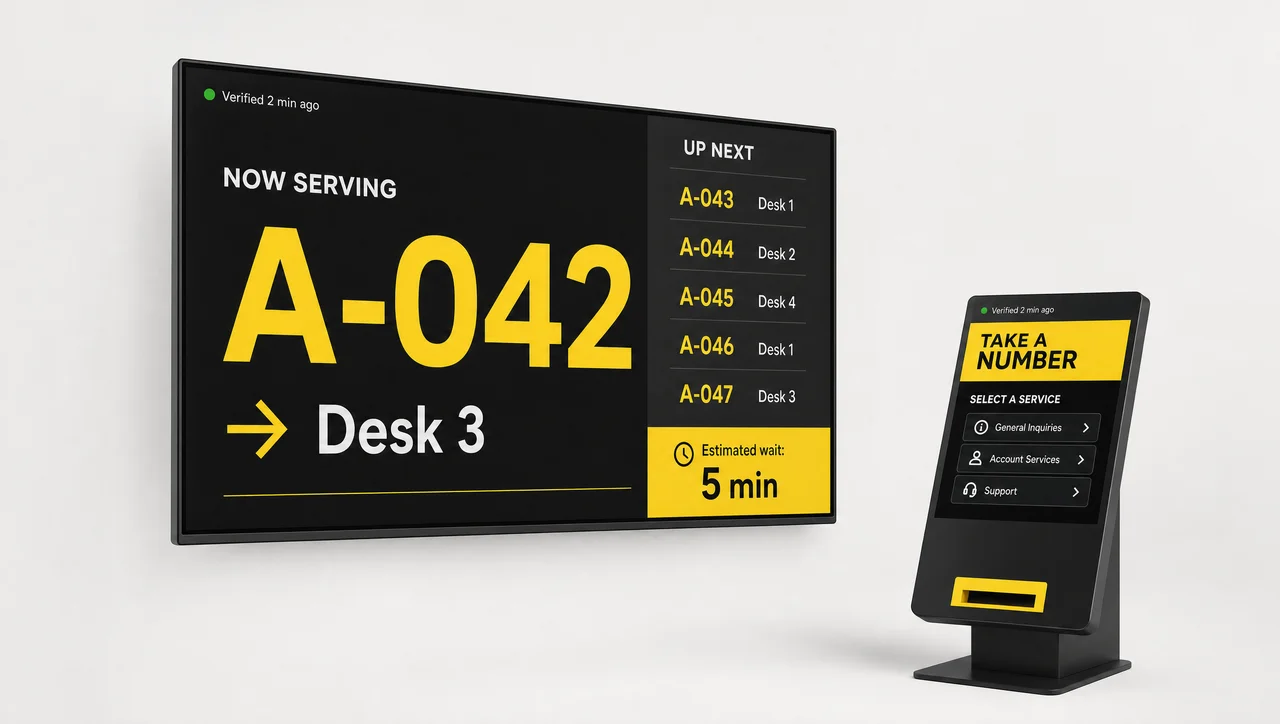
Queue Management
Calm waits at the teller lineShow queue numbers and wait times on branch screens and route visitors to the right counter.
-
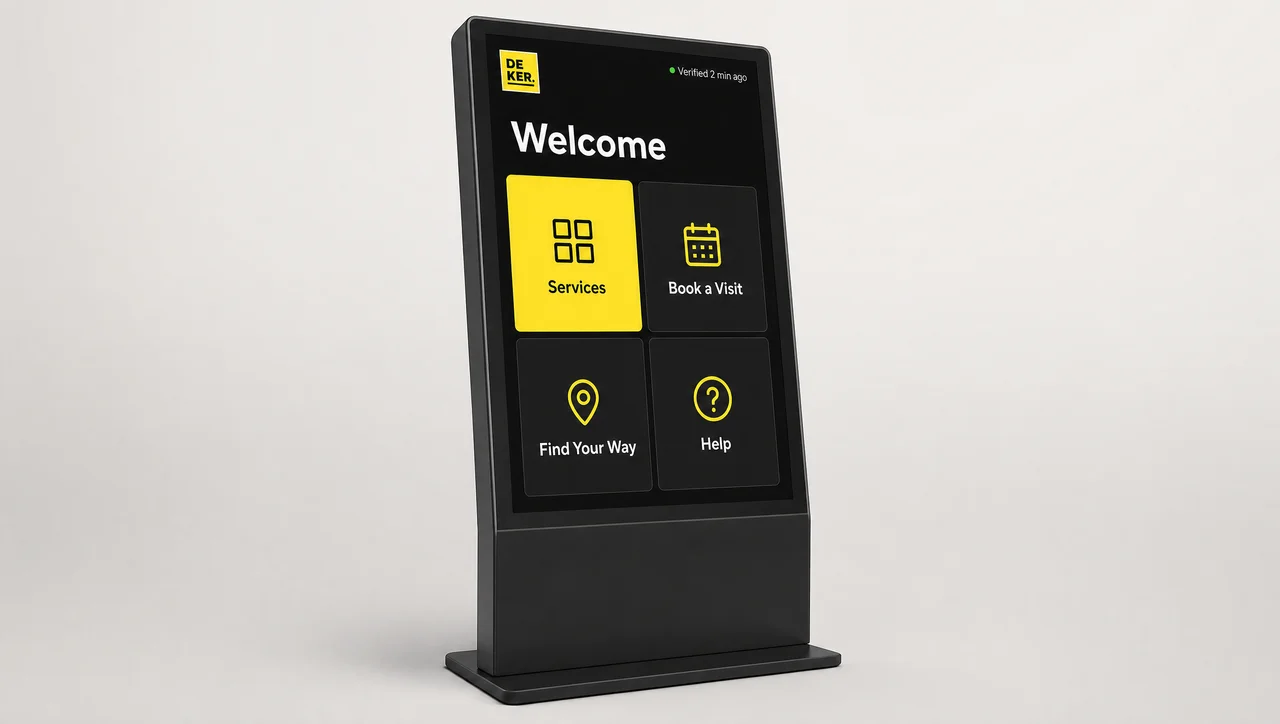
Interactive Kiosks
Self-service in the lobbyLet customers browse products and request appointments on lobby touchscreens.
-
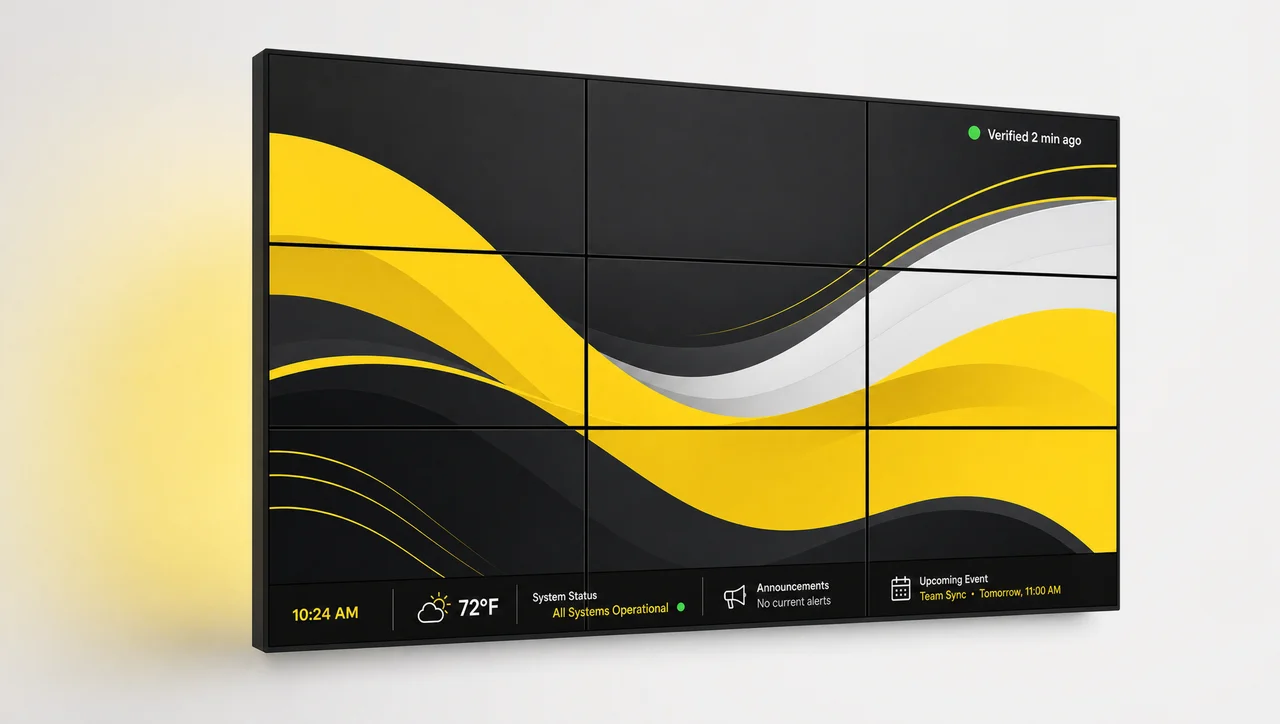
Video Walls
Flagship branch impactBuild large lobby displays for brand stories, campaigns, and live rates.
-
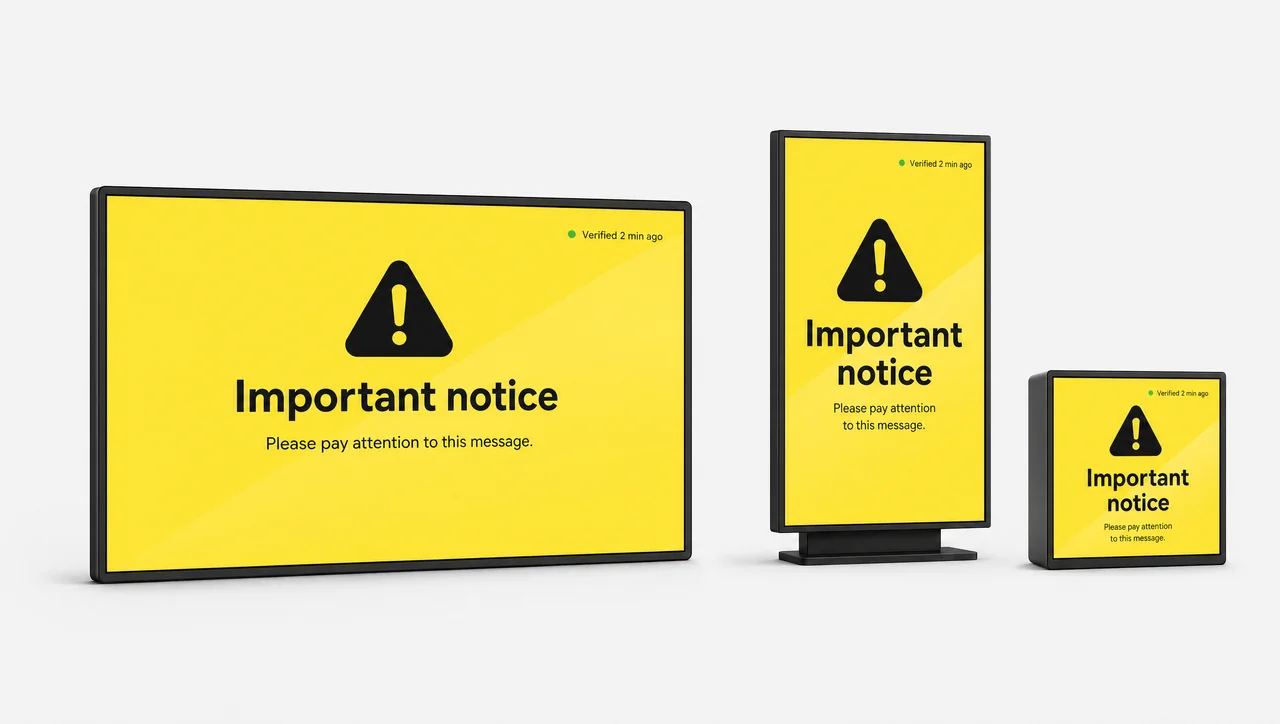
Emergency Alerts
Instant screen takeoverPush urgent notices to selected branches in seconds and restore playlists after.
-
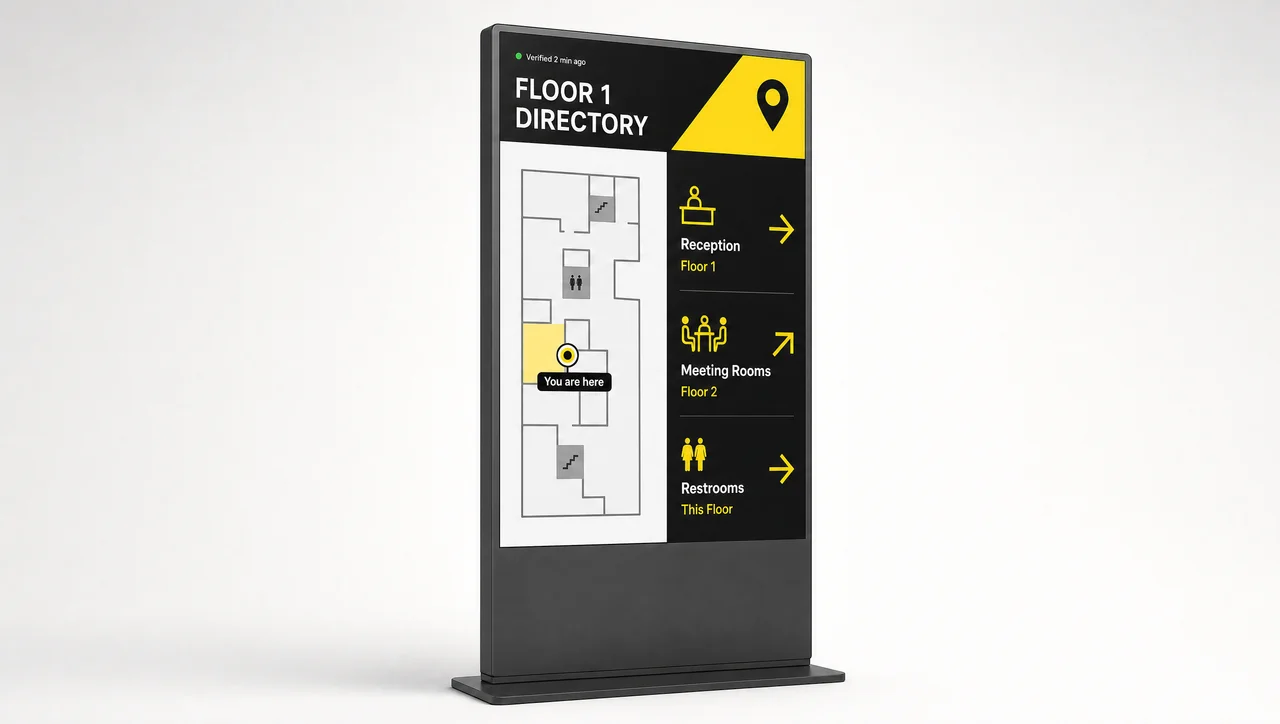
Wayfinding & Directories
Guide visitors inside the branchDirect customers to tellers, advisors, and offices in larger branches.
-
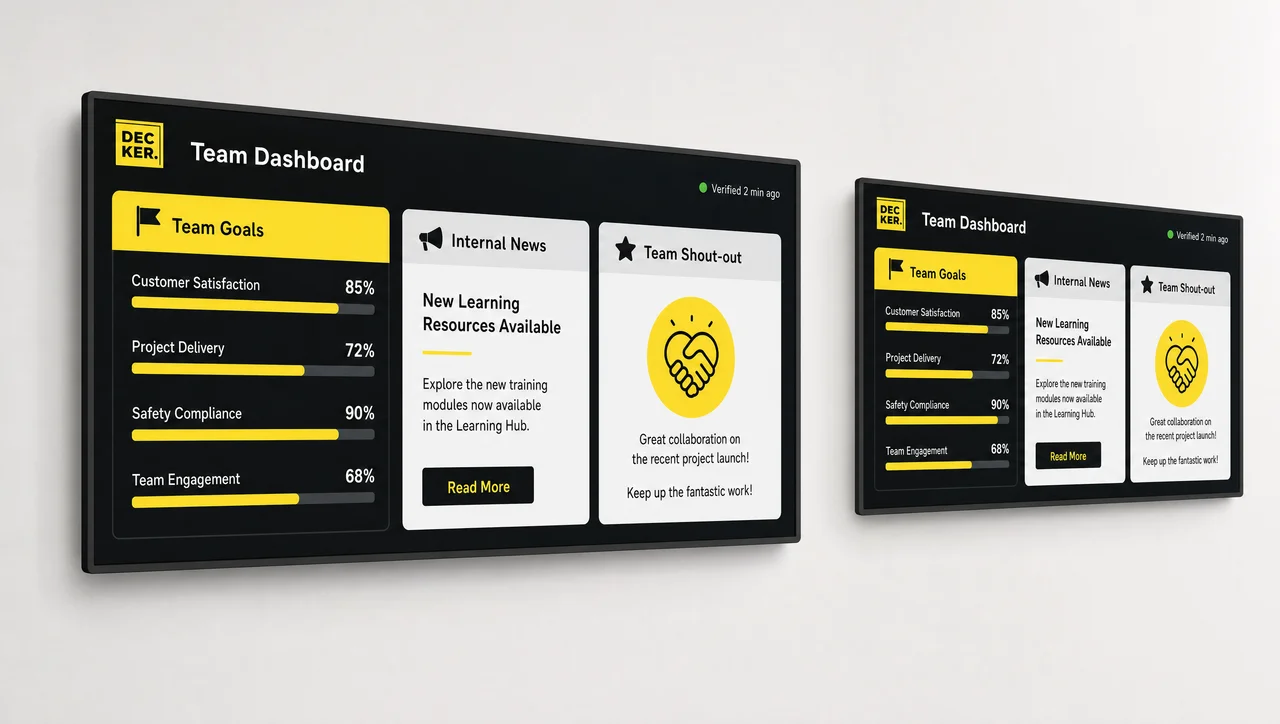
Workplace Communications
Keep branch teams informedBeyond the lobby, share updates, goals, and recognition on back-office screens.
Questions About Screens in Bank Branches
What is digital signage in banking?
Digital signage in banking is a network of connected screens that banks and credit unions use to show rates, offers, service updates, and financial education in branches and back offices. Staff manage the content centrally in cloud software instead of printing and replacing posters.
How much does digital signage installation cost for a bank branch?
The cost depends on the number of screens, display sizes, mounting work, and whether you add verification hardware and design services. A single lobby screen costs far less than a full setup with windows, teller line, and drive-thru. Compare Decker plans and pricing or request a quote for your branch network.
What equipment does a bank need for branch screens?
Digital signage solutions for banks need commercial displays, a media player for each screen, a network connection, and content management software. Decker adds its own Player and Verifier hardware, so you also get playback confirmation and remote recovery.
Where should banks place screens in their branches?
Banks get the most value from screens in windows, the lobby, the teller line, waiting areas, advisory offices, and ATM vestibules. Each placement needs a clear purpose, from attracting passersby to helping advisor conversations.
Can different branches show different content?
Yes. Headquarters publishes network-wide campaigns in Decker, while each region or branch shows its own rates, events, and notices within its permissions.
Can bank screens update interest and exchange rates automatically?
Yes. Decker connects to your rate source through the API and refreshes rate boards on every branch screen as soon as the data changes or on a set schedule.
Does Decker have a banking digital signage app?
Yes. Staff manage content in the Decker web dashboard from any browser, and the Decker Player app runs on the device connected to each branch screen.
How does Decker meet bank security requirements?
Decker uses role-based access, single sign-on, change logs, encrypted content delivery, and on-premise deployment options, and players run on a network segment separate from core banking systems.
How often should branch screen content change?
Refresh campaigns at least as often as your regular customers visit, so returning visitors notice something new. Rates and notices should update the moment they change, and Decker handles those updates automatically.
Is Decker the right fit for every bank?
Decker fits banks and credit unions that update branch screens often and need proof that content actually plays. A single branch with one screen and a poster that changes a few times a year gets little value from central scheduling and verification, so a commercial display with a USB slideshow covers that need.
What happens if a branch screen goes dark?
Decker Verifier detects the problem, alerts your team, and restarts the display or player or switches the HDMI input remotely. As a result, most issues get fixed without a technician visit.
See Decker on Your Branch Screens
Share your branch layout, and we will map screens, content, and playback verification for your network in a live demo.


