What Industries Use Digital Signage? A Complete Guide to 18 Sectors


What industries use digital signage? Nearly all of them, in some form — retail, restaurants, healthcare, banking, education, hospitality, transportation, and corporate offices are among the most common, all replacing static signs with real-time menus, wayfinding, promotions, and internal updates.
What Industries Use Digital Signage?
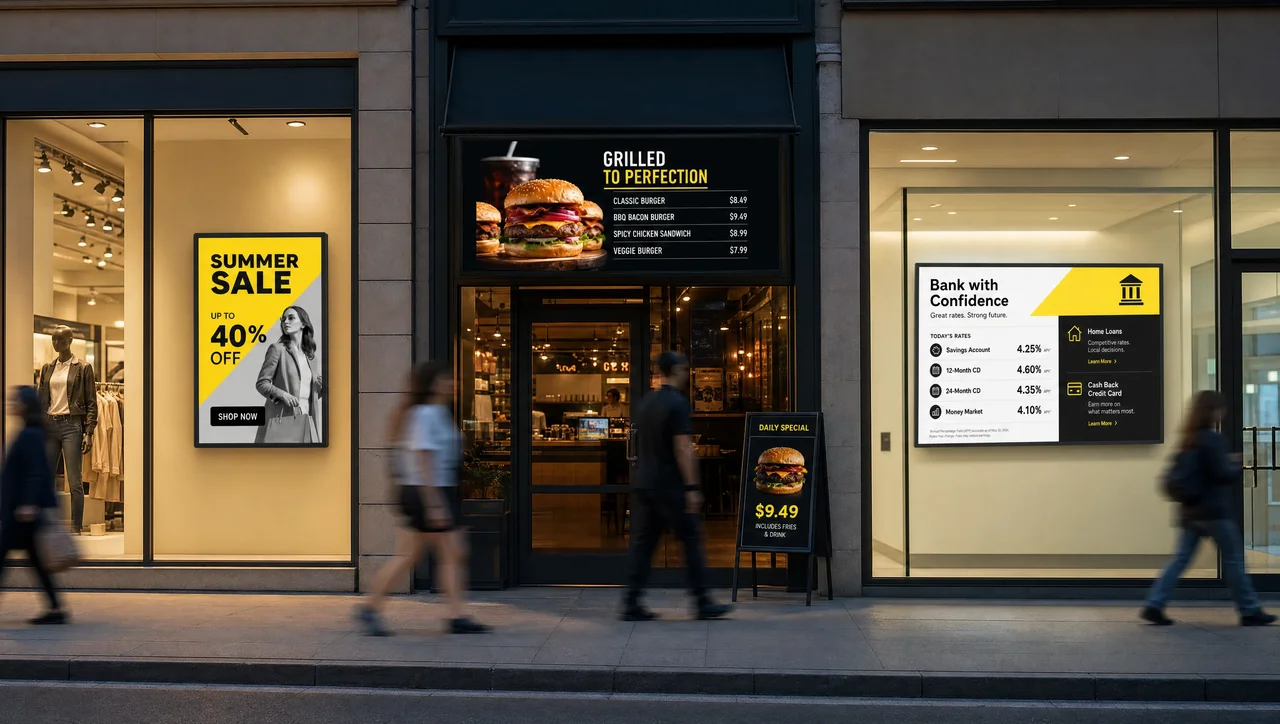
Digital signage is used across retail, restaurants, healthcare, banking, education, hospitality, transportation, manufacturing, and at least ten other industries — the technology has grown into a $28.5 billion global market (IMARC Group, 2024), spread across dozens of industries using digital signage rather than concentrated in one or two. This guide covers digital signage for industries ranging from retail to government, plus which ones benefit most, based on Decker’s own digital signage solutions across each vertical. Here are the 18 digital signage industries covered:
- Retail
- Restaurants, cafés & QSR
- Healthcare
- Banking & financial services
- Hospitality & hotels
- Education (K-12 & higher ed)
- Corporate offices & professional services
- Transportation
- Manufacturing
- Entertainment, sports & venues
- Government & public sector
- Places of worship
- Fitness, gyms & wellness
- Automotive
- Real estate
- Energy & utility
- Museums & galleries
- Small businesses
Each one is covered in more detail below — this guide focuses on where digital signage is used, not what digital signage is at a technical level.
Retail
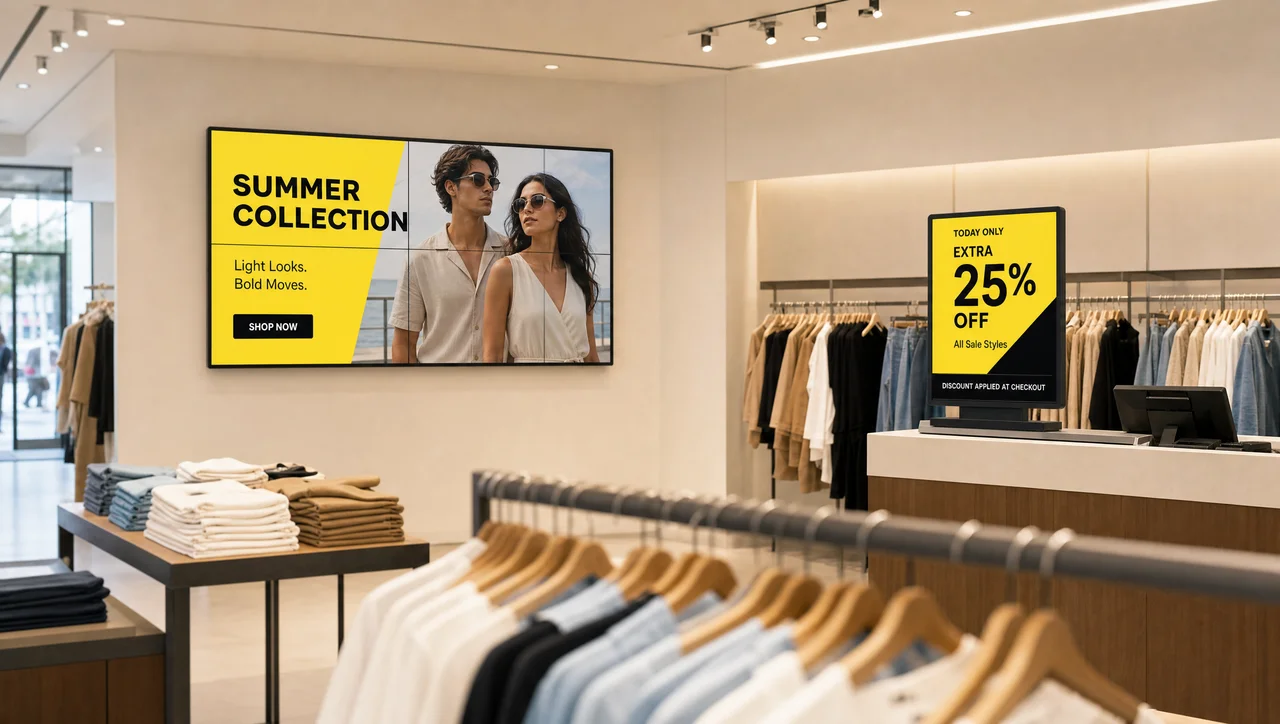
Retail is one of the most visible uses of digital signage — video walls in flagship stores, promotional screens near checkout, and digital price boards that update the moment a sale starts or ends. According to research cited by Deloitte, 47% of shoppers say screens improve their in-store experience.
Grocery chains and shopping malls apply the same idea at different scales — department-level promotions in a supermarket, common-area navigation and tenant advertising in a mall. Retailers running digital signage for retail can typically update pricing and promotions across every location from one dashboard instead of reprinting materials store by store.
The same screens often do double duty beyond promotions — QR codes link to interactive content, interactive kiosks handle store lookups or language translation, and back-of-house screens relay staff messages, store hours, and emergency notices. Some retailers also sell unused screen time as ad space to brand partners.
Restaurants, Cafés & QSR
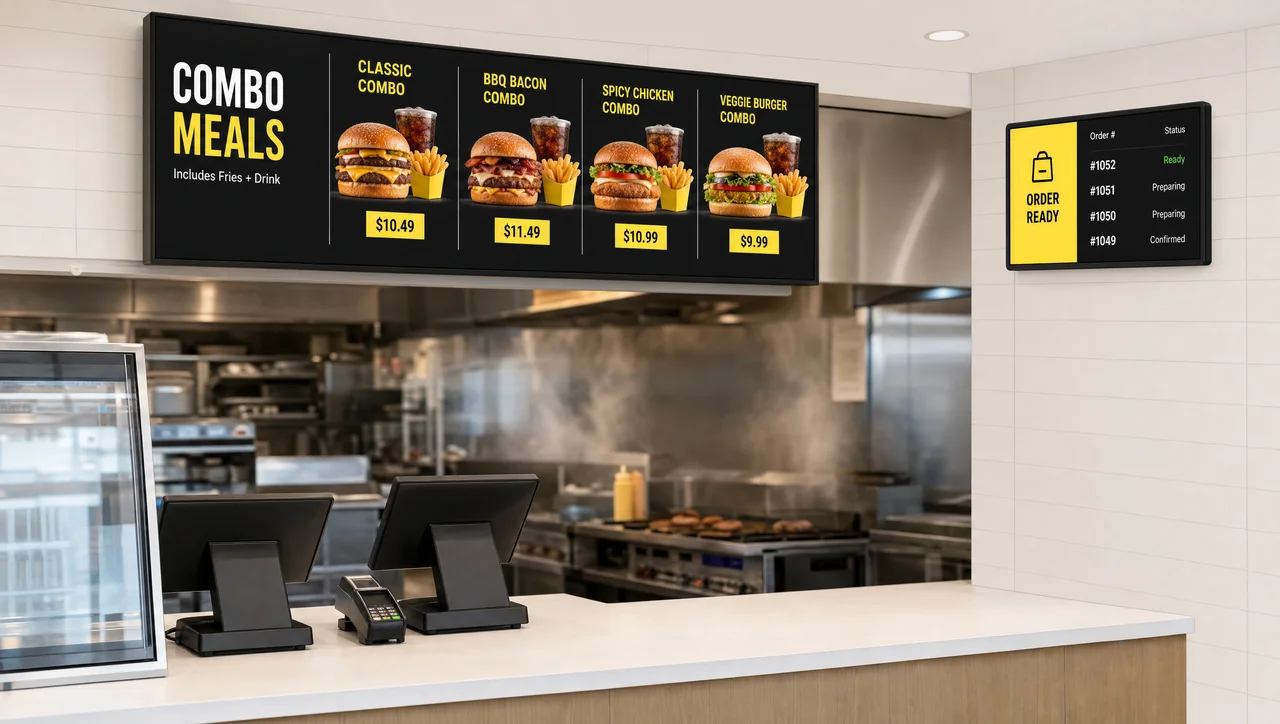
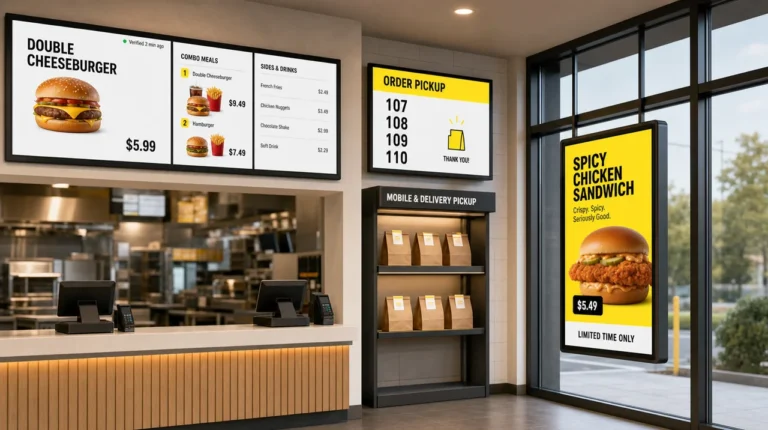
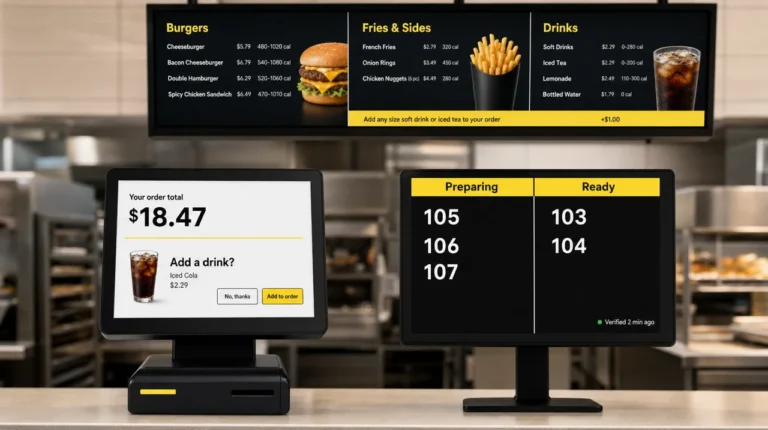
For restaurants, the most common use case is the digital menu board — a screen that swaps in daily specials, adjusts prices, or switches from breakfast to lunch without anyone reprinting a physical menu. Quick-service chains add drive-thru and order-ahead displays, and platforms like Decker can sync menu prices directly from a POS system so front-of-house and kitchen screens stay accurate automatically.
Beyond the menu itself, restaurants and cafés use screens for wait-time updates, kitchen-to-counter coordination, and promoting loyalty programs — the whole environment, not just the food list. QR and table-side ordering let guests order without flagging down a server, and some locations add video walls purely for atmosphere during peak hours.
Healthcare
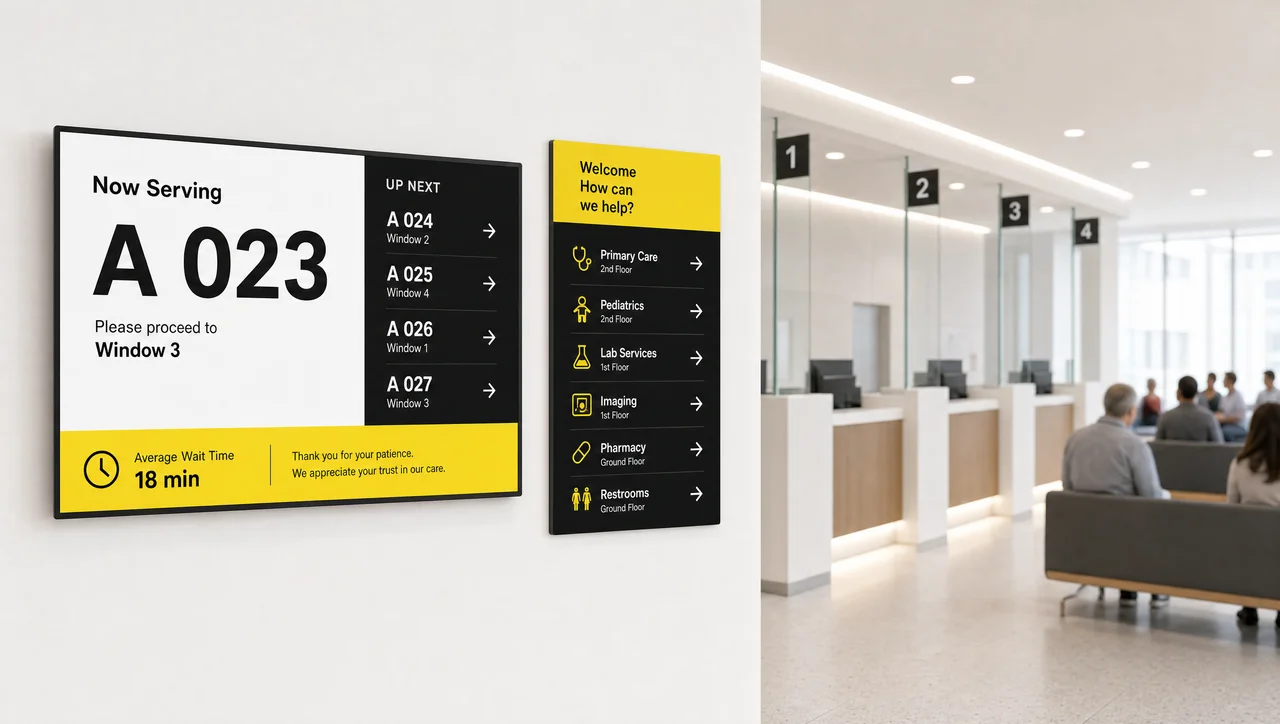
Hospitals and clinics rely on screens for two things patients complain about most: not knowing where to go, and not knowing how long they’ll wait. Wayfinding displays route visitors to the right department, while queue management shows real-time position in line instead of leaving people watching a closed door.
The effect can be significant — Wavetec reports that after Tbilisi’s Chapidze Heart Center added digital displays with queue management and self-service kiosks, daily patient throughput rose from around 70 to more than 200. Beyond logistics, healthcare facilities use the same screens for waiting-room health education and appointment reminders.
Healthcare digital signage usually has to fit around clinical workflows more than most other industries, so rollouts tend to start small and expand department by department.
Banking & Financial Services
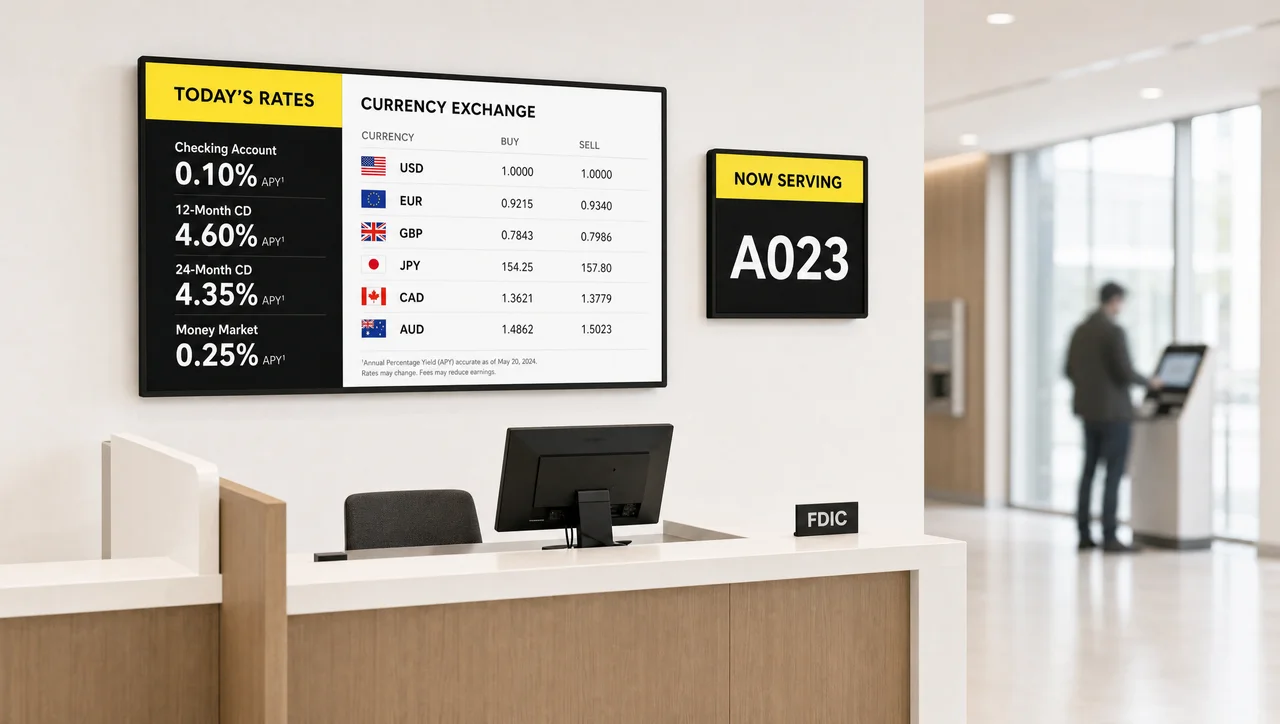
Banks were among the earliest adopters of digital signage, mostly through queue-number displays and rate boards. Retail branches, insurance offices, and investment firms use digital signage for banks to post current exchange rates, promote account types, and display compliance notices that need to stay current across every branch at once.
Self-service kiosks paired with signage let customers check queue status without approaching a teller — one of the more measurable ways financial institutions use queue management to cut perceived wait times.
Hospitality & Hotels
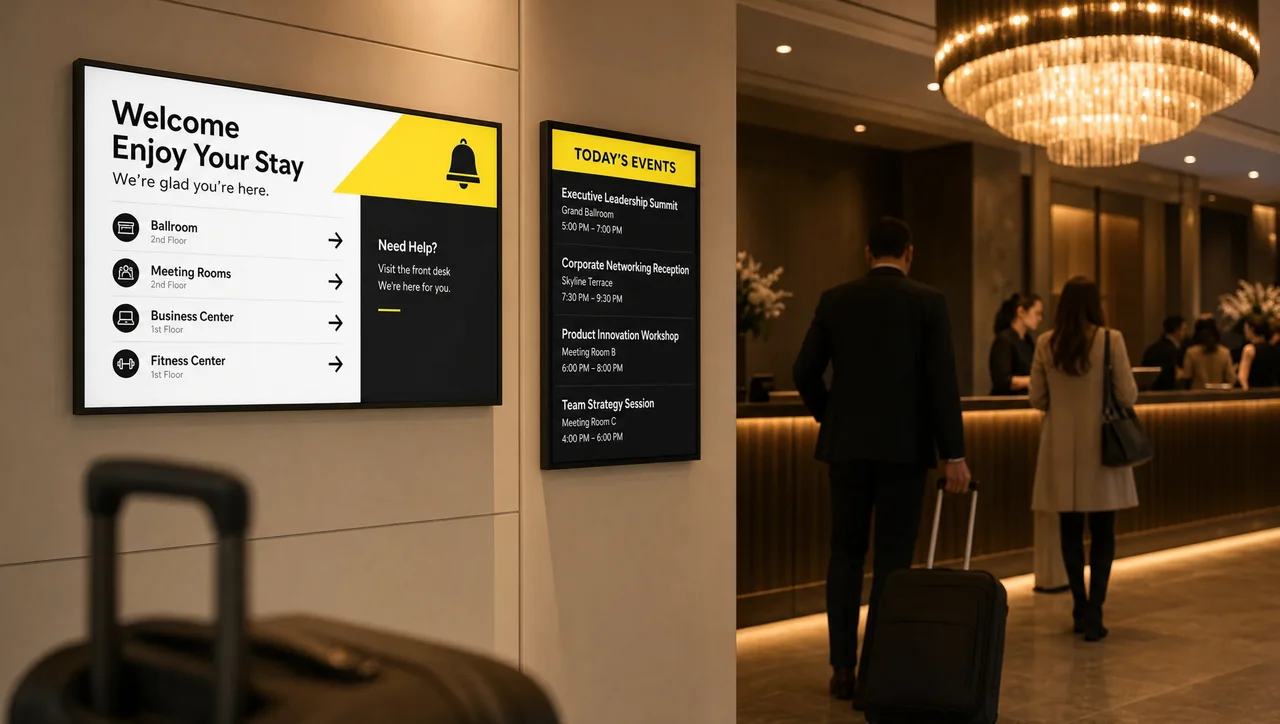
Hotels use digital signage from the moment a guest walks in — welcome screens at the front desk, directories pointing to event spaces and restaurants, and menu boards for in-house dining. The category has grown into a market of its own: Congruence Market Insights estimated the global hospitality digital signage market at about $2.48 billion in 2024.
A 2023 survey found that 65% of hotels using digital signage saw a measurable drop in guest wait times. Hotels and hospitality venues also use screens for self check-in prompts and upsell offers like room upgrades or spa bookings.
Education (K-12 & Higher Ed)
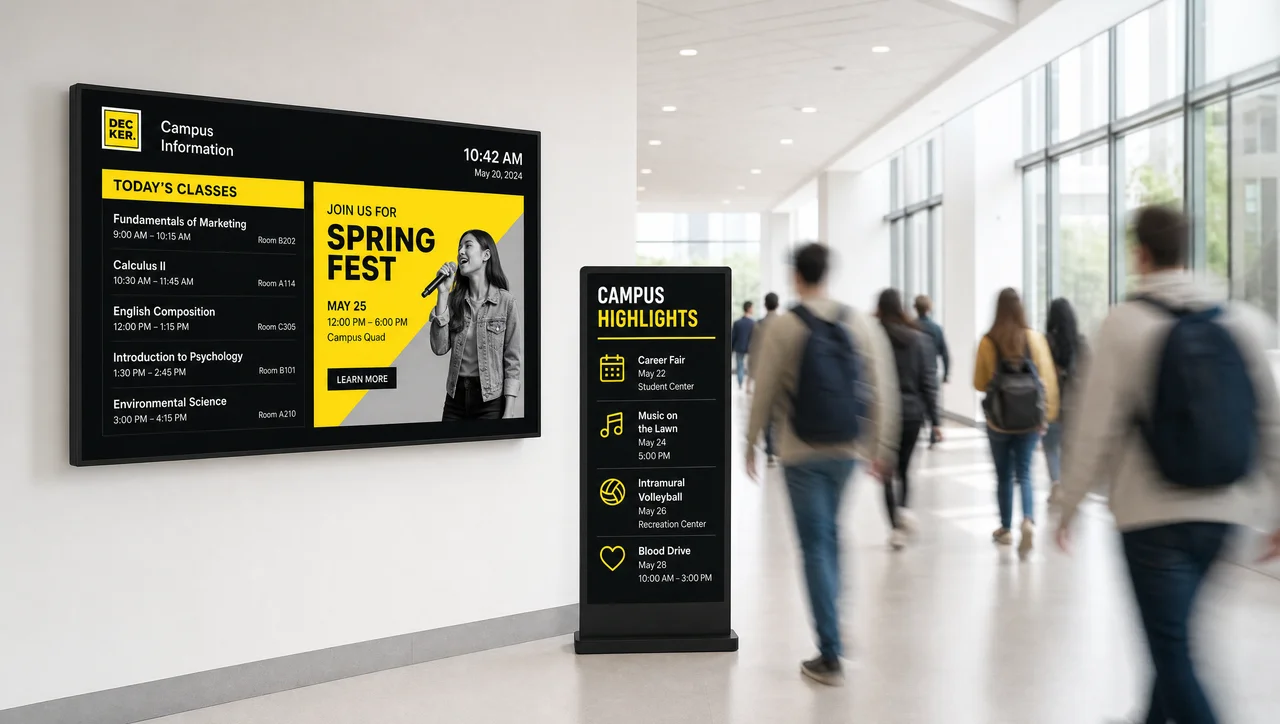
Schools, colleges, and universities use digital signage for schools as a replacement for the paper bulletin board — event calendars, emergency alerts, class-schedule changes, and campus announcements that need to reach students fast. Higher-education campuses lean into student engagement and event promotion, while K-12 schools also use bulletin-board-style displays for daily announcements and safety notices.
Because updates can go out to every screen on campus at once, schools rely on this more heavily during emergencies than most other industries. The same network also carries lighter content — live sports scores, ceremony broadcasts, donor recognition, and promotion for on-campus cafes and bookstores.
Corporate Offices & Professional Services
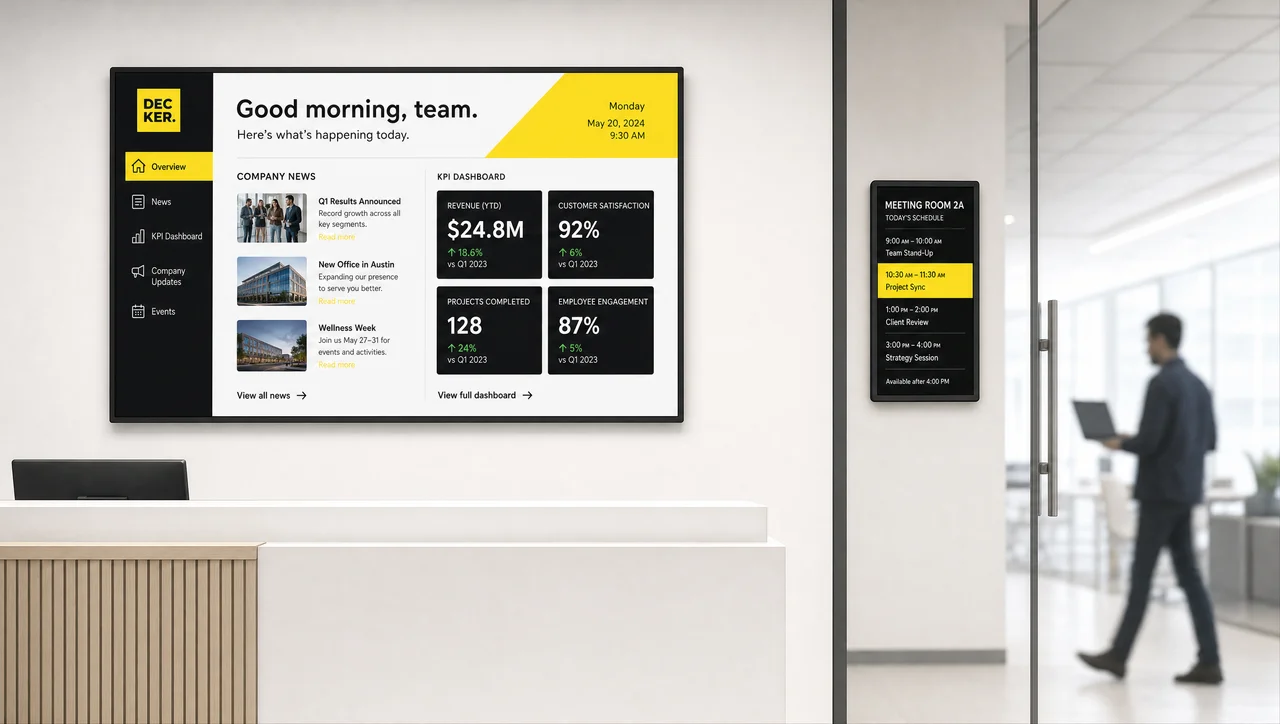
Inside offices, digital signage covers two different jobs: keeping employees informed and keeping visitors oriented. Workplace communication screens carry company news, milestone recognition, and internal announcements that would otherwise get lost in email.
A more operational use case is live KPI and performance dashboards in team spaces, alongside meeting-room screens that show room availability and booking status — a use case that grew alongside hybrid work. At the front desk, the same platform typically handles simple visitor wayfinding too.
Transportation
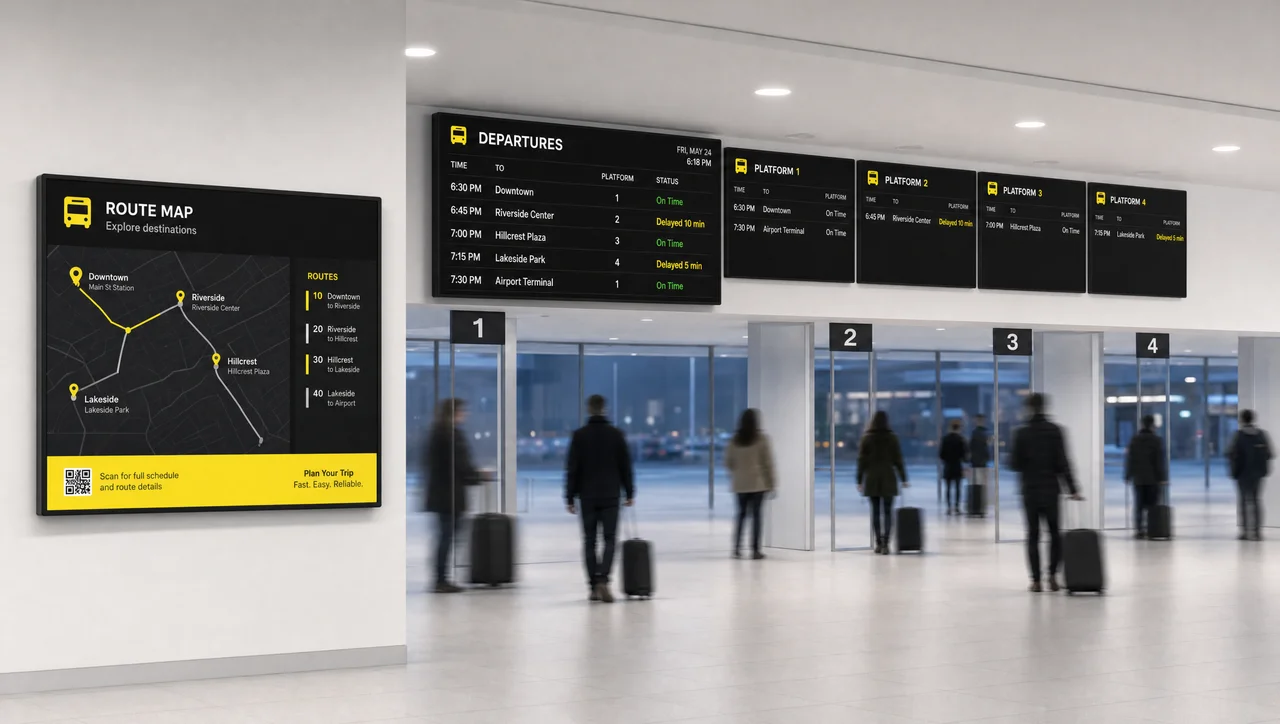
Airports, train stations, and bus terminals depend on digital signage for arrivals, departures, gate changes, and service disruptions — information that changes by the minute and can’t wait for a schedule to be reprinted. Clear, timely communication matters more than it might seem: a study cited by OnSign found that it can cut perceived waiting time by up to 35%.
Transportation authorities also use screens for wayfinding inside large terminals and for weather-related announcements that need to reach every platform at once. Many airports and transit agencies also sell advertising space on the same network, offsetting part of the operating cost.
Manufacturing
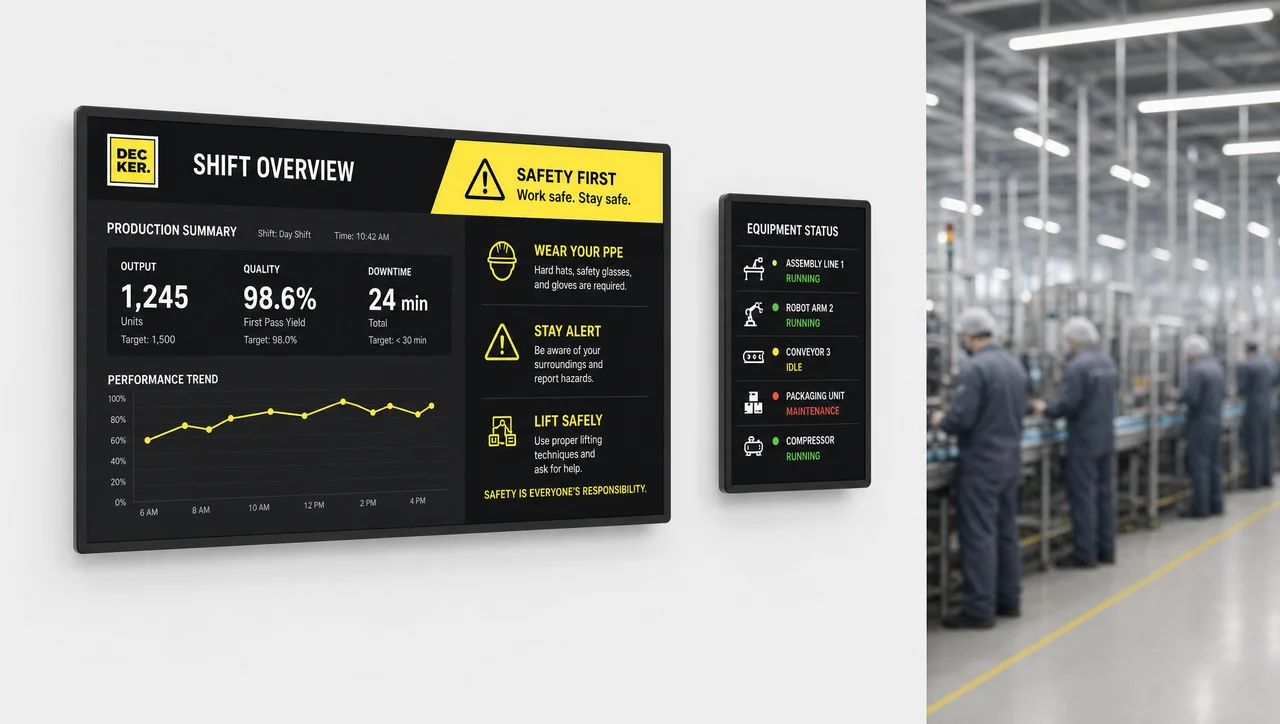
On the factory floor, digital signage looks less like marketing and more like a dashboard — production targets, safety alerts, and shift status displayed where the work is actually happening. IoT-connected facilities can push live data on inventory levels, production speed, and equipment status straight to the same screens, so supervisors don’t have to walk the floor to catch a problem.
Safety messaging comes up repeatedly in this industry specifically, since a screen can broadcast an alert facility-wide far faster than a page over the intercom.
Entertainment, Sports & Venues
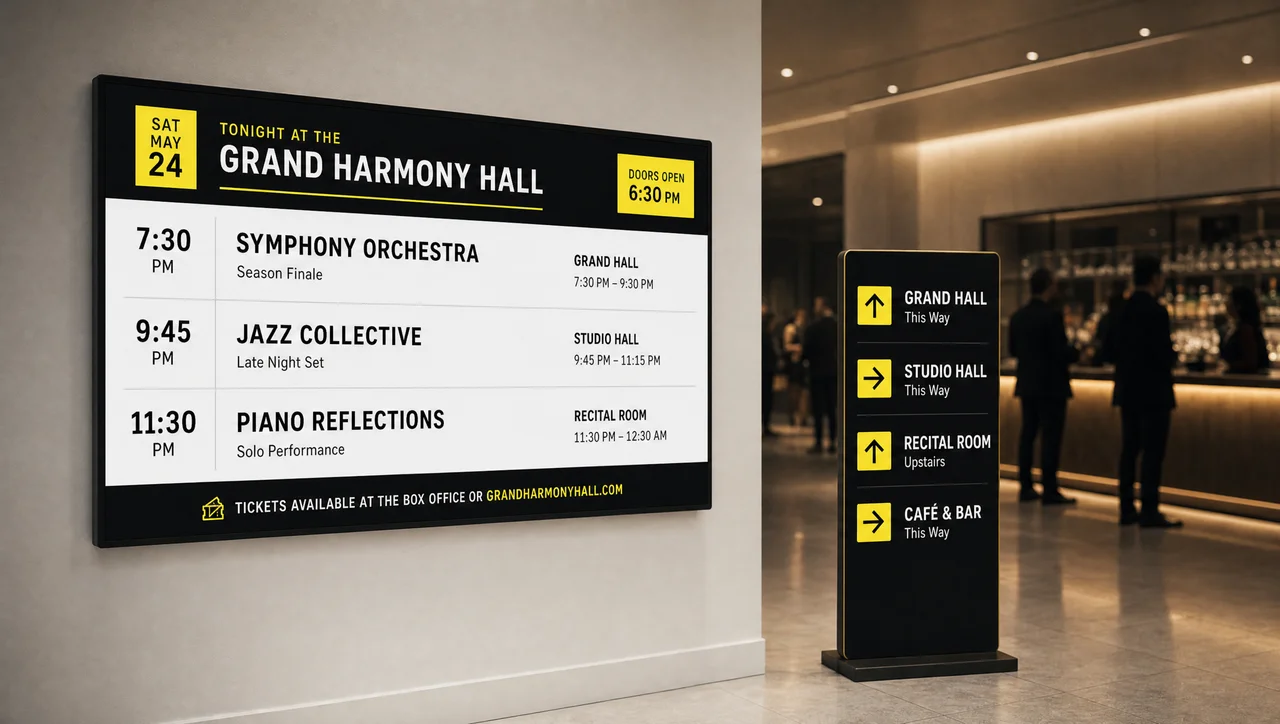
Stadiums, cinemas, and amusement parks use digital signage for wayfinding, concession promotions, and live scores or programming updates — content that changes hour to hour during an event. Large venues often pair this withvideo walls for high-impact moments.
Temporary setups at conferences and trade shows run on the same underlying technology for a few days at a time instead of a permanent build-out.
Government & Public Sector
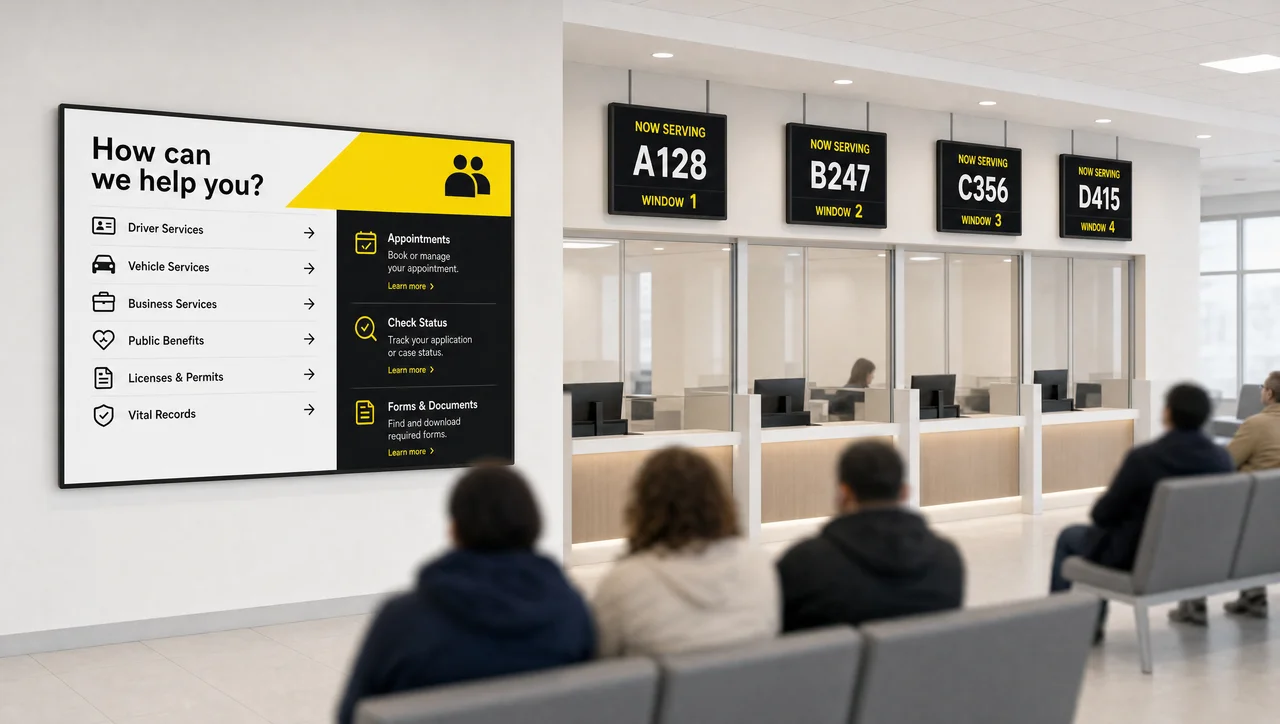
Public buildings — courthouses, DMV offices, city halls — use digital signage mainly for service information: which counter to use, current wait times, and accessibility notices.
The audience is broader and less predictable than in most industries, so government signage tends to prioritize clarity over branding.
Places of Worship
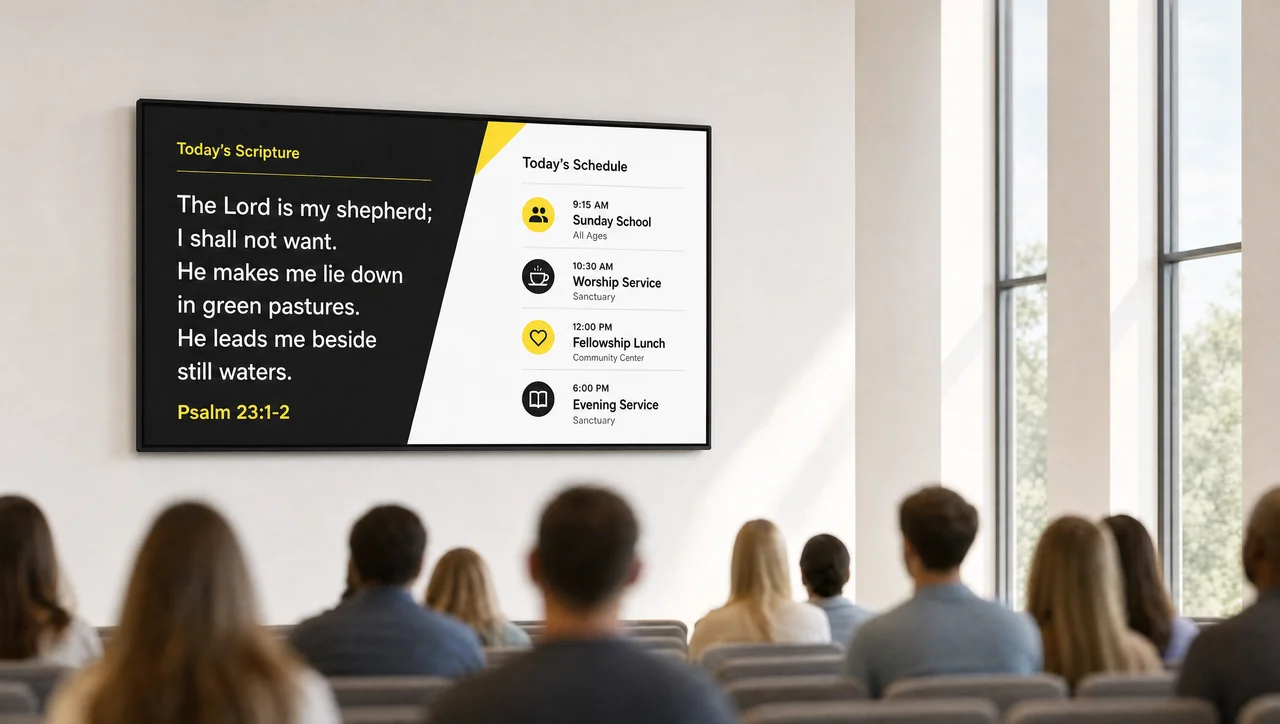
Churches, temples, and mosques have shifted toward digital displays for song lyrics, readings, and event schedules during services, cutting down on printed bulletins.
Larger congregations with multiple campuses also use screens to broadcast the same service to more than one location and to manage check-in for childcare areas.
Fitness, Gyms & Wellness
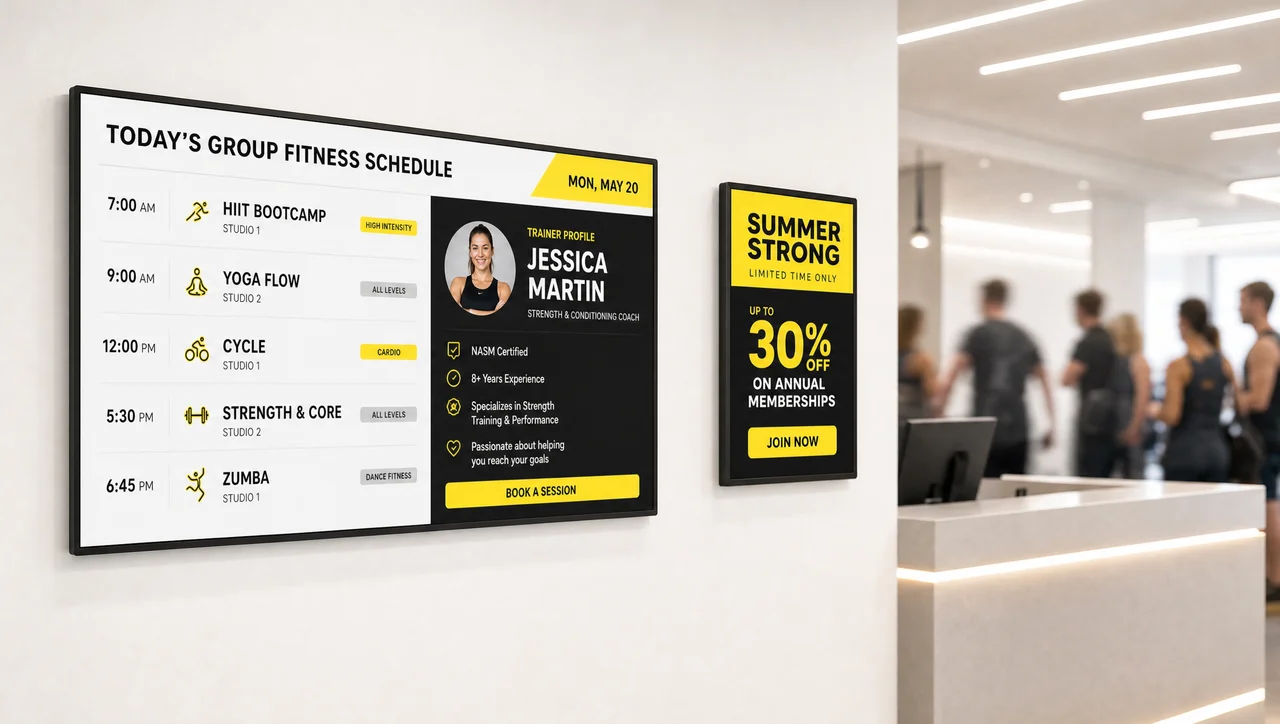
Gyms use screens to post class schedules, trainer availability, and safety guidelines around the floor.
This matters more than it might seem for 24-hour and self-service gyms specifically, where there’s often no staff member around to answer a basic scheduling question in person.
Automotive
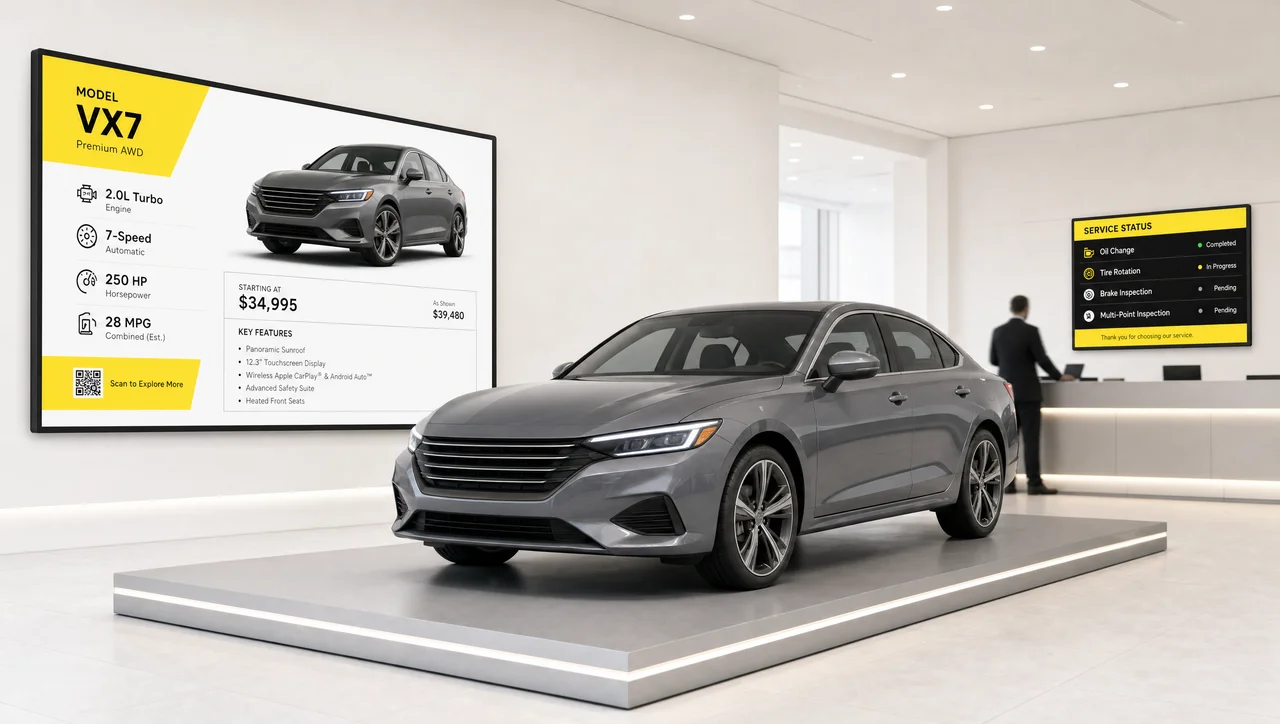
Car dealerships and service centers use screens in showrooms and waiting areas to display vehicle specifications, service status, and current promotions.
This cuts down on how often staff repeat the same information to different customers waiting in the same room.
Real Estate
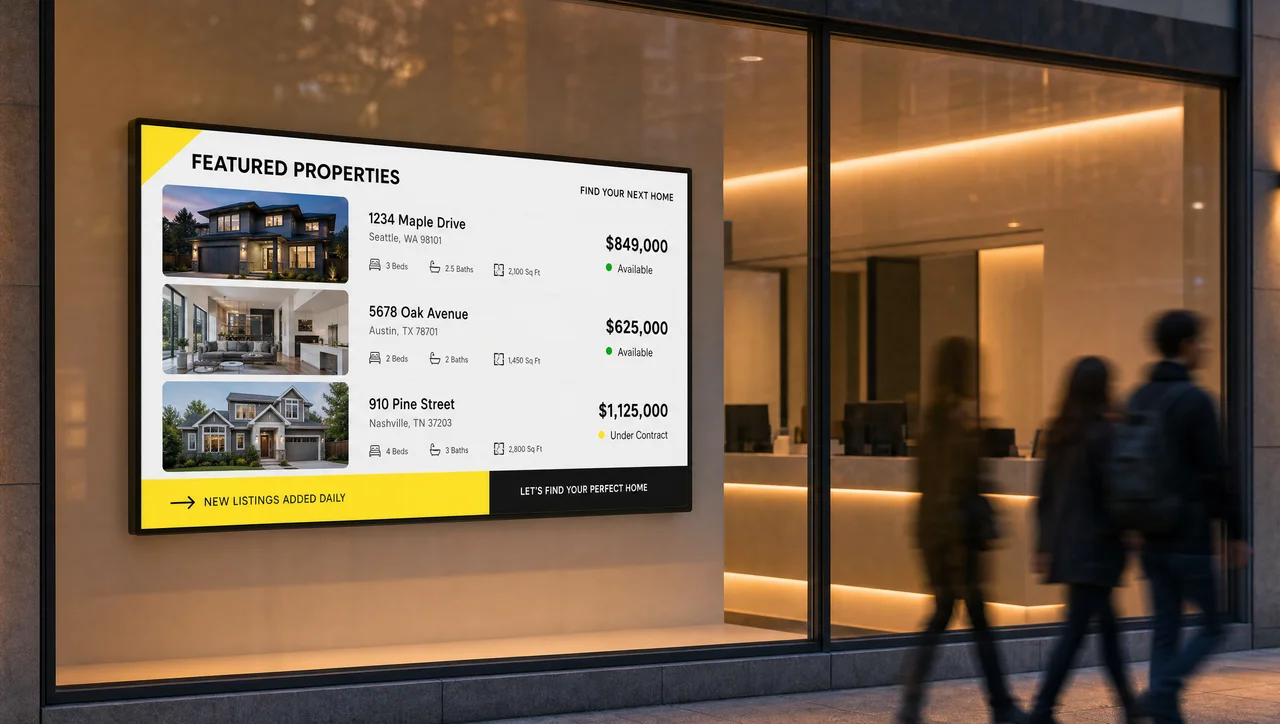
Real-estate agencies use digital displays in office windows and showroom lobbies to rotate through property listings, pricing, and availability.
Updates go out instantly instead of reprinting flyers every time a unit sells or a price changes.
Energy & Utility
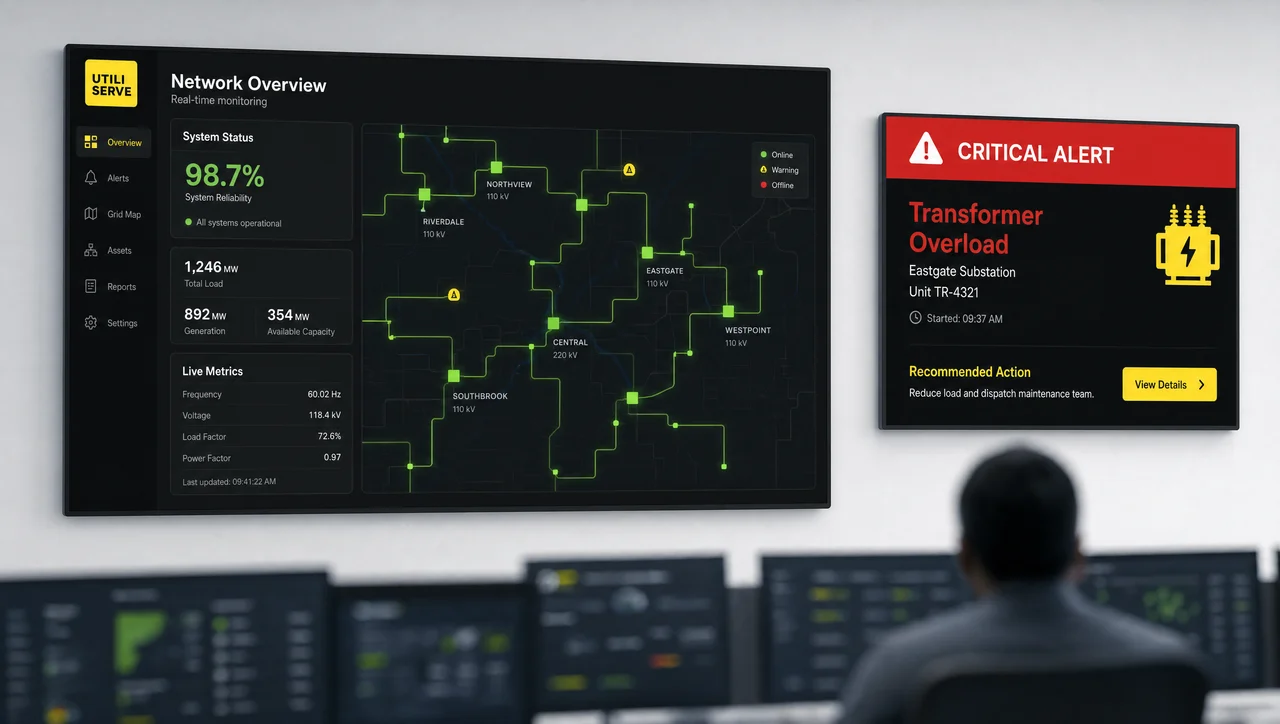
Utility providers rely on real-time data visualization to relay information from multiple monitoring systems and respond quickly when conditions change — similar logic to emergency-alert and screen-takeover use cases in other industries.
Content can be set to change automatically for specific situations — some utilities trigger a dedicated safety-messaging mode on designated “Dark Sky Days,” for example — cutting down on how much an operator has to manage manually during an event.
Museums & Galleries
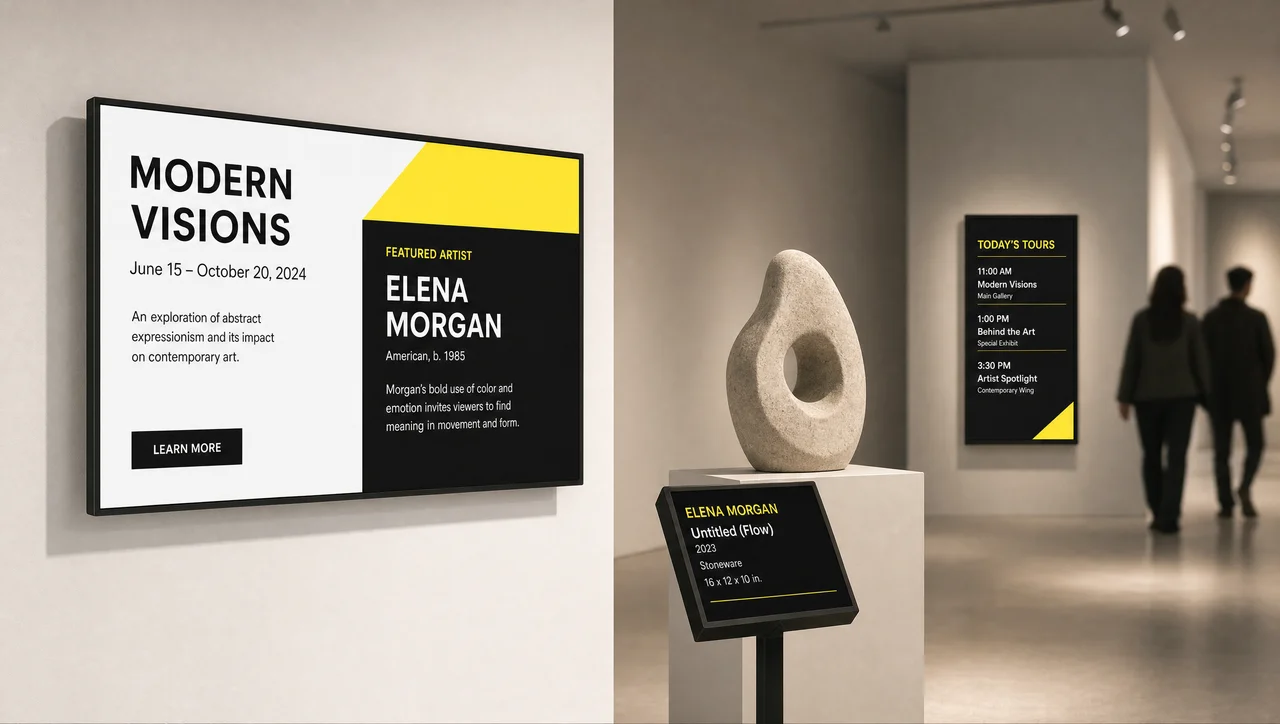
Museums and galleries use screens to display exhibit information, donor recognition, and event listings.
Content needs to change easily between exhibitions, without a full redesign each time.
Small Businesses
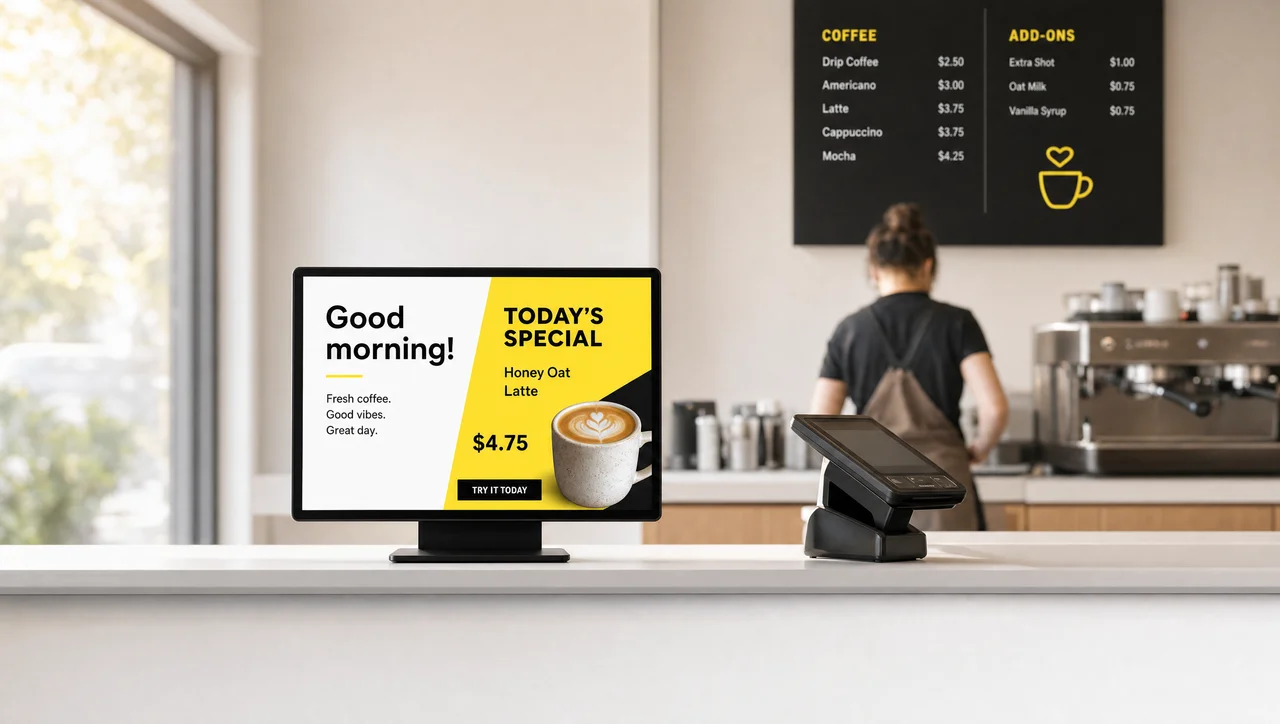
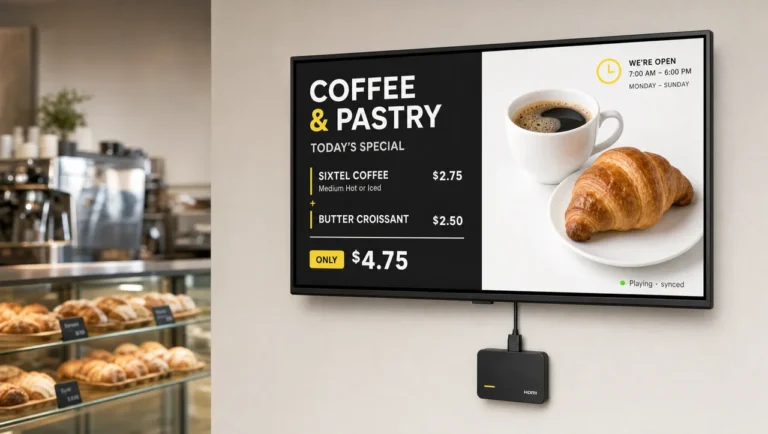
Digital signage isn’t reserved for large chains. A single-location shop or café can start with one welcome screen or a small menu display and get most of the same benefits — daily announcements, promotions, and a more current look than a printed sign taped to the door.
If you’re evaluating this for a small operation, how Decker works is a reasonable starting point before comparing plans.
Beyond these individual use cases, a few industries stand out overall for the strength of their results.
What Are the Best Industries for Digital Signage?
Every industry on this list uses digital signage for a reason, but the evidence for impact is strongest in a handful of them. Retail leads on customer-experience data (the Deloitte-cited 47% figure above). Healthcare and hospitality both have documented operational wins — the Chapidze Heart Center case and the 65% wait-time improvement among hotels, respectively.
Transportation has the clearest efficiency case, with perceived wait times cut by up to 35% in the OnSign-cited research. Retail, restaurants, healthcare, hospitality, banking, and corporate offices also show up most consistently across independent studies and vendor case data — which is part of why vendors usually build dedicated features around these sectors first. In addition, the pattern is easier to compare side by side.
What Each Industry Puts on Screen
| Industry | What’s on screen | The goal |
|---|---|---|
| Retail | Promotions, video walls, pricing | Drive sales, guide shoppers |
| Restaurants & QSR | Menu boards, daily specials | Update pricing without reprinting |
| Healthcare | Wayfinding, queue status, health tips | Cut confusion and wait times |
| Banking & Finance | Rates, queue numbers, compliance notices | Keep customers informed instantly |
| Hospitality & Hotels | Welcome screens, event directories | Improve guest experience |
| Education | Announcements, schedules, alerts | Fast campus-wide communication |
| Corporate Offices | News, KPIs, room schedules | Keep employees aligned |
| Transportation | Arrivals, departures, disruptions | Reduce perceived wait time |
| Manufacturing | Production data, safety alerts | Faster response, safer floors |
| Entertainment & Venues | Wayfinding, concessions, live scores | Guide and engage visitors |
| Government | Service info, wait times | Clear public communication |
| Places of Worship | Lyrics, readings, schedules | Reduce printed materials |
| Fitness & Gyms | Class schedules, promotions | Self-service member support |
| Automotive | Vehicle specs, service status | Fewer repeated questions |
| Real Estate | Listings, pricing, availability | Instant, always-current info |
| Energy & Utility | Live monitoring data, alerts | Fast response to changing conditions |
| Museums & Galleries | Exhibit info, donor recognition | Easy content refresh between shows |
| Small Businesses | Announcements, simple menus | Same benefits, smaller scale |
Overall, the patterns above point to a few consistent reasons businesses make the switch.
Why Businesses Are Adopting Digital Signage
The specifics vary by industry, but the underlying reasons are consistent: digital signage replaces printed materials that go stale the moment they’re printed, puts messaging control in one place across every location, and gets urgent information in front of people faster than email or a printed sign ever could.
None of the industries above needed a production studio to get started — most begin with a single screen and expand once the format proves useful. That raises a natural follow-up question, specifically: of all these industries, which ones are actually leading right now?
Which Industries Are Growing Fastest? A Look at the Data
To answer that, we compared 2025–2026 reports from eight independent research firms — Mordor Intelligence, Grand View Research, Global Market Insights, MarketResearch Future, Fortune Business Insights, Straits Research, Polaris Market Research, and Coherent Market Insights — to see where analysts agree on industry adoption, and where they don’t.
Where they agree: retail is the largest single vertical in every report we reviewed, though the exact share varies by firm. Mordor Intelligence puts it at roughly 21% of global revenue in 2025; MarketResearch Future estimates closer to 23%. Mordor Intelligence’s separate U.S.-only report puts domestic retail spending higher still, at just over 28%. Every firm we checked also tracks the same core set of verticals — retail, transportation, hospitality, healthcare, corporate, education, and banking — which lines up closely with the industries covered in this guide.
Where they disagree: which industry is growing fastest. Mordor Intelligence and MarketResearch Future separately name transportation as the quickest-growing vertical by compound annual growth rate, at roughly 9% and 8.5% respectively. Grand View Research instead names healthcare as the fastest-growing segment over a comparable period, pointing to self-service kiosks and check-in as the driver. Global Market Insights reports healthcare closer to 20% of 2025 market share — among the largest verticals by size, even where it isn’t reported as the fastest by growth rate.
| Industry | What analysts agree on | Where the data splits |
|---|---|---|
| Retail | Largest single vertical in every report reviewed | Exact share ranges from 21% to 28% depending on the firm |
| Transportation | Named fastest-growing by 2 of the firms we checked | Growth estimates range from roughly 8.5% to 9% CAGR |
| Healthcare | Consistently top 3 by size, ~20% share in one report | One firm names it the fastest-growing segment instead of transportation |
| Corporate, education, banking, hospitality | Tracked as core verticals by all 8 firms | Detailed share/growth figures aren’t published consistently across firms |
Total market-size estimates also vary more than most single articles let on — different firms count different things (hardware only vs. hardware plus software and services), which is worth knowing before treating any one “digital signage market is worth $X” figure as settled. The full digital signage market statistics breakdown covers that in more detail; this section stays focused specifically on how industries compare to each other.
In practice: if you’re deciding where digital signage delivers the most proven value, retail’s lead is well established across every source we checked. If you’re deciding where the opportunity is growing fastest, the honest answer is that analysts don’t fully agree — transportation and healthcare are the two most commonly cited candidates, for different reasons.
As a result, most teams start with a single screen and expand from there — the questions below cover the details.
Questions and Answers
1 What sectors utilize digital signage technology?
Digital signage is used across retail, restaurants, healthcare, banking, education, hospitality, transportation, manufacturing, corporate offices, and dozens of smaller categories — essentially any setting that needs to share timely information in a physical space.
2 What are the best industries for digital signage?
Retail, healthcare, hospitality, and transportation currently have the strongest documented results among industries using digital signage, based on the data above. That doesn’t mean other industries see less value — it mostly reflects which sectors publish the most research.
3 What is digital signage used for?
Digital signage is used for menus and pricing, wayfinding, promotions, wait-time and queue updates, internal communications, safety alerts, and event or schedule announcements — the specific mix depends on the industry.
4 How is digital signage customized for different industries?
Customization usually comes down to content type, placement, and update frequency — a restaurant needs menu prices to sync with a POS system, a hospital prioritizes wayfinding and queue status, and a corporate office focuses on internal announcements and room scheduling.
5 Are places of worship and small businesses actually using digital signage, or is this mostly a retail and corporate technology?
Both are genuine, growing categories. Churches and single-location businesses are newer to digital signage than retail or banking, but adoption has picked up as the hardware and software have gotten cheaper and easier to manage with just one screen.
6 Do I need a different platform for each industry?
No — most industries run on the same core signage platform. What changes is which templates, integrations (like POS or scheduling software), and content types get used for that specific setting.