
Free Beer Menu Templates
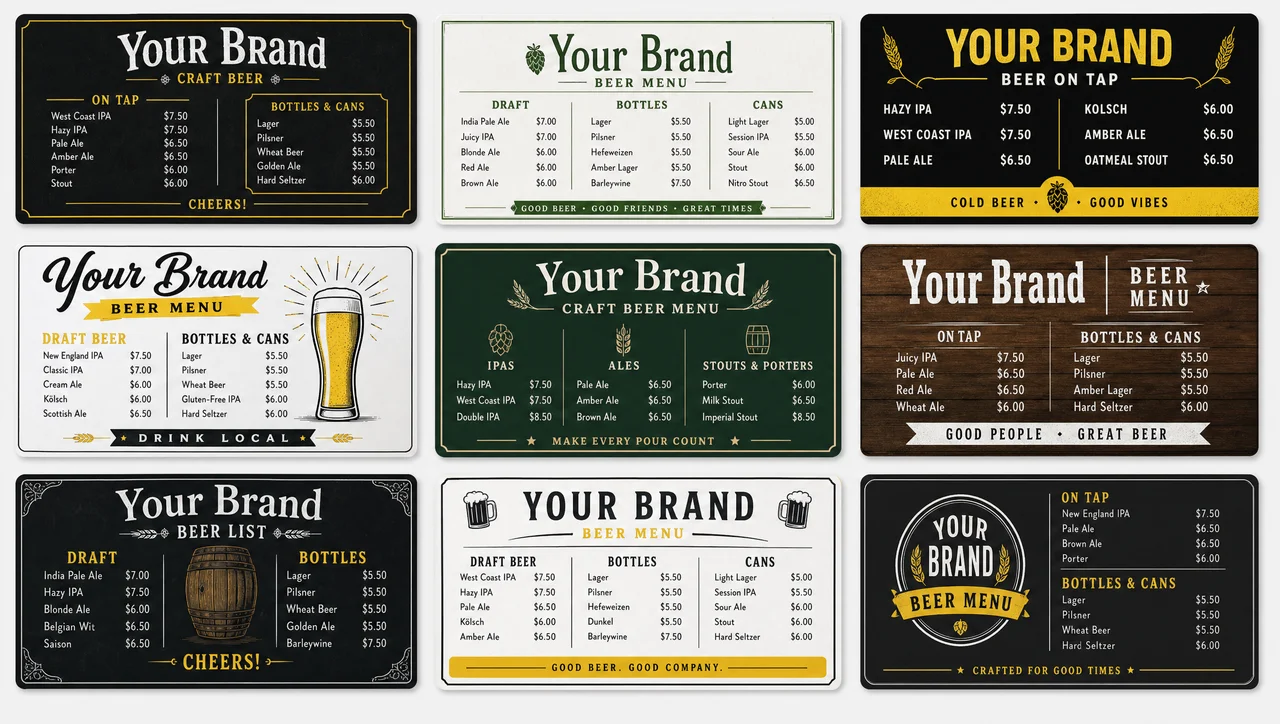
A beer menu template is a layout where style, brewery, ABV, pour size and price sit in fixed columns, so swapping a kicked keg takes one edit instead of a redesign. Every design here is free to customize, prints as a draft list, and runs on a screen above the taps.
-
Print and screen Prints and runs on a screen
Every beer menu template here exports as a print-ready page and publishes to a wall screen from the same layout — no second design for the taps.
-
Fixed rows A new keg replaces one line
Row count is set before the beers, so a keg change swaps a line instead of reflowing the board. The rotating block keeps its place on every layout.
-
4 oz to 64 oz Taster, pint, crowler, growler
Pour columns are built in, not added later: a flight pour, a 16 oz pint and a 64 oz growler each carry their own price on one line.
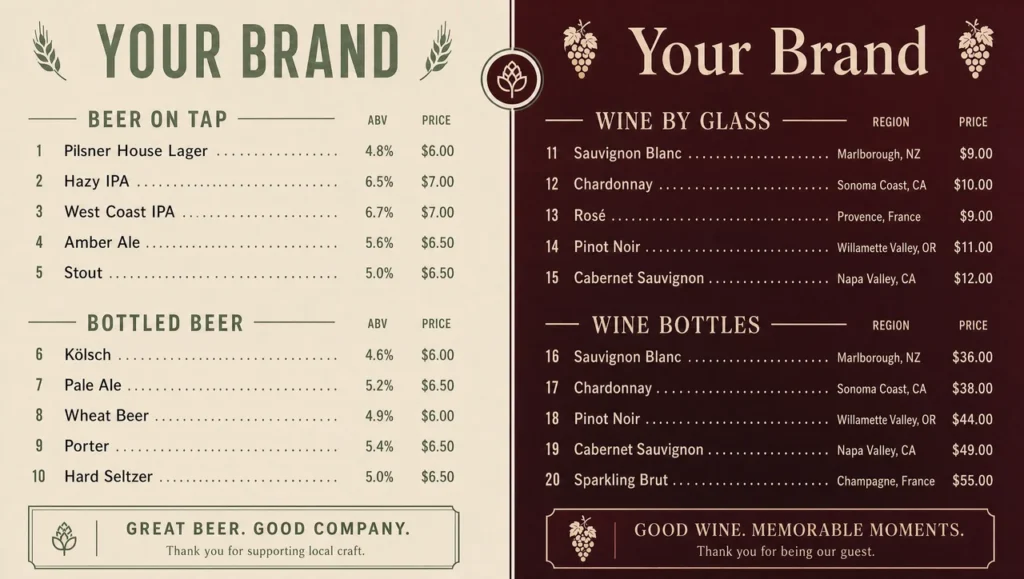
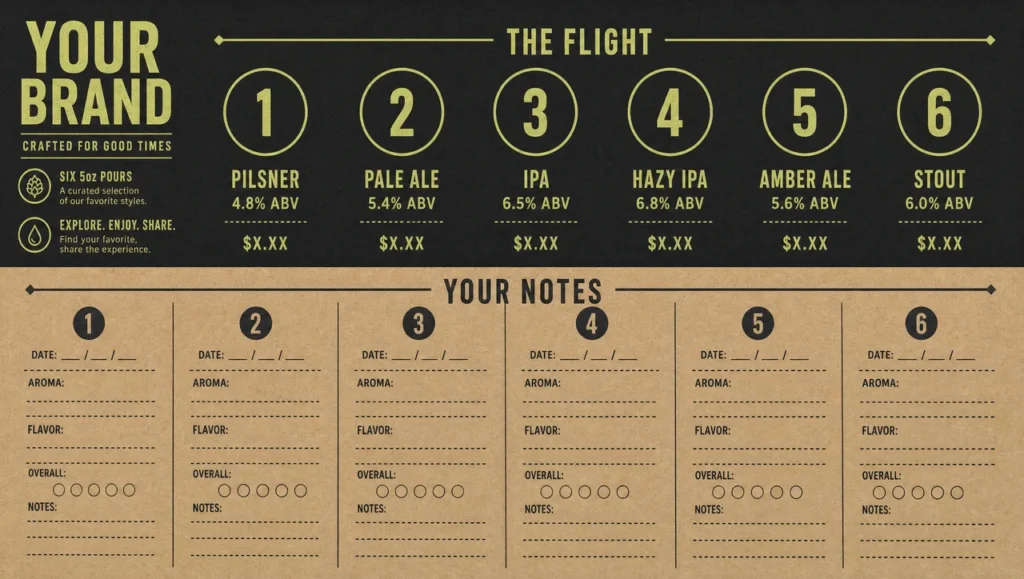
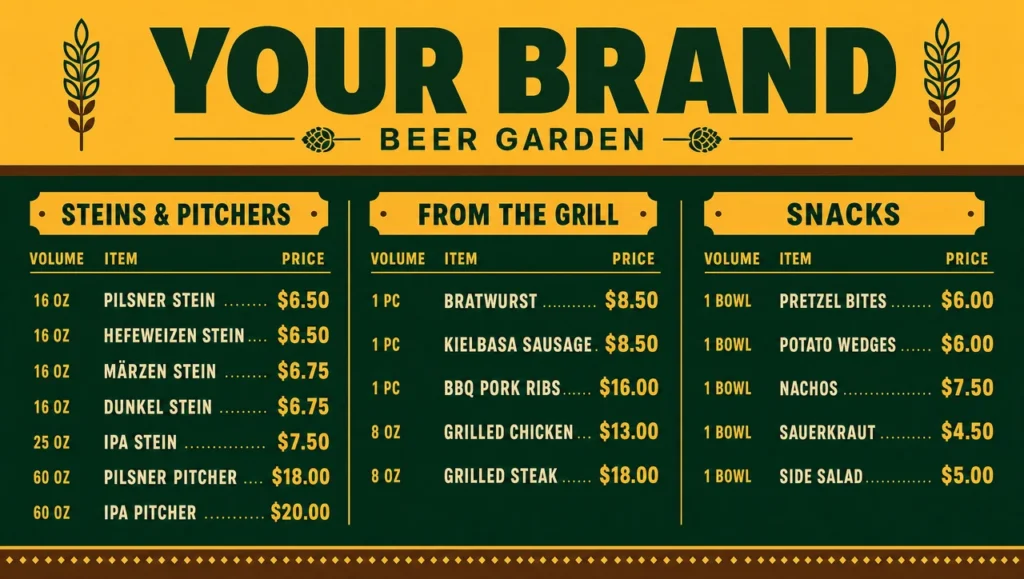
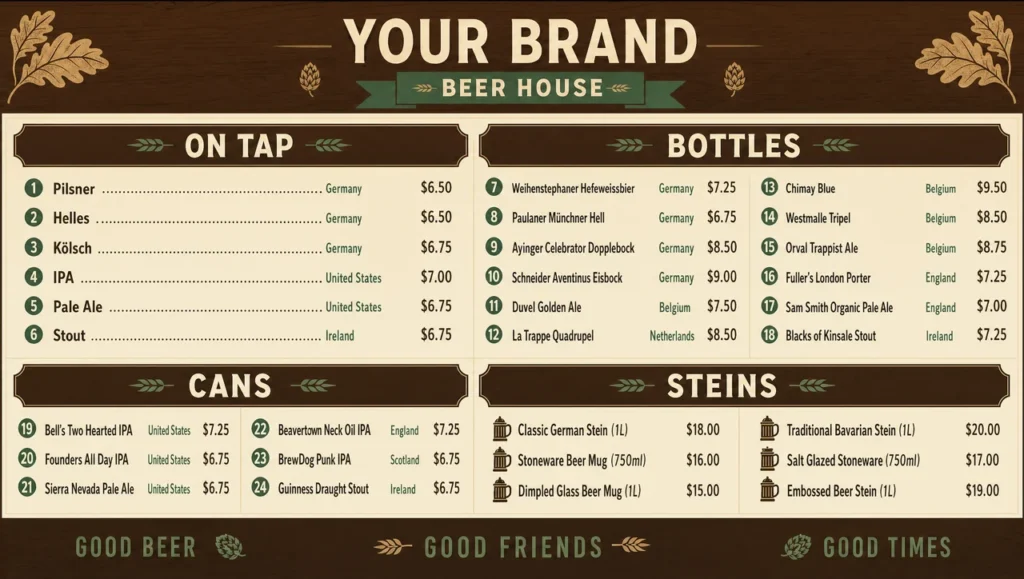
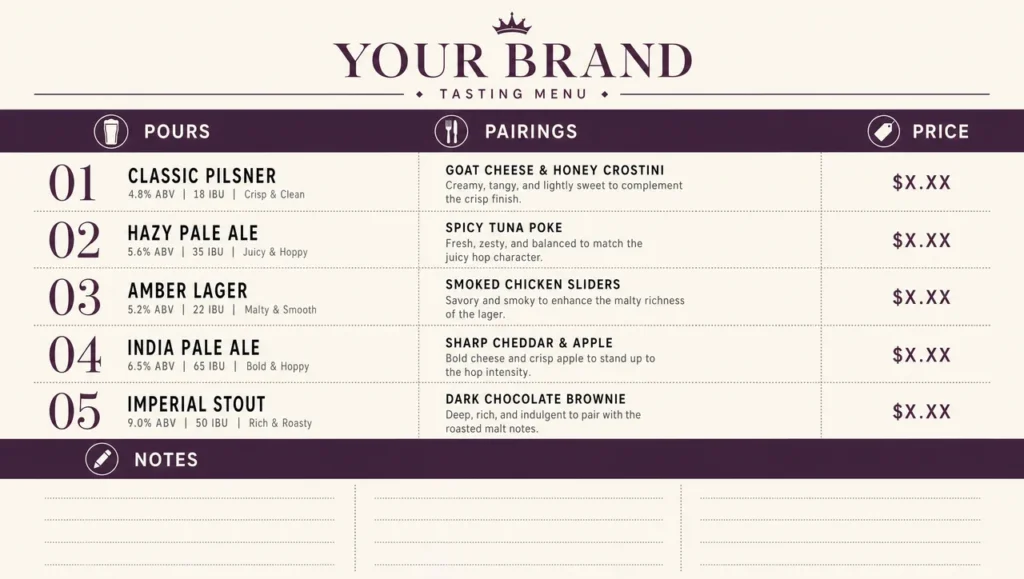
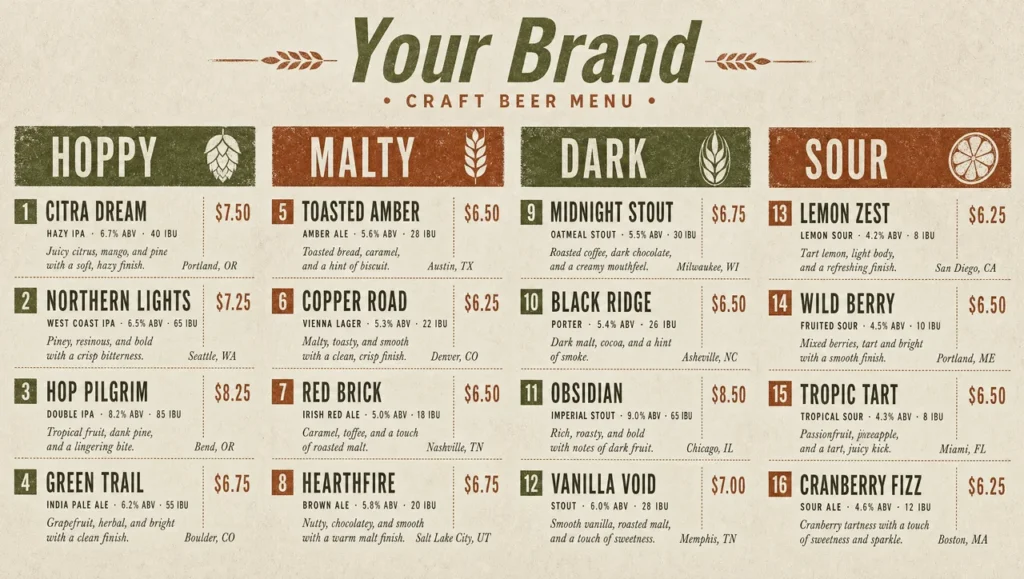
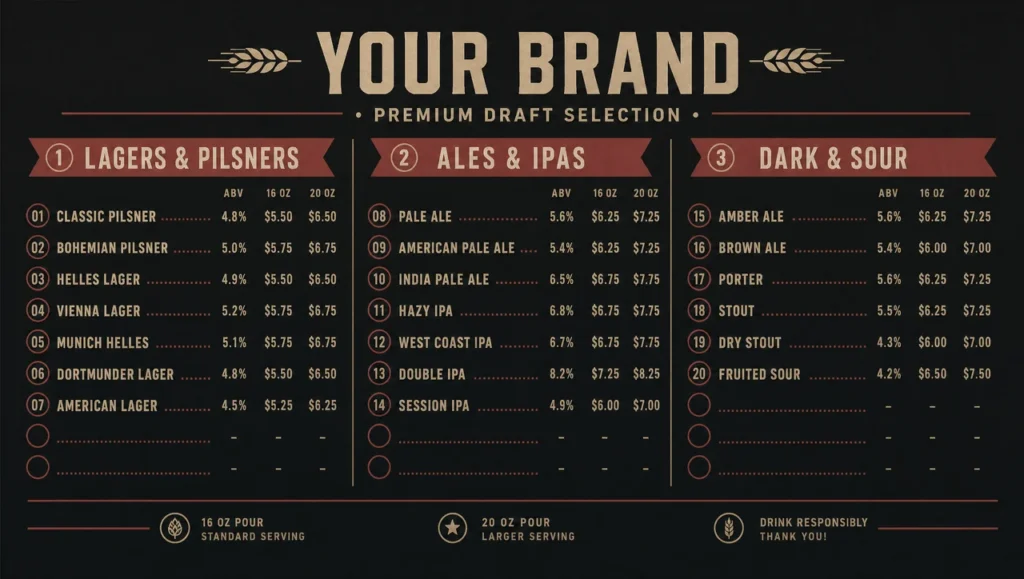
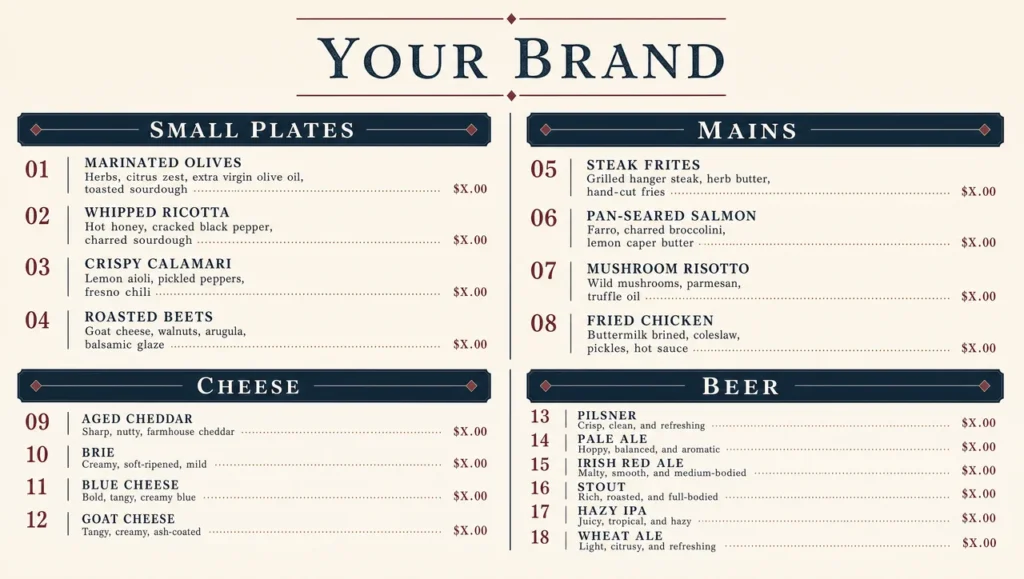
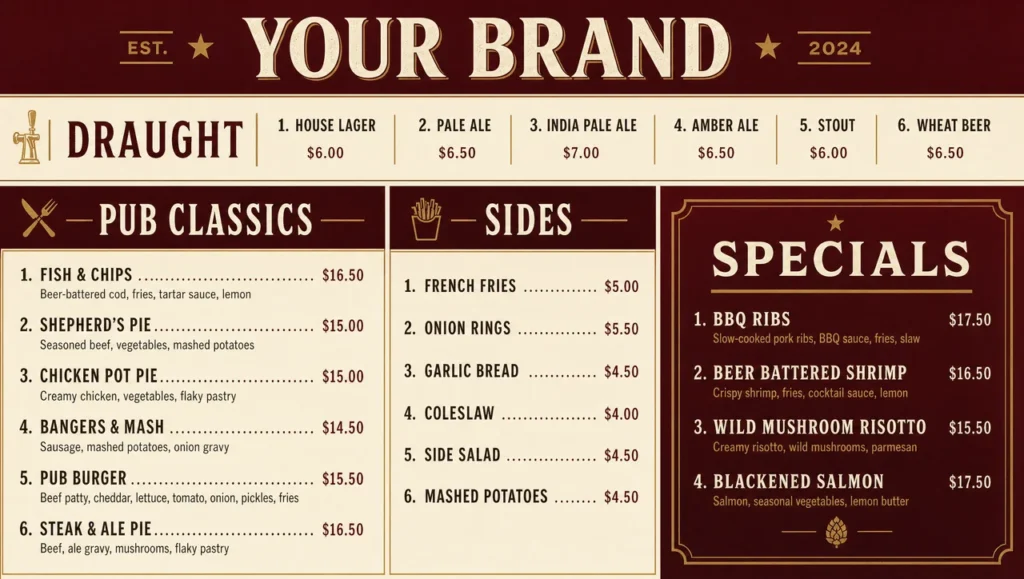
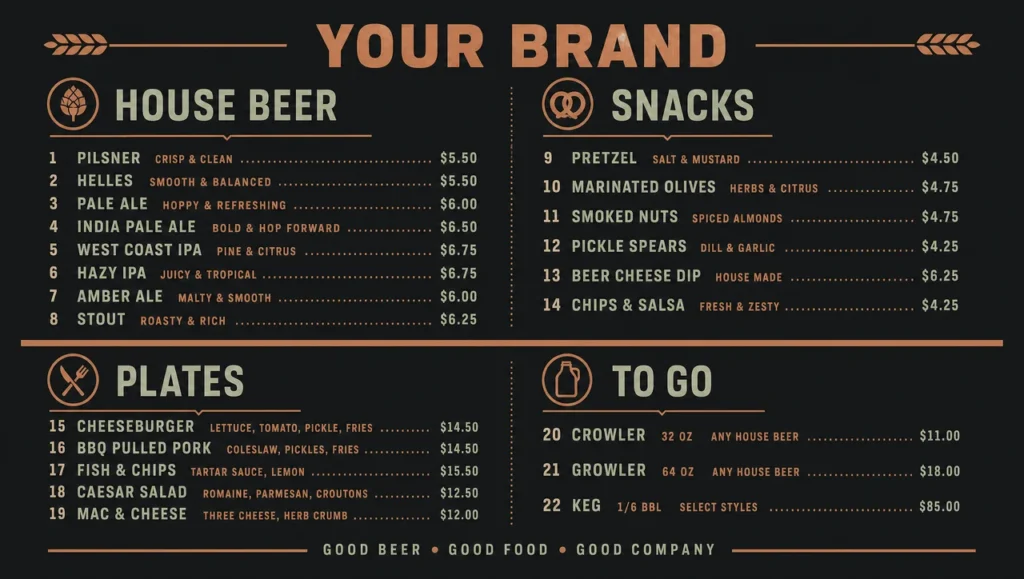
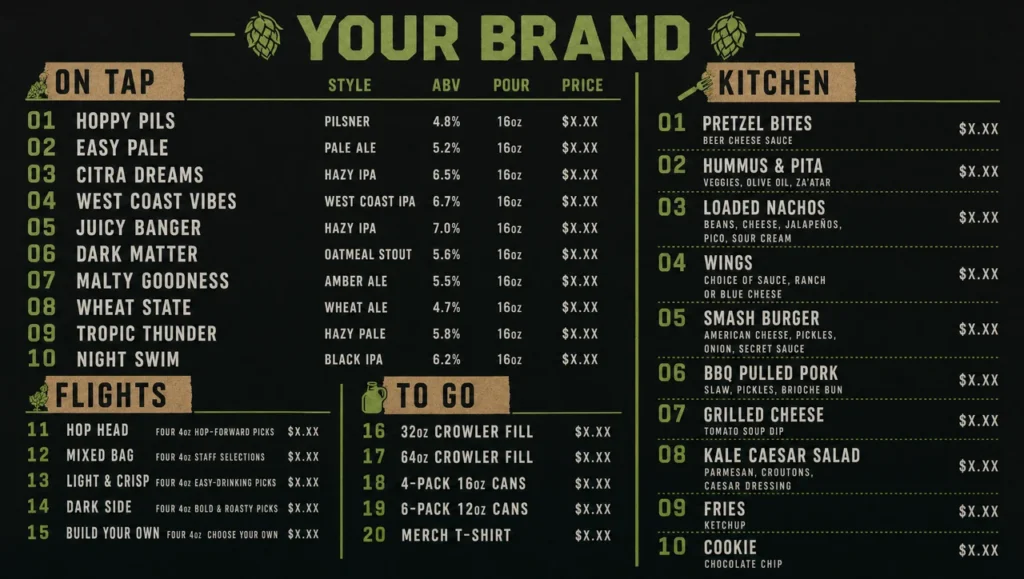
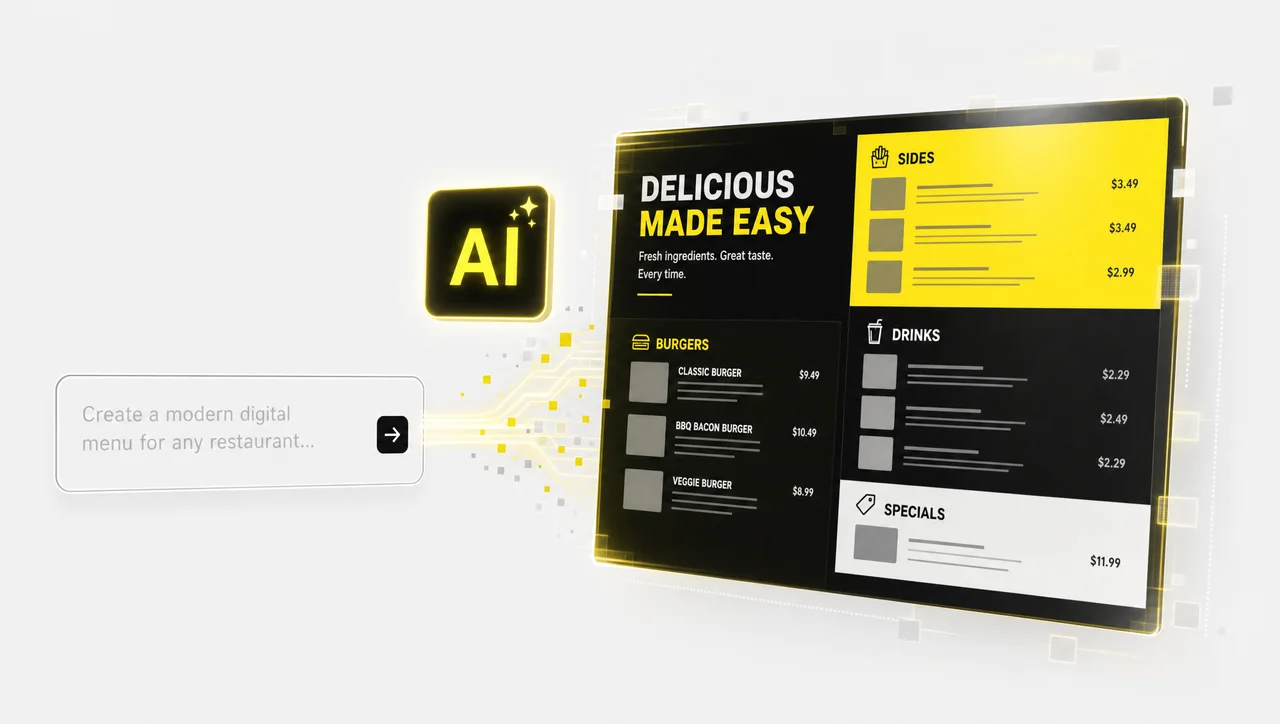
Nothing here fits your tap wall?
Let AI build a beer menu design around your own styles, tap count, and colors in seconds.
What a beer menu template has to hold
A beer menu template holds five fields on every line — style, brewery, ABV, pour size and price — because those are the five things a guest asks about before ordering. Drop one and a bartender answers the same question all night. Keep all five and the line still has to fit the width of the board, which is why the field order is fixed in the layout rather than decided per beer.
The rotating slot is what separates a beer list template from a food menu. A kitchen changes a dish a few times a year; a tap wall changes when the keg runs out, which can be mid-shift. So the layout treats every row as replaceable and the structure as permanent.
| Field | Why it earns a column | Example |
|---|---|---|
| Style | The first filter a guest applies, ahead of brewery or price | West Coast IPA |
| Brewery and city | Carries the local-vs-guest-tap distinction without a separate section | Alvarado Street, Monterey CA |
| ABV | Decides the pour a guest orders, and whether they order a second | 6.8% |
| Pour sizes | One beer is sold in three volumes; each needs its own number | 5 oz / 16 oz / 64 oz |
| Price per pour | Sits next to the volume it belongs to, never in a far-right rail | 3 / 8 / 26 |
| Tap number | Lets staff and guests point at the same thing | #7 |
Listing ABV is not a federal requirement. TTB requires an alcohol-by-volume statement on a malt beverage only when the alcohol comes from added flavors or other added nonbeverage ingredients, and otherwise treats it as optional «unless required or prohibited by State law» — with a tolerance of 0.3% above or below the figure shown. The number belongs on the menu because guests use it, not because a regulator demands it.
Layouts by venue: taproom, beer bar, brewpub
The beer menu examples below arrange the same five fields differently depending on who is reading and from how far. A taproom sells its own beer to people standing at a counter; a bottle shop sells four hundred labels to someone browsing a cooler. Beer menus split by venue first and by style second — pick the starting layout, then edit the rows.
-
Taproom and brewery
Own beer only, grouped by style, with the brewery line removed because every line would repeat it. Room for a batch number and a release date instead. Flight pours priced as a set, and a growler column for off-premise.
-
Beer bar and bottle shop
A long list that has to stay readable: draft on the left, bottles and cans on the right, brewery and city on every line because that is the selling point. Sub-headers by flavor rather than by style family, so a guest who wants «hoppy» finds it without knowing the difference between a pale ale and an IPA.
-
Brewpub and gastropub
Beer and kitchen on one board without either shrinking. House taps get the top block and full detail; the food side runs shorter descriptions and no ABV column. The pairing line is the only place the two halves meet.
-
Beer garden and festival bar
Read standing, outdoors, at distance: six to eight beers maximum, type two steps larger than indoor layouts, no tasting notes, and pitcher or stein pricing that indoor menus never need.


Three ways to order a draft list
Order is the one decision a template cannot make for you, because it depends on how your guests choose. A draft list sorted the wrong way hides half the taps in plain sight. All three orders below are defensible; mixing two of them in one list is what makes a board unreadable.
| Order | Works when | Breaks when |
|---|---|---|
| By style family — lagers, pale ales, IPAs, stouts, sours | Guests know styles and order by them. Easiest to maintain: a new keg slots into an existing block | A twenty-tap list where one block holds eleven IPAs and another holds one lager |
| By tap number, 1 to N | Staff call beers by number and the board doubles as a service reference | Guests have to read the whole list to find a style, so the long tail never sells |
| By flavor, light to dark or crisp to roasty | A mixed-knowledge crowd. «Light and refreshing» to «dark and roasty» needs no beer vocabulary | A specialist bar where the crowd finds the labels patronising |
A fourth order exists and is worth naming because it is usually a mistake: by ABV ascending. It reads well on paper and sells the cheapest, lightest beer on the wall first.
Design rules for a list that changes weekly
Most beer menu designs are built once, look right, and then fall apart on the third keg change — because the layout assumed a fixed number of lines. A tap list is the only part of a bar’s print that has no stable length. The Brewers Association counted 9,778 small and independent US breweries in 2025 against 268 openings and 434 closings that year, which is the real reason a guest tap changes: the list behind it moves whether you redesign or not. These four rules are what keep beer menu designs intact through a rotation.
-
Fix the rows, not the content
Decide the row count before the beers. A sixteen-row board with two empty rows looks intentional; a twelve-row board with four beers crammed into the margin does not. Empty rows are a design element, and «coming soon» is a legitimate thing to print in one.
-
Size type to the reading distance
A handheld beer list is read at 40 cm; a board above the taps is read from four metres back with people in front of it. Item names on the wall version need to be roughly three times the body size of the card version, which means the wall version carries fewer beers, not smaller text.
-
One column per pour, never one price
If the same beer is sold as a taster, a pint and a growler, three numbers belong on that line. Collapsing them to «from 3» moves the question to the bartender and costs you the growler sale, which is the highest-margin pour on the board.
-
Leave the guest taps a visible home
A permanent block for rotating or guest beer means a new keg never forces a reflow. Label it and keep it in the same place; regulars learn to look there first, which is exactly what you want for the keg you are trying to move.


Ideas that move a slow keg
A list is also a sales tool, and the best beer menu ideas need no new design — just a field the layout already has.
-
Price a flight, not four tasters
Four 5 oz pours sold as one set outperforms the same beer sold separately, and it is the only reliable way to get a guest to try the style they think they dislike. The flight card is a separate small layout, not a line on the main board.
-
Put a keg-level cue on the line
«Last pints» or a simple fill indicator on a keg that is nearly out creates a reason to order now. It also pre-empts the complaint when it runs dry mid-evening.
-
One pairing line, not a pairing menu
A single short line under a beer — what it goes with from your own kitchen — sells both. A full pairing section doubles the reading time and gets skipped.
-
Name the local taps as local
Brewery and city are already on the line; making the in-state ones visually distinct is free. It is the most-asked question at a tap wall and the easiest upsell on the board.


A printed draft list vs. a screen above the taps
| Printed beer list | Screen | |
|---|---|---|
| Pros | ✅ No power or mount; costs nothing to reprint a single page; sits in the guest’s hand at the table; works as a takeaway record of what you poured | ✅ A kicked keg comes off in seconds; prices follow the POS; the flight set and the pint price change together; one layout serves six taps or twenty |
| Cons | ❌ Every keg change is a reprint or a pen line through a beer, and a crossed-out list reads as neglect | ❌ Upfront panel and mount cost; needs power and a line of sight; a dark screen tells a guest nothing at all |
Both formats start from the same draft list, which is the point of keeping the fields fixed. That last cell is the reason this category ships both. A printed list fails visibly and slowly; a screen fails invisibly and instantly — which is why the designs here are built to run with verified playback, where the panel itself is checked after every publish rather than the dashboard reporting success.
Frequently Asked Questions
Are these templates free?
Yes. Every layout in this category — part of our wider menu templates collection — is a free beer menu template you can customize and publish, blank draft-list grids included. What a free layout cannot do on its own is keep the list accurate: that is the difference between a design and a working board, and it is why the price and stock fields here connect to a till rather than being retyped.
Can I print these layouts, or are they screen only?
Both, from one file. The same file exports as a print-ready page at the size you need and publishes to a screen in landscape or portrait. Nothing is redrawn for the second format — you pick the orientation, and the pour columns and type sizes adjust with it.
Do I have to put ABV on the list?
Not under federal rules in most cases. TTB requires an alcohol-by-volume statement on a malt beverage label only when the alcohol comes from added flavors or similar added ingredients; otherwise it is optional unless a state requires or prohibits it. Check your own state before you remove the column, and keep in mind the permitted tolerance is 0.3% in either direction, so the figure on the menu is a close approximation rather than a precise measurement.
Tap list or full list — what's the difference?
A tap list is the draft portion: what is pouring right now, usually with a tap number. A beer menu is the whole beverage offer — draft, bottles, cans, sometimes cider and seltzer, with pour sizes and prices. Beer menus here cover both, and most venues need the tap list to update independently of the rest.
How is this different from a template in a general design editor or a word processor?
Those give you a picture of a beer list. These layouts are built to stay accurate: prices can sync from a POS such as Toast, Square or Clover, a kicked keg comes off every screen at once, and the same file publishes to print and to a wall without a second design. For a one-off printed card, a general-purpose editor is fine — the difference shows the first time a keg blows on a Friday.
How many beers should a board list?
For a board read at distance, six to twelve lines. Past twelve, guests stop comparing and order what they recognise, which defeats the point of a rotating tap wall. A handheld or bottle-shop list can run far longer because it is read at arm’s length, and that is the case for keeping the wall short and the card long.
Are there templates for bottles and cans, not just draft?
Yes. Several beer menus here split draft and packaged beer into parallel columns, and the bottle-shop designs are built for long lists with brewery and city on every line. Cider, seltzer and a non-alcoholic line fit the same row structure without a new design, and a packaged beer list can run three times longer than the tap list beside it.
Can prices update automatically when the keg changes?
Yes, when the beer is an item in your POS. A price change or an out-of-stock flag regenerates the layout and pushes to every screen, so the wall, the handheld list and the flight card never disagree. Published designs are checked on the panel after each update, not just logged as delivered.
When does a bar not need a beer menu template?
If you pour four or fewer beers and they never change, a chalkboard is the cheaper answer and nobody will miss the structure. A venue with no POS and no screen gains little beyond a tidy print layout, since the automation is the part that pays for itself. Single-site bars where one owner updates one page in under ten minutes a week are also fine as they are. And if beer is under roughly a tenth of your beverage sales, start with a restaurant menu template that carries beer as one block instead of a dedicated beer list.
Ready to put your tap list on a screen?
From a six-tap neighbourhood bar to a brewery with twenty rotating, every design here runs live as a bar menu board with prices synced from your POS. Book a free demo on your own list.


