Fine Dining Apps Menu Template
Characteristics
- Screen formatLandscape 16:9
- Template resolution1280 × 724 px
- Color paletteBone, copper, and graphite
- Screen formatLandscape 16:9
- Template resolution1280 × 724 px
- Color paletteSlate grey, ivory, and pewter
- Screen formatPortrait 9:16
- Template resolution1280 × 2264 px
- Color paletteDeep ink, pale gold, and ash
- Built forRestaurant
- AI customization
- POS price syncSyncs with Toast, Square, Clover
- Paper or screenAvailable as a print-ready download or an automated digital display.
- Automated managementAuto-switches this Fine Dining Apps Menu by daypart and pushes price updates — no manual republishing.
- Template priceFree
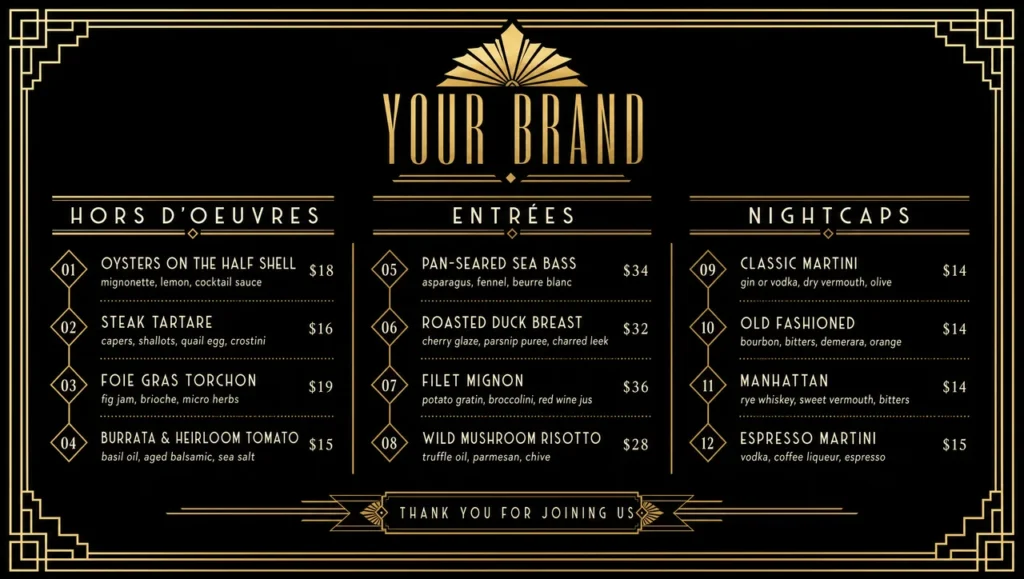
Fine dining apps are a short list by design — nine plates at most, each one deliberate, none of them there to fill space. This fine dining apps menu template treats that shortness as the point: three sections, nine entries, and enough white space around each plate that a guest reads all nine rather than scanning to the end.
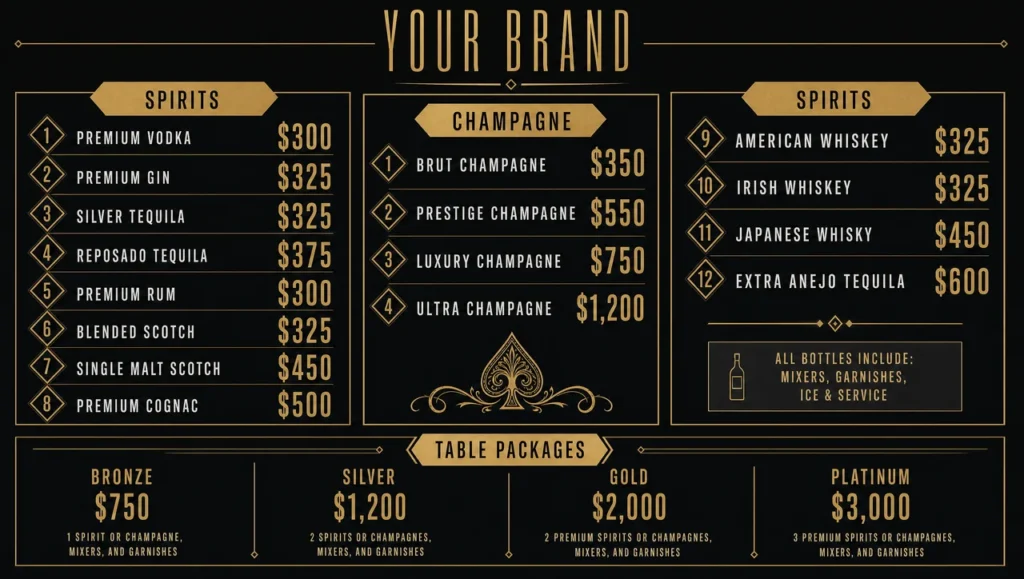
Three designs: bone with a hairline copper rule at 1280×724, slate grey and ivory with the section names set small and wide at 1280×724, and a deep ink vertical build with pale gold numbering at 1280×2264 for a card at each cover.
Plate names sit on their own line with the components beneath in a lighter weight, never run together — the single most common failure on a starter card, where four ingredients on one line read as a shopping list. Change every plate, component and price. Other short-list structures sit among the menu design template options in the library. Pricing flows from the point of sale, the same connection behind the digital menu boards restaurant teams use when a plate comes off mid-service.
Setup Complexity
| Complexity level | Level 2 of 5 |
|---|---|
| Difficulty | Simple |
| Sections | 3 |
| Menu items | 9 |
| Estimated time | ~2 min |
Want a Fine Dining Apps Menu in a different format?
Want a different starter card style?
Tell us how many plates you run and how the kitchen paces them, and get a custom fine dining apps design ready to edit.