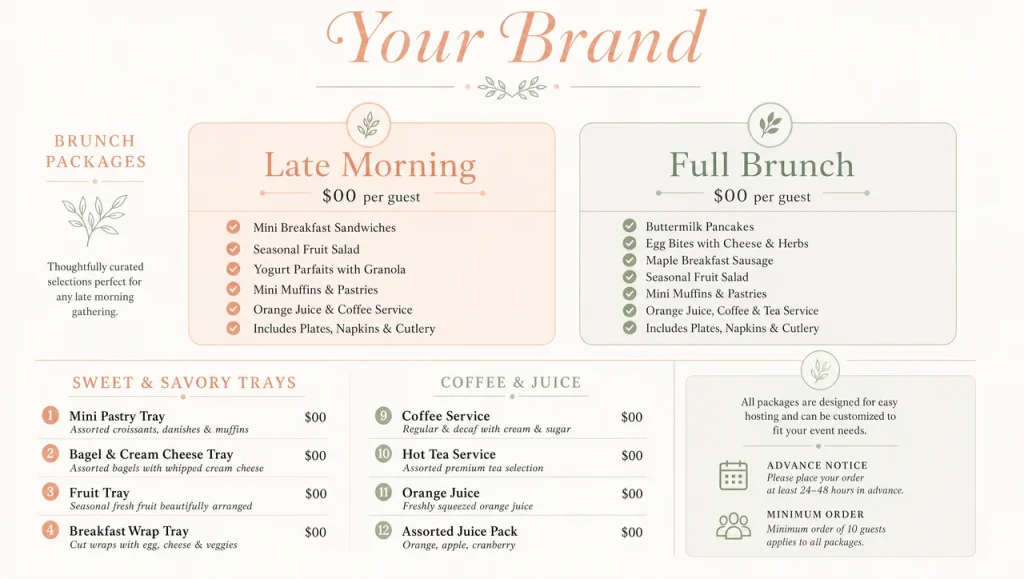
Salad Catering Menu
Characteristics
- Screen formatLandscape 16:9
- Template resolution1280 × 724 px
- Color paletteKale green, cherry red, and white
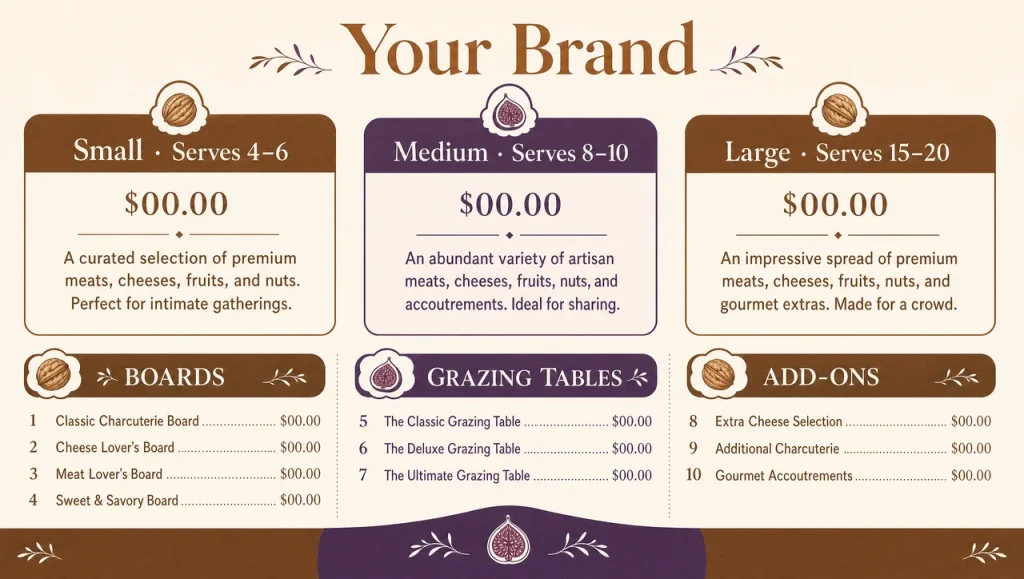
- Screen formatLandscape 16:9
- Template resolution1280 × 724 px
- Color paletteCucumber, plum, and chalk
- Screen formatPortrait 9:16
- Template resolution1280 × 2264 px
- Color paletteCitrus yellow, deep olive, and stone grey
- Built forCatering
- AI customization
- POS price syncSyncs with Toast, Square, Clover
- Paper or screenAvailable as a print-ready download or an automated digital display.
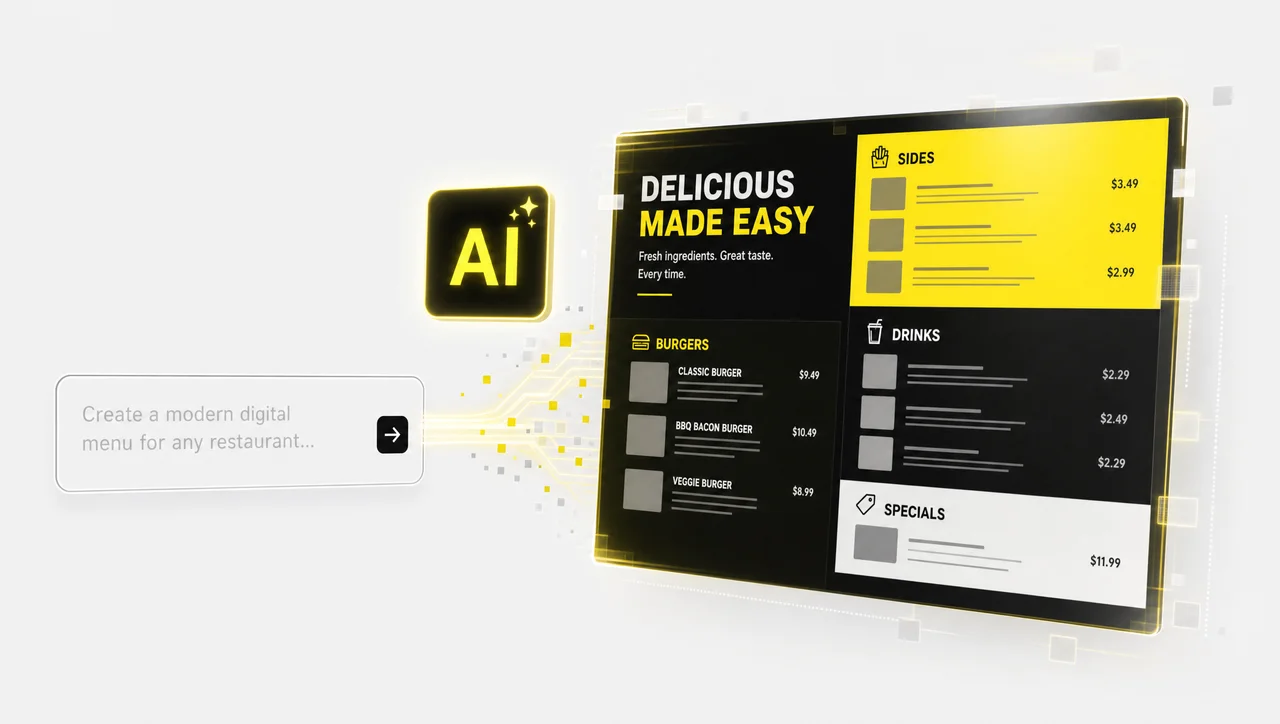
- Automated managementAuto-switches this Salad Catering Menu by daypart and pushes price updates — no manual republishing.
- Template priceFree
Salad catering has two prices: one per bowl for a sealed office order, one per person for a bar where guests make their own. A salad catering menu needs room for both without turning into a list of toppings, and the 2026 version keeps it to twelve lines.
Six entrée salads take the bowl page (1280×724), each with a single price, while a narrow right-hand column shows the protein add-ons, chicken, salmon, tofu, with their own figures. That way the salad catering menu never has to repeat a price eight times.
A salad bar counts per person instead. On the cucumber and plum layout, 1280×724 wide, bases, toppings and proteins get three blocks under one rate, the format most groups of twenty or more end up choosing.
Dressings need a card of their own. At 1280×2264 it fits the end of the bar, show each dressing with a GF or V mark, and give the extra-protein price once, so nobody has to ask.
Seasonal bowls can come and go without a new page, and every price is yours to set. For other office formats, open the catering menu layouts; dine-in salads are covered by the wider menu templates library.
Setup Complexity
| Complexity level | Level 3 of 5 |
|---|---|
| Difficulty | Moderate |
| Sections | 3 |
| Menu items | 12 |
| Estimated time | ~3 min |
Want a Salad Catering Menu in a different format?
Running a different salad lineup?
Tell us whether you sell bowls, a salad bar or both, and get a custom salad catering menu ready to edit.