


Starter
The window screen or the seating wall, free forever and without a card.
$0
Free forever · 1 screen No credit card
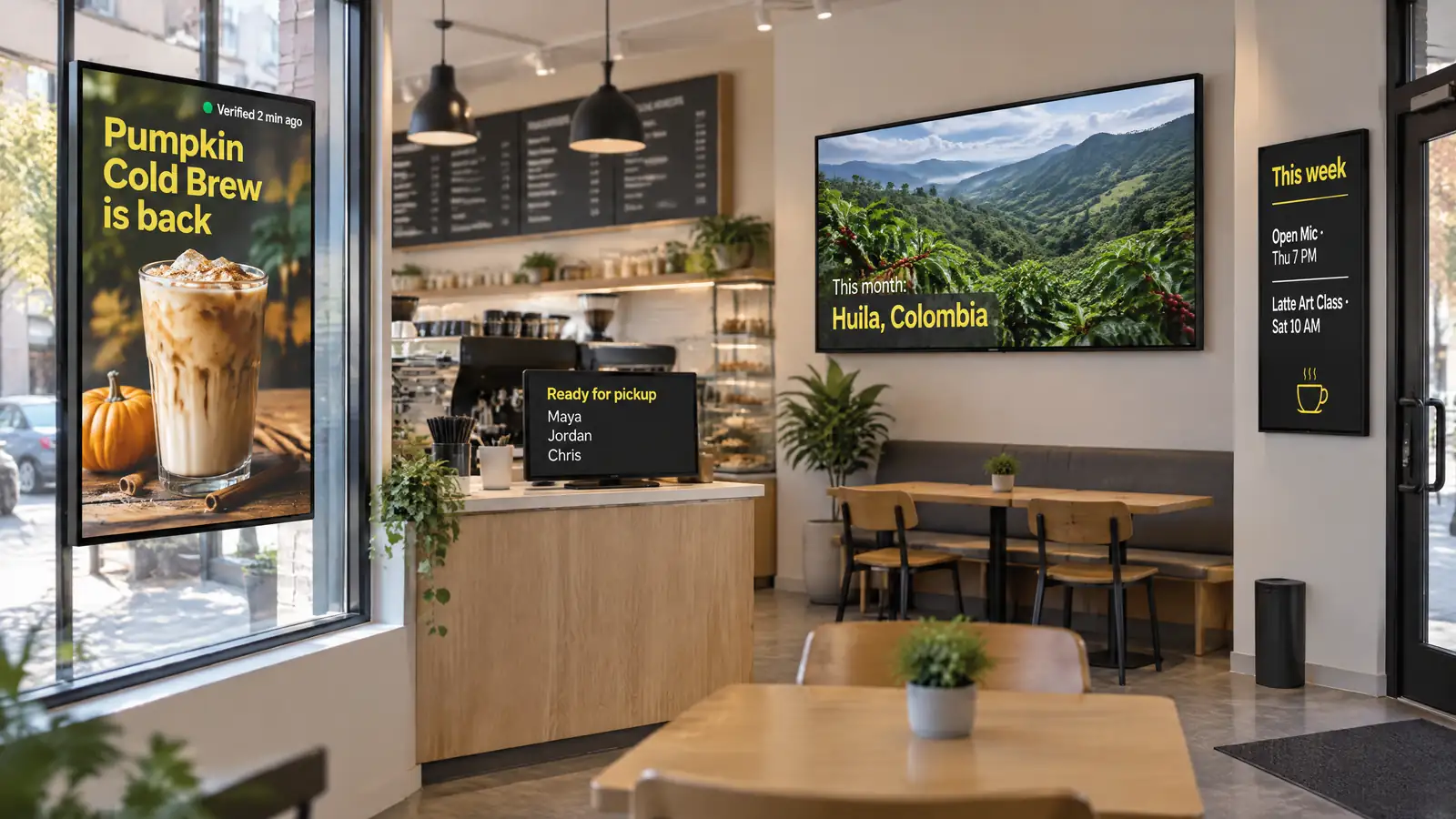
Coffee shop digital signage is the set of screens around the menu: the window that pulls in foot traffic, the pickup counter, the seating wall and the event board. Decker runs every one of them on any HDMI TV from one account and flags a screen that goes dark.
The window and the seating wall face away from the bar, so Decker Verifier catches a black or frozen screen and restarts it before the first commuter walks past.
Beyond the loop itself, reports show when a local sponsor’s slide played on the seating wall, so the bakery down the street sees what it paid for.
A slot no sponsor books goes to real-time bidding, and if no bid clears your floor price, the window falls back to your seasonal drink clip.
Coffee shop digital signage works in five spots where guests walk past or wait, and each spot sets its own screen size and brightness. A regular TV at 300 to 500 nits washes out in a sunny window by mid-morning, so window-facing displays usually run at 2,500 nits or more. A 43- to 55-inch screen suits a seating-area wall, while a 32-inch screen does the job at the pickup counter, where guests stand close. Text read from 10 feet away needs letters about 1 inch tall. Next, the section below shows what runs on each of these screens.
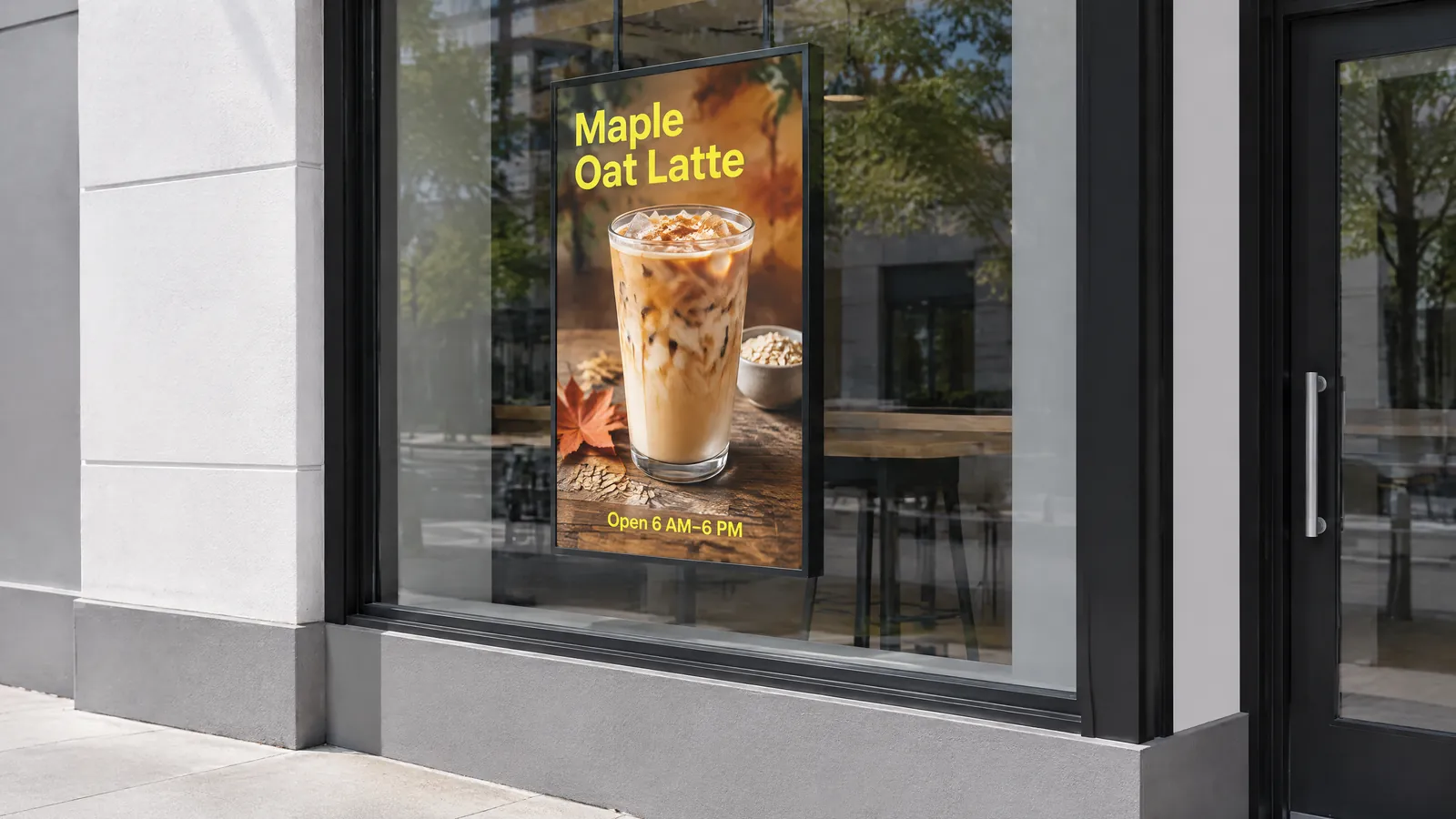 Window screen
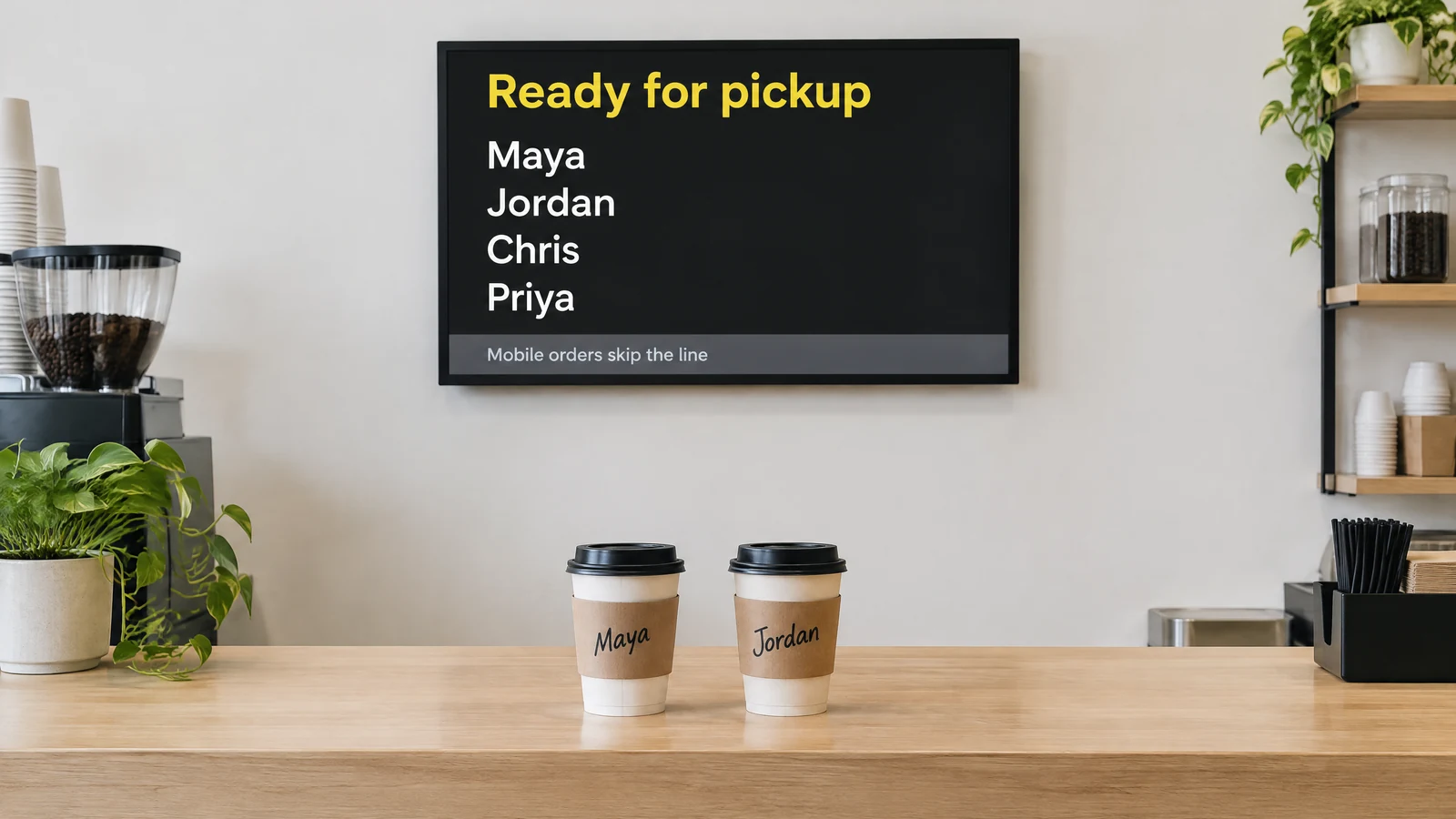 Pickup counter screen
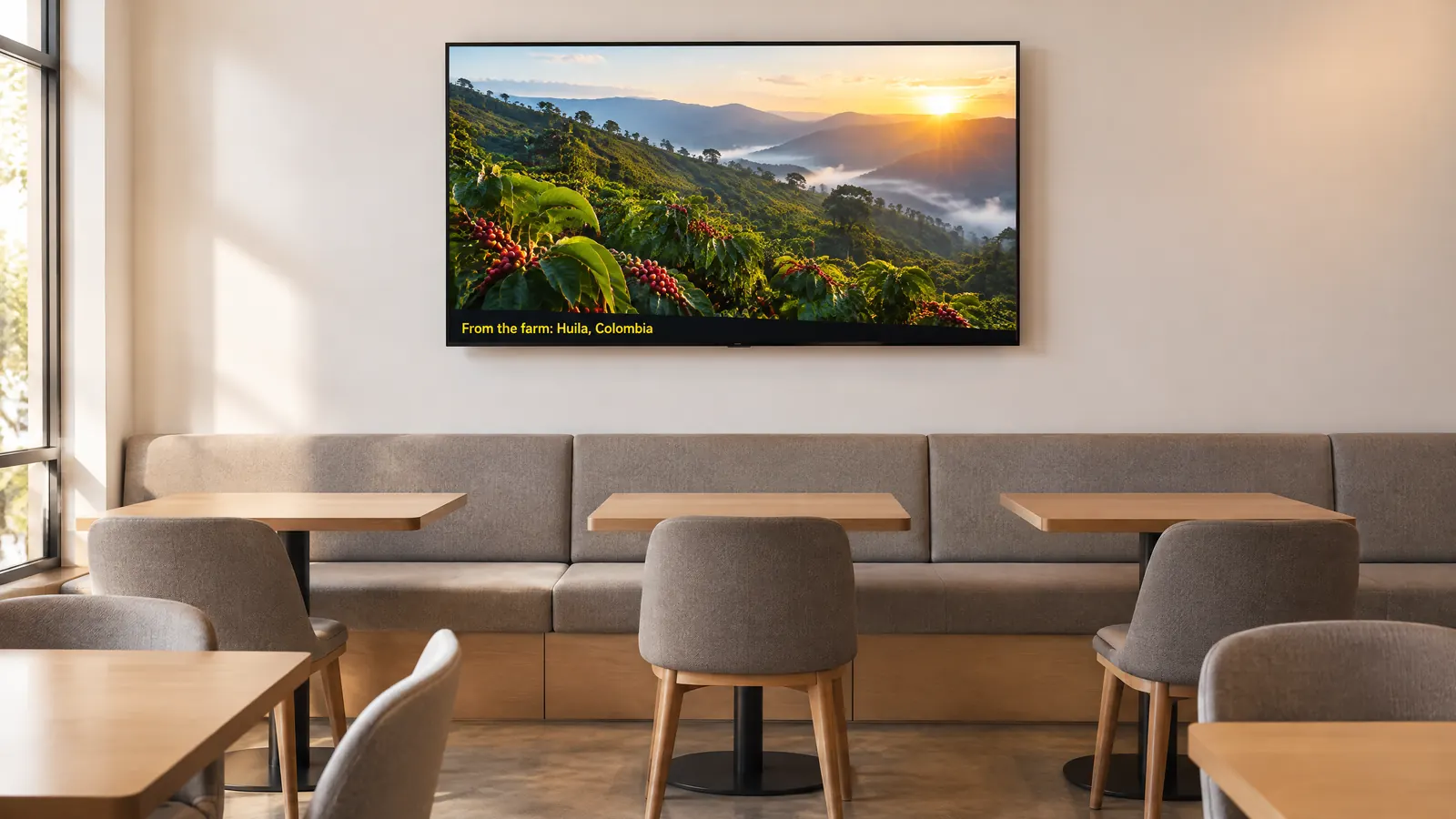 Seating area wall
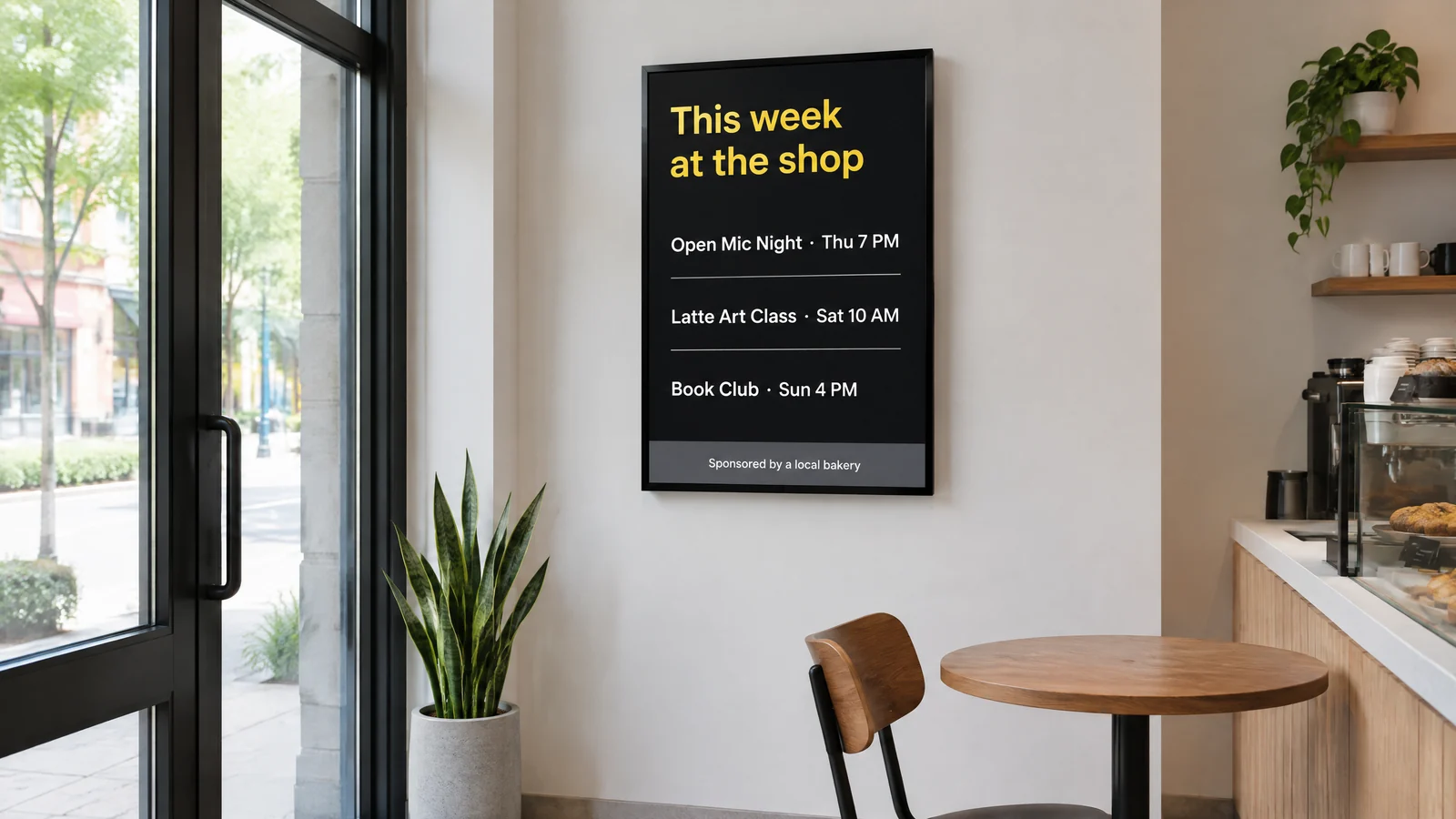 Community board
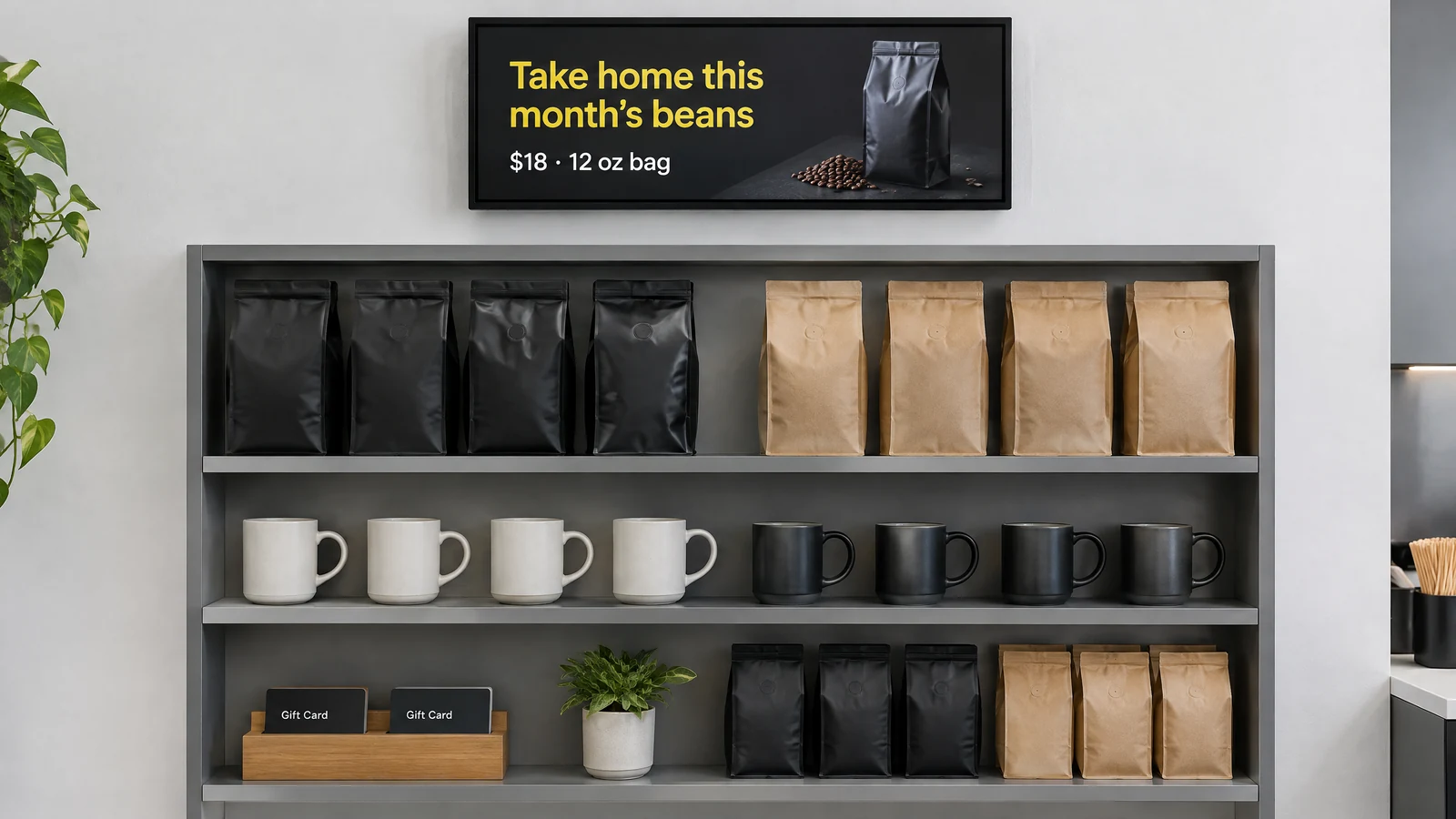 Bean and merch shelf
Coffee shop TV screen ideas work when each screen has one job: the window sells, the pickup counter informs and the seating wall tells the story. A slide in a loop gets about 8 seconds, which leaves room for three messages while a guest walks from the door to the register. The menu above the register stays a separate job: smart coffee shop menu boards that update from your POS run from the same Decker account. The other screens carry the rest:
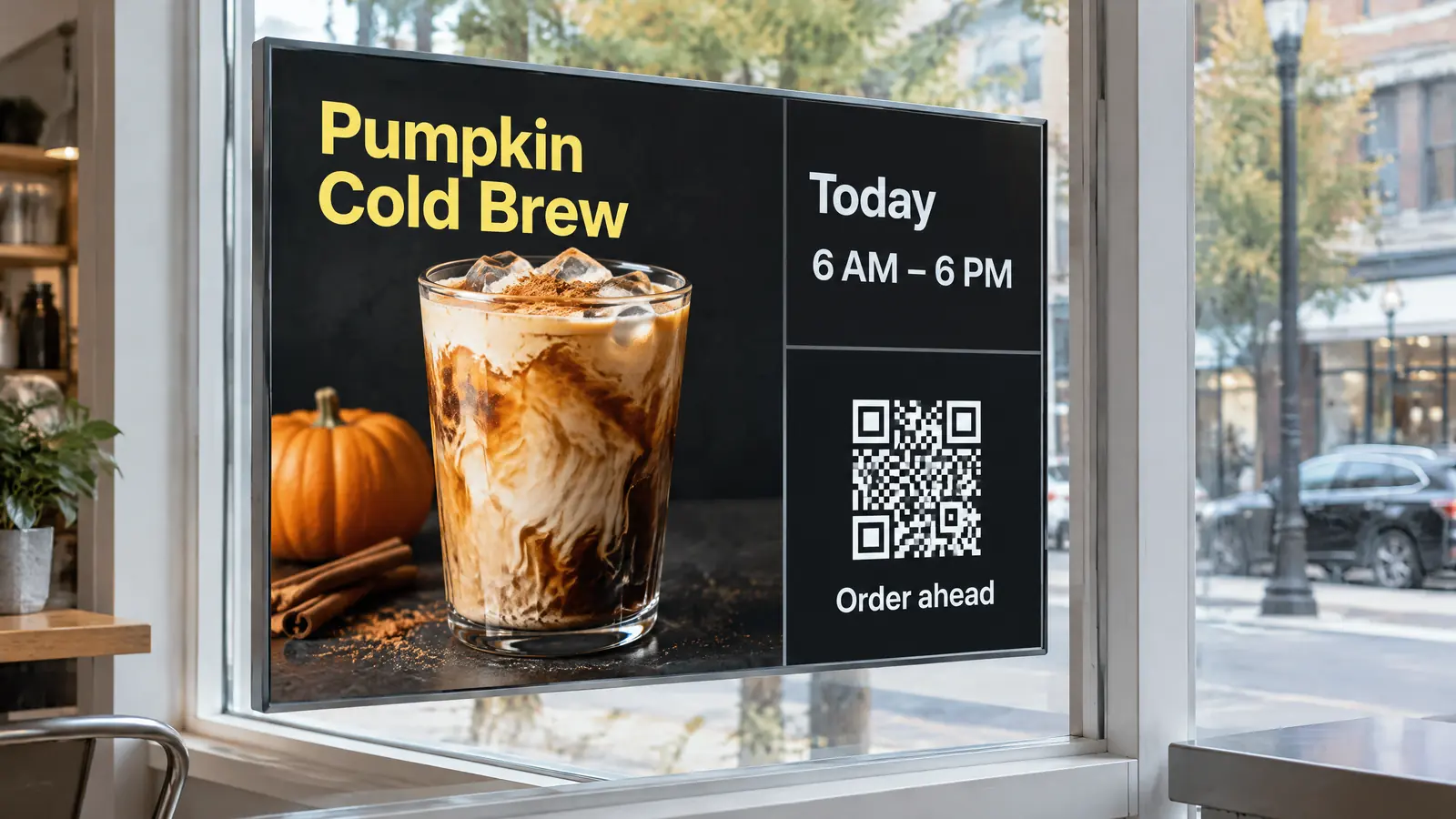
A 15-second clip of the new seasonal drink, today’s hours and a QR code for ordering ahead. After closing, the loop switches to tomorrow’s opening time and the best guest reviews for anyone walking past.
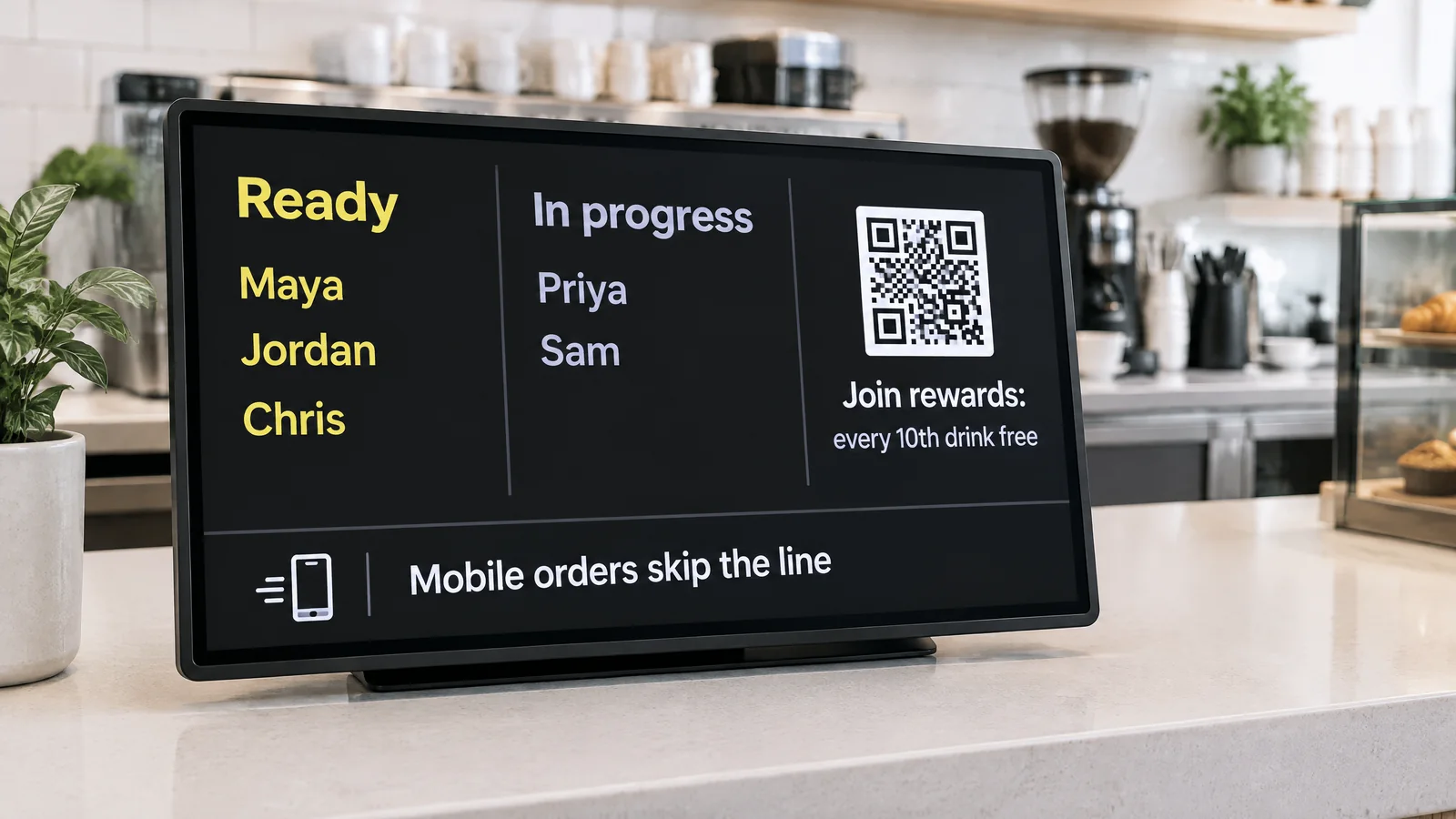
Ready orders by first name or number, a note that mobile orders skip the line, and a loyalty QR code for guests who wait. One screen here keeps the crowd at the hand-off point from asking the barista.
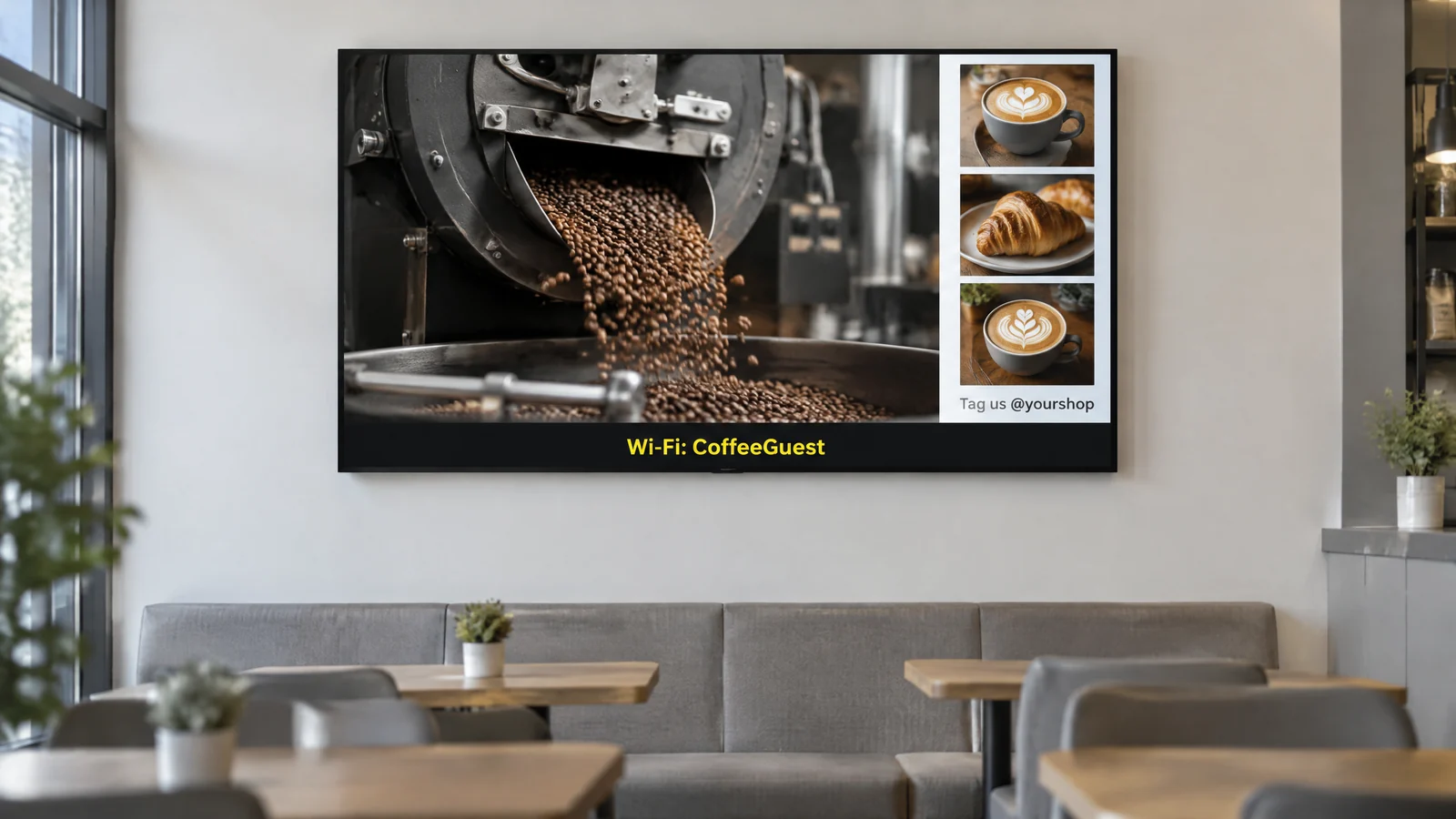
Video from the farm behind this month’s single origin, a short clip of the roaster at work, recent Instagram posts tagged at the shop and a strip with the Wi-Fi network name. On a cold day, a fireplace loop works too.
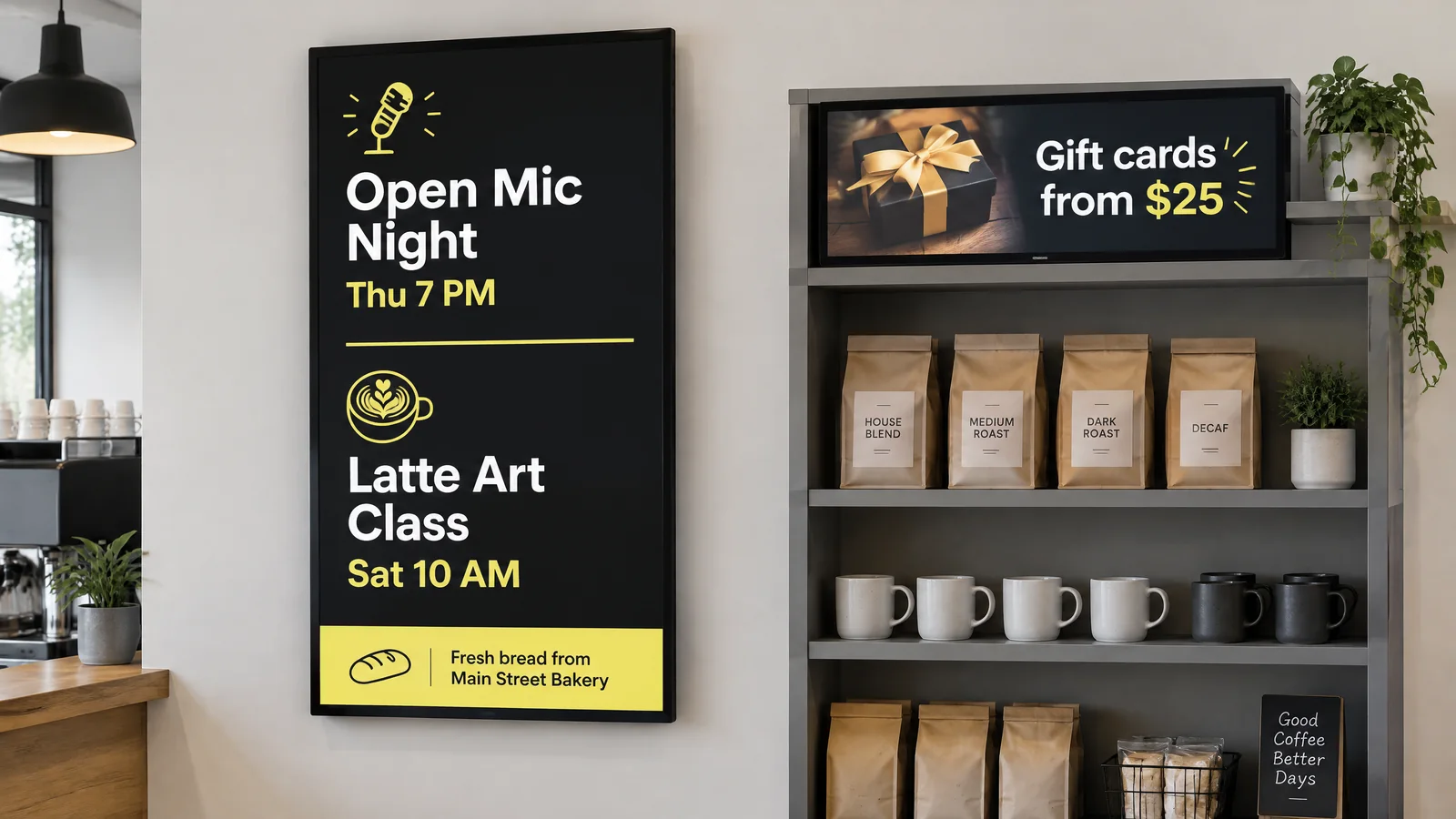
Open mic night, a latte art class, a book club and neighborhood events, with sponsor slides from local businesses in between. In addition, a small shelf screen sells bags of beans, mugs and gift cards on the way out.
All-in-one digital signage for a coffee shop means one account that runs every screen, the player behind it and the check on it. Hardware sellers use the same words for a display with a media player built in; with Decker, the idea covers the software, Decker Player and Decker Verifier, and it works with either kind of display. It sits inside Decker’s digital signage solutions. Unlike coffee shop digital signage solutions that need a technician for every change, a barista changes a slide from a phone or a laptop without IT help. A coffee shop uses these tools most:
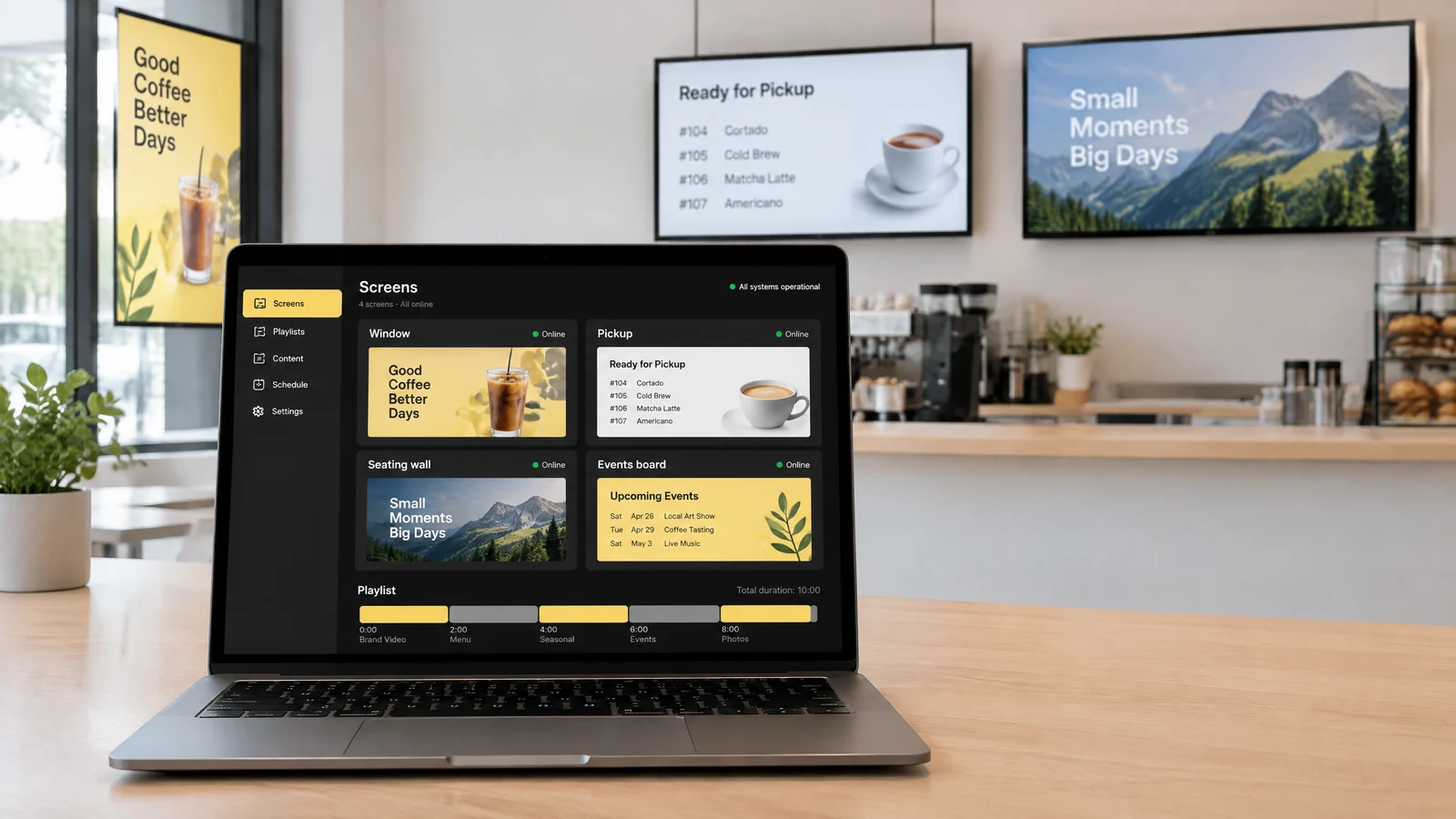
Separate playlists loop seasonal clips on the window, rotate bean stories on the seating wall and keep the pickup screen on ready orders, all built in one place.
Opening-hours slides change at closing time, the open mic slide appears only on Thursday and Friday, and a holiday campaign leaves the night it ends.
Split one TV into a video zone, a clock and a bottom strip with the Wi-Fi name and a loyalty QR code, so a single screen does three jobs.
App integrations bring in recent posts and guest reviews, while any web page or YouTube clip, such as the order-ready page from your ordering system, runs in the same playlist.
Start from a ready template for a seasonal drink teaser or an open mic poster, or let the AI design generator on Professional draft one in your colors.
On Professional, tag-based playlist rules send a campaign only to shops with a patio or a drive-thru lane. As a result, one upload reaches exactly the screens it should.
Start with the window screen.
One screen stays free forever, and every paid feature opens for 14 days on up to 5 screens without a card. Next, add the pickup counter and the seating wall once the window pays off.
Window and seating-area screens are the coffee shop screens baristas never face, so one can stay dark all morning. Decker keeps them running in three ways.
The coffee shop TV screens you already own work, smart or not. Decker Player connects over HDMI, joins Wi-Fi or Ethernet and keeps the last playlist on screen if the connection drops. A screen above the bar also needs a few inches of air behind it, because steam and heat from the espresso machine build up there.
Decker Verifier sits next to each screen and checks it on its own for a black screen, a lost connection, a frozen player or outdated content. It sends an alert with a photo, can restart the player or switch the TV back to the right input, and costs $7 per screen a month on any paid plan.
Screens follow your opening hours: they switch off after the last order and back on before the first one, so the window does not glow all night. In other words, the system watches the screens so the team can watch the coffee.
Coffee shop digital signage is easier to pay for when one account runs several shops and local brands buy screen time.
Head office publishes the seasonal launch to every shop at once, while each shop adds its own open mic night to its community board. Workspaces and the franchise module on Premium keep each owner inside their own shops.
A shift lead adds the open mic and latte art slides to the community board but cannot touch the seasonal brand clips in the window. Custom roles, SAML single sign-on and audit logs on Premium show who changed what and when.
A bakery down the street or a local gym can buy a slot on the seating-area screen, scheduled by hour, day and location like any other campaign. Slots nobody books go to demand-side platforms through real-time bidding, and if no bid clears your floor price, the screen falls back to your own promo. Proof of Play confirms each spot at the display, and a digital signage advertising network runs direct and programmatic sales in the same loop. As a result, the screens start paying for themselves.
Setting up screens in a coffee shop takes four steps that start with one window TV and add a screen each time one earns its spot.
Start where guests look longest, usually the window or the seating wall. Use the TV you have, or a brighter display for a sunny window.
Plug the player into the HDMI port, join the shop Wi-Fi and pair it with your Decker account.
Add a seasonal clip, your hours and a loyalty QR code, then set when each one runs.
Add Decker Verifier, and a photo of the screen reaches your phone with any alert. Next, repeat the steps for the pickup counter and the community board.
Decker plans are priced per screen a month: Starter costs nothing for one screen forever, Essential costs $8, Professional $12 and Premium $16. Yearly billing takes 15% off, and every paid feature opens for 14 days on up to 5 screens without a card. In addition, Decker Verifier adds $7 per screen a month on any paid plan.
The window screen or the seating wall, free forever and without a card.
Playlists and schedules for the window, wall and pickup screens, with opening hours, every media format, web pages, YouTube and app integrations.
Tag rules for shops with a patio or a drive-thru lane, promo content rules, location management, an AI design generator and Proof of Play for sponsor slots.
Workspaces, custom roles, SAML single sign-on and audit logs for head office and shift leads, plus a franchise module, marketing analytics and API access.
Beyond Premium, onboarding, training, a 1-hour SLA with phone help and a dedicated manager for coffee chains with dozens of shops.
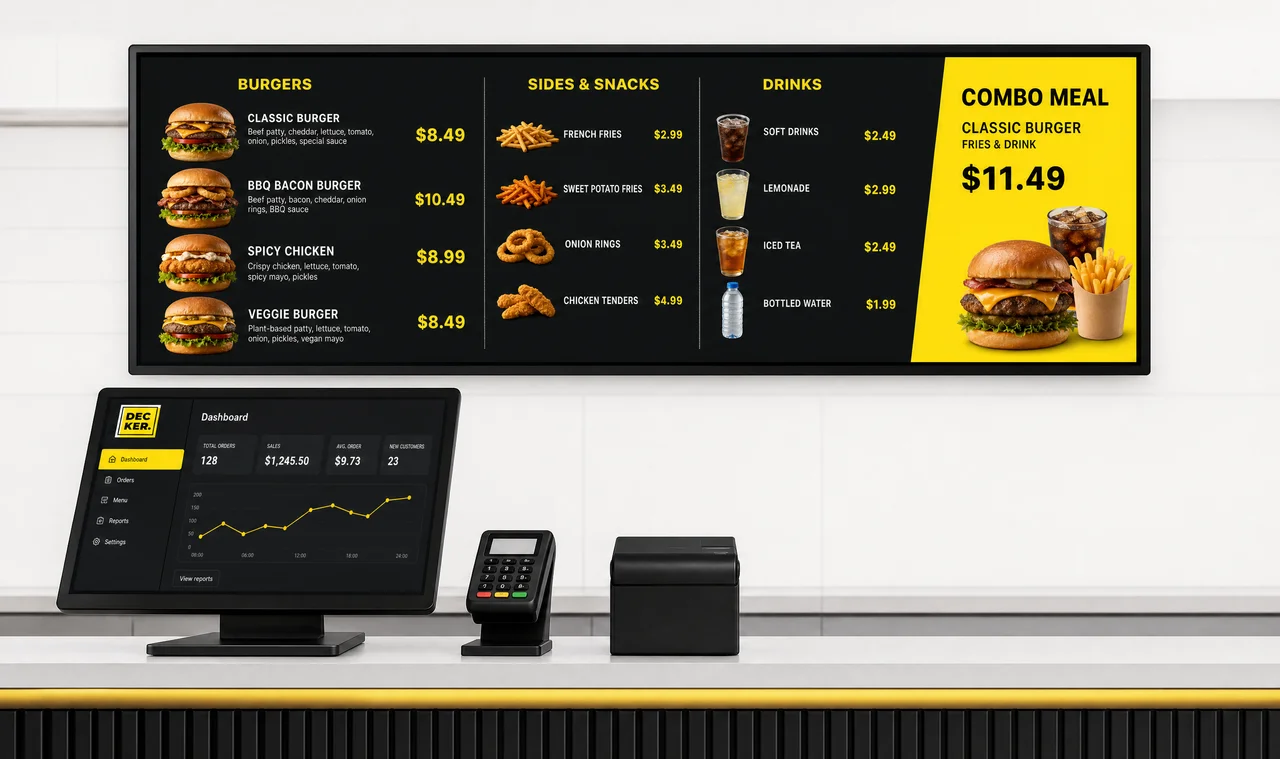
A coffee shop that turns into a bistro at night gets dining-room promo loops, event screens and wait-time messages on the same account.
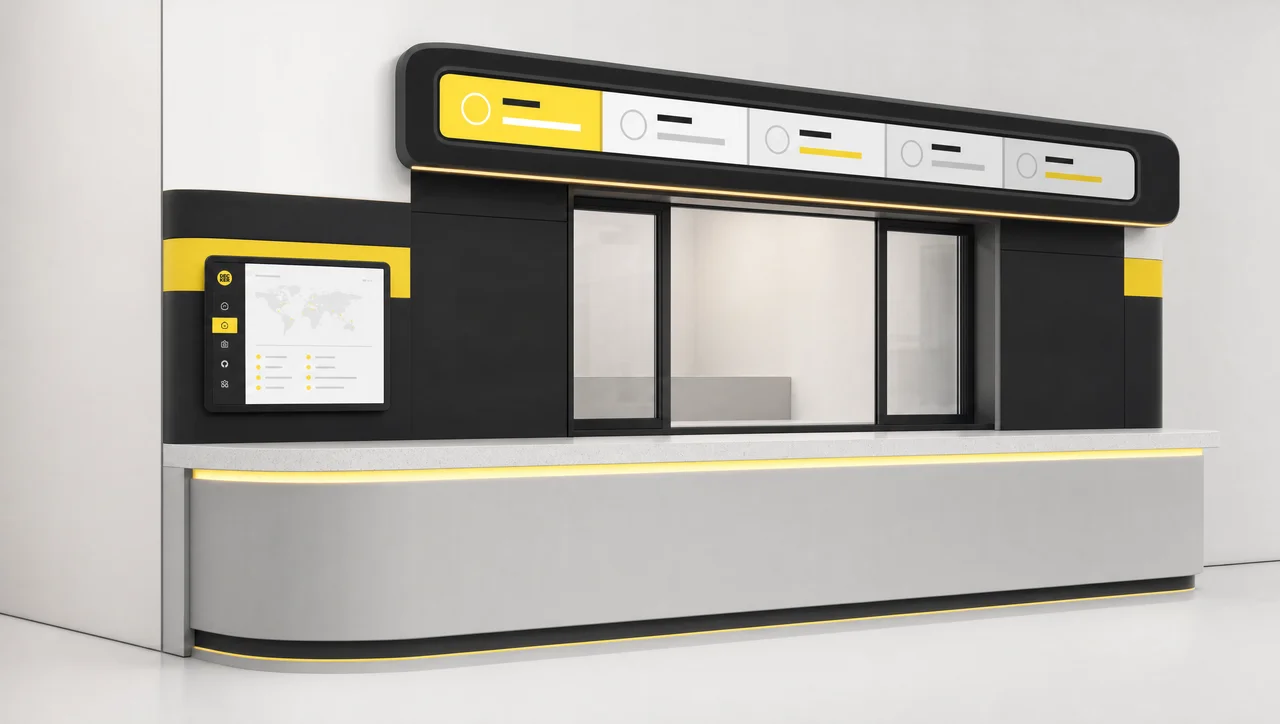
Drive-thru coffee chains get lobby promos, order-status screens and one campaign across dozens of locations at once.
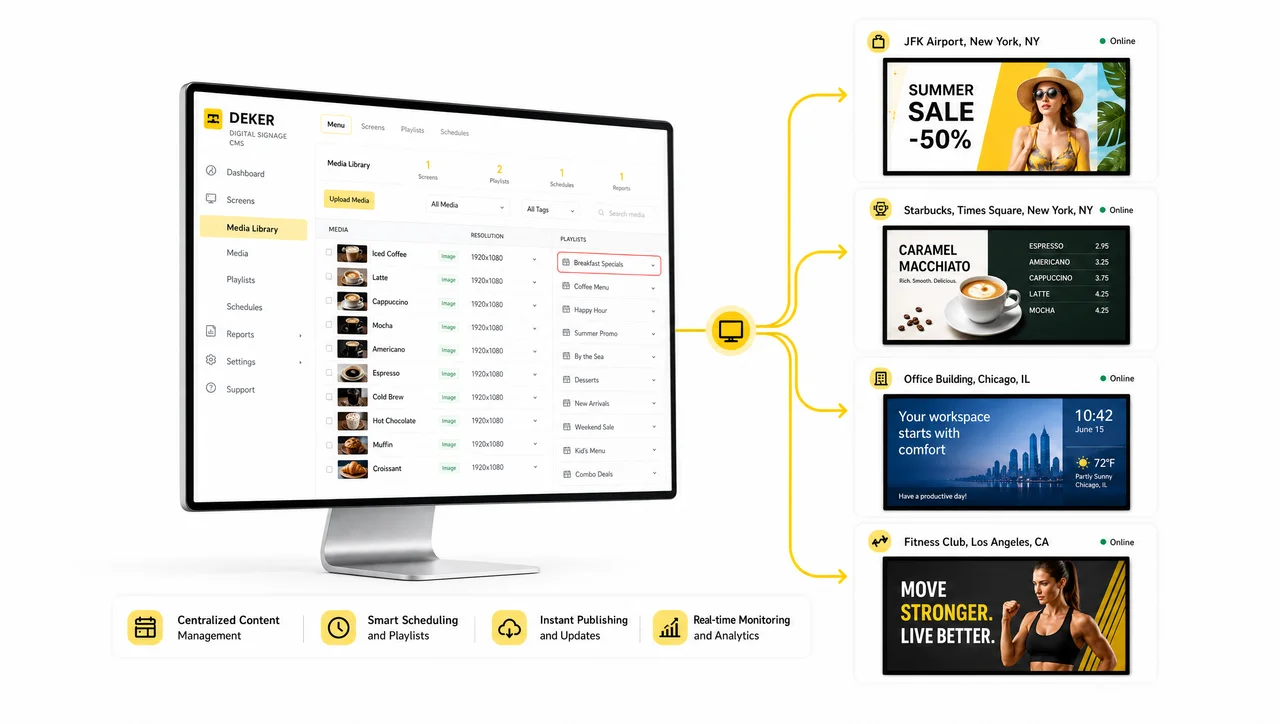
Playlists, schedules, roles and play reports for the window, the wall and the pickup screen, in one browser tab for any number of shops.
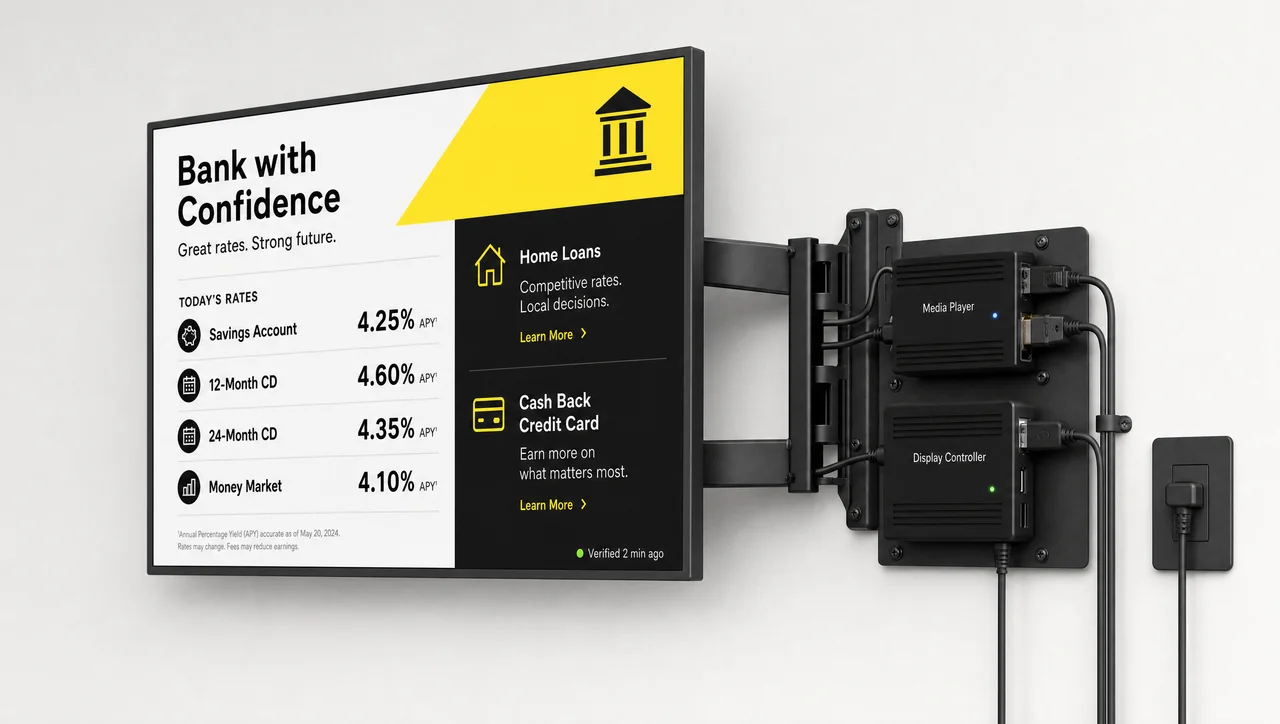
Decker Player runs any HDMI TV in the shop, and Decker Verifier watches the window screen nobody behind the bar can see. Similarly, both work with the TVs a shop already owns.
A coffee shop that already has a TV needs just one player to run its first managed screen. Pair Decker Player, build a window playlist and schedule it; as a result, the window sells the seasonal drink before the doors open.
It is a TV or commercial display that a media player and cloud software control, so its content changes without anyone touching the screen. In coffee shop digital signage, that means a window promo, a pickup list or an event board that a barista updates from a phone.
Each screen needs a TV or display with an HDMI port, a media player such as Decker Player, and Wi-Fi or Ethernet where it hangs. A sunny window needs a high-brightness display, and Decker Verifier adds a check on screens nobody watches.
It works behind glass on a shaded street, since any TV with an HDMI input runs with Decker Player and coffee shop TV screens need no smart TV app. A window in direct sun washes out a 300 to 500 nit TV, so that spot needs a display rated 2,500 nits or more.
Most shops start with one screen in the window or the seating area and add the pickup counter next. A shop that runs events or sells beans adds a community board and a shelf screen later, so a shop that uses all five spots runs five screens.
Yes. A pickup screen can show ready orders by first name or number from the order-ready web page of your ordering system, so guests stop crowding the counter to ask.
Yes. App integrations bring recent posts and guest reviews into a playlist next to your own clips and slides, and any web page runs the same way.
Yes. You can sell a sponsor slot to a local business and schedule it by hour and location, while unsold slots go to programmatic buyers through real-time bidding. A Proof of Play report shows each advertiser when their spot ran.
A shop under 300 square feet with no seating and no street-facing window has few spots where guests look at a wall for more than 5 seconds. A shop that changes nothing on its walls for 6 months gets the same result from a printed poster. Without Wi-Fi or Ethernet at the screen, nothing updates remotely, so the screen turns into a TV someone feeds from a USB stick. In other words, a single shop with no events, no beans for sale and no partners to promote needs 1 screen at most, which the free Starter plan covers.


