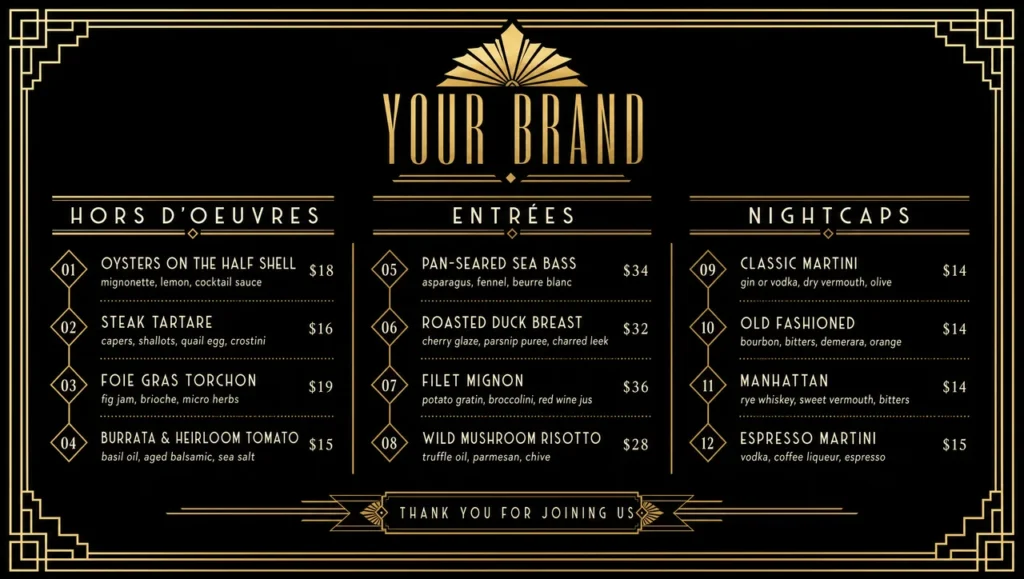
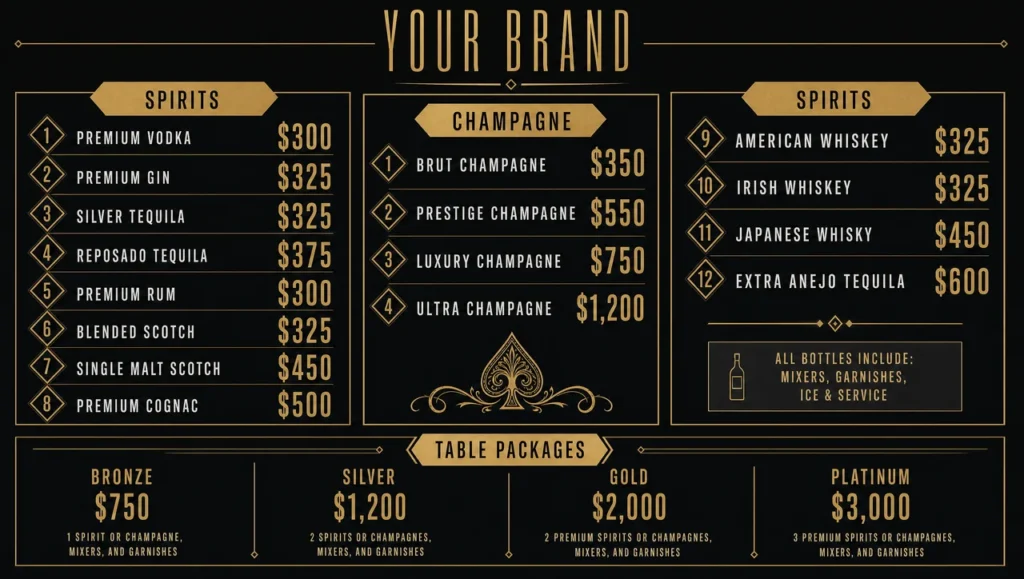
Expensive Fine Dining Menu Template
Characteristics
- Screen formatLandscape 16:9
- Template resolution1280 × 724 px
- Color paletteBone, deep brown, and pale gold
- Screen formatLandscape 16:9
- Template resolution1280 × 724 px
- Color paletteCharcoal, warm bronze, and stone
- Screen formatPortrait 9:16
- Template resolution1280 × 2264 px
- Color paletteAubergine, champagne, and warm grey
- Built forRestaurant
- AI customization
- POS price syncExpensive menus sync prices with Toast, Square, Clover
- Paper or screenAvailable as a print-ready download or an automated digital display.
- Automated managementAuto-switches this Expensive Fine Dining Menu by daypart and pushes price updates — no manual republishing.
- Template priceFree
An expensive restaurant menu almost never shouts its prices. Here the number sits at the same size and weight as the description, with no currency symbol and no dotted leader running across to meet it — present, but not the loudest thing on the line, which is the whole grammar of an expensive menu. Nine plates divide across First, Second, Third and a Supplements block, where a caviar or truffle add-on belongs instead of buried in a dish description. Three finishes: bone and deep brown inside a hairline frame at 1280×724, charcoal with a warm metallic accent set left at 1280×724, and an aubergine vertical build at 1280×2264 carrying one course per screen height. Change the metal, the frame weight, the type pairing or the logo, or compare it against the wider set of best menu design options before the room opens. POS pricing keeps the supplements accurate — more important here than on any other board — and digital menu boards for restaurants software handles the push.
Setup Complexity
| Complexity level | Level 2 of 5 |
|---|---|
| Difficulty | Simple |
| Sections | 4 |
| Menu items | 9 |
| Estimated time | ~2 min |
Want a Expensive Fine Dining Menu in a different format?
Want a different upscale restaurant menu?
Tell us your price band and the room, and get a design where the most expensive menu items still read calmly.